Indledning
This manual provides essential information for the proper setup, operation, and maintenance of your HOCO Y1 Pro Smart Watch. Please read this guide thoroughly before using your device to ensure optimal performance and longevity. The HOCO Y1 Pro is designed to enhance your daily life with features like Bluetooth calling, comprehensive health monitoring, and various sports modes, all presented on a vibrant 1.96-inch TFT display.
Pakkens indhold
Bekræft, at alle varer er til stede i din produktemballage:
- HOCO Y1 Pro Smart Watch
- Ladekabel
- Brugervejledning (dette dokument)
Produkt overview
Familiarize yourself with the key components and design of your HOCO Y1 Pro Smart Watch.

Figur 1: Front view of the HOCO Y1 Pro Smart Watch displaying an analog watch face with battery, day, time, steps, and heart rate indicators.
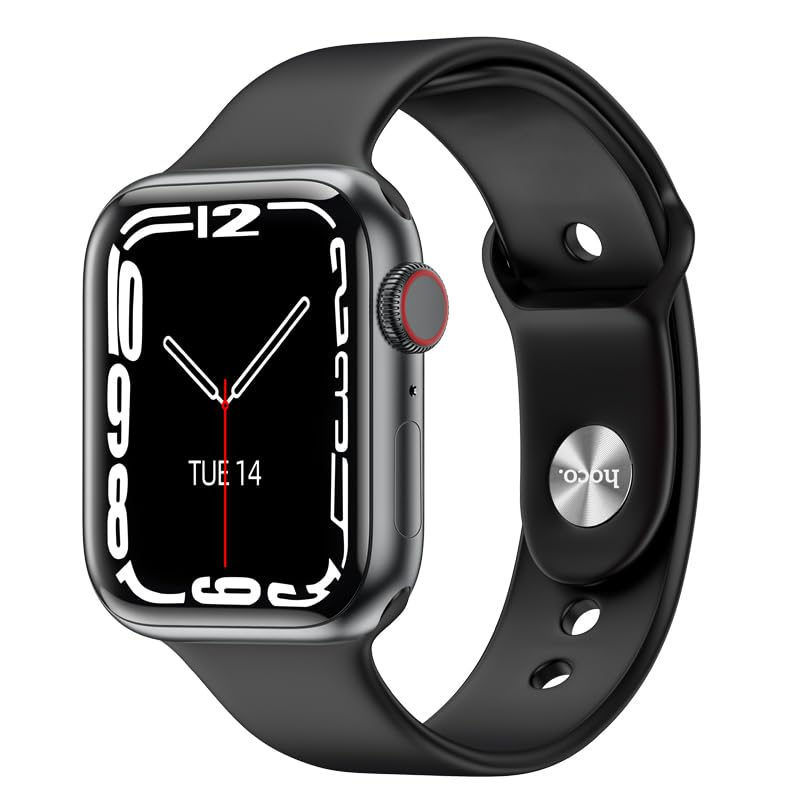
Figur 2: Vinklet view of the HOCO Y1 Pro Smart Watch, showing a digital time display, the side button, and the rotating crown for navigation.
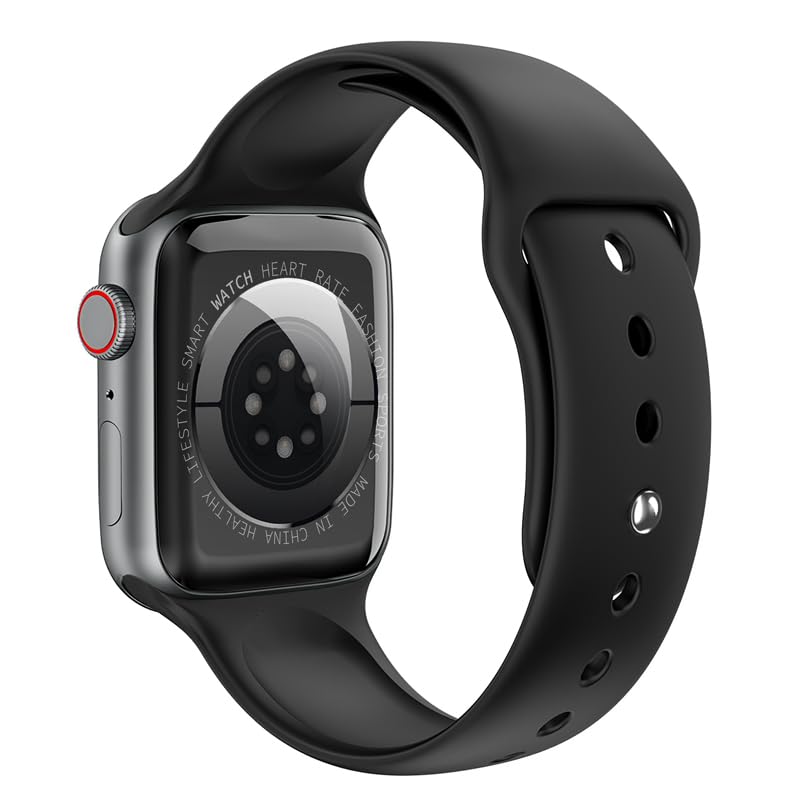
Figur 3: Bag view of the HOCO Y1 Pro Smart Watch, highlighting the optical sensors for health monitoring and product information.
Opsætning
1. Opladning af smarturet
Before initial use, fully charge your HOCO Y1 Pro Smart Watch. Connect the provided charging cable to the charging port on the back of the watch and plug the other end into a standard USB power adapter (not included). The watch display will indicate charging status. A full charge typically provides 5-7 days of battery life in single Bluetooth mode or 3-4 days in dual Bluetooth mode.
2. Parring med din smartphone
- Download appen: Scan the QR code in the watch interface or search for the companion app (e.g., 'WearFit Pro' or similar, refer to on-screen instructions) in your smartphone's app store (iOS or Android).
- Aktiver Bluetooth: Sørg for, at Bluetooth er aktiveret på din smartphone.
- Åbn appen: Launch the companion app and follow the on-screen instructions to create an account or log in.
- Tilføj enhed: In the app, navigate to the 'Add Device' or 'Pair Device' section. The app will search for available devices.
- Vælg dit ur: Select 'HOCO Y1 Pro' from the list of discovered devices. Confirm the pairing request on both your watch and smartphone.
- Komplet opsætning: Follow any remaining prompts in the app to complete the pairing process and synchronize data.
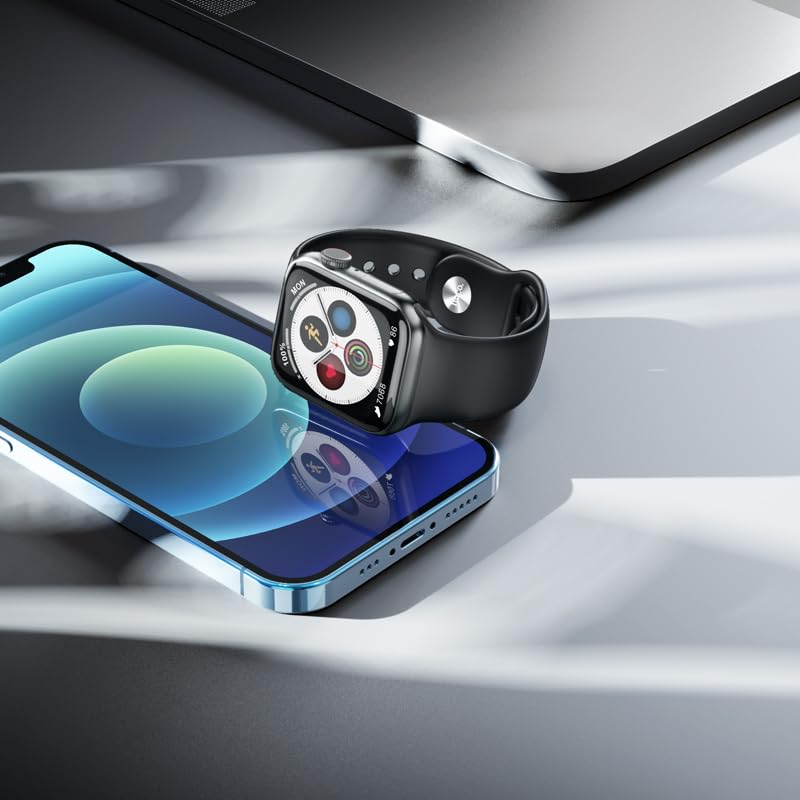
Figur 4: The HOCO Y1 Pro Smart Watch positioned beside a smartphone, illustrating the device's compatibility and connectivity.
Betjeningsvejledning
Grundlæggende navigation
- Touchskærm: Stryg til venstre, højre, op eller ned for at navigere gennem menuer og funktioner. Tryk for at vælge et element.
- Sideknap/krone: Press the side button to return to the home screen or wake the display. Rotate the crown to scroll through lists or zoom in/out (functionality may vary by watch face/app).
Bluetooth-opkald
Once paired, your HOCO Y1 Pro supports Bluetooth calling. You can answer incoming calls, dial numbers, and view call logs directly from your watch. Ensure your watch is within Bluetooth range of your phone for this feature to function.
Sportstilstande
The watch includes multiple sports modes to track various physical activities. Select your desired sport from the watch menu to monitor metrics such as steps, distance, calories burned, and heart rate during your workout.

Figur 5: The HOCO Y1 Pro Smart Watch showing an activity tracking interface, including icons for running, heart rate, steps, and calories.
Sundhedsovervågning
The HOCO Y1 Pro features integrated sensors for health monitoring:
- Pulsmåler: Måler din puls kontinuerligt eller efter behov.
- Blodtryksmåler: Giver estimerede blodtryksmålinger.
- Søvnovervågning: Sporer dine søvnmønstre, herunder dyb søvn, let søvn og vågnetider.
- Exercise Pedometer: Counts your daily steps and estimates distance covered.
Note: Health monitoring features are for reference only and should not be used for medical diagnosis or treatment. Consult a medical professional for health concerns.
Notifikationer og andre funktioner
Receive notifications for calls, messages, and app alerts directly on your watch. Additional functions include GPS track (via phone), remote music control, real-time weather updates, and a mobile phone search feature.
Opretholdelse
Rengøring af dit smartwatch
For at bevare dit urs udseende og funktionalitet:
- Tør skærmen og remmen regelmæssigt af med en blød, tør og fnugfri klud.
- Til genstridigt snavs, let dampRengør kluden med vand. Undgå at bruge skrappe kemikalier eller slibende materialer.
- Sørg for, at opladningskontakterne er rene og tørre, før du oplader.
Vandtæthed (IP68)
The HOCO Y1 Pro Smart Watch is IP68 rated, meaning it is resistant to dust and can withstand immersion in water up to 1.5 meters for 30 minutes. It is suitable for daily use, including hand washing, rain, and light swimming. However, it is not recommended for hot showers, saunas, or diving, as steam and high-pressure water jets may compromise the seals.
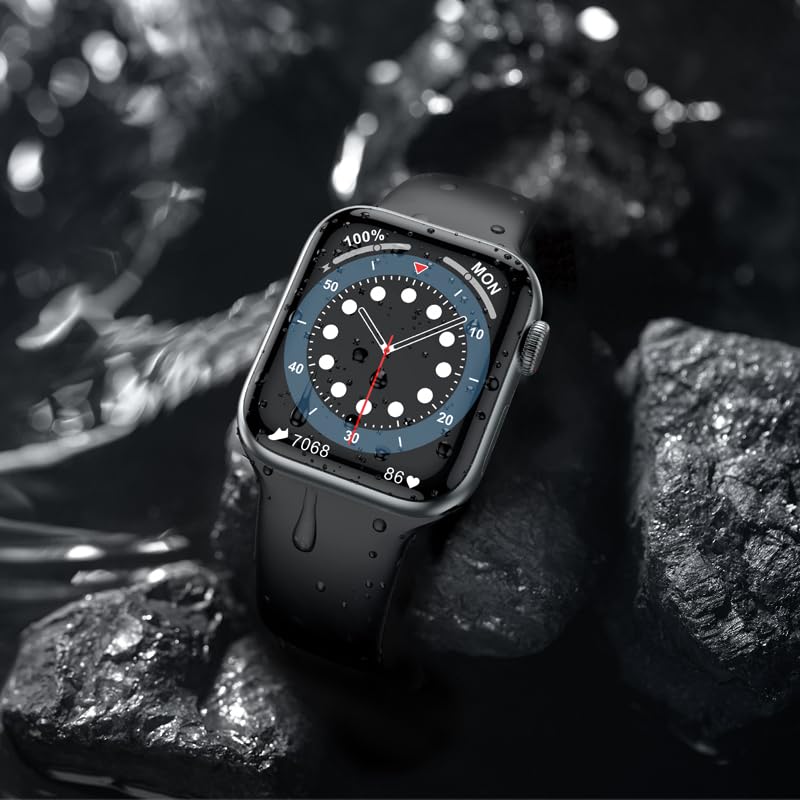
Figur 6: The HOCO Y1 Pro Smart Watch partially submerged in water, demonstrating its IP68 water resistance.
Fejlfinding
If you encounter issues with your HOCO Y1 Pro Smart Watch, refer to the following common solutions:
- Uret tænder ikke: Sørg for, at uret er fuldt opladet. Tilslut det til opladeren i mindst 30 minutter.
- Kan ikke parres med smartphone:
- Sørg for, at Bluetooth er aktiveret på din telefon og uret.
- Sørg for, at uret er inden for din telefons rækkevidde.
- Genstart både dit ur og din smartphone.
- Ryd Bluetooth-cachen på din telefon (hvis relevant), og prøv at parre igen.
- Unøjagtige sundhedsdata: Sørg for, at uret sidder tæt på dit håndled, ikke for stramt eller for løst. Rengør sensorerne på bagsiden af uret.
- Ikke modtaget meddelelse: Tjek apptilladelserne på din smartphone for at sikre, at den ledsagende app har adgang til notifikationer. Bekræft, at notifikationer er aktiveret i urets indstillinger og den ledsagende app.
- Kort batterilevetid: Reduce screen brightness, disable unnecessary features, or limit continuous heart rate monitoring.
Specifikationer
| Feature | Specifikation |
|---|---|
| Mærke | HOCO |
| Model | Y1 pro |
| Skærmstørrelse | 1.96 tommer |
| Skærmopløsning | 240 x 285 |
| Display Type | TFT LCD |
| Forbindelse | Bluetooth 5.3 |
| Batterikapacitet | 280 mAh |
| Batterilevetid (gennemsnitlig) | 3-7 Days (depending on usage) |
| Vandmodstand | IP68 |
| Operativsystem | Android compatible |
| Hukommelseslagringskapacitet | 128 MB |
| Kompatible enheder | Smartphone, Tablet (iOS & Android) |
| Særlige funktioner | Blood Pressure Monitor, Daily Workout Memory, Heart Rate Monitor & Sports Modes, Voice Call, Wireless Connectivity |
| Varens vægt | 60 g |
| Pakkedimensioner | 22 x 7 x 3 cm |
Garanti og support
Garantioplysninger
Your HOCO Y1 Pro Smart Watch comes with a 1 års begrænset garanti fra købsdatoen. Denne garanti dækker fabrikationsfejl og udførelse under normal brug. Den dækker ikke skader forårsaget af misbrug, ulykker, uautoriserede ændringer eller normal slitage. Gem venligst din købsbevis i tilfælde af garantikrav.
Kundesupport
For further assistance, technical support, or warranty inquiries, please contact HOCO customer service through the official HOCO website or the contact information provided with your purchase. When contacting support, please have your product model (Y1 Pro) and purchase details ready.