Indledning
Thank you for choosing the HOCO W40 Bluetooth Headphones. These wireless headphones are designed to provide a high-quality audio experience with deep bass, clear calls, and comfortable wear. This manual will guide you through the setup, operation, and maintenance of your new headphones.
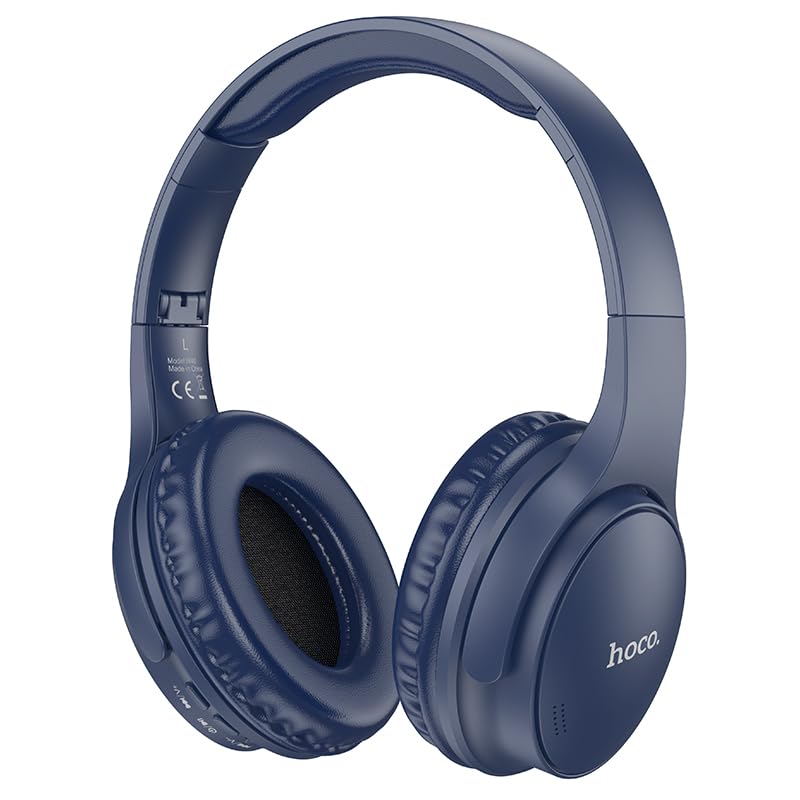
Image: HOCO W40 Bluetooth Headphones in a folded position, showcasing the earcups and headband. The headphones are blue.
Hvad er der i æsken
Kontroller venligst indholdet af din pakke for at sikre, at alle varer er til stede:
- HOCO W40 Bluetooth-hovedtelefoner
- Ørepuder
- Hovedbøjle (integreret med hovedtelefoner)
The package includes the HOCO W40 Bluetooth Headphones, along with ear cushions and the integrated headband for comfortable use.
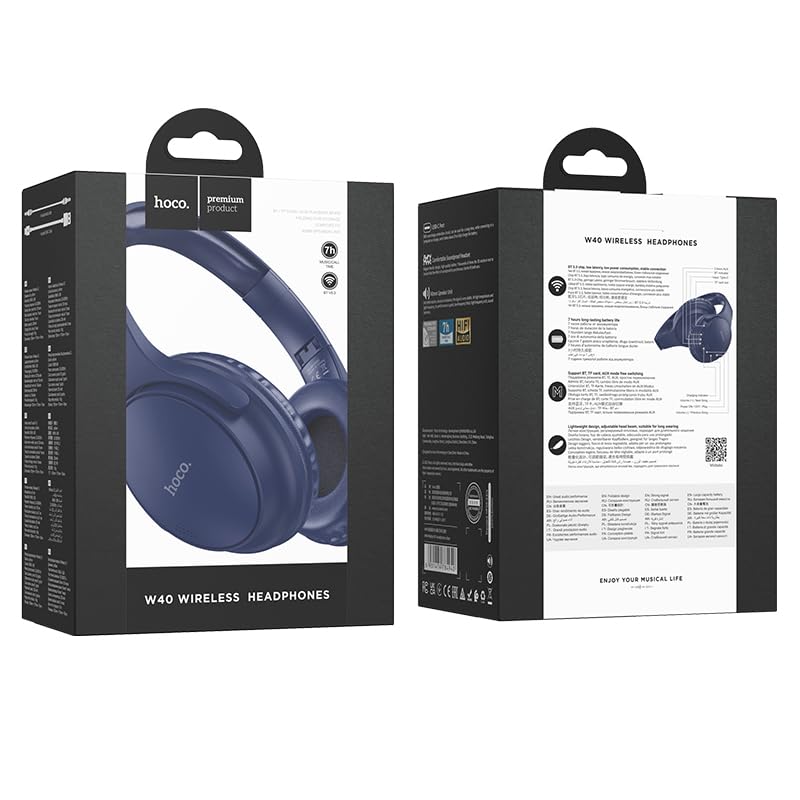
Image: Retail packaging for the HOCO W40 Wireless Headphones, showing the product image and some features on the box.
Produkt overview
Familiarize yourself with the various parts and controls of your HOCO W40 headphones.
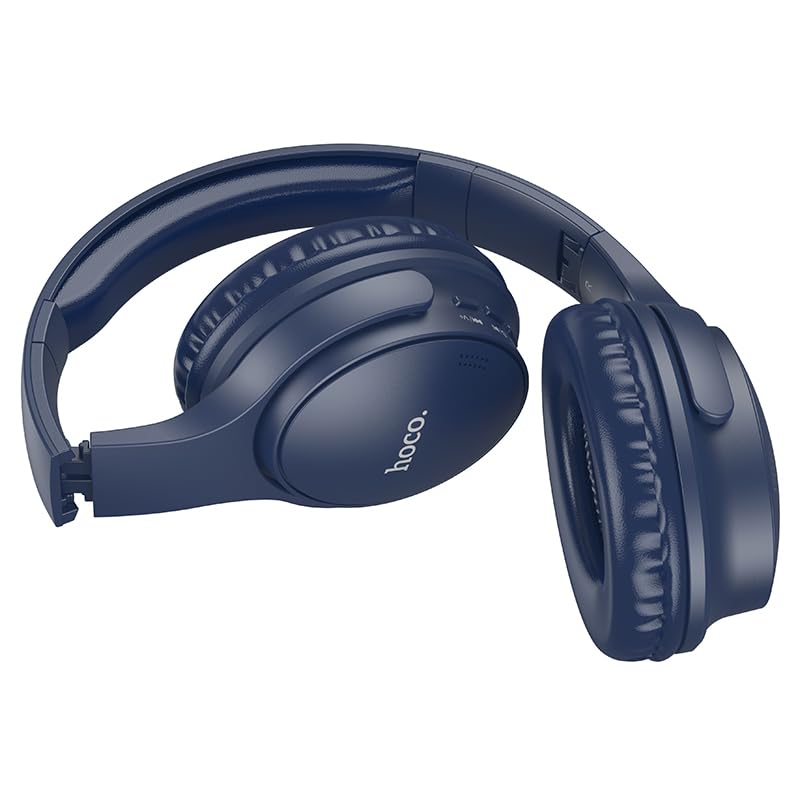
Billede: Side view of the HOCO W40 Bluetooth Headphones, highlighting the earcup and headband design. The controls are visible on the right earcup.
Kontroller og indikatorer:
- Power knap: Used to power the headphones on/off and initiate pairing.
- Lydstyrkekontrol: Adjusts the listening volume using touch controls.
- Multifunktionsknap (MFB): For play/pause, answer/end calls.
- Mikrofon: Indbygget til håndfri opkald.
- Opladningsport: Til tilslutning af ladekablet.
- LED-indikator: Viser strømstatus, parringstilstand og opladningsstatus.
The headphones feature touch controls for volume adjustment and other functions, along with a built-in microphone for clear communication.
Opsætning
1. Opladning af hovedtelefonerne
Before first use, fully charge your headphones. A full charge takes approximately 1 time.
- Connect the charging cable (not included in the JSON's 'whats_in_the_box' but typically provided) to the charging port on the headphones.
- Tilslut den anden ende af kablet til en USB-strømkilde (f.eks. computer, vægadapter).
- The LED indicator will show the charging status (e.g., red while charging, blue/off when fully charged).
Once fully charged, the headphones provide up to 12 timer of continuous playtime.
2. Parring med en Bluetooth-enhed
The HOCO W40 headphones use Bluetooth 5.3 for stable and seamless connectivity. They are compatible with smartphones, tablets, laptops, and other Bluetooth-enabled devices (iOS, Android).
- Sørg for, at hovedtelefonerne er slukket.
- Press and hold the Power Button until the LED indicator flashes rapidly (usually blue and red alternately), indicating pairing mode.
- Aktiver Bluetooth på din enhed, og søg efter tilgængelige enheder.
- Vælg "HOCO W40" fra listen over fundne enheder.
- Once paired, the LED indicator will stop flashing and may turn solid blue or off, depending on the model.
- The headphones have a wireless range of up to 10 meter.
If pairing is unsuccessful, turn off both devices, wait a few seconds, and repeat the steps.
Betjeningsvejledning
Tænd/sluk
- Tænd: Tryk på tænd/sluk-knappen og hold den nede i cirka 3 sekunder, indtil LED-indikatoren lyser.
- Sluk: Tryk på tænd/sluk-knappen og hold den nede i cirka 5 sekunder, indtil LED-indikatoren slukker.
Musik kontrol
- Afspil/pause: Tryk kort på multifunktionsknappen (MFB).
- Lydstyrke op: Tap the designated touch control area for volume up.
- Skrue ned for lyden: Tap the designated touch control area for volume down.
- Næste nummer: Double-tap the MFB or use the designated touch control.
- Forrige nummer: Triple-tap the MFB or use the designated touch control.
Note: Specific touch control gestures may vary slightly. Refer to the quick start guide included with your product for precise details.
Opkaldskontrol
- Besvar/afslut opkald: Tryk kort på multifunktionsknappen (MFB).
- Afvis opkald: Tryk og hold MFB nede i 2 sekunder.
- Genopkald sidste nummer: Dobbelttryk på MFB-knappen, når du ikke er i gang med et opkald.
Opretholdelse
Proper care will extend the life of your HOCO W40 headphones.
- Rensning: Brug en blød, tør klud til at rengøre hovedtelefonerne. Brug ikke slibende rengøringsmidler eller opløsningsmidler.
- Opbevaring: Opbevar hovedtelefonerne et køligt, tørt sted væk fra direkte sollys og ekstreme temperaturer.
- Vandtæthed: The headphones are water resistant, making them suitable for workouts and outdoor activities. However, they are not designed for submersion in water. Avoid prolonged exposure to heavy rain or direct water jets.
- Batteripleje: For at forlænge batteriets levetid, skal du oplade hovedtelefonerne regelmæssigt, selvom de ikke bruges hyppigt. Undgå at aflade batteriet helt i længere perioder.
Fejlfinding
| Problem | Mulig løsning |
|---|---|
| Hovedtelefonerne tændes ikke. | Ensure the headphones are charged. Connect them to a power source and try again after a few minutes. |
| Kan ikke parres med enheden. |
|
| Ingen lyd eller lav lydstyrke. |
|
| Opkaldskvaliteten er dårlig. |
|
Specifikationer
| Model | W40 |
| Mærke | HOCO |
| Forbindelsesteknologi | Trådløs (Bluetooth 5.3) |
| Bluetooth rækkevidde | 10 meter |
| Batterilevetid | Op til 12 timer |
| Opladningstid | Cirka 1 time |
| Audio driver type | Dynamisk Driver |
| Støjkontrol | Lydisolering |
| Vandmodstandsniveau | Vandtæt |
| Kontroltype | Lydstyrkekontrol (berøring) |
| Indbygget mikrofon | Yes, for Hands-Free Calls |
| Kompatible enheder | Smartphones, Tablets, Laptops (Universal Compatibility) |
| Materiale | Plast |
| Varens vægt | 180 g |
Officiel produktvideo
Se den officielle produktvideo for et visuelt overblikview of the HOCO W40 Bluetooth Headphones and their key features.
Video: Et officielt produkt overståetview of the HOCO W40 Bluetooth Headphones, demonstrating its features, battery life, design, and device compatibility.
Garanti og support
For warranty information and customer support, please refer to the documentation included with your purchase or visit the official HOCO webwebsted. Gem din købsbevis i tilfælde af garantikrav.
For yderligere assistance kan du også kontakte den forhandler, hvor produktet blev købt.