
HOCO Y10
Brugermanual til Hoco Y10 Amoled Smart Sportsur
Model: Y10
Indledning
Thank you for choosing the Hoco Y10 Amoled Smart Sports Watch. This manual provides essential information for setting up, operating, and maintaining your device. Please read this manual thoroughly before using the watch to ensure proper function and longevity.
Sikkerhedsoplysninger
- Forsøg ikke at adskille, reparere eller modificere enheden. Uautoriserede ændringer kan ugyldiggøre garantien og forårsage skade.
- Keep the watch away from extreme temperatures, direct sunlight, and corrosive liquids.
- Use only the provided charging cable. Using incompatible chargers may cause damage or fire.
- While the watch is 3ATM waterproof, it is not suitable for diving or high-pressure water activities. Avoid prolonged submersion.
- Rådfør dig med en læge, før du starter et nyt træningsprogram, især hvis du har eksisterende helbredsproblemer.
- Hold enheden utilgængeligt for børn og kæledyr.
Pakkens indhold
Kontroller venligst pakkens indhold ved åbning for at sikre, at alle varer er til stede:
- Hoco Y10 Amoled Smart Sports Watch
- Ladekabel
Produkt overview
The Hoco Y10 Smart Sports Watch features a vibrant 1.3-inch AMOLED display and a durable design suitable for daily wear and sports activities. Below are various views of the watch highlighting its design and features.

Front view of the Hoco Y10 Smart Watch displaying a digital watch face with time, battery, steps, and heart rate.
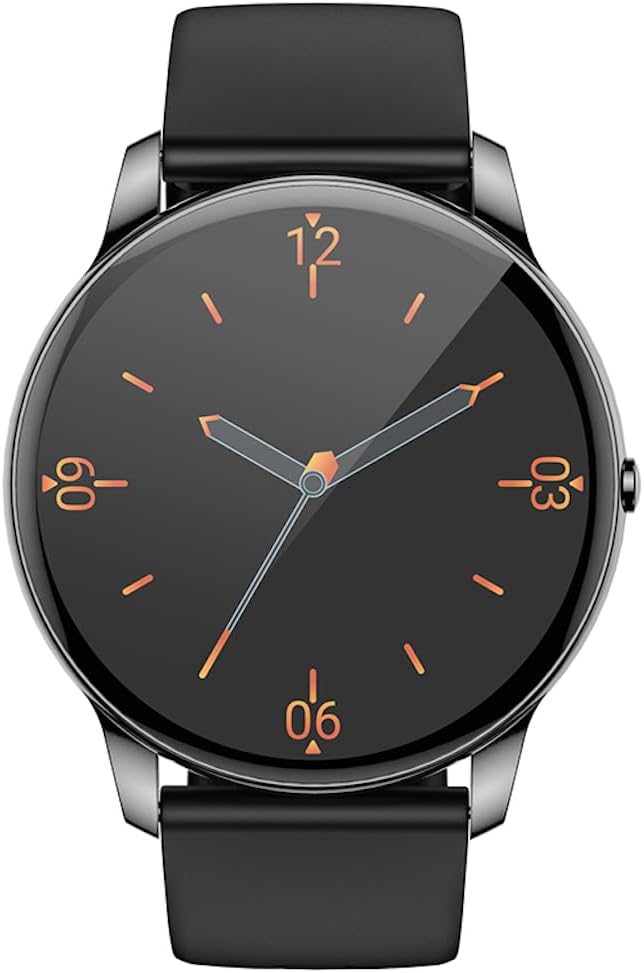
Front view of the Hoco Y10 Smart Watch displaying a classic analog watch face.
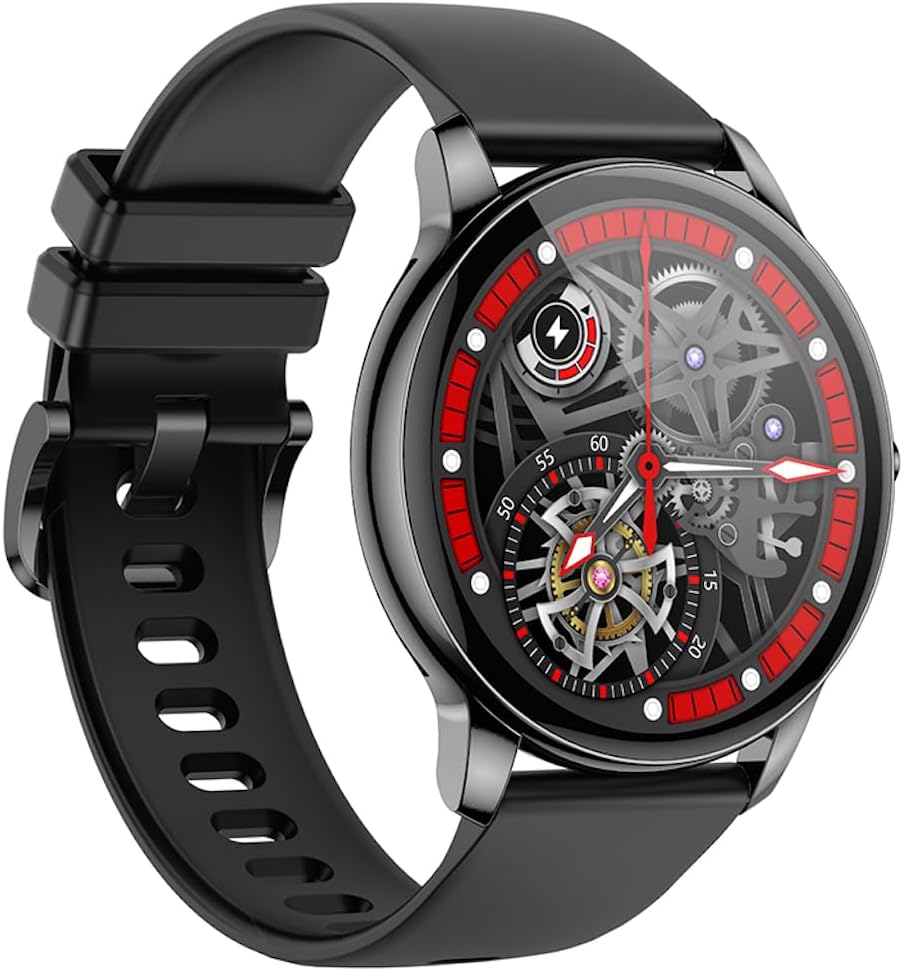
Vinklet view of the Hoco Y10 Smart Watch showcasing a mechanical-style watch face.
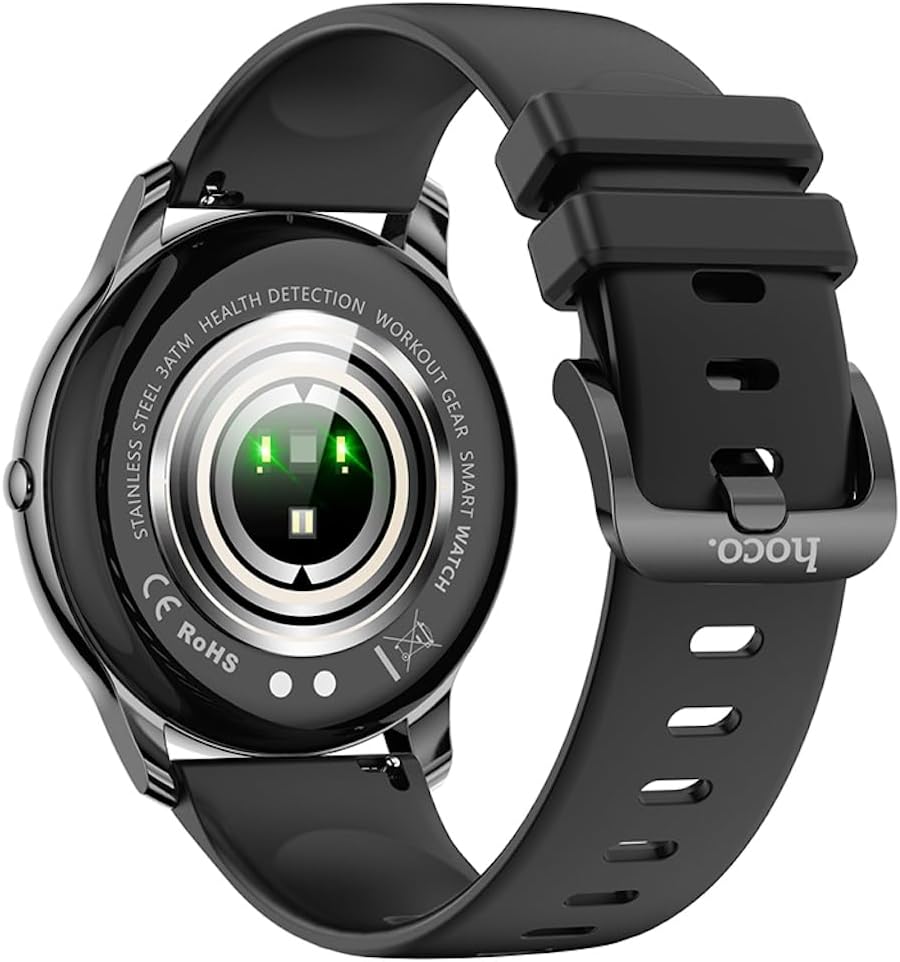
Bag view of the Hoco Y10 Smart Watch, highlighting the optical sensors for health detection and charging contacts.
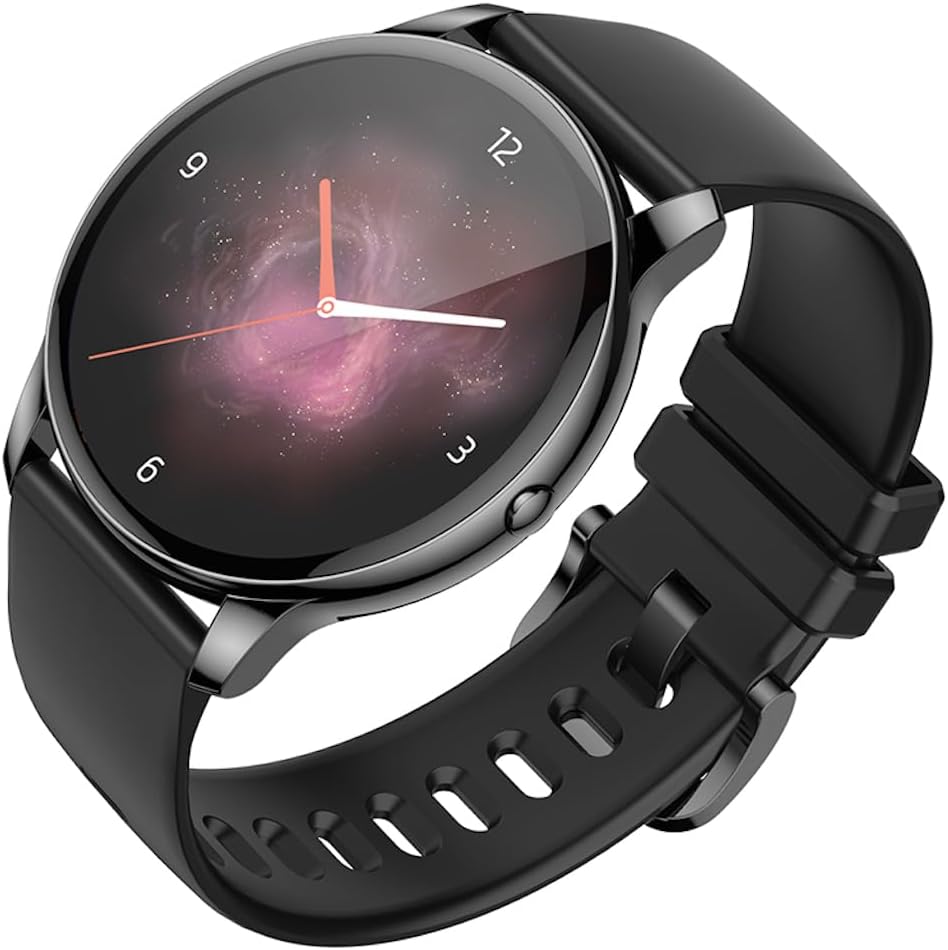
Vinklet view of the Hoco Y10 Smart Watch with an abstract, artistic watch face.
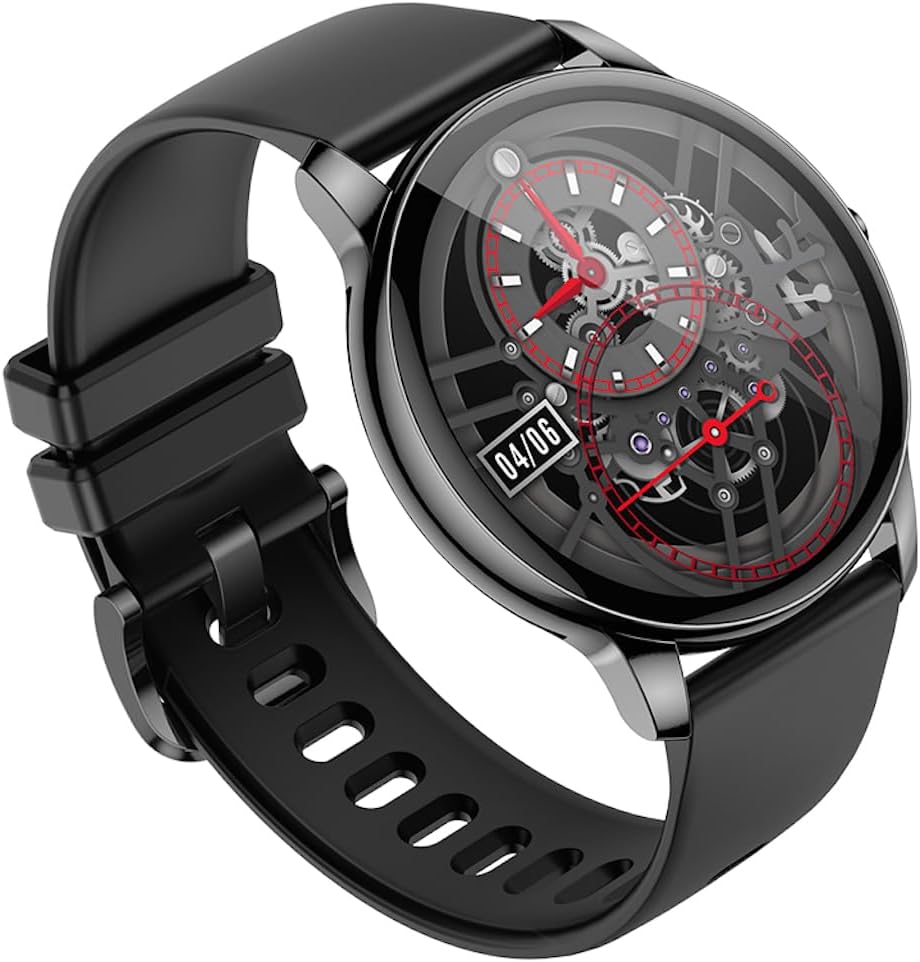
En anden vinklet view of the Hoco Y10 Smart Watch, showing a detailed mechanical-style watch face with visible gears.

The Hoco Y10 Smart Watch displayed on a textured, light-colored surface, highlighting its sleek design.
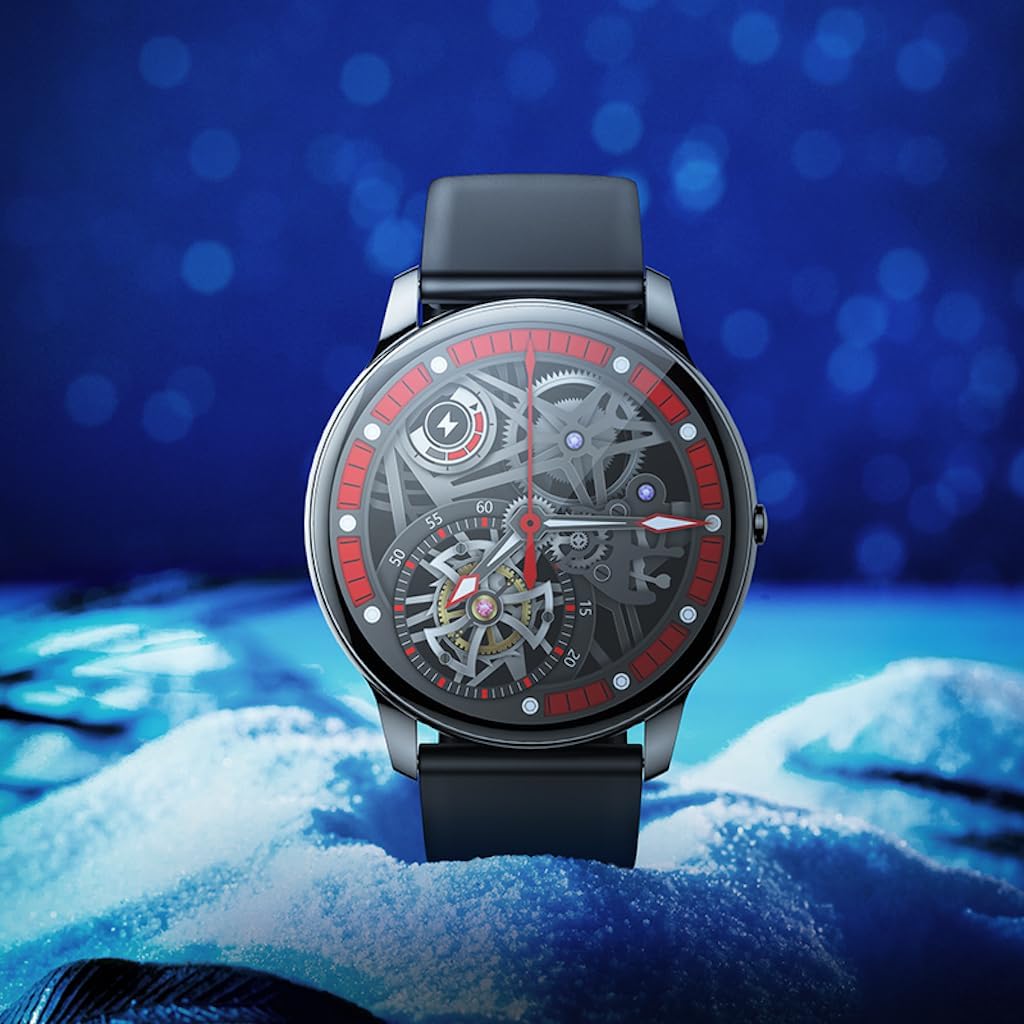
Two Hoco Y10 Smart Watches presented together, one with a digital face and the other with an analog face.
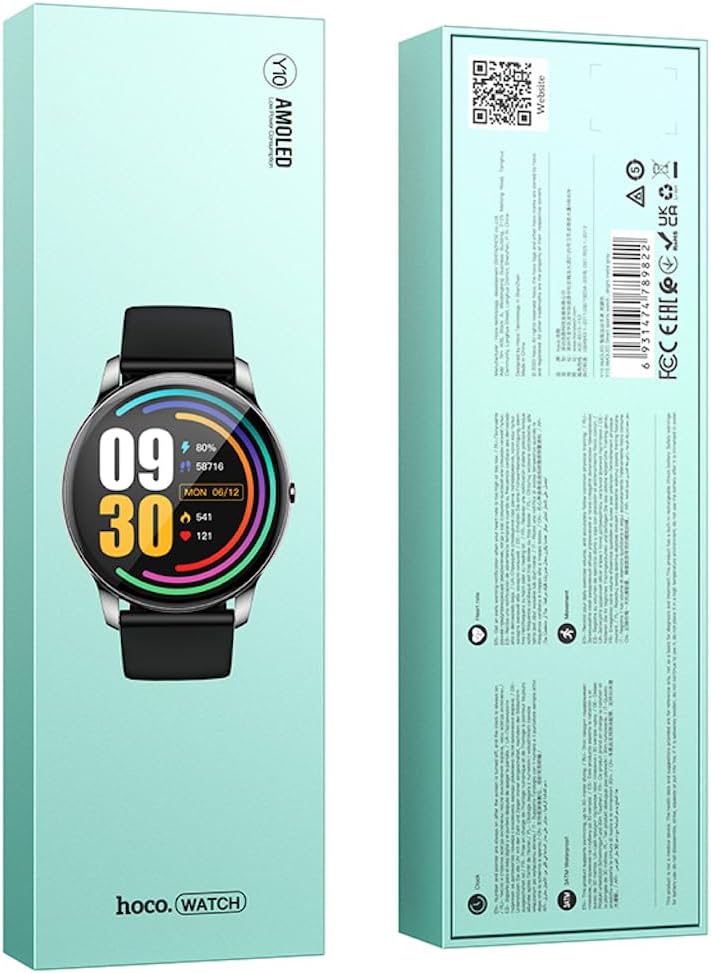
Forside og bagside view of the Hoco Y10 Smart Watch product packaging, showing product details and certifications.
Opsætning
1. Første opladning
Before first use, fully charge your Hoco Y10 Smart Watch. Connect the provided charging cable to the charging contacts on the back of the watch and plug the USB end into a standard USB power adapter (not included) or a computer USB port. The watch display will indicate charging status. A full charge typically takes approximately 2 hours.
2. Tænd/sluk
- For at tænde: Tryk og hold sideknappen nede, indtil Hoco-logoet vises.
- For at slukke: From the watch face, swipe down or navigate to the settings menu, then select "Power Off" or "Shutdown". Confirm your selection.
3. Parring med din smartphone
To unlock the full features of your Hoco Y10, you need to pair it with your smartphone via Bluetooth. While the specific app name is not provided, most smartwatches require a companion app. Please refer to the QR code on the product packaging or search for "Hoco Smart Watch" or "Hoco Y10" in your phone's app store (Google Play Store for Android, Apple App Store for iOS).
- Download og installer den ledsagende app på din smartphone.
- Sørg for, at Bluetooth er aktiveret på din smartphone.
- Åbn appen og følg instruktionerne på skærmen for at oprette en konto eller logge ind.
- In the app, select "Add Device" or "Pair Device" and choose "Hoco Y10" from the list of available devices.
- Bekræft parringsanmodningen på både dit ur og din smartphone.
Betjeningsvejledning
Grundlæggende navigation
- Touchskærm: Stryg til venstre/højre, op/ned for at navigere gennem menuer og funktioner. Tryk for at vælge.
- Side knap: Typically used to wake the screen, return to the watch face, or access the app menu.
Nøglefunktioner
- Se ansigter: Customize your watch face by long-pressing the screen or through the companion app.
- Sportstilstande: Access various sports tracking modes (e.g., running, walking, cycling) to monitor your activity data.
- Sundhedsovervågning: The watch supports health detection features, likely including heart rate monitoring. Refer to the app for detailed data and historical trends.
- Meddelelser: Receive call, message, and app notifications directly on your wrist (requires app setup).
- Indstillinger: Adjust brightness, language (supports 20 languages), vibration, and other watch settings.
- Musik kontrol: Styr musikafspilning på din parrede smartphone.
- Vejr: View current weather conditions (requires app synchronization).
Note: The Hoco Y10 does not support direct call functionality.
Vedligeholdelse og pleje
- Rensning: Tør uret og remmen regelmæssigt af med en blød kludamp klæde. Brug ikke skrappe kemikalier eller slibende materialer.
- Vandtæthed: The watch is 3ATM waterproof, meaning it can withstand splashes, rain, and brief immersion. Do not wear it while showering with hot water, in saunas, or for diving. After contact with saltwater, rinse with fresh water and dry thoroughly.
- Opladning: Sørg for, at opladningskontakterne på uret og kablet er rene og tørre, før du oplader.
- Opbevaring: When not in use for extended periods, store the watch in a cool, dry place. Charge it periodically to prevent deep discharge of the battery.
Fejlfinding
| Problem | Mulig løsning |
|---|---|
| Uret tænder ikke. | Sørg for, at uret er fuldt opladet. Tilslut det til opladeren i mindst 30 minutter. |
| Kan ikke parres med smartphone. |
|
| Unøjagtige sundhedsdata. | Sørg for, at uret sidder tæt på dit håndled, ikke for stramt eller for løst. Rengør sensorerne på bagsiden af uret. |
| Kort batterilevetid. |
|
Specifikationer
| Feature | Detalje |
|---|---|
| Model | Y10 |
| Hovedskærm | 1.3 tommer AMOLED |
| Opløsning | 360 x 360 |
| Vandtæt vurdering | 3 ATM |
| CPU | Ruiyu RTL8762DT |
| Hukommelse | 128 Mb |
| Bluetooth version | 5.0 |
| Batterikapacitet | 230mAh |
| Udholdenhed | 7-10 dage (typisk brug) |
| Understøttede sprog | 20 languages (Chinese, English, Russian, Arabic, Vietnamese, Danish, Thai, Polish, Persian, Spanish, Malay, Greek, French, Italy, German, Portuguese, Türkiye, Romania, Hebrew, Burmese) |
| Opkaldsfunktion | Ikke understøttet |
| Operativsystem | Android (kompatibel) |
| Farve | Bright Metal Grey |
| Varens vægt | 169 g |
Garanti og support
For information regarding the manufacturer's warranty, please refer to the warranty card included with your product or contact your point of purchase. For technical support and further inquiries, please visit the official HOCO webwebsted: