
1. Introduktion
The JZAQ A13 Bluetooth Helmet Speakers and Intercom System provides wireless communication and audio playback for motorcycle riders, skiers, cyclists, and other sports enthusiasts. This system features Bluetooth 5.3 connectivity, two-way intercom functionality, noise cancellation, and a waterproof design for reliable performance in various conditions.

Image 1.1: JZAQ A13 Bluetooth Helmet Headset overview.
2. Pakkens indhold
Før installation skal du kontrollere, at alle nedenstående varer er til stede i din pakke:
- JZAQ A13 Headphone Host
- Hard Earbuds
- Soft Earbuds
- Clip Base
- Paste Base
- Horn velcro
- TYPE-C ladekabel
- Hard and Soft Velcro Pads
- Brugermanual

Image 2.1: All components included in the JZAQ A13 package.
3. Produktet er slutview
Familiarize yourself with the main unit and its controls:
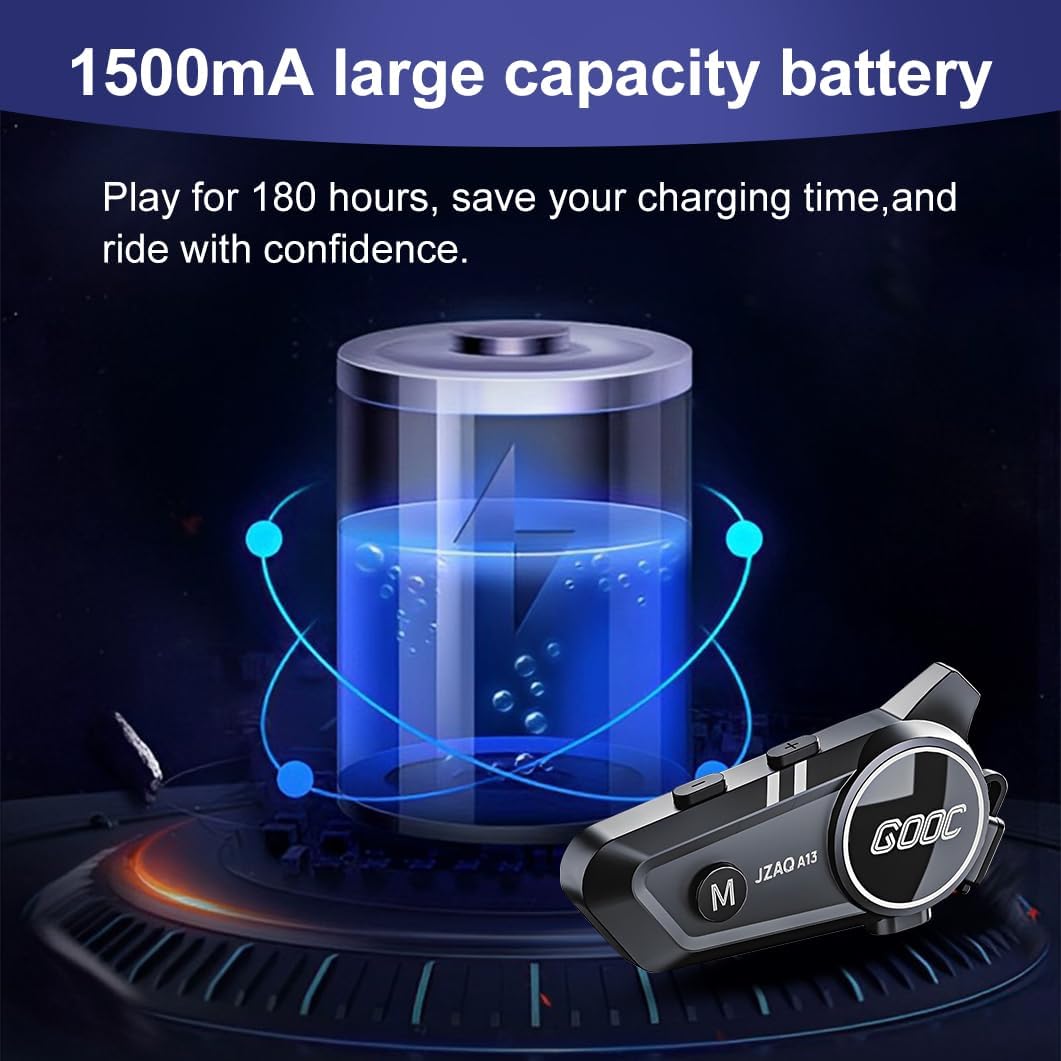
Image 3.1: Diagram illustrating the button functions and ports on the JZAQ A13 unit.
- Power On/Off/Pause/Play/Connect Button: Controls power, music playback, and Bluetooth connection.
- Knap til lydstyrke op/næste sang: Øger lydstyrken og springer til næste spor.
- Volume Down/Previous Song/Voice Assistant Button: Decreases volume, goes to the previous track, and activates the voice assistant.
- Opladningsport: USB Type-C-port til opladning af enheden.
- Hovedtelefonstik: Tilslutter højttalere og mikrofon.
4. Opsætning og installation
4.1 Opladning af enheden
Before first use, fully charge the JZAQ A13 unit. Connect the provided TYPE-C charging cable to the charging port on the unit and a USB power source. A full charge typically takes approximately 2 hours. The device features a 1500mAh battery, providing up to 180 hours of continuous play time.

Image 4.1: Illustration of the 1500mAh large capacity battery.
4.2 Installation af hjelm
The JZAQ A13 is designed to be compatible with various helmet types. The speakers are ultra-thin (10mm) to ensure comfort and avoid ear pressure.

Billede 4.2: Eks.amples of various helmet types compatible with the JZAQ A13.
Follow these steps to install the system in your helmet:
- Højttalerplacering: Identify suitable locations within your helmet for the speakers, typically in the ear recesses. Use the provided Velcro pads to secure the speakers.
- Mikrofontilbehør: Choose between the hard or soft earbuds (microphones) based on your helmet type and preference. Attach the microphone using Velcro in a position that allows clear voice pickup without obstructing your vision or comfort.
- Montering af hovedenhed: Use either the clip base or the paste base to attach the main JZAQ A13 unit to the side of your helmet. Ensure it is securely fastened and easily accessible for operation.
- Kabelstyring: Route all cables neatly within the helmet padding to prevent discomfort or interference.

Image 4.3: Step-by-step visual guide for installing the JZAQ A13 system into a helmet.
5. Betjeningsvejledning
5.1 Tænd/sluk
- Tænd: Tryk på tænd/sluk-knappen og hold den nede i cirka 3 sekunder, indtil indikatorlampen lyser.
- Sluk: Tryk på tænd/sluk-knappen og hold den nede i cirka 3 sekunder, indtil indikatorlampen slukker.
5.2 Bluetooth -parring
The JZAQ A13 uses Bluetooth 5.3 for stable wireless connectivity.
- Sørg for, at enheden er slukket.
- Tryk på tænd/sluk-knappen og hold den nede i cirka 5-7 sekunder, indtil indikatorlampen blinker skiftevis rødt og blåt, hvilket angiver parringstilstand.
- On your mobile phone or Bluetooth-enabled device, search for "JZAQ A13" in the Bluetooth settings.
- Select "JZAQ A13" to connect. Once paired, the indicator light will flash blue slowly.
5.3 Musikafspilning
After successful Bluetooth pairing, you can play music from your connected device. The system features Hi-Fi stereo sound and DSP noise reduction technology for clear audio.

Image 5.1: The JZAQ A13 provides clear music playback with noise reduction.
- Afspil/pause: Tryk én gang på tænd/sluk-knappen.
- Lydstyrke op: Tryk på knappen Lydstyrke op (+).
- Skrue ned for lyden: Tryk på knappen Lydstyrke ned (-).
- Næste sang: Tryk på knappen Lydstyrke op (+), og hold den nede.
- Forrige sang: Tryk og hold nede på lydstyrke ned-knappen (-).
5.4 Tovejs intercom
The JZAQ A13 supports two-way intercom communication between two riders within a range of up to 200 meters. The universal pairing function allows connection with other compatible intercom systems.

Image 5.2: Illustration of two-way intercom communication between riders.
- Start intercom: Consult the specific instructions for initiating intercom with another JZAQ A13 unit or a universally paired device.
- Slut på intercom: Press the Power button once during an active intercom call.
5.5 Telefonopkald
The system supports hands-free calling with automatic answering and DSP noise reduction for clear voice communication.
- Besvar opkald: The system will automatically answer incoming calls after a few rings.
- Afslut opkald: Tryk én gang på tænd/sluk-knappen.
- Afvis opkald: Tryk og hold tænd/sluk-knappen nede i 2 sekunder.
5.6 Stemmeassistent
Activate your smartphone's voice assistant (e.g., Siri) directly from the JZAQ A13.
- Aktiver stemmeassistent: Press the Volume Down (-) button twice quickly.
6. Vedligeholdelse
6.1 Vandtætning
The JZAQ A13 features IPX67 deep waterproof technology with Nano coating, making it suitable for use in rainy or snowy conditions and capable of operating in temperatures as low as -20°F.
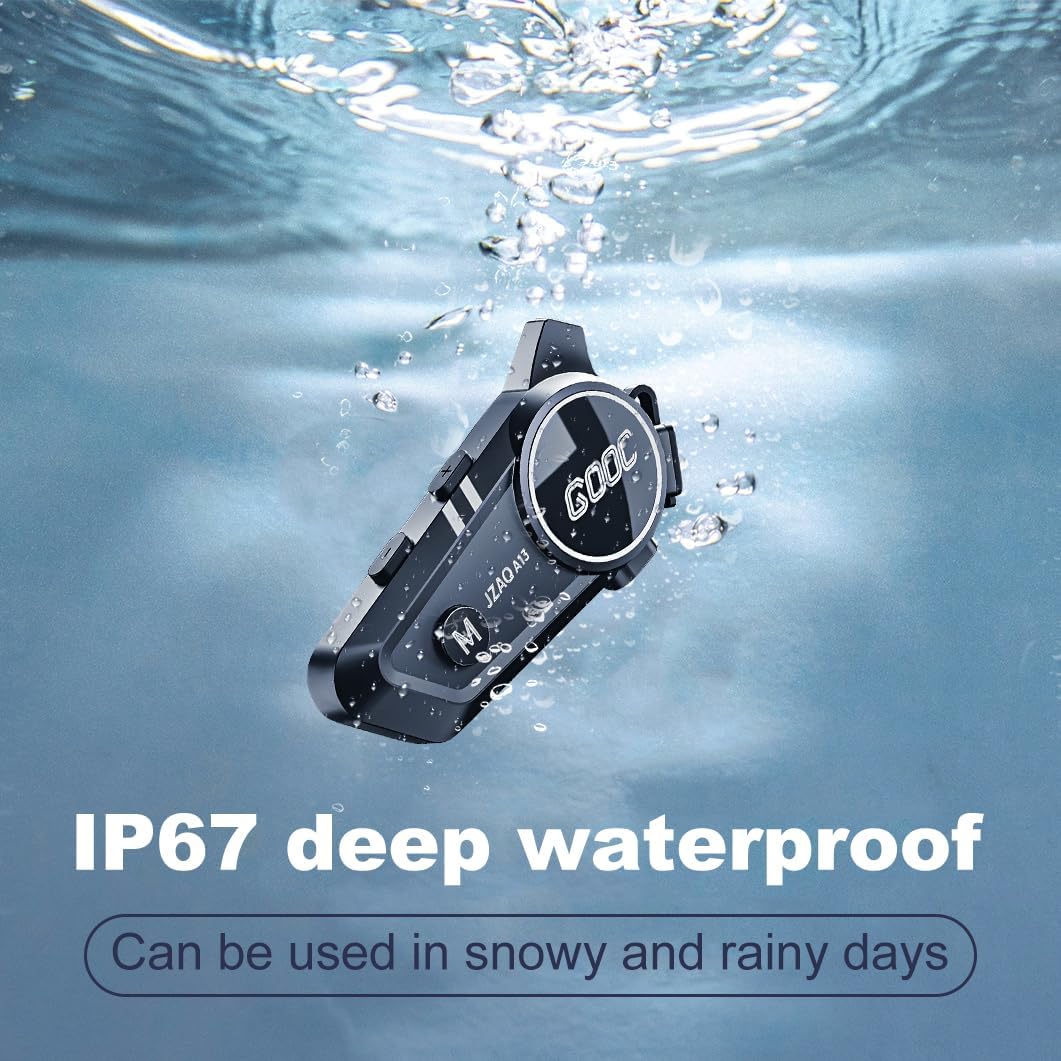
Image 6.1: The JZAQ A13 demonstrating its IP67 deep waterproof capability.
6.2 Rengøring og opbevaring
- Tør enheden af med en blød, damp klæde. Undgå at bruge skrappe kemikalier eller slibende rengøringsmidler.
- Sørg for, at dækslet til opladningsporten er forsvarligt lukket for at opretholde vandtætheden.
- Opbevar enheden på et køligt, tørt sted, når det ikke er i brug.
7. Fejlfinding
If you encounter issues with your JZAQ A13, refer to the following common problems and solutions:
| Problem | Mulig årsag | Løsning |
|---|---|---|
| Enheden tænder ikke | Lavt batteri; Enheden er frosset | Charge the device fully; Perform a hard reset (if applicable, refer to manufacturer for specific steps). |
| Kan ikke parres med telefonen | Not in pairing mode; Bluetooth off on phone; Device already paired | Ensure device is in pairing mode (flashing red/blue); Turn on phone's Bluetooth; Forget previous connections on phone and re-pair. |
| Ingen lyd fra højttalerne | Volume too low; Speakers disconnected; Faulty connection | Increase volume on device and phone; Check speaker connections; Try re-plugging speakers into the main unit. |
| Intercom forbinder ikke | Out of range; Incorrect pairing procedure | Ensure riders are within 200m range; Repeat intercom pairing steps for both units. |
| Poor voice quality during calls/intercom | Microphone position; Excessive wind noise | Adjust microphone closer to mouth; Ensure microphone is shielded from direct wind. |
8. Specifikationer
Key technical specifications for the JZAQ A13 Bluetooth Helmet Speakers & Intercom System:
| Feature | Specifikation |
|---|---|
| Modelnavn | A13 |
| Mærke | JZAQ |
| Forbindelsesteknologi | Trådløs (Bluetooth) |
| Bluetooth version | 5.3 |
| Batterikapacitet | 1500mAh |
| Batterilevetid (spilletid) | Op til 180 timer |
| Opladningstid | 2 timer |
| Intercom rækkevidde | Up to 200 meters (two-way) |
| Vandmodstandsniveau | IPX67 (vandtæt) |
| Støjkontrol | Sound Isolation, DSP Noise Reduction |
| Særlige funktioner | Built-In Voice Assistant, Fast Charging, Includes microphone, Lightweight |
| Varens vægt | 7.4 ounce (0.21 kilo) |
| Driftstemperatur | -20°F to (unspecified upper limit) |
9. Garanti og support
The JZAQ A13 Bluetooth Helmet Speakers & Intercom System comes with a 2 års garanti. For any product-related inquiries, technical assistance, or warranty claims, please contact JZAQ customer service through the Amazon Buyer Center. Our customer service team is available to assist you.