
ADE CK2304
ADE CK2304 Digital Bathroom Clock User Manual
Model: CK2304
Indledning
This manual provides instructions for the setup, operation, maintenance, and troubleshooting of your ADE CK2304 Digital Bathroom Clock. This device features a hygrometer, thermometer, shower timer, countdown function, and a large LCD display, all within an IP65 waterproof design.

Billede: Forside view of the ADE CK2304 Digital Bathroom Clock, displaying time, date, temperature, and humidity readings on its large LCD screen.
Pakkens indhold
Bekræft at alle varer er til stede i pakken:
- ADE CK2304 Digital Bathroom Clock
- 2 x AAA batterier
- Instruktionsmanual (dette dokument)
Opsætning
1. Batteriinstallation
The device requires 2 x AAA batteries for operation. These are included in the package.
- Find batteridækslet på bagsiden af uret.
- Åbn batterirummet.
- Insert the 2 x AAA batteries, ensuring correct polarity (+ and -).
- Close the battery compartment cover securely to maintain IP65 waterproofing.
Billede: Bagside view of the ADE CK2304 Digital Bathroom Clock, highlighting the battery compartment and various mounting features like the suction cup and hanging eyelet.
2. Monteringsmuligheder
The ADE CK2304 offers flexible placement options:
- Wall Mounting (Suction Base): Press the rubberized suction base firmly against a clean, smooth, non-porous surface (e.g., tile, mirror, glass). Ensure the surface is dry for optimal adhesion.
- Hanging (Eyelet): Use the integrated hanging eyelet to suspend the clock from a hook or nail. (Hook/nail not included).
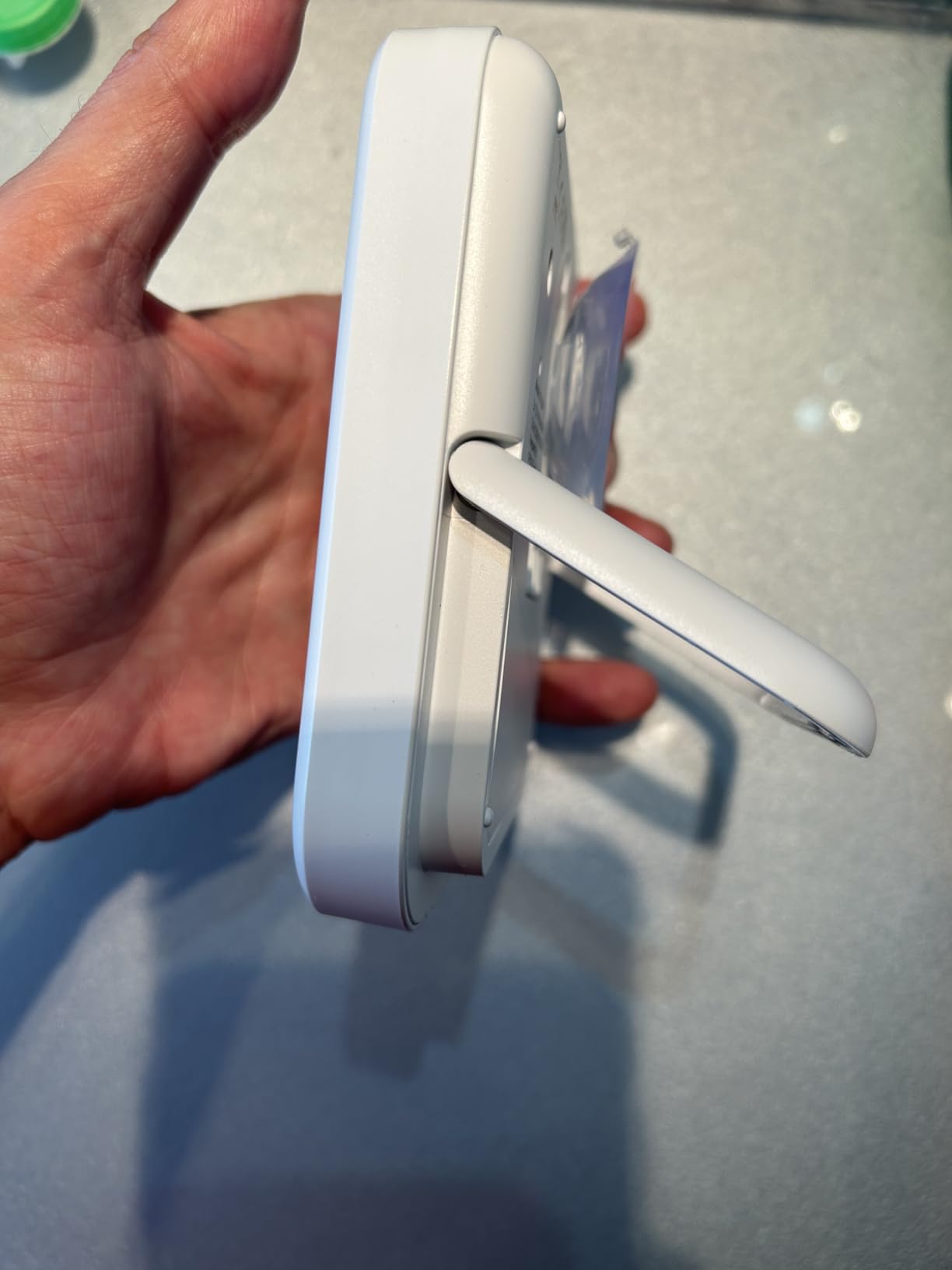
- Standing (Adjustable Base): Utilize the sturdy, adjustable base to place the clock on a flat surface, such as a countertop or shelf.
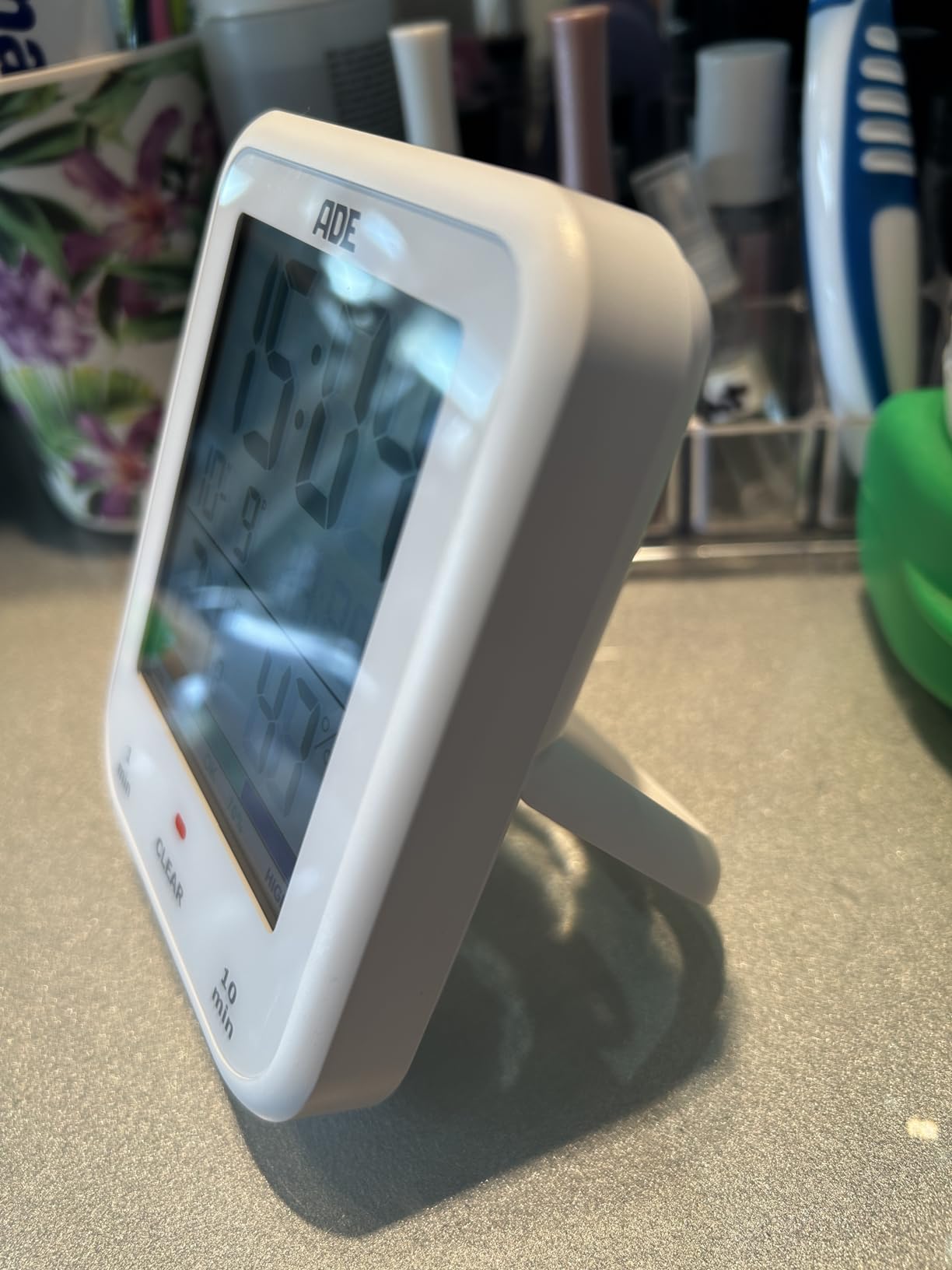
Image: The ADE CK2304 Digital Bathroom Clock securely attached to a bathroom wall using its suction cup mounting option.
Betjeningsvejledning
1. Initial Power On and Display
Upon battery installation, the clock will power on and display the current time, date, temperature, and humidity. The large LCD display ensures readability.
2. Indstilling af tid og dato
Refer to the buttons on the back or side of the device (specific button names are not provided in the input, so I'll use generic terms):
- Press and hold the "SET" button (or equivalent) until the time display flashes.
- Use the "UP" and "DOWN" buttons (or equivalent) to adjust the hour. Press "SET" to confirm.
- Gentag for minutter, år, måned og dag.
- Press "SET" one last time to exit setting mode.
3. Using the Shower Timer / Countdown Function
The shower timer helps manage water consumption. The clock features a countdown function.
- Press the "TIMER" button (or equivalent) to activate the countdown function.
- Repeatedly press "TIMER" to cycle through preset countdown durations (e.g., 1 minute, 10 minutes, etc., as suggested by a review).
- Alternatively, press and hold "TIMER" to manually set a custom countdown duration using the "UP" and "DOWN" buttons.
- The countdown will begin automatically after selection or confirmation.
- Der lyder en hørbar alarm, når timeren når nul.
- Tryk på en vilkårlig knap for at stoppe alarmen.
4. Temperatur- og fugtighedsvisning
The clock continuously displays the current room temperature and humidity. It also includes a comfort zone indicator to help maintain an optimal indoor climate and prevent mold formation.
Opretholdelse
- Rensning: Tør uret af med en blød kludamp klæde. Brug ikke slibende rengøringsmidler eller opløsningsmidler.
- Udskiftning af batteri: Replace batteries when the display dims or the clock stops functioning. Ensure the battery compartment is sealed tightly after replacement to maintain waterproofing.
- Vandtætning: The device is IP65 waterproof, meaning it is protected against low-pressure water jets from any direction. Do not submerge the device in water. Ensure the battery compartment is always properly sealed.
Fejlfinding
| Problem | Mulig årsag | Løsning |
|---|---|---|
| Skærmen er tom eller svag. | Lave eller afladede batterier. | Udskift med nye AAA-batterier, og sørg for at polariteten vender korrekt. |
| Tid/dato er forkert. | Indstillingerne skal justeres. | Follow the "Setting Time and Date" instructions in the Operating section. |
| Sugekoppen holder ikke. | Overfladen er snavset, våd eller porøs. | Clean and dry the surface thoroughly. Ensure it is smooth and non-porous. |
| Temperatur-/fugtighedsaflæsningerne virker unøjagtige. | Device recently moved to a new environment; needs time to stabilize. | Allow 15-30 minutes for the sensors to adjust to the new environment. |
Specifikationer
- Model: CK2304
- Mærke: ADE
- Skærmtype: Digital LCD
- Vandtæt vurdering: IP65 (Protected against low-pressure water jets)
- Funktioner: Time, Date, Temperature, Humidity, Shower Timer, Countdown Function, Comfort Zone Indicator
- Strømkilde: 2 x AAA batterier (medfølger)
- Produktdimensioner: 9.2 cm (B) x 11.5 cm (H) x 2.3 cm (D)
- Varens vægt: 207 gram
- Monteringsmuligheder: Suction Base, Hanging Eyelet, Adjustable Stand
- Værelsestype: Badeværelse
Garanti og support
For warranty information or technical support, please refer to the contact details provided on the product packaging or the official ADE webwebstedet. Behold din købskvittering som købsbevis.
Ask a question about this manual
Ask about setup, troubleshooting, compatibility, parts, safety, or missing instructions. Manuals+ will review the question and use this page’s manual context to help answer it.