
Indledning
This manual provides essential information for setting up, operating, maintaining, and troubleshooting your Vodafone 4G Mobile Broadband Hotspot R228t. Please read this manual carefully before using the device to ensure optimal performance and safety.

Billede: Forside view of the Vodafone 4G Mobile Broadband Hotspot R228t, showing the indicator lights for signal, Wi-Fi, messages, and battery.
Opsætningsvejledning
1. Pakkens indhold
Før du begynder, skal du sørge for, at alle varer er til stede i pakken:
- Vodafone 4G Mobile Broadband Hotspot R228t Device
- Genopladeligt batteri
- USB opladningskabel
2. Isætning af SIM-kort og batteri
The device requires a standard SIM card (not included). Follow these steps:
- Carefully remove the back cover of the hotspot.
- Locate the SIM card slot. Insert your activated SIM card into the slot with the gold contacts facing down, ensuring it clicks into place.
- Insert the provided battery into its compartment, aligning the contacts.
- Sæt bagdækslet sikkert på igen.
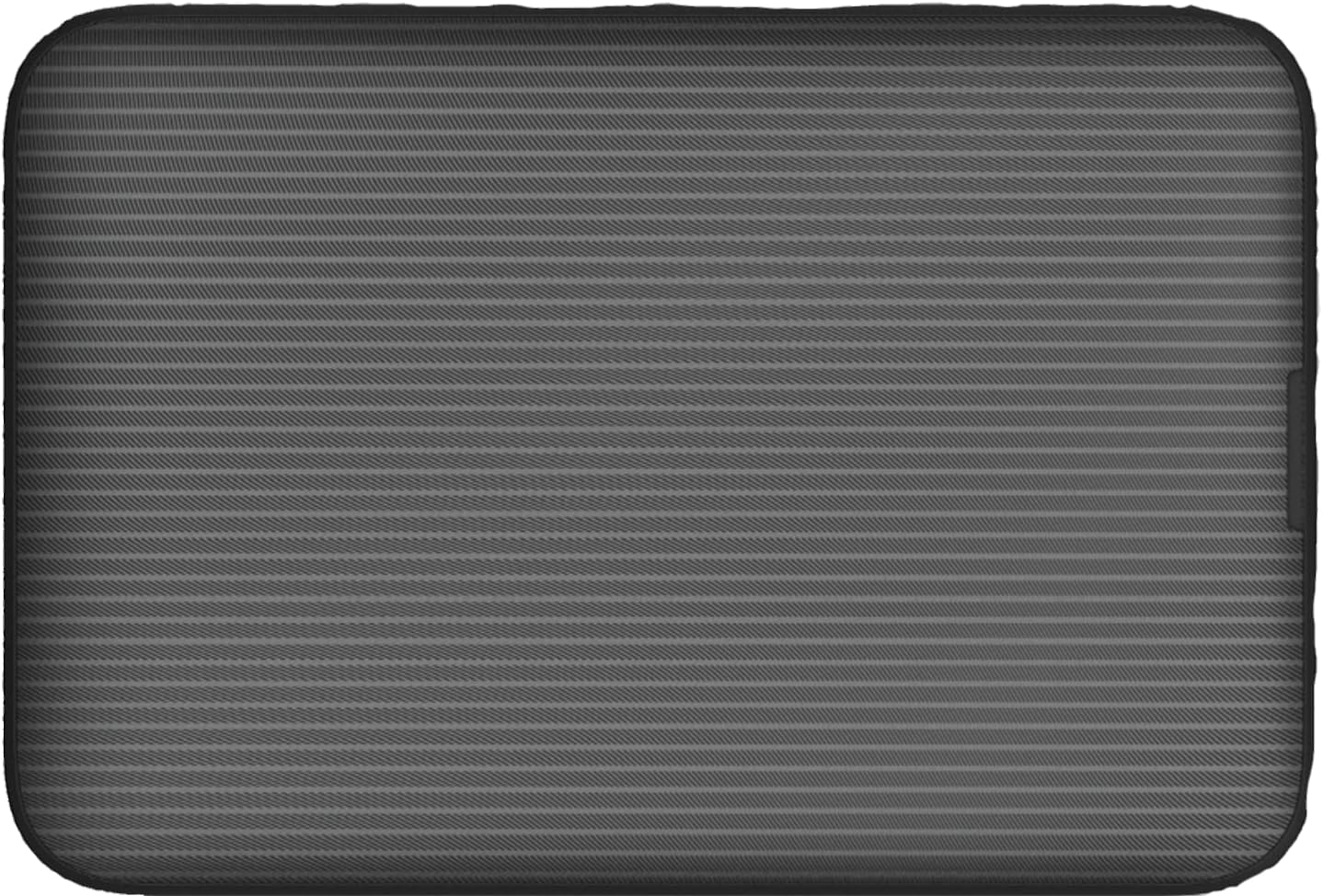
Billede: Bagside view of the Vodafone R228t hotspot with the back cover removed, illustrating the placement of the SIM card and battery.
3. Opladning af enheden
Oplad enheden helt før første brug.
- Connect the USB charging cable to the hotspot's charging port.
- Tilslut den anden ende af kablet til en USB-strømadapter (medfølger ikke) eller en computers USB-port.
- The battery indicator light will show charging status. A full charge typically takes a few hours.

Billede: Nærbillede view of the Vodafone R228t hotspot's charging port, located on the side of the device.
Betjeningsvejledning
1. Tænd/sluk
- To power on: Press and hold the power button (located on the side) until the indicator lights illuminate.
- Sådan slukker du: Tryk på tænd/sluk-knappen, og hold den nede, indtil indikatorlamperne slukker.
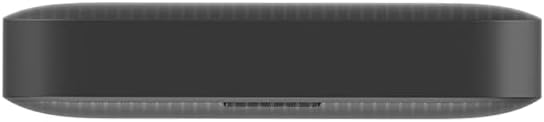
Billede: Side view of the Vodafone R228t hotspot, highlighting the power button.
2. Forbindelse til Wi-Fi-netværket
Once powered on, the hotspot will broadcast a Wi-Fi network. You can connect up to 32 devices simultaneously.
- On your device (laptop, smartphone, tablet), open your Wi-Fi settings.
- Søg efter available networks. The network name (SSID) and password (Wi-Fi Key) are typically found on a sticker inside the battery compartment or on the device packaging.
- Select the hotspot's SSID and enter the Wi-Fi Key when prompted.
- Når du er tilsluttet, burde du have internetadgang.
3. Indikatorlys
The front panel features several indicator lights:
- Signalstyrke: Indicates the strength of the 4G mobile signal. More bars mean better signal.
- Wi-Fi-status: Viser om Wi-Fi er aktivt, og om enheder er tilsluttet.
- Beskeder: Indicates new SMS messages received on the SIM card.
- Batteristatus: Displays the current battery level and charging status.
4. Web Management interface
For advanced settings, such as changing Wi-Fi name/password, checking data usage, or managing SMS, access the web administrationsgrænseflade:
- Tilslut din enhed til hotspottets Wi-Fi-netværk.
- Åbn a web browser og indtast standard IP-adressen (f.eks. http://192.168.0.1 or http://vodafonemobile.wifi). Refer to your device's sticker for the exact address.
- Enter the default login password (usually "admin" or found on the device sticker).
Opretholdelse
- Rensning: Brug en blød, tør klud til at rengøre enheden. Undgå flydende rengøringsmidler eller slibende materialer.
- Opbevaring: Opbevar enheden et køligt, tørt sted væk fra direkte sollys og ekstreme temperaturer.
- Batteripleje: For at forlænge batteriets levetid bør du undgå at aflade batteriet helt ofte. Hvis det opbevares i længere perioder, skal du oplade batteriet til ca. 50% og genoplade det et par gange om måneden.
- Softwareopdateringer: Tjek med jævne mellemrum web administrationsgrænseflade for tilgængelige firmwareopdateringer for at sikre optimal ydeevne og sikkerhed.
Fejlfinding
| Problem | Mulig løsning |
|---|---|
| Ingen internetforbindelse |
|
| Kan ikke oprette forbindelse til Wi-Fi |
|
| Langsom internethastighed |
|
| Enheden tænder ikke |
|
Specifikationer
| Feature | Detalje |
|---|---|
| Modelnavn | R228t (Vodafone MW40) |
| Forbindelsesteknologi | 4G LTE, Wi-Fi |
| Maks downloadhastighed | Op til 300 Mbps |
| Wi-Fi-standard | 802.11a (Single-Band) |
| Sikkerhed | WPA + WPA2 |
| Maks. antal Wi-Fi-brugere | Op til 32 |
| Batteritype | Lithium-ion (1 medfølger) |
| Standby tid | Op til 300 timer |
| Dimensioner (L x B x H) | 9.5 x 6.5 x 1.5 cm |
| Vægt | 87 g |
| Inkluderede komponenter | Device, Battery, USB charging cable |
Garanti og support
For warranty information and technical support, please refer to the official Vodafone website or contact Vodafone customer service. Keep your purchase receipt as proof of purchase.
Official Vodafone Store: Vodafone Amazon Store

Image: The official Vodafone logo, a red circle with a white teardrop shape and the word "vodafone" in lowercase below it.