
Indledning
This manual provides essential information for setting up, operating, and maintaining your Coocaa 32R3G Roku LED HD Smart TV. The Coocaa 32R3G offers a comprehensive entertainment experience, featuring Roku OS for quick access to popular streaming services and combining linear television with streaming content. Enjoy high-resolution HD images with HDR10 and HLG support. Its integrated triple tuner allows reception of traditional television via satellite, cable, or antenna, including Timeshift functionality via USB. With multiple HDMI inputs and digital audio ports, the TV easily connects to various external devices.
Vigtige sikkerhedsoplysninger
Læs venligst alle sikkerhedsinstruktioner omhyggeligt, inden du bruger dit tv. Gem denne manual til senere brug.
- Strømkilde: Tilslut kun tv'et til den angivne strømforsyning.
- Ventilation: Sørg for tilstrækkelig ventilation omkring tv'et. Bloker ikke ventilationsåbningerne.
- Vand og fugt: Udsæt ikke tv'et for regn eller fugt. Placer ikke genstande fyldt med væsker oven på tv'et.
- Varme: Hold tv'et væk fra varmekilder såsom radiatorer, varmeapparater, komfurer eller andre apparater, der producerer varme.
- Rensning: Tag stikket til tv'et ud af stikkontakten før rengøring. Brug en blød, tør klud. Brug ikke flydende rengøringsmidler eller sprayrengøringsmidler.
- Montering: Follow the instructions for wall mounting or stand installation carefully. Ensure the TV is securely placed to prevent falling.
- Lyn: Tag stikket ud af tv'et under tordenvejr eller når det ikke bruges i længere perioder.
Pakkens indhold
Bekræft, at alle nedenstående varer er inkluderet i din pakke:
- Coocaa 32R3G Roku LED HD Smart TV
- Fjernbetjening
- TV-stativ (base)
- Strømledning
- Brugervejledning (dette dokument)
Opsætning
1. Installing the TV Stand or Wall Mounting
If you are placing the TV on a surface, attach the included stand according to the instructions provided in the separate stand assembly guide. Ensure all screws are tightened securely.
For wall mounting, use a VESA-compatible wall mount kit (sold separately) and follow the wall mount manufacturer's instructions. Always ensure the wall can support the weight of the TV.
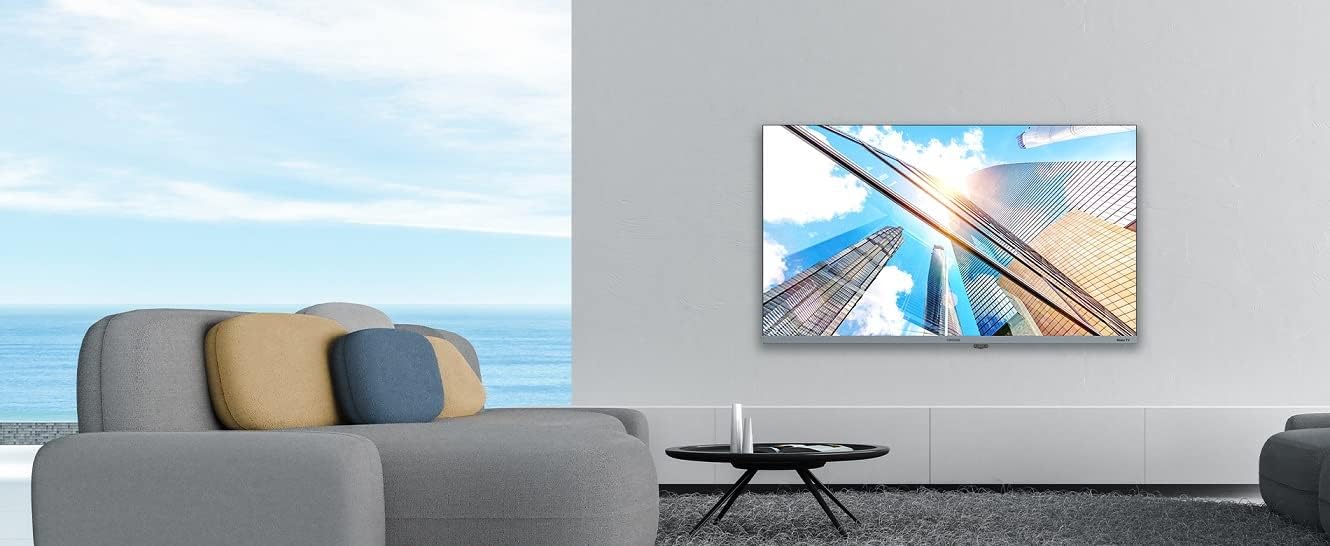
Image: Coocaa 32R3G TV displayed in a modern living room, mounted on a wall. This illustrates a typical installation scenario for the television.
2. Tilslutning af eksterne enheder
Connect your external devices such as cable/satellite boxes, gaming consoles, or Blu-ray players to the HDMI ports on the back of the TV. For traditional antenna or cable connections, use the RF input.
- HDMI: Til lyd og video i høj opløsning.
- USB: For media playback or Timeshift functionality.
- Antenne/kabel (RF): For traditional broadcast signals.
- Digital lydudgang: Til tilslutning til eksterne lydsystemer.
- Hovedtelefonstik: Til privat lytning.
3. Tænd og indledende opsætning
- Tilslut netledningen til tv'et og derefter til en stikkontakt.
- Tryk på tænd/sluk-knappen på fjernbetjeningen eller på tv'et.
- Follow the on-screen instructions for the Roku OS guided setup. This includes selecting your language, connecting to your Wi-Fi network, and activating your Roku account.
Betjening af dit tv
1. Roku OS Home Screen and Navigation
The Roku OS provides an intuitive home screen for quick access to your favorite streaming services, connected inputs, and free live TV channels. Use the directional pad on your remote to navigate through menus and select options.

Image: The Coocaa 32R3G Roku TV home screen, showing various streaming application icons like Netflix, Disney+, and inputs such as 'Kabelbox' (Cable Box) and 'Spielkonsole' (Game Console). This illustrates the user interface for accessing content.
2. Fjernbetjeningsfunktioner
The included remote control is designed for ease of use, offering all necessary functions to control your TV, including quick access buttons to popular streaming channels.
- Magt: Tænder eller slukker for tv'et.
- Hjem: Vender tilbage til Roku-startskærmen.
- Retningspude: Navigerer i menuer og vælger elementer.
- OK/Enter: Bekræfter valg.
- Tilbage: Vender tilbage til den forrige skærm.
- Lydstyrke op/ned: Justerer lydniveauet.
- Stum: Slår lyden fra eller til.
- Kanal op/ned: Skifter kanal (til live-tv).
- Øjeblikkelig genafspilning: Springer et par sekunder tilbage i videoafspilning.
- Stjerne (*): Accesses options menu for current content.
- Hurtig adgangsknapper: Dedikerede knapper til populære streamingtjenester (f.eks. Netflix, Disney+).
3. Streaming Services and Live TV
Access a wide range of streaming services directly from the Roku home screen. The integrated triple tuner allows you to watch traditional live television via satellite (DVB-S), cable (DVB-C), or antenna (DVB-T).
- Channel Store: Add new streaming channels from the Roku Channel Store.
- Multi-Channel Search: Søg efter content by title, actor, or genre across various streaming services and live TV.
- Tidsforskydning: Use a connected USB drive to pause and rewind live TV.
4. Voice Control and Roku Mobile App
The Coocaa 32R3G supports various voice assistants, including Apple AirPlay, Apple Home, Alexa, and Google Home, allowing for convenient voice control.
Download the free Roku mobile app (available for iOS and Android) to control your TV, use voice search, and enjoy private listening through headphones connected to your mobile device.
Opretholdelse
Proper care and maintenance will ensure the longevity of your Coocaa 32R3G TV.
- Rengøring af skærm: Tør forsigtigt skærmen af med en blød, fnugfri klud. Ved genstridige mærker, tør let afampRengør kluden med vand eller en specialiseret skærmrens (spray ikke direkte på skærmen).
- Skabsrengøring: Tør tv-kabinettet af med en blød, tør klud. Undgå at bruge slibende rengøringsmidler eller opløsningsmidler.
- Ventilation: Hold ventilationsåbningerne fri for støv og snavs for at forhindre overophedning.
- Strømledning: Kontrollér regelmæssigt strømkablet for skader.
Fejlfinding
Hvis du støder på problemer med dit tv, kan du bruge følgende almindelige løsninger:
| Problem | Mulig løsning |
|---|---|
| Ingen strøm |
|
| Intet billede, men der er lyd |
|
| Ingen lyd, men billedet er til stede |
|
| Fjernbetjeningen virker ikke |
|
| Kan ikke oprette forbindelse til Wi-Fi |
|
Specifikationer
| Mærke | coocaa |
| Modelnummer | 32R3G |
| Skærmstørrelse | 80 centimeter (ca. 32 tommer) |
| Displayteknologi | LED |
| Opløsning | 720p |
| Opdateringshastighed | 50 Hz |
| Operativsystem | Roku OS |
| Forbindelsesteknologi | Wi-Fi |
| Ports/Interfaces | 2x HDMI, 2x USB (USB 2.0, USB 1.0), Headphone Jack, Digital Audio Out |
| Særlige funktioner | Integrated Speaker, HDR10, HLG Support, Triple Tuner (DVB-T/C/S), Timeshift via USB |
| Aspektforhold | 16:9 |
| Produktmål (D x B x H) | 7 x 72 x 42 centimeter |
| Farve | Sort |
Garanti og support
For warranty information and technical support, please refer to the warranty card included with your product or visit the official Coocaa webwebstedet. Behold din købskvittering som købsbevis.