
DBSOARS B0C2HBB275
DBSOARS trådløse øretelefoner brugermanual
Model: B0C2HBB275
Indledning
Thank you for choosing DBSOARS Wireless Earbuds. These Bluetooth 5.3 headphones offer immersive stereo sound, an LED digital display charging case, dual power display, and IPX5 waterproof rating, making them ideal for various activities including music listening and workouts. This manual provides detailed instructions on setup, operation, maintenance, and troubleshooting to ensure optimal performance and longevity of your earbuds.

Image: The DBSOARS wireless earbuds shown with their charging case, highlighting their sleek black design and the digital display on the case.
Pakkens indhold
- DBSOARS Wireless Earbuds (Left and Right)
- Opladningsetui med LED digitalt display
- USB opladningskabel
- Beskyttende etui
- Multiple Ear Cap Sizes
- Brugervejledning (dette dokument)
Produkt overview
The DBSOARS Wireless Earbuds are designed for comfort and high-quality audio. Key features include:
- Bluetooth 5.3: For en stabil og effektiv trådløs forbindelse.
- LED Digital Display Charging Case: Viser batteriniveauer for både øretelefoner og opladningsetuiet.
- IPX5 Vandtæt: Modstandsdygtig over for sved og lette stænk, velegnet til træning.
- Smart Touch Control: Manage music playback, calls, and voice assistant with simple touches.
- Ergonomisk design: Let og behagelig pasform til længere tids brug.

Image: Close-up of the charging case displaying the battery percentage for the case and individual earbud battery levels, indicating the case can fully charge earbuds 4 times.
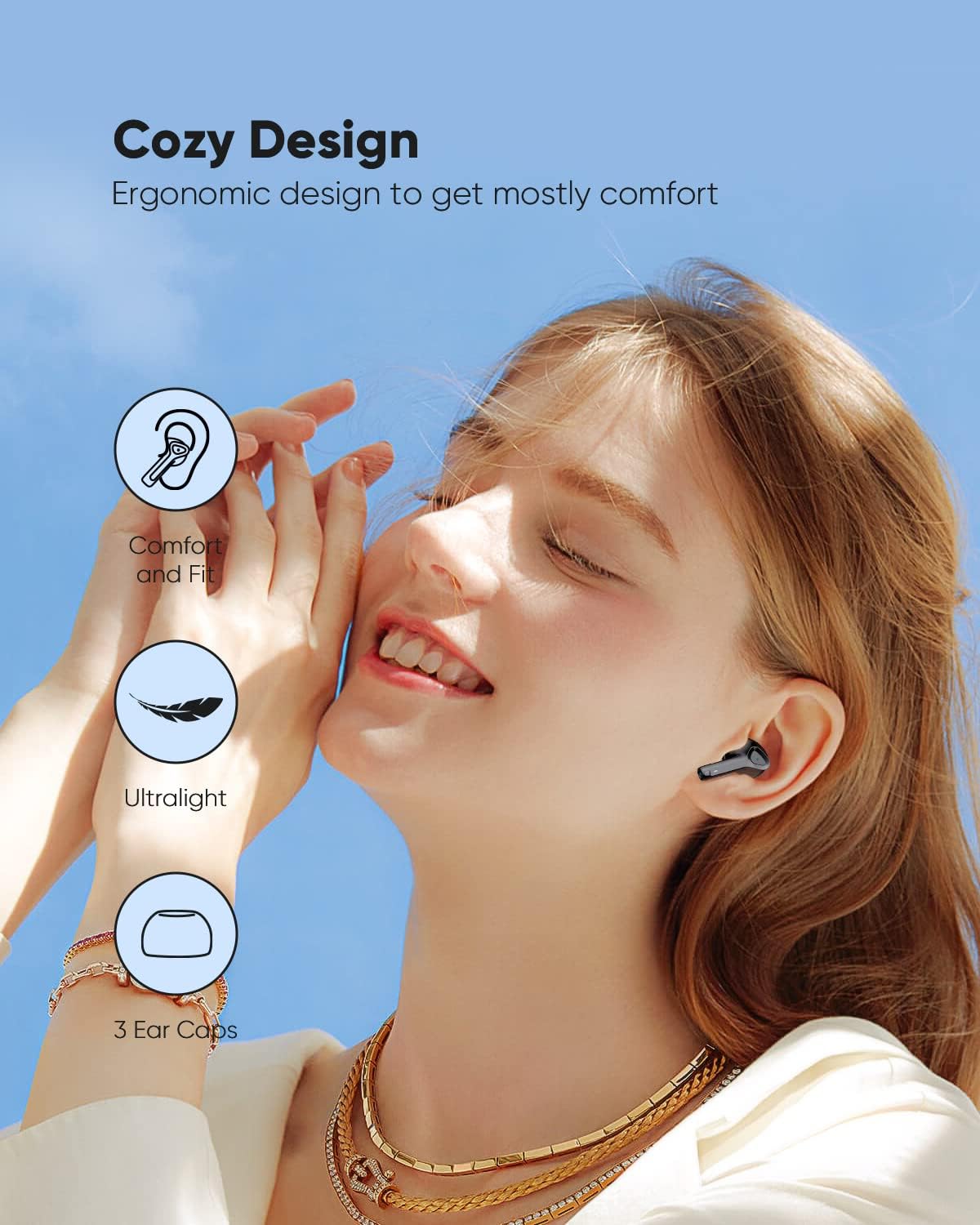
Image: Illustrates the ergonomic design of the earbuds, emphasizing comfort, ultralight weight, and the inclusion of 3 ear cap sizes for a customized fit.
Opsætning
1. Første opladning
Before first use, fully charge the earbuds and the charging case. Connect the charging case to a USB power source using the provided USB cable. The LED digital display on the case will show the charging progress. Once fully charged, the display will indicate 100%.
2. Pairing with Your Device (One-step Auto Pairing)
- Sørg for, at din enheds Bluetooth er tændt.
- Åbn opladningsetuiet. Ørepropperne går automatisk i parringstilstand.
- On your device, search for Bluetooth devices and select "DBSOARS Earbuds" (or similar name) from the list.
- Når forbindelsen er oprettet, vil en stemmemeddelelse bekræfte den gennemførte parring.
Ørepropperne genopretter automatisk forbindelse til den sidst parrede enhed, når de tages ud af etuiet, forudsat at Bluetooth er aktiveret på enheden.
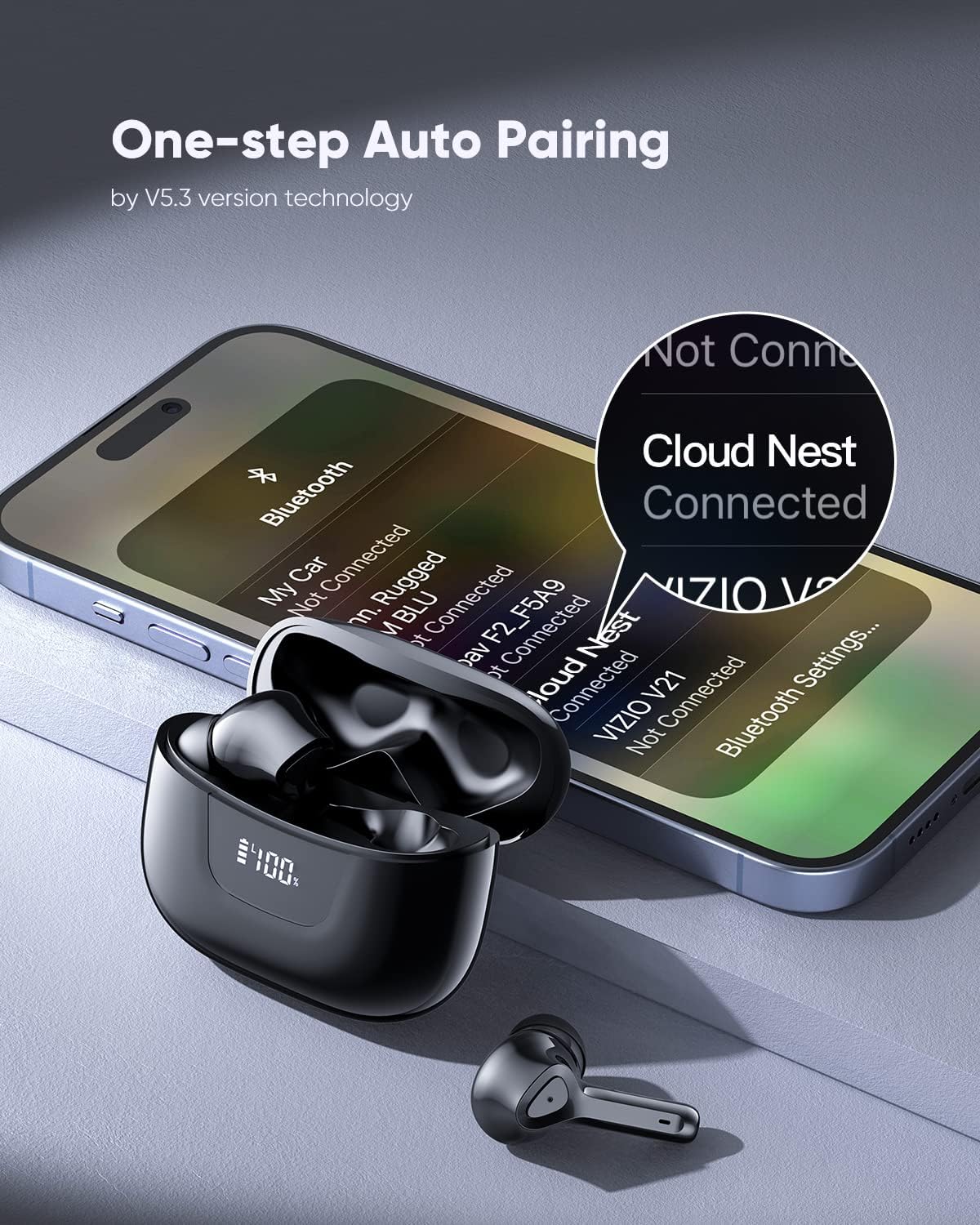
Image: Depicts a smartphone screen showing Bluetooth settings with the earbuds' name "Cloud Nest" connected, illustrating the one-step auto pairing process.
Betjeningsvejledning
Smart Touch kontrol
The earbuds feature intuitive touch controls on their outer surface. A single touch or long press performs various functions:
- Tænd/sluk: Ørepropperne tænder automatisk, når de tages ud af etuiet, og slukker, når de sættes tilbage i etuiet.
- Afspil/pause: Et enkelt tryk på begge øretelefoner.
- Næste nummer: Tryk to gange på den højre øretelefon.
- Forrige nummer: Dobbelttryk på venstre øretelefon.
- Besvar opkald: Enkelt tryk på begge øretelefoner under et indgående opkald.
- Afslut opkald: Enkelt tryk på en af øretelefonerne under et opkald.
- Afvis opkald: Langt tryk på en af øretelefonerne under et indgående opkald.
- Aktiver stemmeassistent: Tryk tre gange på en af øretelefonerne.

Image: Diagram illustrating the various smart touch control functions on the earbuds, including On/Off, Play/Pause, Previous/Next Track, Voice Assistant, Answer Call, Hang Up, and Reject Call.
Lydstyrkekontrol
Adjust the volume directly from the earbuds:
- Forøg lydstyrke: Long press the right earbud's touch button for 3 seconds and hold.
- Skru ned for lydstyrken: Long press the left earbud's touch button for 3 seconds and hold.
Video: Demonstrates how to control the volume using the touch controls on the earbuds. Long press the right earbud to increase volume, and long press the left earbud to decrease volume.
Opretholdelse
Rengøring og pleje
- Rengør regelmæssigt ørepropperne og opladningsetuiet med en blød, tør og fnugfri klud.
- Undgå at bruge slibende rengøringsmidler, opløsningsmidler eller aerosolspray.
- Rengør opladningskontakterne på både ørepropperne og etuiet for at sikre korrekt opladning.
IPX5 vandtæt klassificering
The earbuds are rated IPX5 waterproof, meaning they are protected against low-pressure water jets from any direction. This makes them suitable for use during workouts where sweat may be present, or in light rain. However, they are not designed for submersion in water, swimming, or showering. Ensure the earbuds are dry before placing them back into the charging case to prevent damage.

Image: The earbuds are shown with water droplets, illustrating their IPX5 waterproof capability, which protects them from sweat during workouts.

Image: A person is shown running outdoors while wearing the earbuds, demonstrating their suitability for active use due to their IPX5 waterproof rating.
Fejlfinding
| Problem | Mulig løsning |
|---|---|
| Øretelefoner parrer/forbinder ikke. |
|
| Ingen lyd eller lav lydstyrke. |
|
| Øretelefonerne oplader ikke. |
|
| En øreprop virker ikke. |
|
Specifikationer
| Feature | Detalje |
|---|---|
| Mærke | DBSOARS |
| Model | B0C2HBB275 |
| Trådløs kommunikationsteknologi | Bluetooth |
| Bluetooth version | 5.3 |
| Øreplacering | In Ear |
| Formfaktor | In Ear |
| Kontrolmetode | Tryk, stemme |
| Vandtæt vurdering | IPX5 |
| Farve | Sort |
| Anbefalede anvendelser | Running, Music |
Garanti og support
Oplysninger om produktgaranti og kundesupport findes ikke i denne manual. Se produktemballagen eller forhandlerens webwebstedet for detaljer om garantidækning og hvordan du kontakter kundesupport for at få hjælp.