
MaedHawk MG-BT500
Maedhawk Aux Bluetooth 5.3 Receiver User Manual
Model: MG-BT500 | Brand: MaedHawk
1. Introduktion
The Maedhawk Aux Bluetooth 5.3 Receiver is designed to upgrade your car audio system, home stereo, or speakers with Bluetooth capabilities. This device allows for wireless music streaming and hands-free calling, transforming traditional audio systems into modern Bluetooth-enabled setups. It features Bluetooth 5.3 technology for stable and fast audio transmission.

Image 1.1: The Maedhawk Aux Bluetooth 5.3 Receiver, featuring a USB plug, a 3.5mm audio jack, and a coiled cable.
2. Nøglefunktioner
- Bluetooth 5.3-teknologi: Provides stable and fast audio transmission with support for SBC codec, ensuring high-quality sound.
- Bred kompatibilitet: Designed to add Bluetooth functionality to car audio systems, home stereos, and speakers equipped with a 3.5mm AUX input and a USB power source.
- Plug and Play-betjening: Simple to use; no batteries required. Powers directly via a USB port and automatically reconnects to previously paired devices.
- Håndfri opkald: Equipped with a built-in silicon microphone and a high-end noise reduction chip to minimize background noise during calls.
- Understøttelse af stemmenavigation: Facilitates voice navigation through your car's speakers, enhancing driving safety.
- Holdbart design: Features a zinc alloy shell for enhanced durability and a high-quality nylon braided cable with a spring design (0.5M-1.5M) for flexibility.
- Udvidet rækkevidde: Bluetooth connectivity range of up to 15 meters, suitable for both car and home use.

Image 2.1: Illustration of the Bluetooth 5.3 connection in a car, highlighting CD-level sound, lower power consumption, and improved reliability.
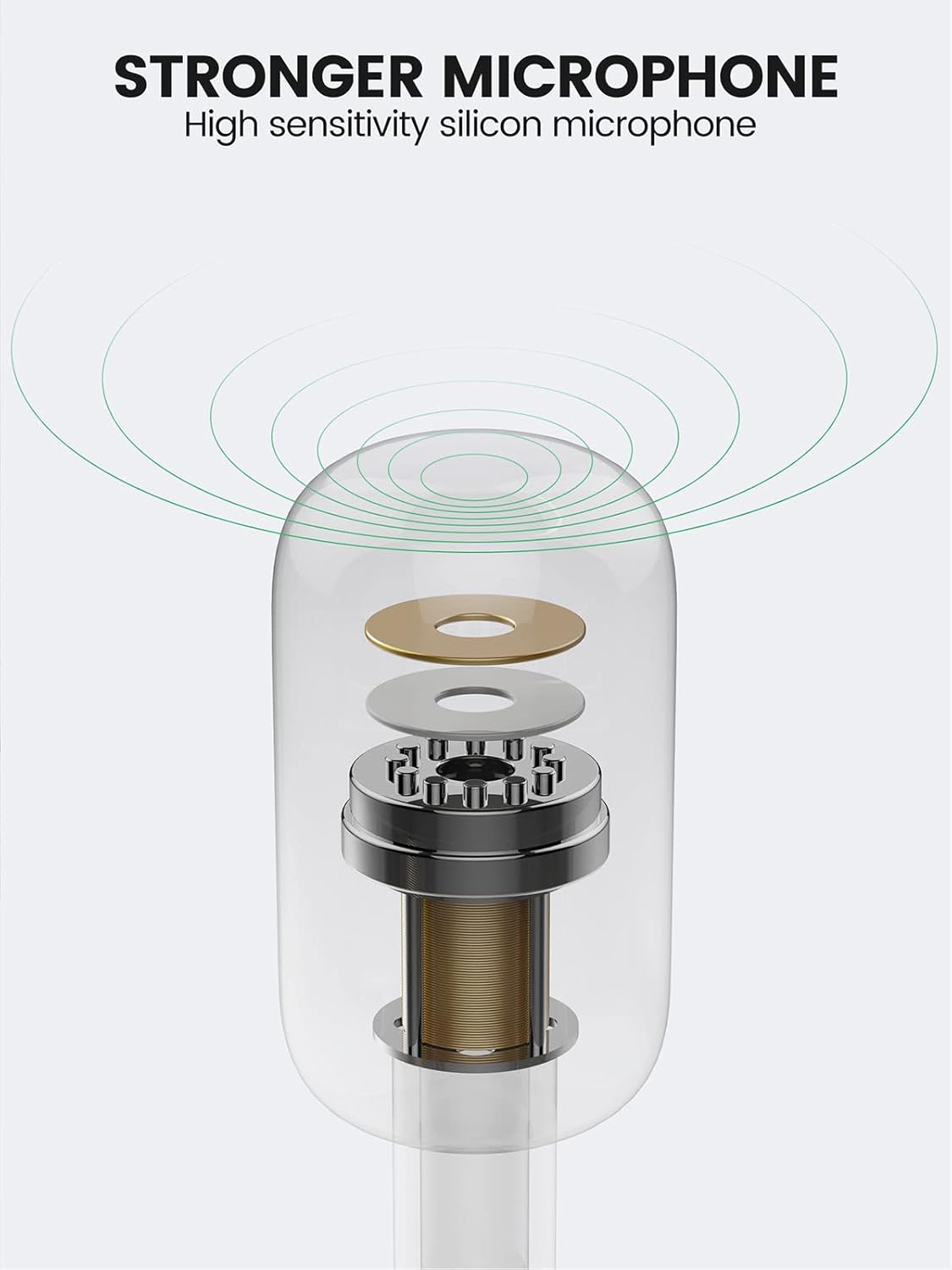
Image 2.2: Diagram illustrating the high-sensitivity silicon microphone component for clear audio capture.

Image 2.3: Visual representation of the adapter's wide applicability, connecting to various audio systems with Aux input, including car stereos, home speakers, laptops, and tablets.
3. Pakkens indhold
Kontroller venligst pakken for at sikre, at alle varer er til stede:
- Maedhawk Aux Bluetooth 5.3 Receiver (MG-BT500)
Note: Additional accessories such as USB power adapters are not included and must be provided by the user.
4. Opsætningsvejledning
Follow these simple steps to set up your Maedhawk Aux Bluetooth 5.3 Receiver:
- Tilslut modtageren: Plug the 3.5mm audio jack of the receiver into your car's AUX input or your home stereo/speaker's 3.5mm audio input.
- Sørg for strøm: Insert the USB plug of the receiver into a USB power port (e.g., car USB port, USB charger, or power bank). The device will power on automatically.
- Aktiver Bluetooth: On your mobile device (smartphone, tablet, etc.), go to the Bluetooth settings and enable Bluetooth.
- Par med enhed: Look for "Maedhawk BT500" in the list of available Bluetooth devices and select it to pair. Once connected, the indicator light on the receiver will typically turn solid blue.

Image 4.1: Visual guide showing the three steps for setup: inserting the receiver into the car's AUX and USB ports, activating phone Bluetooth, and connecting to the device.
5. Betjeningsvejledning
5.1. Musikafspilning
Once successfully paired, you can play music from your Bluetooth-enabled device. The audio will be transmitted wirelessly to your car stereo or home speaker system through the 3.5mm AUX input.
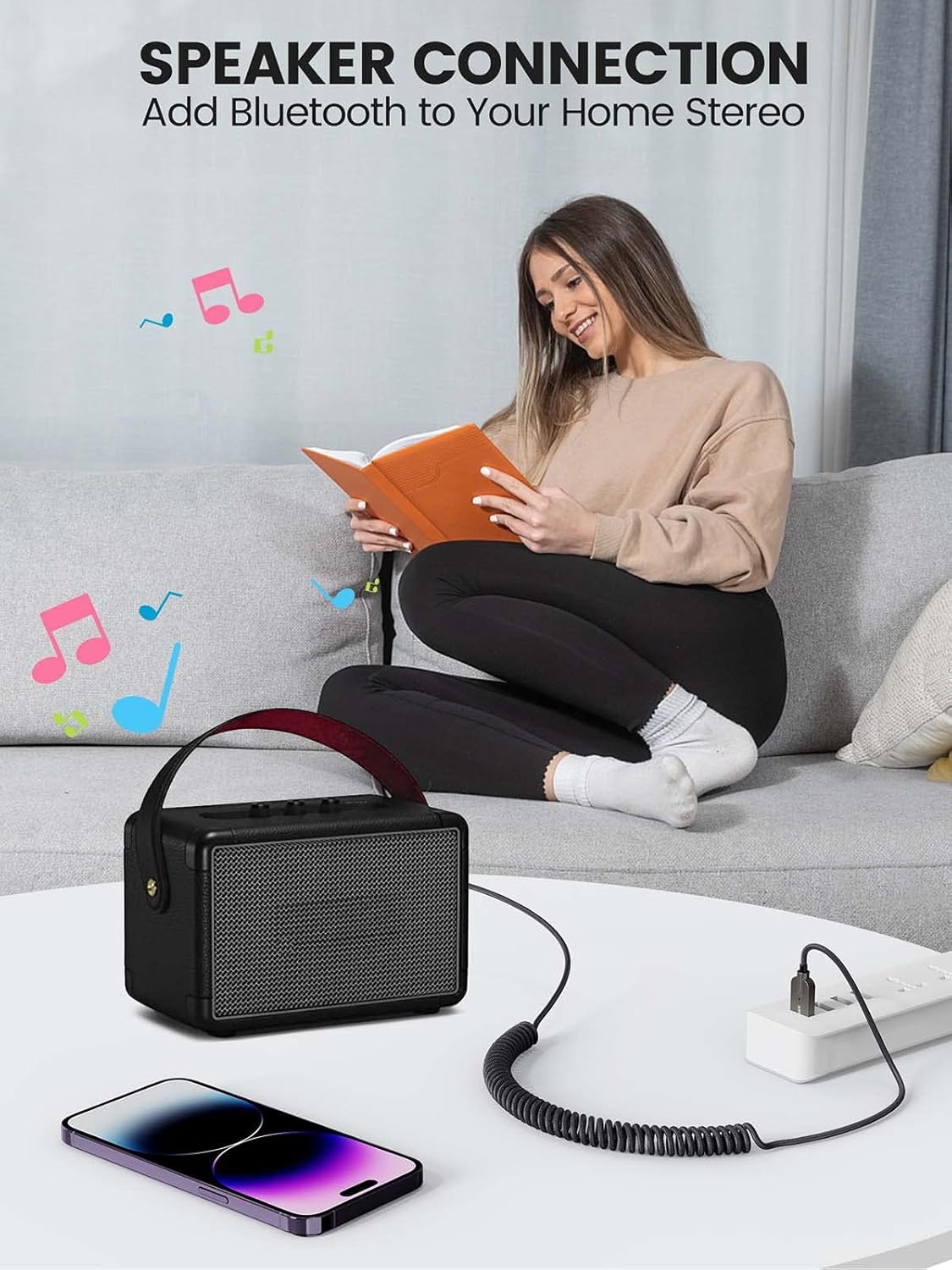
Billede 5.1: Eks.ample of connecting the Bluetooth receiver to a home speaker system, enabling wireless audio streaming from a smartphone.
5.2. Håndfri opkald
When a call comes in, the receiver will automatically switch to call mode. You can answer calls through the connected audio system. The built-in microphone will pick up your voice, and the noise reduction technology will help ensure clear communication.
5.3. Automatisk genforbindelse
The Maedhawk Aux Bluetooth 5.3 Receiver is designed to automatically reconnect to the last paired device when it is powered on. This feature is particularly convenient for car use, as it connects automatically when you start your vehicle.

Image 5.2: Diagram illustrating the automatic reconnection feature, showing the receiver connecting to a smartphone upon power-on.
6. Vedligeholdelse
To ensure the longevity and optimal performance of your Maedhawk Aux Bluetooth 5.3 Receiver, please follow these maintenance guidelines:
- Rensning: Brug en blød, tør klud til at rengøre enheden. Brug ikke flydende rengøringsmidler eller aerosoler.
- Opbevaring: Opbevar enheden et køligt, tørt sted væk fra direkte sollys og ekstreme temperaturer.
- Håndtering: Avoid dropping the device or subjecting it to strong impacts. Do not attempt to disassemble or modify the receiver, as this will void the warranty.
- Kabelpleje: Handle the coiled cable gently to prevent damage or kinks.
7. Fejlfinding
If you encounter issues with your Maedhawk Aux Bluetooth 5.3 Receiver, refer to the following common problems and solutions:
| Problem | Mulig årsag | Løsning |
|---|---|---|
| Enheden tænder ikke. | No power from USB port or faulty USB port. | Ensure the USB port is functional and providing power. Try a different USB port or power source. |
| Kan ikke parres med telefonen. | Bluetooth not enabled on phone; device already paired; out of range. | Ensure Bluetooth is enabled on your phone. Turn off and on the receiver. Move closer to the receiver. Forget previous pairings on your phone and try again. |
| Ingen lydudgang. | Incorrect AUX input selected; volume too low; loose connection. | Verify that your car stereo or home stereo is set to the correct AUX input. Increase volume on both your phone and the audio system. Ensure the 3.5mm jack is fully inserted. |
| Dårlig lydkvalitet eller statisk støj. | Interference; device too far from phone; low quality audio source. | Move your phone closer to the receiver. Avoid placing the receiver near strong electromagnetic interference sources. Try a different audio source. |
| Hands-free call quality is poor. | Mikrofon blokeret; overdreven baggrundsstøj. | Ensure the microphone on the receiver is not covered. Reduce background noise in the environment. |
8. Specifikationer
| Feature | Detalje |
|---|---|
| Modelnummer | MG-BT500 |
| Mærke | MaedHawk |
| Forbindelsesteknologi | Bluetooth 5.3 |
| Lydudgang | 3.5 mm AUX-stik |
| Strømindgang | USB (5 volt) |
| Kompatible enheder | Car audio systems, speakers, iOS devices, Android devices, amplifiers, laptops, tablets |
| Wireless Range | Op til 15 meter |
| Kabellængde | 0.5M-1.5M (spring design) |
| Materiale | Zinc alloy shell, nylon braided cable |
| Farve | Sølvfarvet |
9. Garanti og support
The Maedhawk Aux Bluetooth 5.3 Receiver comes with a 1 års producentgaranti. Denne garanti dækker fejl i materialer og udførelse ved normal brug.
For technical support, warranty claims, or any inquiries regarding your product, please contact MaedHawk customer service through the retailer where you purchased the product or visit the official MaedHawk brand store online.
Gem venligst din købsbevis af garantihensyn.
Ask a question about this manual
Ask about setup, troubleshooting, compatibility, parts, safety, or missing instructions. Manuals+ will review the question and use this page’s manual context to help answer it.