
Indledning
This manual provides detailed instructions for the setup, operation, and maintenance of your Sharp SPC483 Digital Alarm Clock. Please read this guide thoroughly to ensure proper use and to maximize the clock's features. This battery-operated alarm clock features a tactile rubberized finish, a clear LCD display with an on-demand blue backlight, and an ascending alarm for a gentle wake-up.
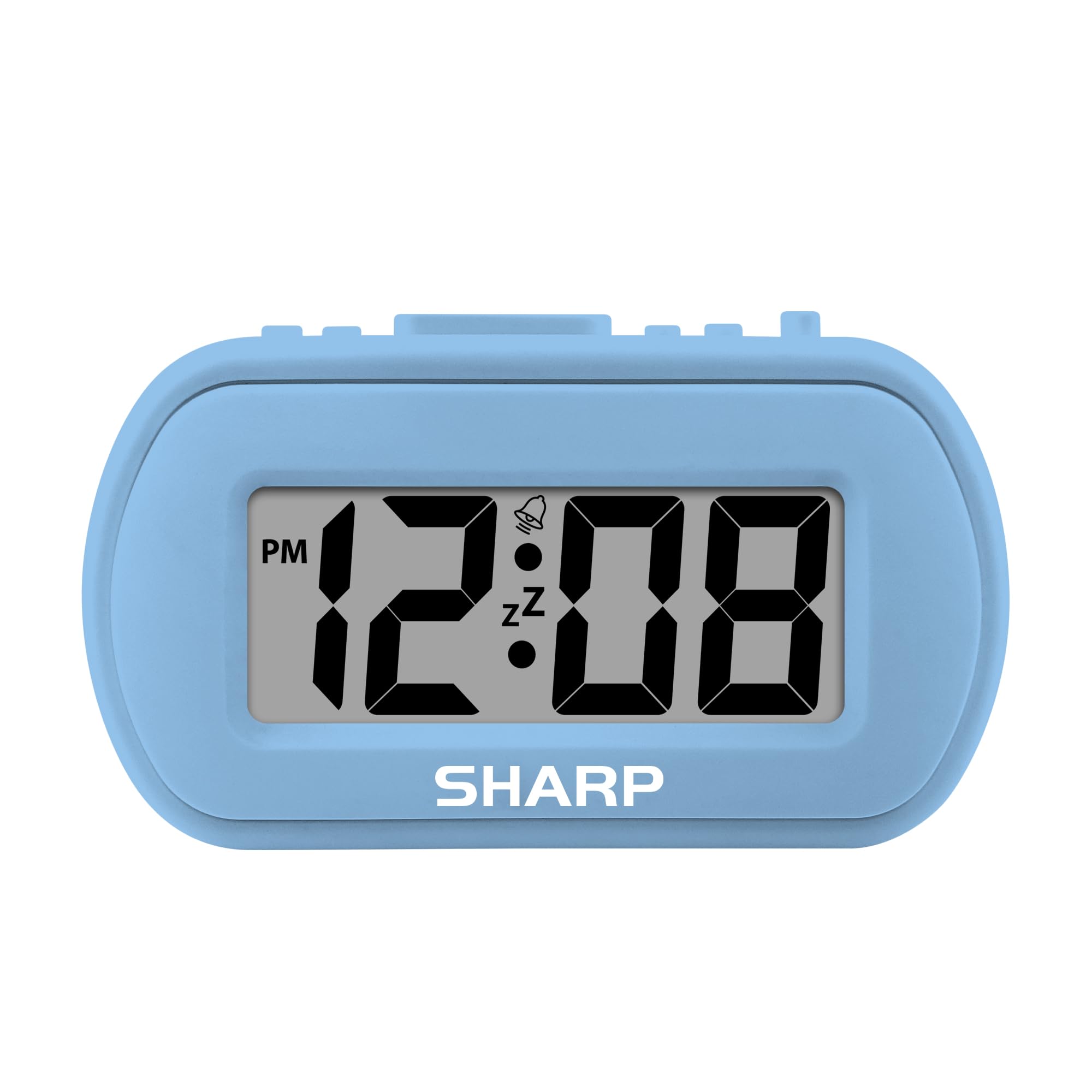
Image: The Sharp SPC483 Digital Alarm Clock, showcasing its compact design and clear digital display.
Produkt overview
The Sharp SPC483 Digital Alarm Clock is designed for simplicity and portability. Its key features include:
- Tactile Rubberized Case: Provides a comfortable grip and durable protection.
- Large 1-inch LCD Display: Ensures easy readability from a distance.
- Batteridrevet: Requires 2 AAA batteries (not included), offering cordless convenience.
- On-Demand Blue Backlight: Illuminates the display for 5 seconds when activated, ideal for night viewing.
- Stigende alarm: Starts softly and gradually increases in volume.
- 5-minutters snooze: Allows for additional rest before the alarm sounds again.
- Kompakt størrelse: Measures approximately 4 inches (L) x 1.7 inches (W) x 2.3 inches (H), making it suitable for travel or small spaces.

Image: Key features of the Sharp SPC483 Digital Alarm Clock, including its display, finish, backlight, and alarm type.
Opsætning
1. Batteriinstallation
- Find batteridækslet på bagsiden af uret.
- Skub dækslet af.
- Isæt to (2) nye AAA-batterier, og sørg for at polerne (+ og -) vender korrekt som angivet i batterirummet.
- Sæt batterirummets dæksel på igen.

Image: Top controls of the Sharp SPC483 Digital Alarm Clock, indicating button functions for time and alarm settings.
2. Indstilling af tid
- Tryk og hold på TIDSINDSTILLING button (labeled 'AL. TIME' on the left side) until the hour digits begin to flash.
- Tryk på HR button to adjust the hour. Note the PM indicator for afternoon hours.
- Tryk på MIN knappen for at justere minutterne.
- Tryk på TIDSINDSTILLING button again to confirm the time and exit time setting mode.
Betjeningsvejledning
1. Indstilling af alarmen
- Tryk og hold på ALARM SÆT button (labeled 'AL. TIME' on the left side, same button as time set but a short press will show alarm time, long press for setting) until the alarm hour digits begin to flash.
- Tryk på HR knappen for at justere alarmtiden.
- Tryk på MIN knappen for at justere alarmens minutter.
- Tryk på ALARM SÆT knappen igen for at bekræfte alarmtidspunktet.
- For at aktivere alarmen skal du skubbe ALARM TIL / FRA switch (on the right side) to the 'ON' position. An alarm icon will appear on the display.
- For at slukke alarmen skal du skubbe ALARM TIL / FRA switch to the 'OFF' position. The alarm icon will disappear.
2. Snooze-funktion
Når alarmen lyder, skal du trykke på den store SNOOZE/BAGSLYS button located on the top center of the clock. The alarm will pause for approximately 5 minutes before sounding again. This can be repeated multiple times.
3. On-Demand Blue Backlight
For at oplyse displayet under dårlige lysforhold skal du trykke på SNOOZE/BAGSLYS button. The blue backlight will activate for 5 seconds and then automatically turn off to conserve battery life.
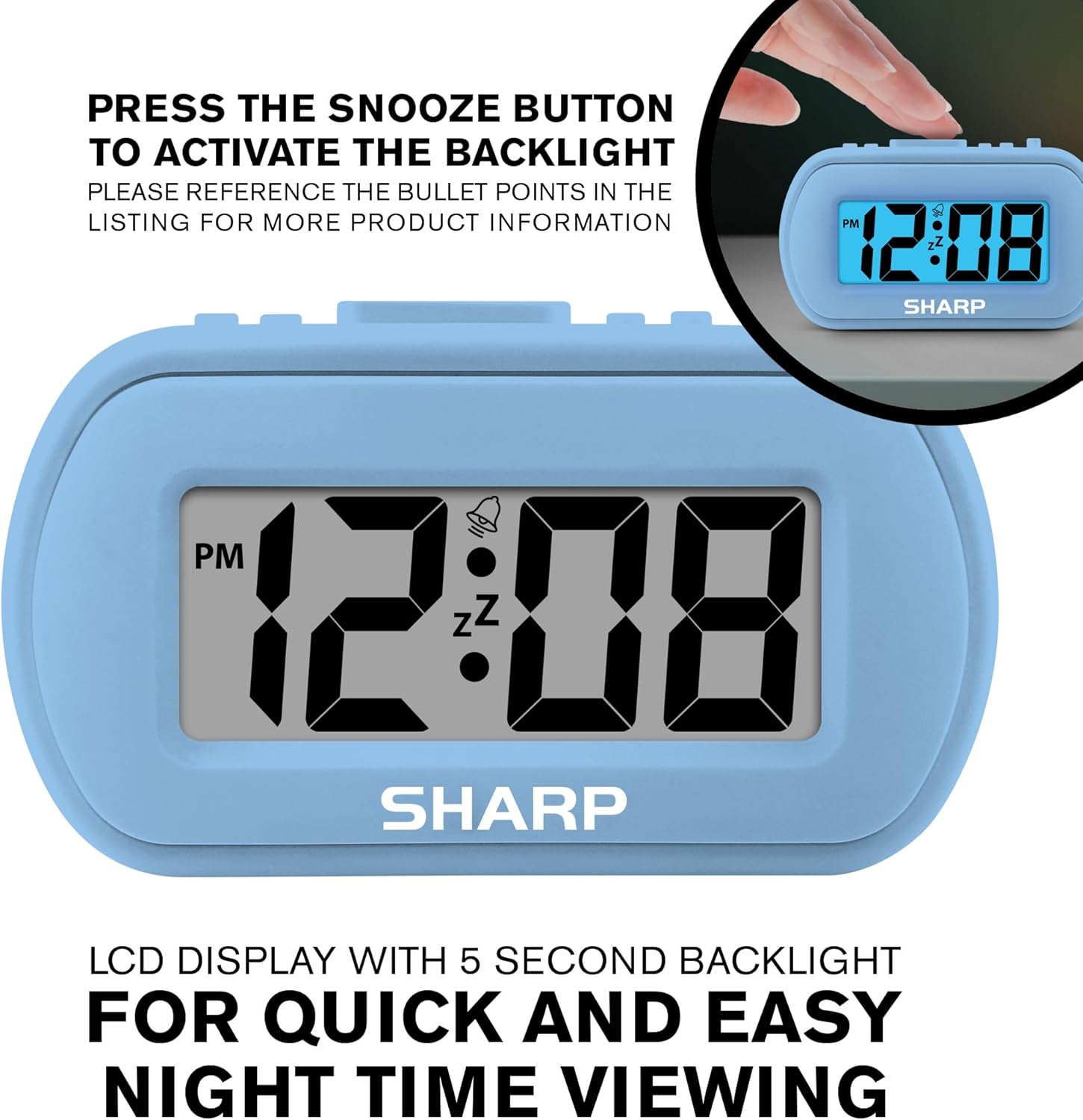
Image: The clock display illuminated by its blue backlight for easy viewi mørket.
4. Officiel produktvideo
Video: En officiel produktvideoasing the Sharp Digital Alarm Clock in Light Blue, demonstrating its features and ease of use.
Opretholdelse
To ensure the longevity and optimal performance of your Sharp SPC483 Digital Alarm Clock, follow these maintenance guidelines:
- Rensning: Wipe the clock with a soft, dry cloth. Avoid using abrasive cleaners or solvents, as they may damage the finish or display.
- Udskiftning af batteri: Replace batteries when the display becomes dim or the clock stops functioning. Always replace both batteries at the same time with new AAA batteries.
- Opbevaring: If storing the clock for an extended period, remove the batteries to prevent leakage and potential damage.
- Miljø: Hold uret væk fra ekstreme temperaturer, direkte sollys og høj luftfugtighed.
Fejlfinding
| Problem | Løsning |
|---|---|
| Skærmen er tom eller svag. | Check battery installation. Replace with new AAA batteries if necessary. Ensure correct polarity. |
| Alarmen lyder ikke. | Ensure the ALARM ON/OFF switch is in the 'ON' position. Verify the alarm time is set correctly. |
| Tidspunktet er forkert. | Reset the time using the 'Setting the Time' instructions. Check battery strength. |
| Backlight does not activate. | Ensure batteries are fresh. The backlight is on-demand and only stays on for 5 seconds. |
Specifikationer
- Modelnummer: SPC483
- Skærmtype: Digital LCD
- Strømkilde: Batteridrevet (2 x AAA-batterier, medfølger ikke)
- Produktdimensioner: 4 tommer (L) x 1.7 tommer (B) x 2.3 tommer (H)
- Særlige funktioner: Ascending Alarm, 5-Minute Snooze, On-Demand Blue Backlight
- Etui materiale: gummibelagt
- Værelsestype: Bedroom, Travel

Image: Dimensions of the Sharp SPC483 Digital Alarm Clock, illustrating its compact size.
Garanti og support
For garantioplysninger eller teknisk support henvises til den dokumentation, der fulgte med dit køb, eller besøg den officielle Sharp-side. webwebsted. Gem din købsbevis i tilfælde af garantikrav.