
Cuifati Cuifatiaezhyt8m57
Cuifati Light Bulb Security Camera User Manual
Model: Cuifatiaezhyt8m57
Indledning
The Cuifati Light Bulb Security Camera is a versatile home security solution designed for both indoor and outdoor use. Featuring 1080P HD resolution and 5MP video capture, it provides clear surveillance day and night. Its unique E27 bulb base design allows for easy installation without complex wiring. The camera supports 2.4G and 5G Wi-Fi connectivity, offers two-way audio communication, and includes intelligent motion detection with real-time app notifications.

Billede: Hovedbillede view of the Cuifati Light Bulb Security Camera, showcasing its compact design and E27 base.
Produktegenskaber
- Understøttede enheder: Access live streams via iOS and Android phones, and iOS tablets.
- HD-video: 1080P ultra high definition with 5MP video capture, providing clear visuals even in low light conditions.
- Nem installation: Installs directly into a common E27 bulb base (110V-240V), eliminating complex wiring.
- Tovejs lyd: Built-in microphone and speaker enable real-time communication with individuals near the camera.
- Bevægelsesdetektion: Automatically detects human motion and sends instant notifications to your mobile application, allowing for immediate viewing of detected activity.
- Dual-band Wi-Fi: Connects to both 2.4G and 5G Wi-Fi networks for flexible and stable connectivity.
- Kompakt design: Designed to be discreetly installed in various locations, ideal for monitoring homes, pets, or offices.
- Strømindstillinger: Can be powered continuously via a 5V 1A USB port or utilize its built-in 200mA battery for approximately 60 minutes of use. For extended recording, it can be connected to an external 1000mAh battery pack (not included) for up to 30 hours.
- Indendørs/udendørs brug: IP67 rating ensures durability for both indoor and outdoor environments.

Image: Illustrates the camera's advanced image sensor, highlighting 1080P HD resolution and a 160° wide viewing angle for clear picture quality.

Image: Depicts the camera's two-way audio capability, allowing for interactive communication.

Image: Shows the camera's motion detection feature, indicating its ability to alert users to activity.
Installation og opsætning
Follow these steps to properly install and set up your Cuifati Light Bulb Security Camera:
- 1. Sluk: Ensure the power to the E27 bulb socket is turned off before installation.
- 2. Screw In: Gently screw the Cuifati Light Bulb Security Camera into a standard E27 light bulb socket. Ensure it is securely fastened.
- 3. Tænd: Genopret strømmen til E27-fatningen. Kameraet vil tænde og starte sin opstartssekvens.
- 4. Download app: Download the designated mobile application (compatible with Android and iOS) from your device's app store. Refer to the product packaging or included quick start guide for the specific app name.
- 5. Opret forbindelse til Wi-Fi: Open the app and follow the on-screen instructions to connect the camera to your 2.4G or 5G Wi-Fi network. Ensure your mobile device is connected to the same Wi-Fi network during the initial setup.
- 6. Konfiguration: Complete the in-app setup, including setting up motion detection preferences and notification settings.

Image: Demonstrates the simple installation process of screwing the camera into a standard E27 light bulb base.
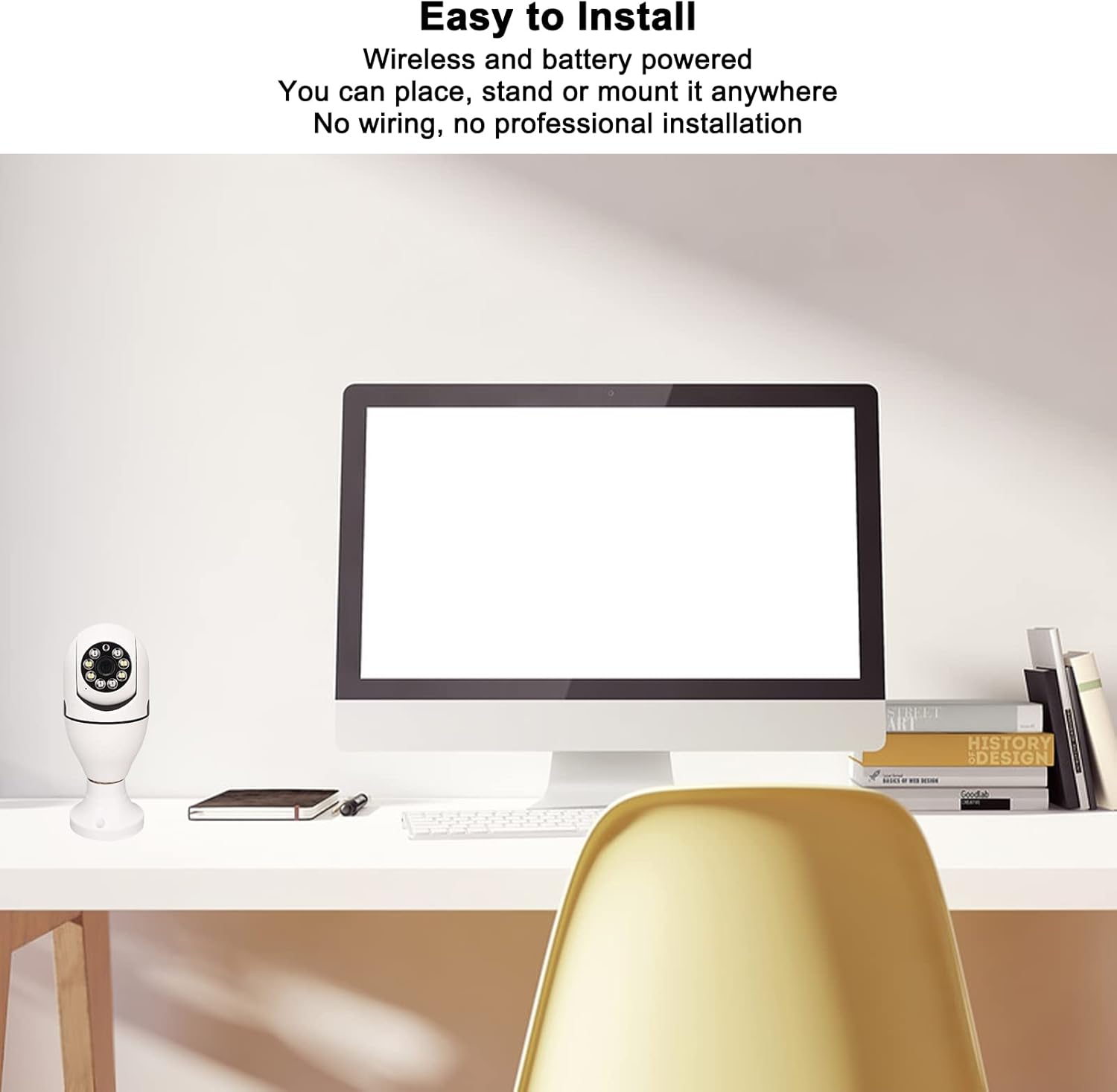
Image: Shows the camera's versatility in placement, emphasizing its wireless and easy-to-install nature without complex wiring.
Betjeningsvejledning
Once your camera is installed and connected, you can begin monitoring and interacting with your environment using the mobile application.
- Levende View: Open the mobile application to access the live video feed from your camera at any time. You can pan and tilt the camera view within the app if supported by the model.
- Tovejs lyd: Use the microphone icon within the app to speak through the camera's speaker, and listen to audio from the camera's built-in microphone. This allows for real-time conversations.
- Bevægelsesadvarsler: When motion is detected, you will receive real-time notifications on your mobile device. Tap the notification to view the recorded event or live feed instantly.
- Indspilning: The camera automatically records events triggered by motion detection. Review optaget footage through the app's playback feature, typically stored on a microSD card (not included) or cloud storage (subscription may be required).

Image: Illustrates a practical use of the two-way audio function, showing communication between a delivery person and a homeowner.
Vedligeholdelse og pleje
Korrekt vedligeholdelse sikrer dit sikkerhedskameras levetid og optimale ydeevne.
- Rensning: To clean the camera lens and body, gently wipe with a soft, dry cloth. Do not use liquid cleaners, solvents, or abrasive materials, as these can damage the camera's components or finish.
- Firmwareopdateringer: Periodically check the mobile application for available firmware updates. Keeping the firmware updated ensures optimal performance, security enhancements, and access to new features.
- Strømstyring: For continuous operation, ensure the camera is connected to a stable power source via the E27 socket or a 5V 1A USB power supply. If using an external battery pack for extended recording, monitor its charge level to prevent interruptions.
- Miljøbeskyttelse: While rated IP67 for outdoor use, avoid direct exposure to extreme weather conditions like prolonged heavy rain or snow, and ensure the E27 socket area is protected from moisture.
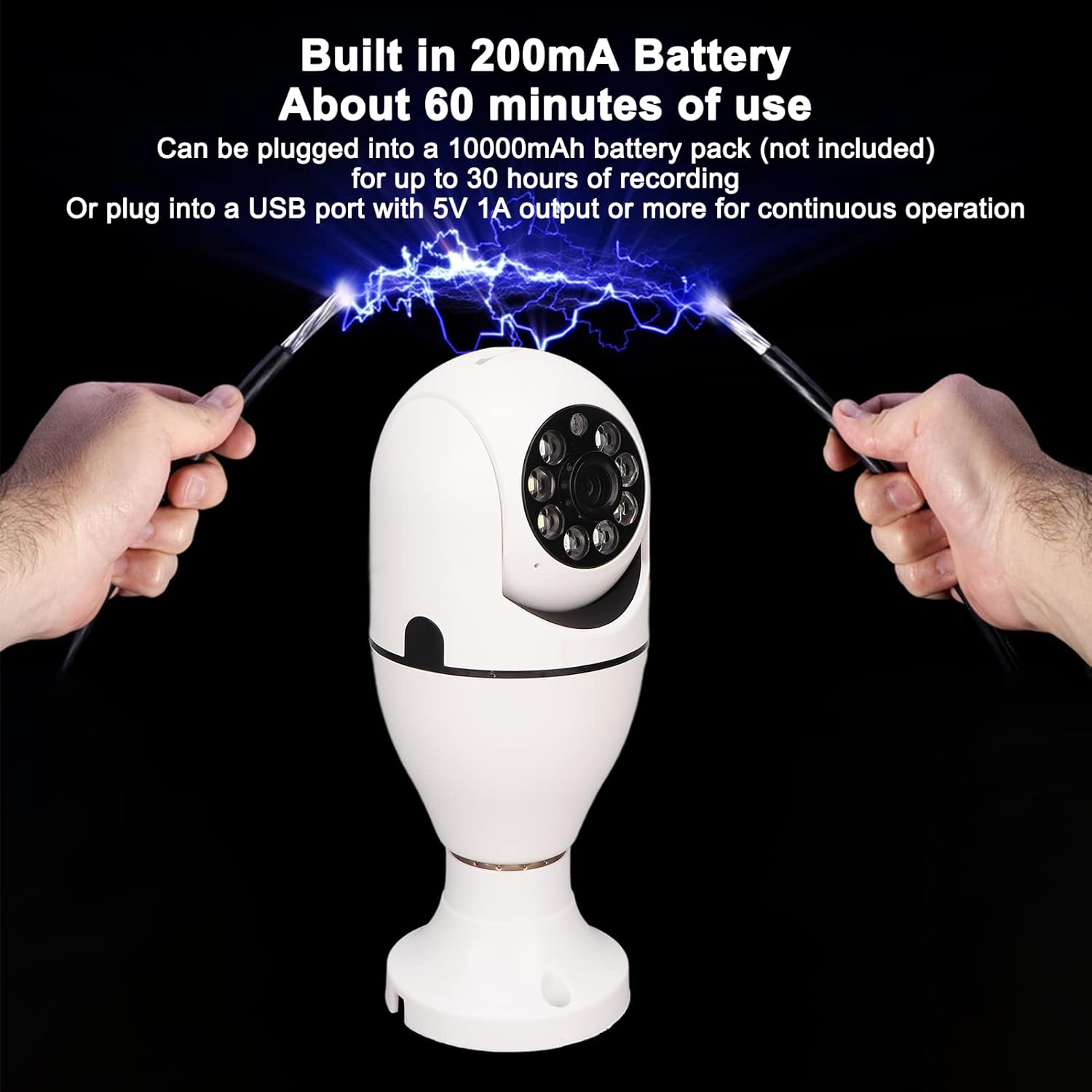
Image: Details the camera's power options, including its built-in battery for short-term use and the ability to connect to an external battery pack or continuous USB power.
Fejlfinding af almindelige problemer
If you encounter any issues with your camera, refer to the table below for common problems and their solutions.
| Problem | Mulig årsag | Løsning |
|---|---|---|
| Kameraet opretter ikke forbindelse til Wi-Fi. | Incorrect Wi-Fi password; camera out of range; router issues. | Ensure the camera is within range of your 2.4G or 5G Wi-Fi router. Verify the Wi-Fi password entered in the app is correct. Restart your router and the camera. |
| Dårlig billedkvalitet. | Dirty lens; weak Wi-Fi signal; insufficient lighting. | Ensure the lens is clean and free from dust or smudges. Check your Wi-Fi signal strength; a weak signal can affect video quality. Ensure adequate lighting for optimal viewing. |
| Bevægelsesdetektionen virker ikke eller er for følsom. | Forkerte følsomhedsindstillinger; forhindringer i view; environmental factors. | Adjust the motion detection sensitivity settings within the mobile application. Ensure the camera's field of view is clear of obstructions that might cause false alerts. |
| Tovejslyden er uklar eller fungerer ikke. | Mobile device volume too low; microphone/speaker obstruction; unstable internet connection. | Check your mobile device's volume settings. Ensure there are no obstructions blocking the camera's microphone or speaker. Verify your internet connection is stable. |
| Kameraet er ofte offline. | Unstable Wi-Fi connection; power interruptions. | Ensure a strong and stable Wi-Fi signal at the camera's location. Check for consistent power supply to the E27 socket. |
Tekniske specifikationer
| Feature | Specifikation |
|---|---|
| Modelnummer | Cuifatiaezhyt8m57 |
| Videooptagelsesopløsning | 5 MP (1080P HD) |
| Billedhastighed | 30 fps |
| Forbindelsesprotokol | Wi-Fi (2.4G og 5G) |
| Strømkilde | Corded Electric (E27 Bulb Base, 110V-240V) |
| Monteringstype | Loftmontering |
| Kompatible enheder | Tablet, smartphone (iOS, Android) |
| Kontrolmetode | App |
| Speciel funktion | Motion Sensor, Two-Way Audio, Night Color Low Light Technology |
| Indendørs/Udendørs brug | Outdoor, Indoor (IP67 Rated) |
| Varens vægt | 8.9 ounce |
| Videooptagelsesformat | AVI |
| Fokus Type | Manuel fokus |
Garanti og kundesupport
Garantioplysninger: This product comes with a standard manufacturer's warranty. Please refer to the product packaging or the seller's information for specific warranty terms and duration. Keep your proof of purchase for warranty claims.
Kundesupport: For technical assistance, troubleshooting, or warranty claims, please contact the Cuifati customer support team. Contact information can typically be found on the product packaging, the official Cuifati webwebstedet eller gennem dit købssted.
Ask a question about this manual
Ask about setup, troubleshooting, compatibility, parts, safety, or missing instructions. Manuals+ will review the question and use this page’s manual context to help answer it.