
Cecotec Bolero Squad I 3100 (Model 02511)
Cecotec Bolero Squad I 3100 FullFlex Induction Hob User Manual
Model: 02511
1. Introduktion
Thank you for choosing the Cecotec Bolero Squad I 3100 FullFlex Induction Hob. This manual provides essential information for the safe and efficient operation, installation, and maintenance of your new appliance. Please read this manual thoroughly before first use and keep it for future reference.

Image 1.1: The Cecotec Bolero Squad I 3100 FullFlex Induction Hob in use, featuring a pot of curry on one of its cooking zones.
2. Sikkerhedsinstruktioner
For at forhindre personskade eller skade på apparatet skal du altid overholde følgende sikkerhedsforanstaltninger:
- Elektrisk sikkerhed: Ensure the appliance is correctly installed by a qualified professional and connected to a properly grounded electrical outlet. Do not use extension cords or adapters.
- Varme og forbrændinger: The hob surface will be hot after use due to residual heat. Avoid touching hot surfaces. Always use oven mitts or pot holders.
- Pan-detektion: The hob features a pan detection system. Only use cookware suitable for induction hobs.
- Children Safety (Kid Lock): This appliance is not intended for use by persons with reduced physical, sensory, or mental capabilities. Keep children away from the appliance during operation and when it is cooling down. Utilize the Børnelås function to prevent accidental activation.
- Rensning: Disconnect the appliance from the power supply before cleaning. Do not use abrasive cleaners or sharp objects that could scratch the glass surface.
- Ventilation: Ensure adequate ventilation around the appliance during installation and operation.

Image 2.1: A padlock icon, indicating the Kid Lock safety feature, which prevents unintended operation by children.
3. Produktfunktioner
The Cecotec Bolero Squad I 3100 FullFlex Induction Hob is equipped with advanced features for a superior cooking experience:
- 9 effektniveauer: Precisely control cooking intensity with 9 distinct power settings, up to a maximum of 7400 W.
- Bridge Zone: Two cooking zones can be combined to form a larger rectangular zone, ideal for griddles or large pots.
- Booster funktion: Provides rapid heating for immediate cooking, significantly reducing boiling times.
- Invisible Slider Touch Control: Intuitive and precise touch and slide controls for easy selection of desired settings.
- Beveled Front: Enhances aesthetics and simplifies cleaning.
- Hold varm funktion: Maintains food at an optimal serving temperature without further cooking.
- Pan Detector: Automatically recognizes suitable cookware placed on the hob and switches off if no pan is detected.
- Stop & Go: Allows pausing cooking and resuming with the same power settings.
- Timer: Program cooking times for perfect results and automatic shut-off.
- Restvarmeindikator: Alerts you when cooking zones are still hot after use, preventing accidental burns.

Image 3.1: Visual representation of the hob's 9 power levels and maximum 7400 W output.

Image 3.2: The induction hob accommodating multiple pans, showcasing the flexibility of the Bridge Zone for larger cookware.
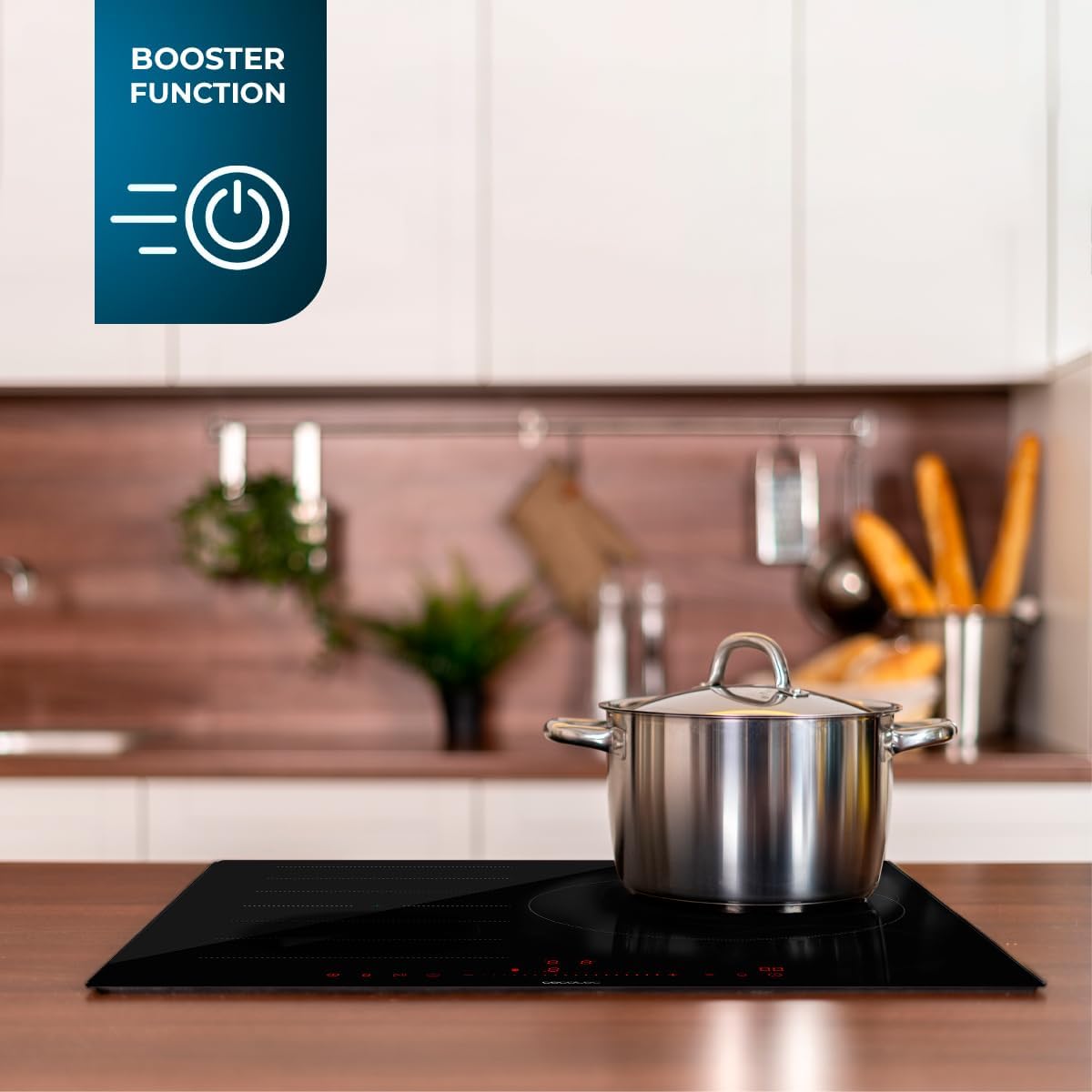
Image 3.3: The hob with a pot, highlighting the 'Booster Function' for rapid heating.
4. Opsætning og installation
The Cecotec Bolero Squad I 3100 FullFlex Induction Hob requires professional installation. Please ensure all local electrical codes and regulations are followed.
4.1. Udpakning og indhold
Carefully unpack the appliance and check for any damage. The package should contain:
- 1 x Cecotec Bolero Squad I 3100 FullFlex Induction Hob
- 1 x Brugermanual (dette dokument)
4.2. Dimensioner og placering
Refer to the product dimensions for proper cutout and cabinet requirements. Ensure sufficient clearance for ventilation.
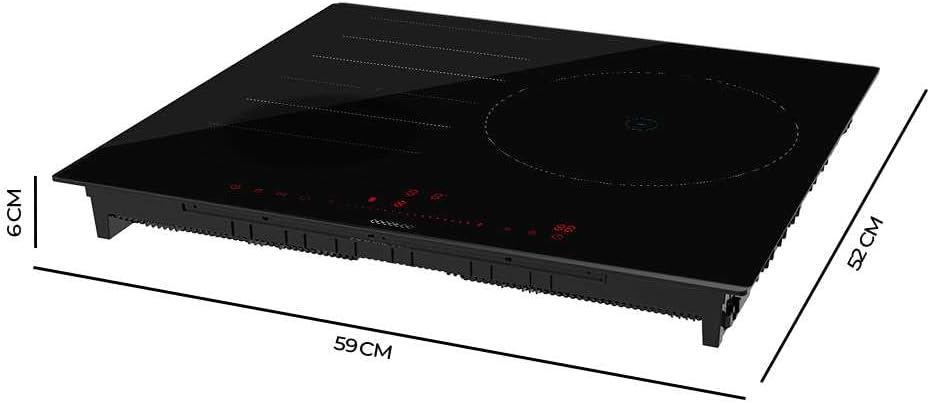
Image 4.1: Dimensional diagram of the induction hob, showing its height (6 cm), depth (52 cm), and width (59 cm).
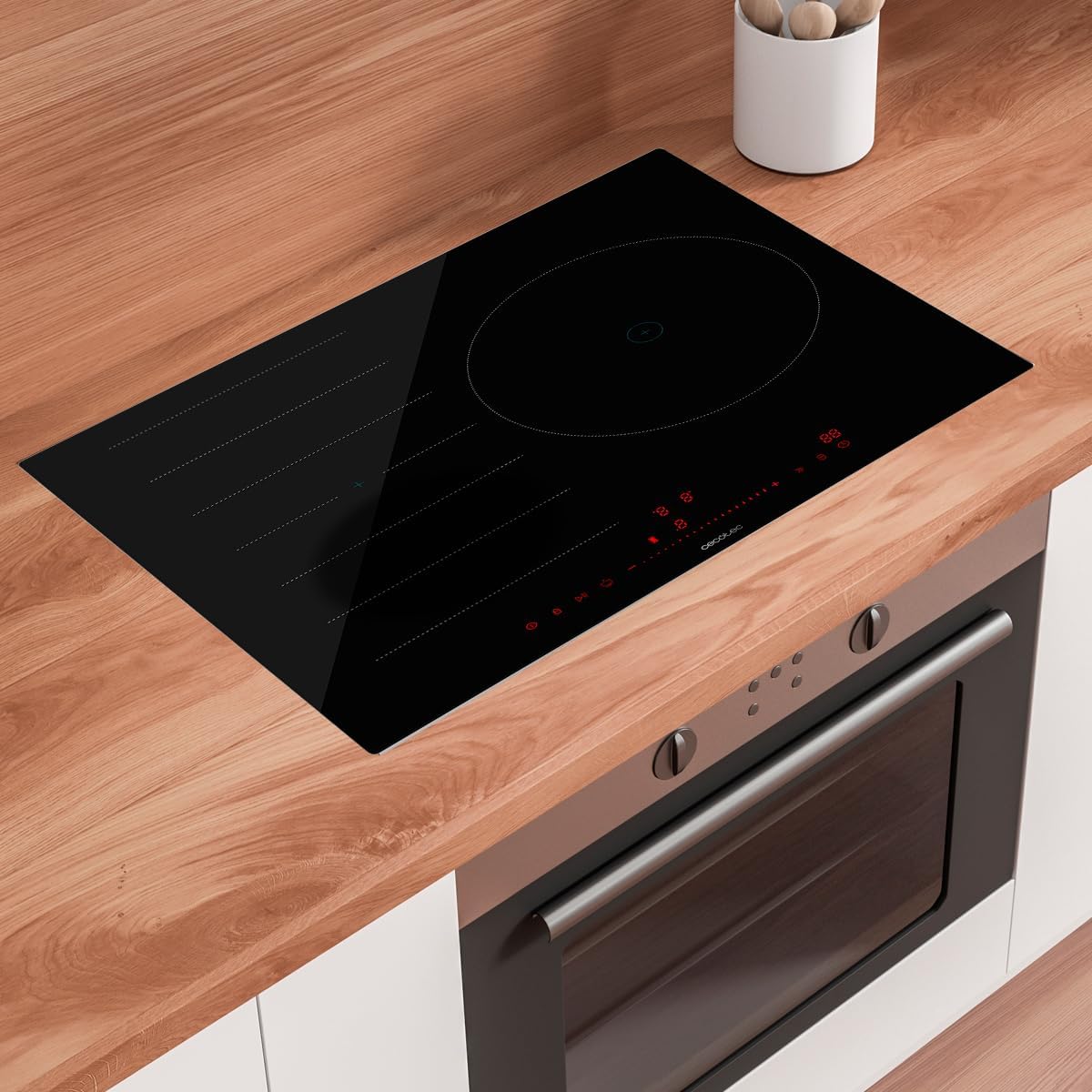
Image 4.2: The induction hob seamlessly integrated into a modern kitchen countertop.
5. Betjeningsvejledning
Gør dig bekendt med betjeningspanelet og funktionerne inden tilberedning.
5.1. Kontrolpanel overview
The hob features an Invisible Slider Touch Control panel. Simply slide your finger along the control bar to adjust settings.

Image 5.1: A hand demonstrating the use of the touch slider control for adjusting hob settings.
5.2. Grundlæggende betjening
- Tænd/sluk: Tryk på strømsymbolet for at tænde eller slukke kogepladen.
- Valg af kogezone: Tap the desired cooking zone indicator.
- Justering af effekt: Use the slider control to select one of the 9 power levels.
5.3. Avancerede funktioner
- Booster funktion: Activate the Booster for rapid heating. This function provides maximum power for a short period.
- Bridge Zone: To activate the Bridge Zone, select both connected cooking zones and press the Bridge Zone button (if available on your model's interface).
- Hold dig varm: Select a cooking zone and activate the Keep Warm function to maintain a low, constant temperature.
- Stop & Go: Press the Stop & Go button to pause cooking. Press it again to resume with the previous settings.
- Timer: Set a cooking duration for any zone. The zone will automatically turn off when the timer expires.
- Børnelås: Press and hold the Kid Lock button to lock the control panel, preventing accidental changes. Repeat to unlock.
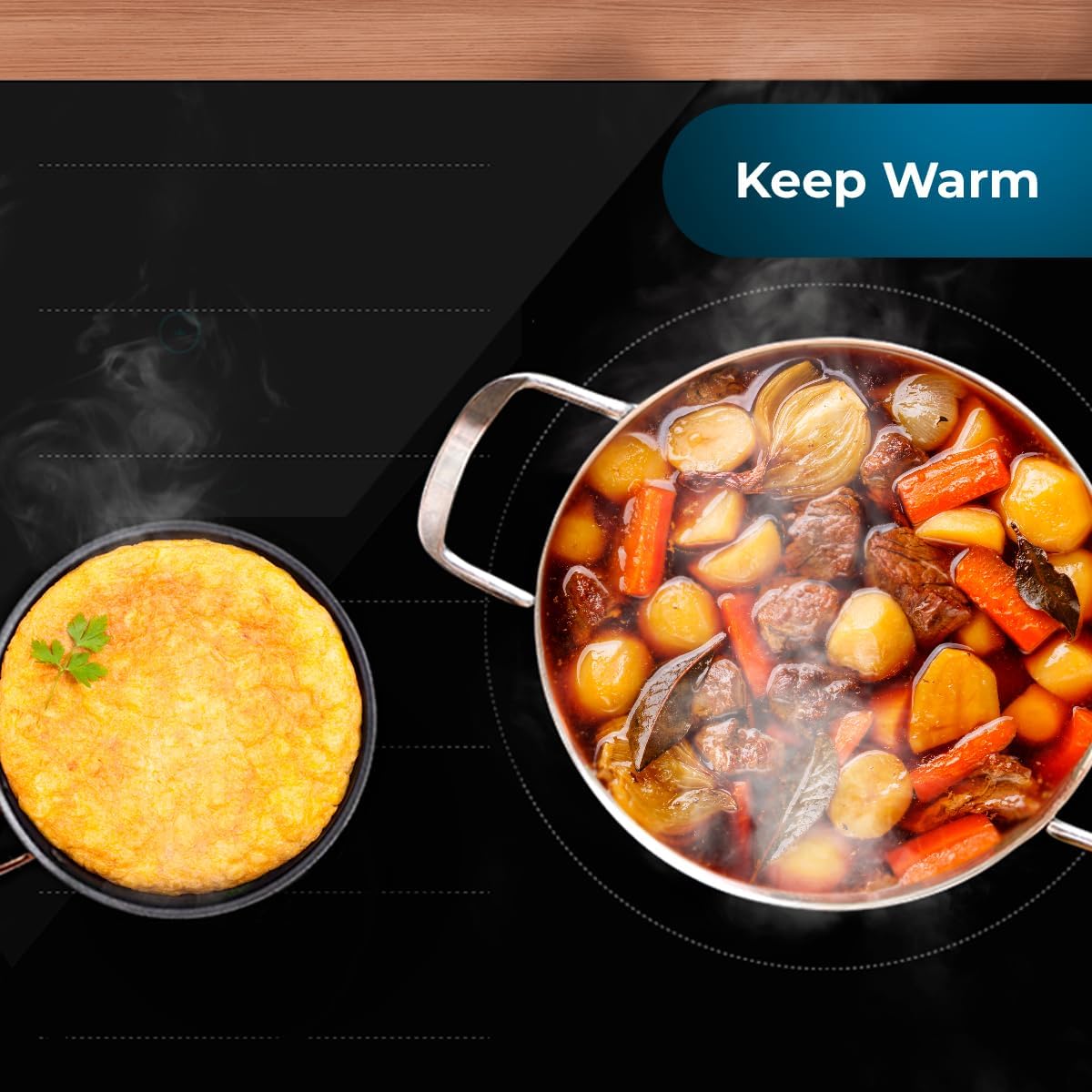
Image 5.2: The hob demonstrating the 'Keep Warm' function, keeping food at an ideal serving temperature.
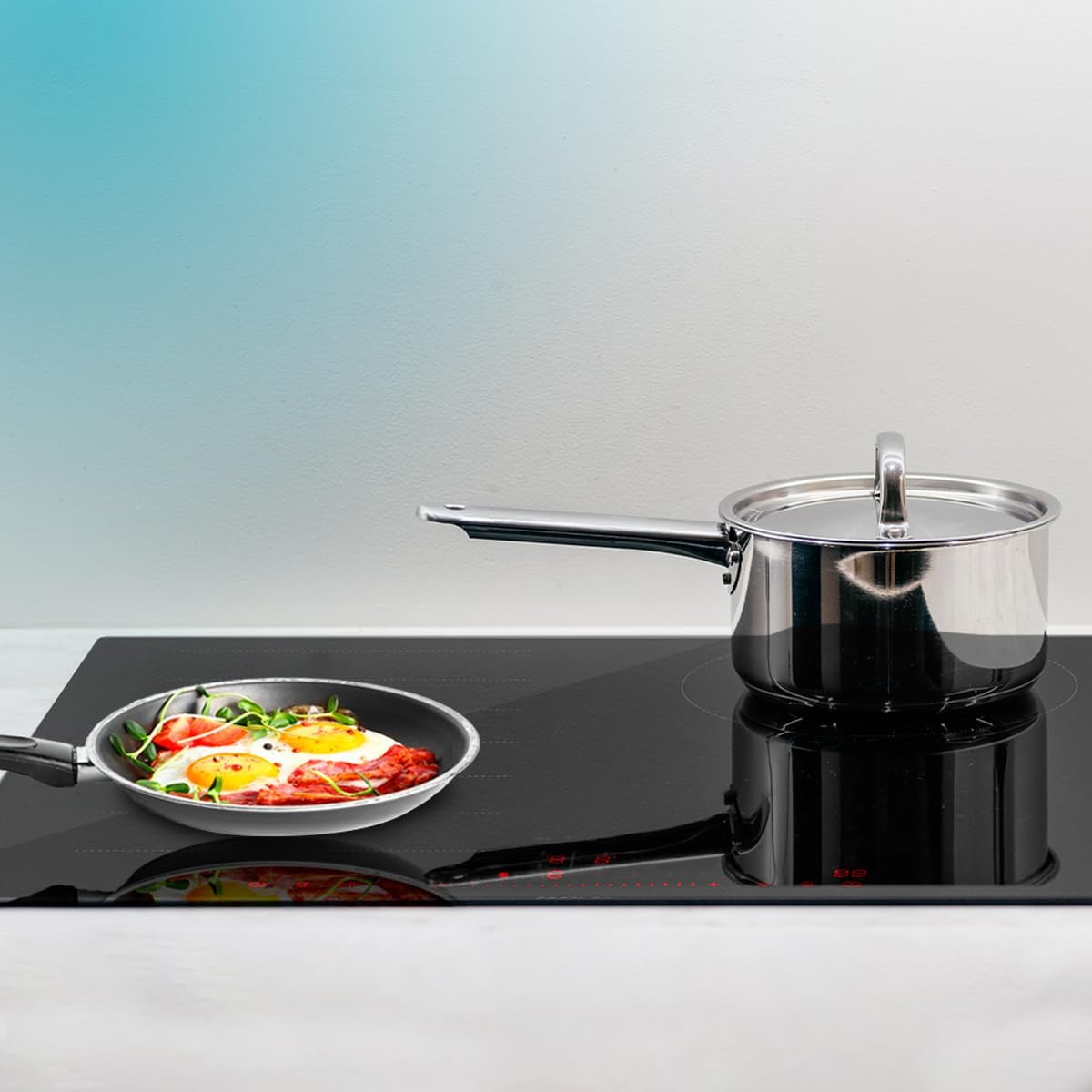
Image 5.3: The hob's pan detection system, which ensures operation only when suitable cookware is present.

Image 5.4: The 'Stop & Go' feature in action, allowing users to pause and resume cooking without losing settings.
6. Vedligeholdelse og rengøring
Regelmæssig rengøring og vedligeholdelse vil sikre din induktionskogeplades lange levetid og optimale ydeevne.
6.1. Cleaning the Glass Surface
- Sørg altid for, at kogepladen er afkølet og frakoblet strømforsyningen, inden den rengøres.
- Tør straks spild af med en blød, damp klæde.
- For stubborn stains, use a ceramic hob cleaner and a non-abrasive sponge.
- Avoid using abrasive pads, harsh chemicals, or steam cleaners.
6.2. Almen pleje
- Do not place hot lids directly on the hob's control panel.
- Undgå at tabe tunge eller skarpe genstande på glasoverfladen.
- Sørg for, at ventilationsåbningerne ikke er blokeret.
7. Fejlfinding
Hvis du støder på problemer med din induktionskogeplade, kan du se følgende almindelige problemer og løsninger:
| Problem | Mulig årsag | Løsning |
|---|---|---|
| Kogepladen tænder ikke. | No power supply; Kid Lock activated; Incorrect installation. | Check power connection; Deactivate Kid Lock; Consult a qualified electrician for installation check. |
| Kogezonen varmer ikke op. | Cookware not suitable for induction; Pan not centered; Pan detector error. | Use induction-compatible cookware; Center the pan on the zone; Ensure pan is flat-bottomed. |
| Kontrolpanelet reagerer ikke. | Spill on controls; Kid Lock activated; Temporary electronic glitch. | Clean the control panel; Deactivate Kid Lock; Disconnect power for a few minutes and reconnect. |
| Unusual noises (humming/clicking). | Normal drift af induktionsteknologi; Køkkengrejskvalitet. | Dette er ofte normalt. Hvis det er for meget, kan du prøve andre typer køkkengrej. |
| Fejlkode vist. | Specifik intern fejl. | Notér fejlkoden, og kontakt kundesupport. |
If the problem persists after attempting these solutions, please contact Cecotec customer support or a qualified service technician.
8. Specifikationer
Detailed technical specifications for the Cecotec Bolero Squad I 3100 FullFlex Induction Hob:
| Specifikation | Værdi |
|---|---|
| Mærke | Cecotec |
| Modelnummer | 02511 |
| Produktdimensioner | 64.5 x 11 x 57 cm; 10.5 kg (Packaging) / 52 x 59 x 6 cm (Unit) |
| Varmeelementer | Multiple (Bridge Zone functionality) |
| Farve | Sort |
| Strømkilde | El-kabel |
| Brændstoftype | Elektrisk |
| Special funktion | Timer |
| Varmelegemets overflademateriale | Hærdet glas |
| Materiale | Glas |
| Brænder type | Induktion |
9. Garanti og support
For warranty information, technical support, or service requests, please refer to the warranty card included with your product or visit the official Cecotec webwebsted. Gem din købsbevis i tilfælde af garantikrav.
Du kan finde mere information og kontaktoplysninger på Cecotec-mærkebutik på Amazon.
Ask a question about this manual
Ask about setup, troubleshooting, compatibility, parts, safety, or missing instructions. Manuals+ will review the question and use this page’s manual context to help answer it.