
1. Introduktion
This document provides essential information for the installation, operation, and maintenance of the WilTec Naturewater NW-1000 Pro RO Reverse Osmosis Replacement Filter. This filter is specifically designed for use with the Naturewater NW-1000 Pro mobile reverse osmosis system.
The RO (Reverse Osmosis) membrane is a critical component of your water purification system, responsible for removing a wide range of contaminants. Regular replacement of this filter ensures the continued high quality and purity of your drinking water.

Image: Freshly purified water being poured into a glass.
2. Sikkerhedsoplysninger
Please read and understand all safety instructions before handling or installing the replacement filter. Failure to follow these instructions may result in property damage or injury.
- Always turn off the water supply to the reverse osmosis system before attempting any filter replacement.
- Disconnect the power supply to the system, if applicable, before maintenance.
- Ensure hands are clean when handling new filters to prevent contamination.
- Dispose of old filters according to local regulations.
- Brug ikke filteret med vand, der er mikrobiologisk usikkert eller af ukendt kvalitet, uden tilstrækkelig desinfektion før eller efter systemet.
3. Produktkomponenter
The Naturewater NW-1000 Pro RO Replacement Filter package includes:
- 1 x Naturewater NW-1000 Pro RO Membrane Filter (Part No. 63458)
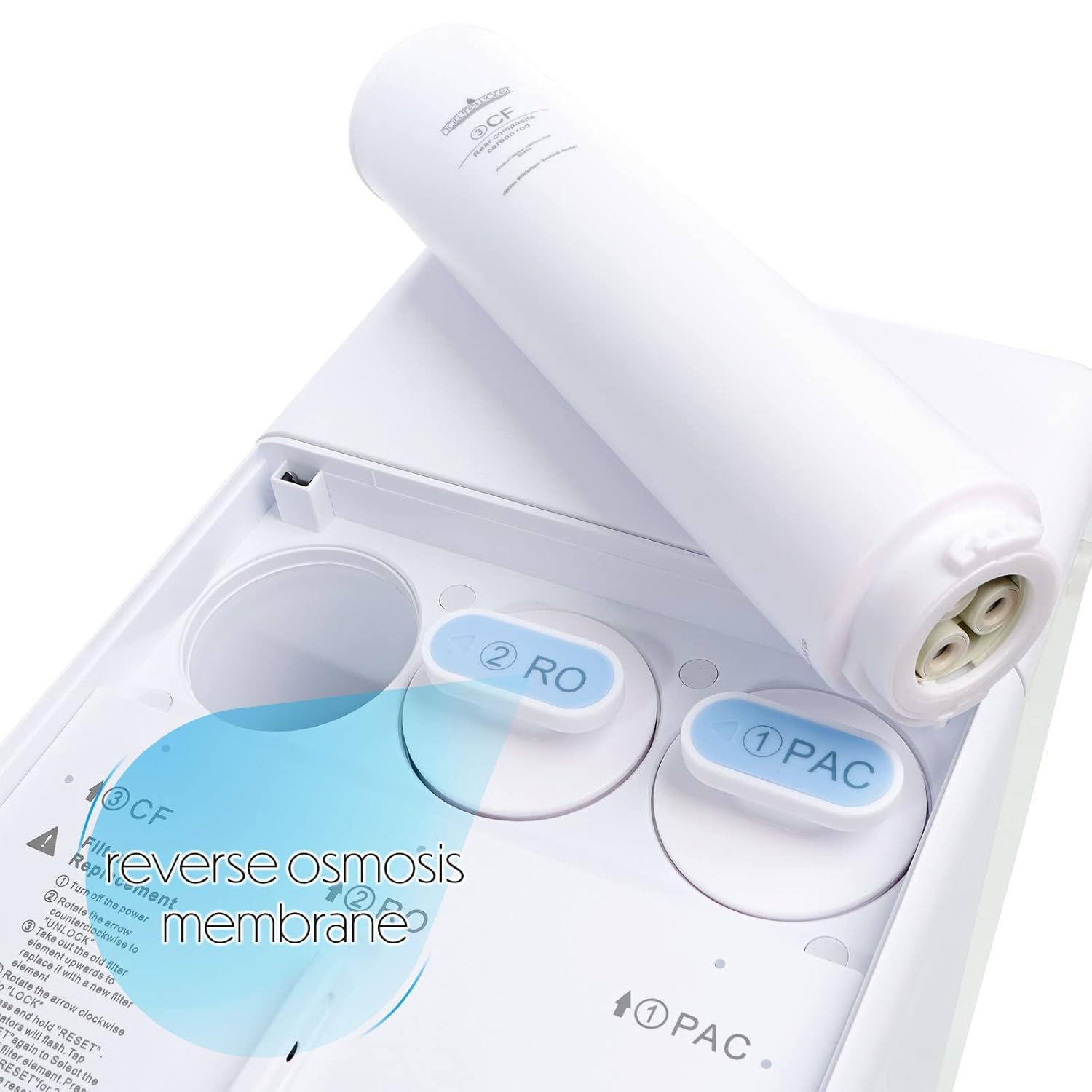
Image: The Naturewater NW-1000 Pro RO Replacement Filter.
4. Installation og filterudskiftning
This section details the process for replacing the RO membrane filter in your Naturewater NW-1000 Pro mobile reverse osmosis system.
- Forbered systemet: Turn off the power to your NW-1000 Pro system and close the water inlet valve to stop the water supply.
- Adgang til filterrum: Open the filter compartment cover on your NW-1000 Pro system. You will see labeled slots for different filters, typically including PAC, RO, and CF.
- Remove Old RO Filter: Locate the filter labeled "RO" (Reverse Osmosis). Gently twist the old RO filter counter-clockwise to unlock it, then pull it out from its housing. Be prepared for some residual water to drain.
- Insert New RO Filter: Remove the new Naturewater NW-1000 Pro RO Replacement Filter from its packaging. Align the new filter with the "RO" slot in the system. Push it in firmly and then twist clockwise to lock it into place. Ensure it is securely seated.
- Luk rum: Luk filterrummets dæksel.
- Genopret vand og strøm: Slowly open the water inlet valve to restore water supply to the system. Plug in and turn on the power to your NW-1000 Pro system.
- Skyl systemet: It is crucial to flush the new filter. Refer to your NW-1000 Pro system's main manual for specific flushing instructions. Typically, this involves running water through the system for a few minutes to remove any air and carbon fines.
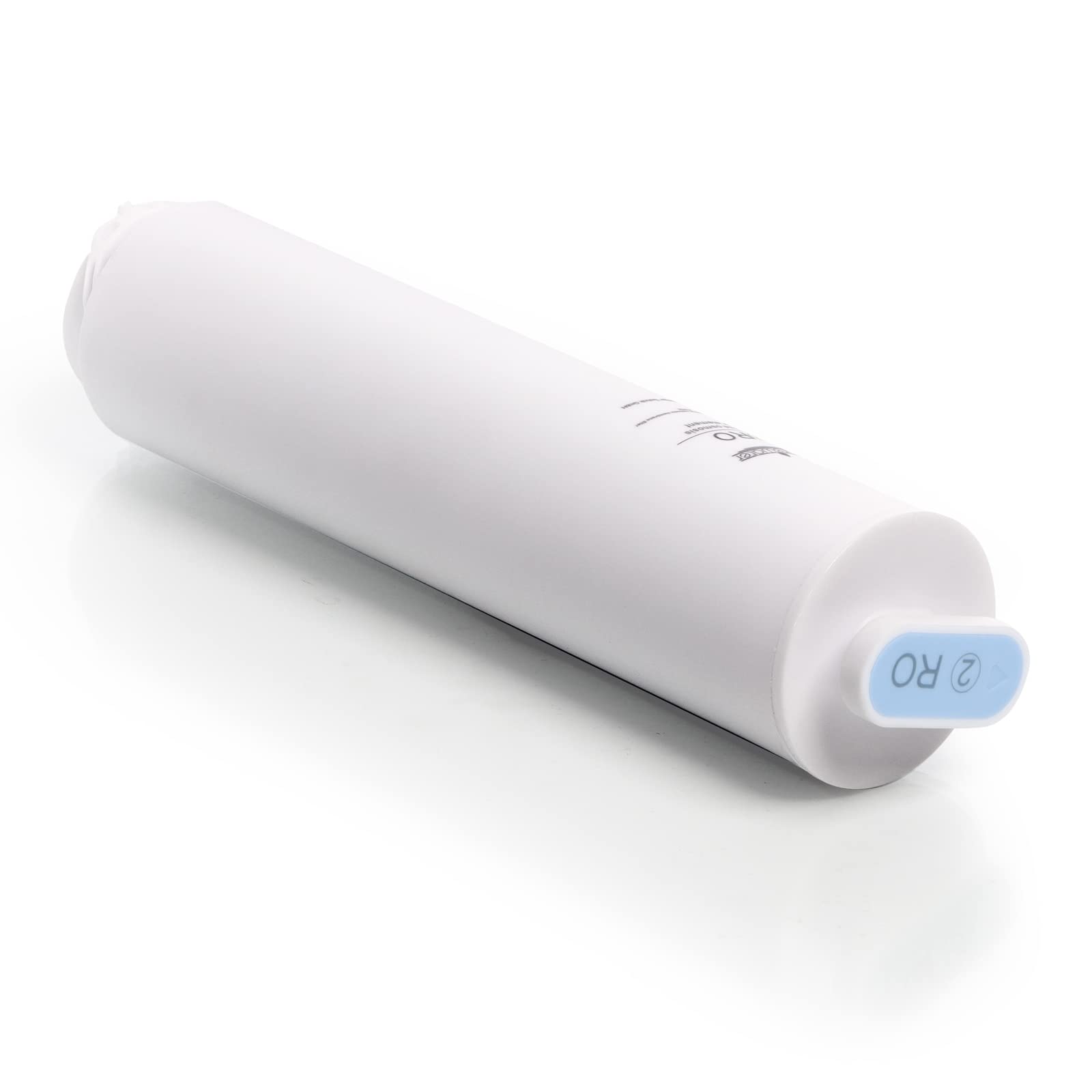
Image: Installation of the RO membrane filter into the system.
5. Driftsprincipper
The Naturewater NW-1000 Pro RO Replacement Filter utilizes reverse osmosis technology to purify water. This process involves forcing water through a semi-permeable membrane with extremely small pores, measuring 0.0001 µm (micrometers).
This fine filtration effectively removes dissolved solids, sediments, and a wide range of contaminants, including:
- Medicine residues
- Tungmetaller
- Chlorine and its byproducts
- Bakterier og vira
- Pesticides and herbicides
The result is highly purified water with significantly reduced Total Dissolved Solids (TDS), improving taste and safety.
%20in%20parts%20per%20million%20(ppm).jpg)
Image: Total Dissolved Solids (TDS) levels and water quality.
6. Vedligeholdelse
The RO membrane filter has a finite lifespan and its effectiveness decreases over time as contaminants accumulate. Regular replacement is crucial for maintaining optimal water quality and system performance.
- Udskiftningsplan: Refer to your Naturewater NW-1000 Pro system's main manual for the recommended RO membrane replacement schedule. This typically depends on water usage and incoming water quality, but generally ranges from 12 to 24 months.
- Indikatorer for udskiftning: Signs that your RO membrane may need replacement include a noticeable decrease in water flow, a decline in water taste or odor, or an increase in the TDS level of the purified water.
- Procedure: Follow the steps outlined in the "Installation and Filter Replacement" section (Section 4) to replace the RO membrane filter.
7. Fejlfinding
If you experience issues with your Naturewater NW-1000 Pro system after replacing the RO filter, consider the following:
- Lav vandgennemstrømning: Ensure the new filter is correctly seated and locked. Check for any kinks in the water lines. If the issue persists, the pre-filters (PAC, CF) might also need replacement.
- Dårlig vandsmag/lugt: Ensure the system was properly flushed after installation. If the taste or odor persists, other filters in the system (PAC, CF) may need to be replaced.
- Lækker: Verify that all connections are tight and the filter is correctly installed and locked. Check O-rings for proper seating.
For more detailed troubleshooting, consult the complete user manual for your Naturewater NW-1000 Pro mobile reverse osmosis system or contact customer support.
8. Specifikationer
| Modelnavn | Naturewater NW-1000 Pro RO Replacement Filter |
| Varenummer | 63458 |
| Mærke | WilTec |
| Dimensioner (L x B x H) | 6.8 x 6.8 x 29 cm (2.68 x 2.68 x 11.42 tommer) |
| Vægt | 480 gram (1.06 lbs) |
| Materiale | Polypropylen (PP) |
| Filtreringspræcision | 0.0001 µm |
| Kompatibelt system | Naturewater NW-1000 Pro Mobile Reverse Osmosis System |
| Speciel funktion | Advanced contaminant removal |
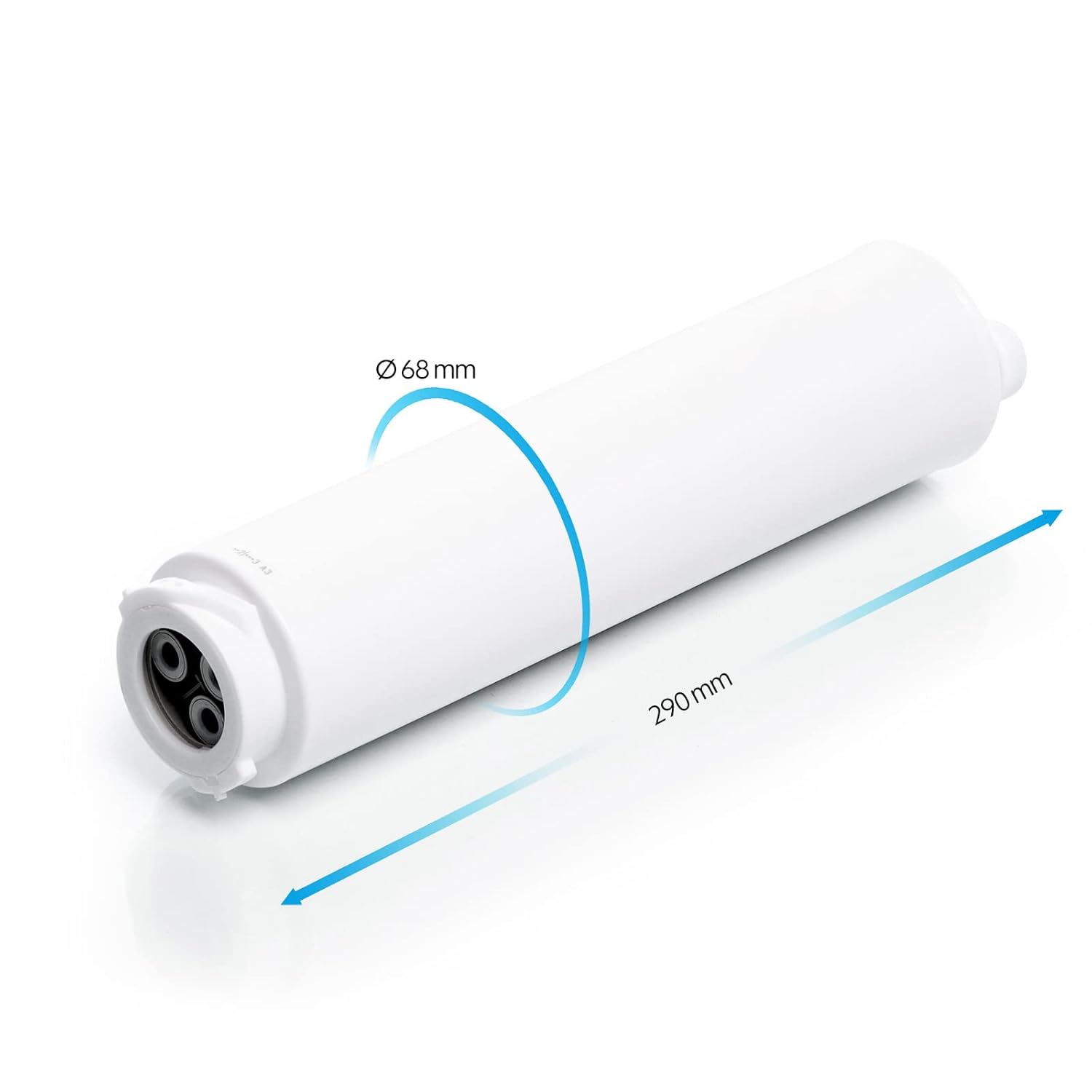
Image: Dimensions of the RO membrane filter.
9. Garantioplysninger
This replacement filter is a consumable item. For specific warranty details regarding manufacturing defects, please refer to the warranty policy provided with your original Naturewater NW-1000 Pro system or contact WilTec customer service. The lifespan of the filter is dependent on usage and water quality and is not covered by a standard warranty against normal wear and tear.
10. Kundesupport
If you have any questions, require technical assistance, or need to purchase additional replacement filters, please contact WilTec customer support. You can find contact information on the official WilTec webwebstedet eller gennem dit oprindelige købssted.
WilTec Wildanger Technik GmbH
Visit the WilTec Store on Amazon