
1. Introduktion
This manual provides detailed instructions for the setup, operation, and maintenance of your BINNIFA Play 6D Sound Bar. Please read this manual thoroughly before using the product to ensure proper function and to maximize your audio experience. Keep this manual for future reference.

Image 1.1: The BINNIFA Play 6D Sound Bar, a sleek, silver-colored audio device designed to enhance television sound.
2. Sikkerhedsoplysninger
- Udsæt ikke soundbaren for regn, fugt eller ekstreme temperaturer.
- Sørg for korrekt ventilation omkring enheden for at forhindre overophedning.
- Åbn ikke c'enasing; overlad al service til kvalificeret personale.
- Brug kun den medfølgende strømadapter.
- Hold soundbaren væk fra stærke magnetfelter.
3. Pakkens indhold
Bekræft at alle varer er til stede i pakken:
- BINNIFA Play 6D Sound Bar
- Fjernbetjening
- AC strømadapter
- Optisk kabel
- Vægmonteringssæt
4. Produktet er slutview
4.1 Forside og top View
Billede 4.1: Forside view of the sound bar, featuring a silver grille and a subtle BINNIFA logo on the left.
4.2 Bagpaneltilslutninger
The rear panel of the sound bar provides various input ports for connecting to your television and other audio sources.

Image 4.2: Close-up of the rear panel showing input ports: Coaxial (COX), Optical (OPT), HDMI ARC, USB, AUX, and DC IN.
5. Opsætning
5.1 Placeringsmuligheder
The BINNIFA Play 6D Sound Bar offers flexible placement options:
- Bordpladeplacering: Place the sound bar on a flat, stable surface directly in front of your television. Ensure it does not obstruct the TV's remote sensor.
- Vægmontering: Use the included wall mounting kits to attach the sound bar to a wall below your television. Refer to the wall mounting template for precise drilling locations.

Image 5.1: The sound bar positioned on a media console beneath a television, demonstrating tabletop placement.
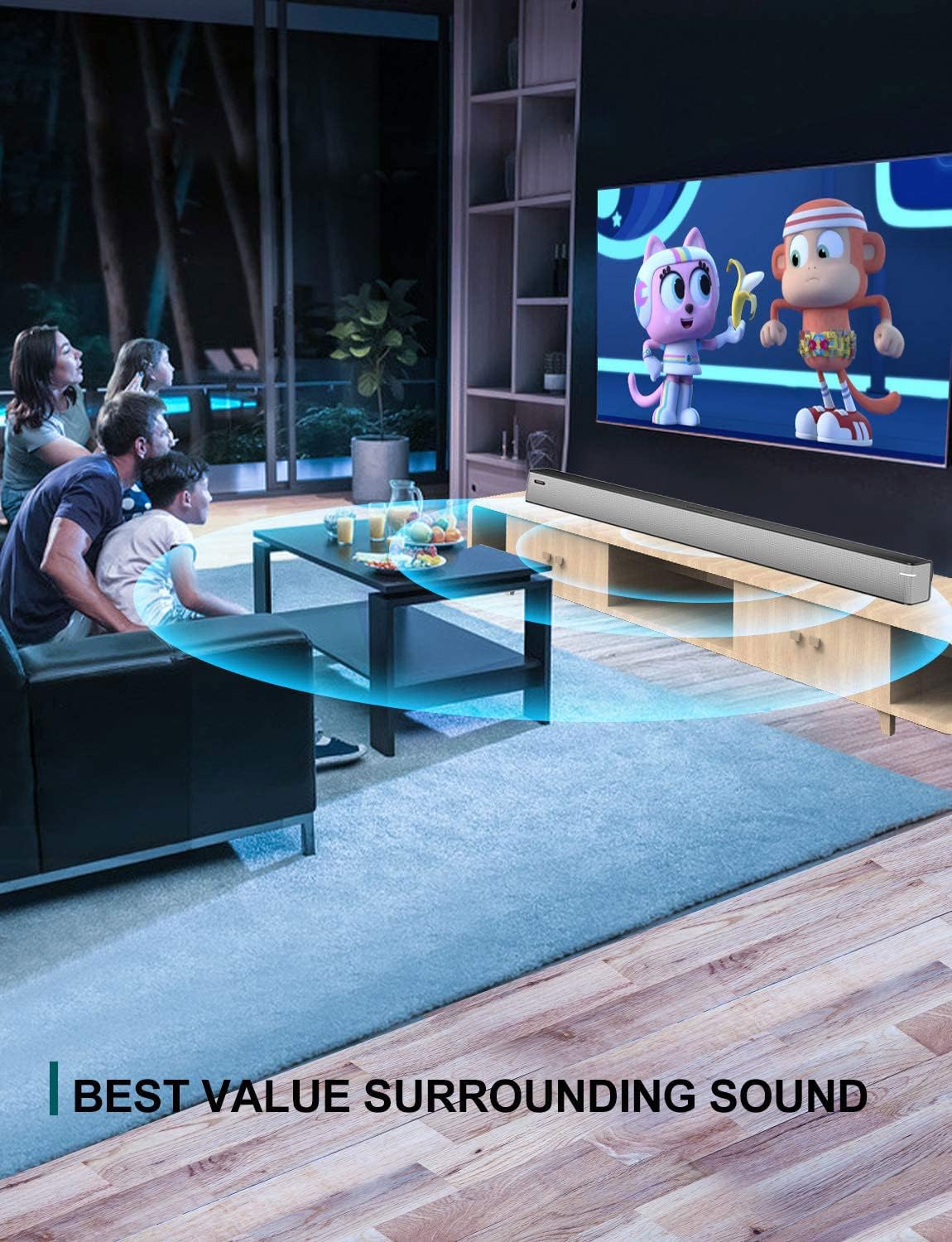
Image 5.2: The sound bar mounted on a wall directly below a television, illustrating wall-mount installation.
5.2 Connecting to Your TV or Audio Source
The sound bar supports multiple connection types. Choose the method that best suits your television or audio device.
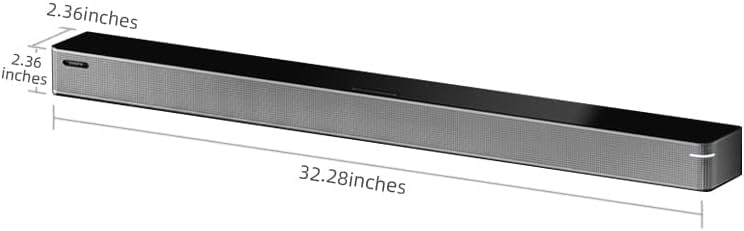
Image 5.3: A diagram illustrating the available connection methods: HDMI ARC, USB Media, and Bluetooth.
- HDMI ARC-forbindelse (anbefales):
- Connect one end of an HDMI cable (not included) to the HDMI ARC port on your TV.
- Tilslut den anden ende til HDMI ARC port på soundbaren.
- Sørg for, at dit tv's HDMI ARC-funktion er aktiveret i dets indstillinger.
- Optisk forbindelse:
- Connect the included optical cable to the OPT port på soundbaren.
- Connect the other end to the optical digital audio output port on your TV.
- Set your TV's audio output to 'Optical' or 'PCM'.
- AUX -forbindelse:
- Connect a 3.5mm audio cable (not included) to the AUX port på soundbaren.
- Connect the other end to the headphone jack or AUX output on your TV or audio device.
- USB-forbindelse:
- Indsæt et USB-flashdrev med lyd files ind i USB port på soundbaren.
- The sound bar will automatically switch to USB mode and begin playback.
- Koaksialforbindelse:
- Connect a coaxial cable (not included) to the COX port på soundbaren.
- Connect the other end to the coaxial digital audio output port on your TV.
5.3 Strømtilslutning
Tilslut AC-strømadapteren til DC IN port on the sound bar, then plug the adapter into a wall outlet.
6. Betjeningsvejledning
6.1 Tænd/sluk
Tryk på Magt button on the remote control or on the sound bar to turn the unit on or off.
6.2 Indgangsvalg
Tryk på Input button on the remote control to cycle through the available input sources: HDMI ARC, Optical, AUX, USB, and Bluetooth.
6.3 Bluetooth -parring
Sådan tilslutter du en Bluetooth-enhed:
- Tænd soundbaren, og vælg Bluetooth-tilstand ved hjælp af Input knappen. Indikatorlampen vil blinke.
- Aktiver Bluetooth på din mobile enhed (smartphone, tablet osv.).
- Søg efter available devices and select "BINNIFA Play 6D" from the list.
- Once paired, the indicator light on the sound bar will stop flashing and remain solid.
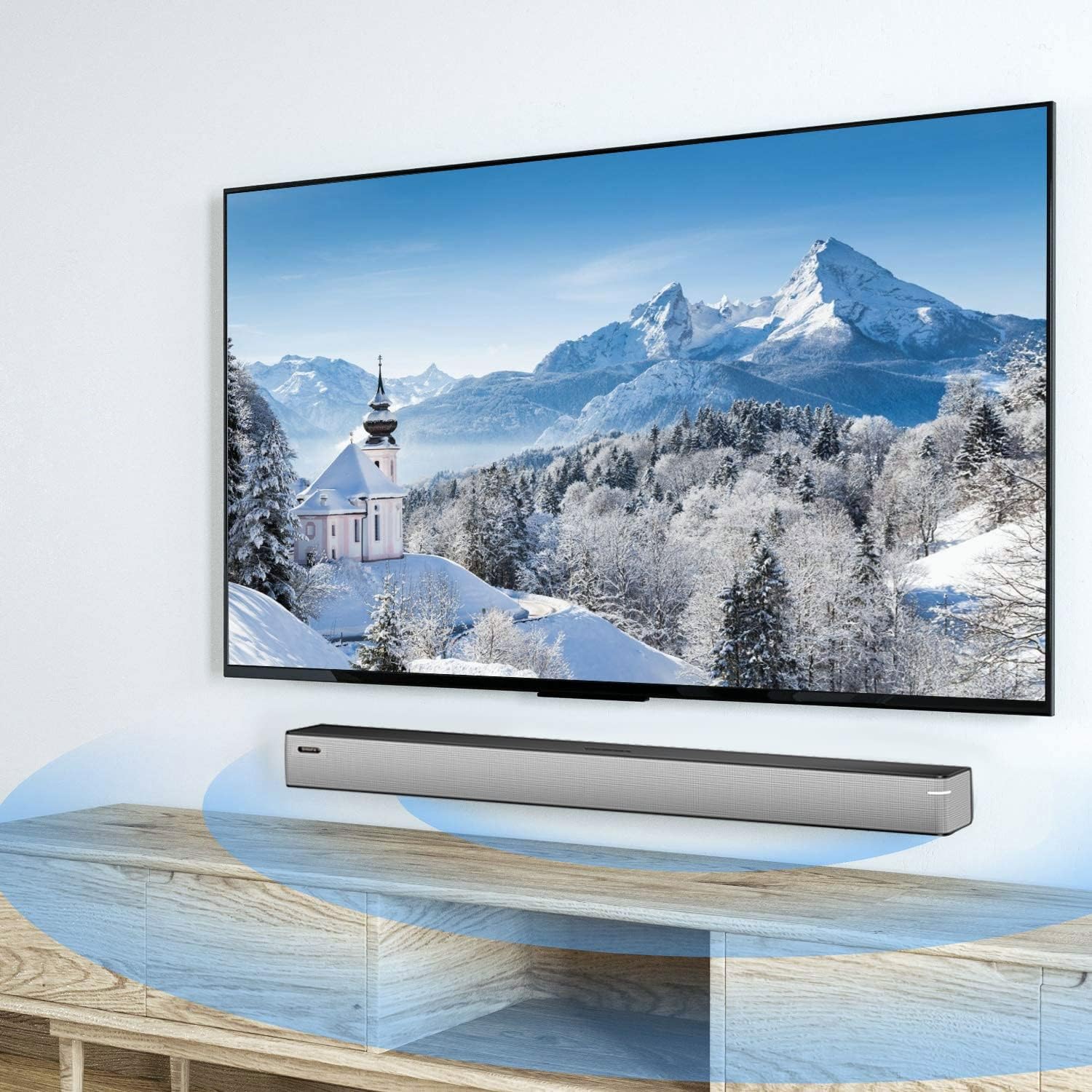
Image 6.1: A smartphone displaying music playback, wirelessly connected to the sound bar via Bluetooth, illustrating simple connectivity.
6.4 lydtilstande
The sound bar features three optimized sound modes:
- Musiktilstand: Ideal for pop music, providing balanced audio.
- Filmtilstand: Enhances movie and TV show audio with heavy bass for an immersive experience.
- Nyhedstilstand: Optimerer stemmeklarheden til nyhedsudsendelser og talkshows.
Press the corresponding button on the remote control to switch between modes.
6.5 Lydstyrkekontrol
Brug Lydstyrke op (+) og Skrue ned (-) buttons on the remote control or on the sound bar to adjust the volume level.
7. Vedligeholdelse
To ensure the longevity and performance of your sound bar:
- Rensning: Wipe the surface of the sound bar with a soft, dry cloth. Do not use liquid cleaners or abrasive materials.
- Opbevaring: Hvis enheden opbevares i længere tid, skal den afbrydes fra strømmen og opbevares et køligt og tørt sted.
- Ventilation: Ensure that the vents are not blocked to prevent overheating.
8. Fejlfinding
If you encounter issues with your BINNIFA Play 6D Sound Bar, refer to the following common problems and solutions:
| Problem | Mulig årsag | Løsning |
|---|---|---|
| Ingen lyd fra soundbaren. |
|
|
| Bluetooth-enheden kan ikke parres. |
|
|
| Fjernbetjening virker ikke. |
|
|
9. Specifikationer
Detailed technical specifications for the BINNIFA Play 6D Sound Bar:
- Model: Play 6D
- Mærke: BINNIFA
- Produktdimensioner: 82 cm x 6 cm x 6 cm (32.3" D x 2.36" B x 2.36" H)
- Varens vægt: 4.19 pund (1.9 kg)
- Højttalertype: Soundbar
- Monteringstype: Vægmontering, bordplade
- Forbindelse teknologi: Aux, Bluetooth, Koaksial, HDMI ARC, Optisk, USB
- Trådløs kommunikationsteknologi: Bluetooth 5.0
- Bluetooth Range: Op til 10 meter (33 fod)
- Højttalers maksimale udgangseffekt: 30 watt
- Frekvensrespons: 60 Hz
- Signal-til-støjforhold: 75 dB
- Strømkilde: Corded Electric (AC adapter)
- Kontrolmetode: Fjernbetjening
- Farve: Sølv
- UPC: 791200396207

Image 9.1: Diagram illustrating the dimensions of the sound bar: approximately 32.28 inches long, 2.36 inches deep, and 2.36 inches high.
10. Garanti og support
BINNIFA products are designed for reliability and performance. For warranty information or technical support, please refer to the warranty card included with your product or visit the official BINNIFA webwebsted. Behold din købskvittering som købsbevis i tilfælde af garantikrav.