
Indledning
This manual provides essential instructions for the safe and effective operation of your Andoer 4K Digital Camera Video Camcorder. Please read this manual thoroughly before use and retain it for future reference.
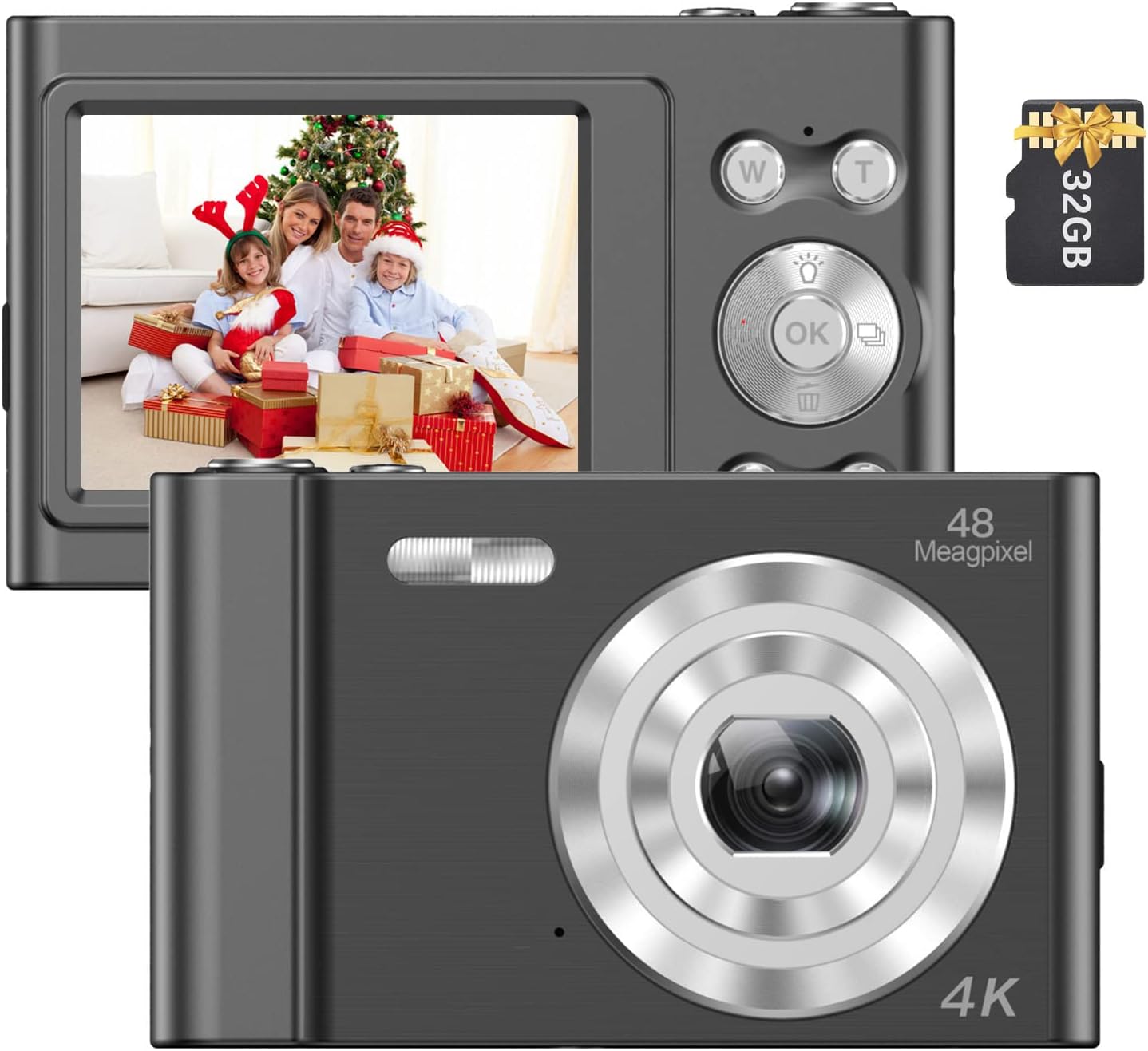
Image: The Andoer 4K Digital Camera, shown with its 2.4-inch IPS screen displaying a family scene and a 32GB memory card.
Pakkens indhold
Bekræft, at alle nedenstående varer er inkluderet i din pakke:
- 1 x Andoer Digital Camera
- 1 x USB ladekabel
- 1 x håndledsrem
- 1 x bæretaske
- 1 x 32GB hukommelseskort
- 1 x Brugermanual (engelsk)
Opsætning
1. Batteriinstallation og opladning
The camera features a built-in lithium battery. Before first use, ensure the battery is fully charged.
- Connect the camera to a USB power source (e.g., computer, wall adapter) using the provided USB charging cable.
- The charging indicator light will illuminate. Once charging is complete, the light will typically change color or turn off.
2. Installation af hukommelseskort
A 32GB memory card is included. The camera supports Class-10 external TF (Micro SD) memory cards up to 128GB.
- Find hukommelseskortåbningen på kameraet.
- Insert the memory card into the slot with the gold contacts facing the correct direction (refer to the diagram on the camera body if available) until it clicks into place.
- For at fjerne det skal du forsigtigt trykke kortet indad, indtil det springer ud.
3. Første opstart
Press and hold the power button (usually marked with a power symbol) for a few seconds until the screen illuminates.
Betjeningsvejledning
Grundlæggende kontrol
Familiarize yourself with the camera's buttons and their functions:
- Power knap: Tænder/slukker kameraet.
- Udløserknap: Tager billeder eller starter/stopper videooptagelse.
- W/T Buttons: Control the 16X digital zoom (W for Wide, T for Telephoto).
- OK knap: Bekræfter valg i menuer.
- Tilstandsknap (M): Switches between different shooting modes (e.g., Photo, Video, Playback).
- Menu-knap: Giver adgang til kameraindstillinger.

Billede: En detaljeret view of the camera's front, highlighting the lens and the '48 Megapixel' marking, indicating its high-resolution capability.
Fototilstand
Sådan optager du stillbilleder:
- Turn on the camera and ensure it is in Photo Mode (indicated on the 2.4-inch IPS screen).
- Frame your shot using the screen. Use the W/T buttons to adjust the 16X digital zoom.
- Press the Shutter Button halfway to focus, then fully press to take the picture.
Videotilstand
Sådan optager du videoer:
- Switch to Video Mode using the Mode (M) button.
- Press the Shutter Button to start recording. A recording indicator will appear on the screen.
- Tryk på udløserknappen igen for at stoppe optagelsen.

Image: A hand holding the Andoer camera, displaying a family on a beach on its screen, illustrating its use for capturing memories.
Zoomfunktion
The camera features 16X digital zoom. Use the 'T' button to zoom in and the 'W' button to zoom out. Digital zoom magnifies the image electronically, which may affect image quality at higher magnifications.

Image: A visual comparison showing the effect of 1x zoom versus 16x digital zoom, demonstrating the camera's magnification capability.
Afspilningstilstand
Til review dine billeder og videoer:
- Switch to Playback Mode using the Mode (M) button.
- Use the navigation buttons (often integrated with the OK button) to scroll through your media.
- Tryk på OK-knappen til view et billede eller afspil en video.
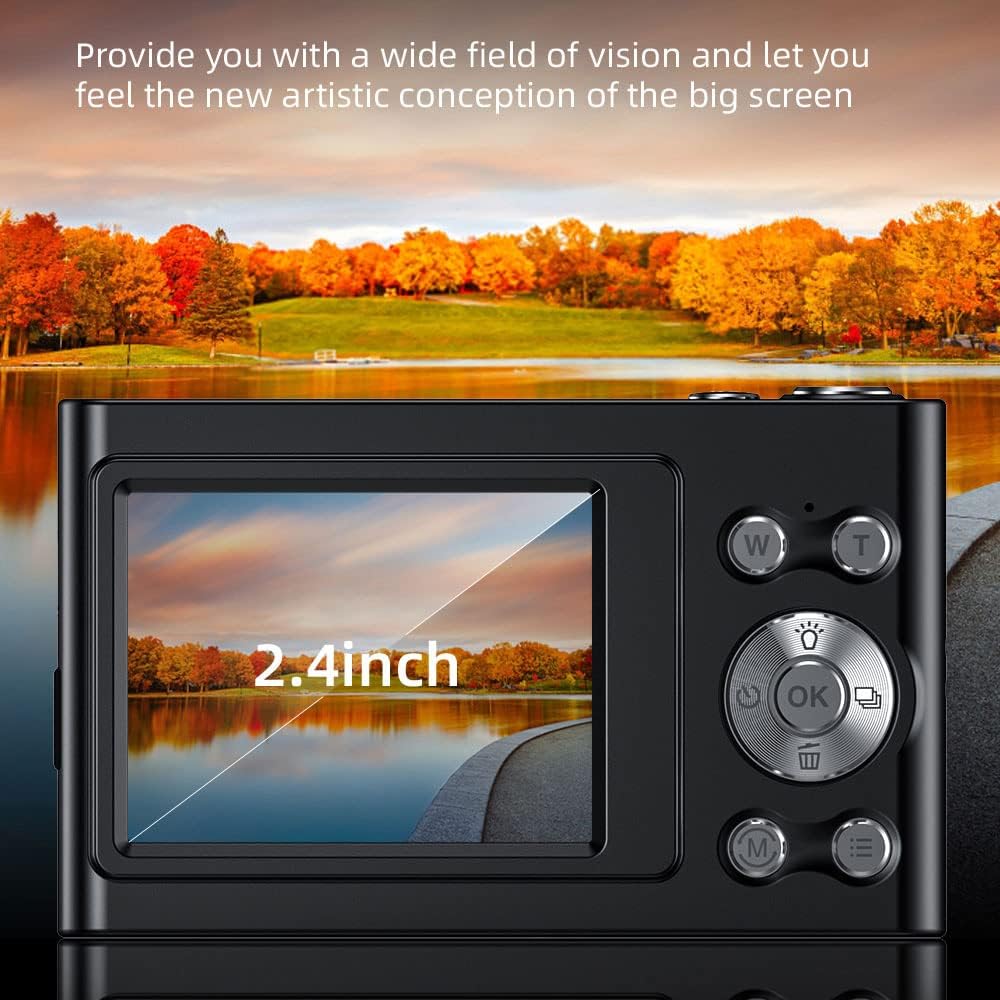
Image: The camera's 2.4-inch IPS screen displaying a vibrant landscape, illustrating the screen size and display quality.
Camera Settings and Features
Access the Menu to adjust various settings:
- Opløsning: Set photo resolution up to 48MP and video resolution up to 4K.
- Optagetilstande: Select from Auto, Sport, Night, Portrait, Landscape, Backlight, Party, Beach, High Sensitivity.
- Hvidbalance: Adjust for Auto, Daylight, Cloudy, Fluorescent, Tungsten.
- Selvudløser: Options for Off, 2 sec, 5 sec, 10 sec.
- Anti-shake: Digital image stabilization to reduce blur.
- Face Detect & Smile Capture: Features to assist in portrait photography.
- Indbygget flash: Giver belysning under forhold med svagt lys.
- Automatisk sluk: Configurable to Off, 1 minute, 3 minutes, 5 minutes, 10 minutes to conserve battery.

Image: A graphic illustrating the camera's image quality enhancement features, including intelligent analysis, color restoration, and fine picture quality.
Opretholdelse
Rengøring af kameraet
- Brug en blød, fnugfri klud til at rengøre kamerahuset.
- Brug en specialklud og -opløsning til rengøring af linser og skærm. Undgå slibende materialer.
Batteripleje
- Undgå at aflade batteriet helt ofte.
- Charge the battery regularly, even if the camera is not in use for extended periods.
Opbevaring
- Opbevar kameraet et køligt, tørt sted, væk fra direkte sollys og ekstreme temperaturer.
- Use the provided carry bag for protection during transport.
Fejlfinding
Hvis du støder på problemer med dit kamera, kan du se følgende almindelige problemer og løsninger:
| Problem | Mulig løsning |
|---|---|
| Kameraet tænder ikke. | Sørg for, at batteriet er opladet. Tilslut til en strømkilde, og prøv igen. |
| Fejl på hukommelseskort. | Reinsert the memory card. Ensure it is a Class-10 TF card and formatted correctly. Try a different compatible memory card. |
| Billeder er slørede. | Ensure the lens is clean. Check lighting conditions. Use the anti-shake function. Hold the camera steady. |
| Blitzen virker ikke. | Check flash settings in the menu. Ensure the flash is enabled for the current shooting mode. |
| Kameraet fryser eller reagerer ikke. | Remove and reinsert the battery (if accessible) or press and hold the power button for 10 seconds to force a shutdown. |
Specifikationer
Detailed technical specifications for your Andoer 4K Digital Camera Video Camcorder:
- Billedsensor: CMOS sensor
- Vise: 2.4 tommer IPS skærm
- Billedopløsning: Op til 48 MP
- Videoopløsning: 4K (3840x2160), 2.7K (2688x1520), 1080P (1920x1080), 720P (1280x720)
- Digital zoom: 16X
- Billedstabilisering: Digital
- Fokustype: Auto Focus (Contrast Detection)
- Opbevaring: Supports Class-10 TF (Micro SD) card up to 128GB (32GB included)
- Forbindelse: USB
- Strømforsyning: Indbygget lithium batteri
- Varestørrelse: 9.5 * 5.8 * 2.5 cm / 3.7 * 2.3 * 1 tommer
- Varens vægt: 115 g / 4.1 oz
- Farve: Sort
Sikkerhedsoplysninger
Advarsel:
To avoid suffocation hazard, keep this plastic bag away from babies and children.

Image: A warning label in multiple languages advising to keep plastic bags away from children to prevent suffocation.
Garanti og support
For warranty information, please refer to the documentation included with your purchase or contact your retailer. For technical support or further assistance, please reach out to Andoer customer service through their official webwebstedet eller kontaktoplysningerne på din produktemballage.