
1. Introduktion
This manual provides comprehensive instructions for the Digitek DWM-002 Wireless Microphone system. Please read this manual carefully before using the product to ensure proper operation and to maximize its performance. This device is designed for use with iPhone X/11/12/13/14 Series featuring a Lightning (LTC) port.
2. Pakkens indhold
Bekræft at alle varer er til stede i din pakke:
- 2 x trådløse mikrofoner
- 1 x Receiver with Lightning Connector
3. Produktet er slutview
The Digitek DWM-002 system consists of two wireless microphones and one receiver, designed for clear audio capture with iOS devices. The compact design ensures portability and ease of use.
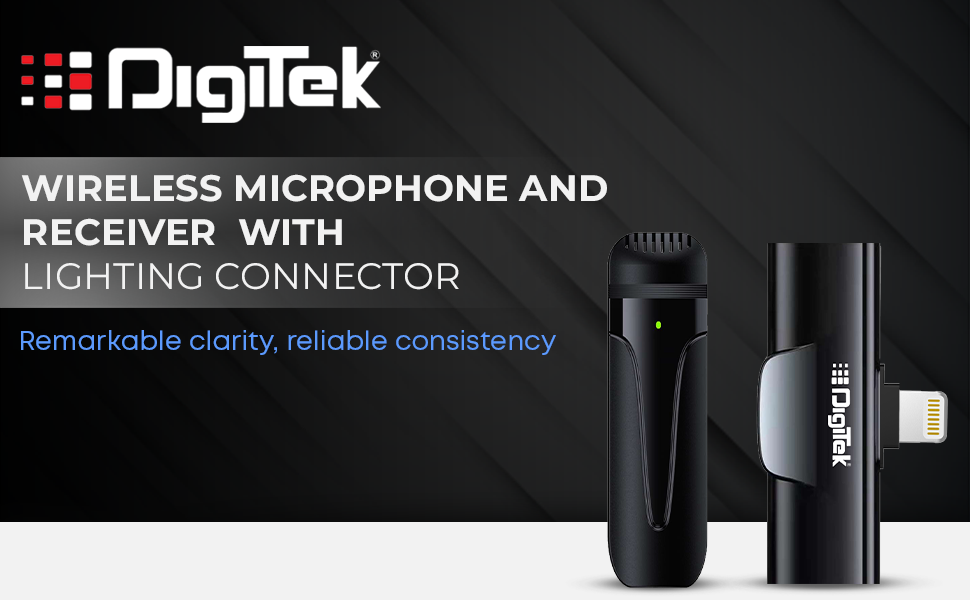
Image: Digitek DWM-002 Wireless Microphone and Receiver with Lightning Connector. The image shows the microphone and receiver units side-by-side, highlighting their compact form factor and the Lightning connector on the receiver.
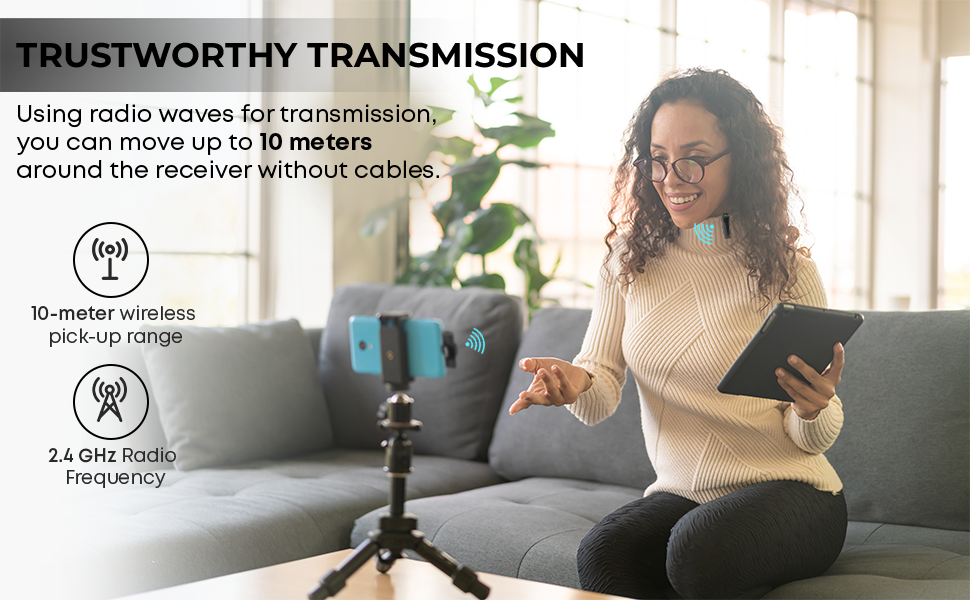
Image: Convenient Configuration. This image illustrates the solid build and compact design of the microphone and receiver, emphasizing the top-notch connector and sturdy construction.
4. Opsætningsvejledning
- Kompatibilitetskontrol: Ensure your iPhone is from the X/11/12/13/14 Series and features a Lightning (LTC) port. This microphone system is not compatible with Type-C models.
- Unlock iPhone: Before connecting the receiver, unlock your iPhone's screen.
- Tilslut modtager: Plug the receiver into your iPhone's Lightning port. The microphone will only function correctly after the screen is unlocked and the receiver is connected.
- Tænd mikrofonen: The microphone unit typically powers on automatically or via a power button (if present, not explicitly detailed in provided data). A green indicator light on the microphone usually signifies it is on and ready.
- Automatisk parring: The microphone and receiver are designed to pair automatically upon connection. No manual pairing steps are usually required.
5. Betjeningsvejledning
5.1 Grundlæggende betjening
- Once the receiver is connected to your unlocked iPhone and the microphone is powered on, the system is ready for use.
- Clip the microphone to your collar or clothing for optimal audio capture.
- The system operates on a 2.4 GHz frequency, providing stable and interference-free wireless transmission.
- Maintain a wireless operating range of up to 10 meters for optimal performance.
5.2 Støjreduktion
The Digitek DWM-002 features a built-in noise cancellation function to ensure clear and crisp audio by reducing ambient background noise.
5.3 Opladning
- The microphone units are equipped with a built-in 50 mAh Li-Poly battery.
- The system supports fast charging, allowing for quick recharging and extended use.
- The power input is DC 5V/1A, compatible with standard power sources for convenient recharging.
- A full charge provides up to 4 hours of non-stop usage.
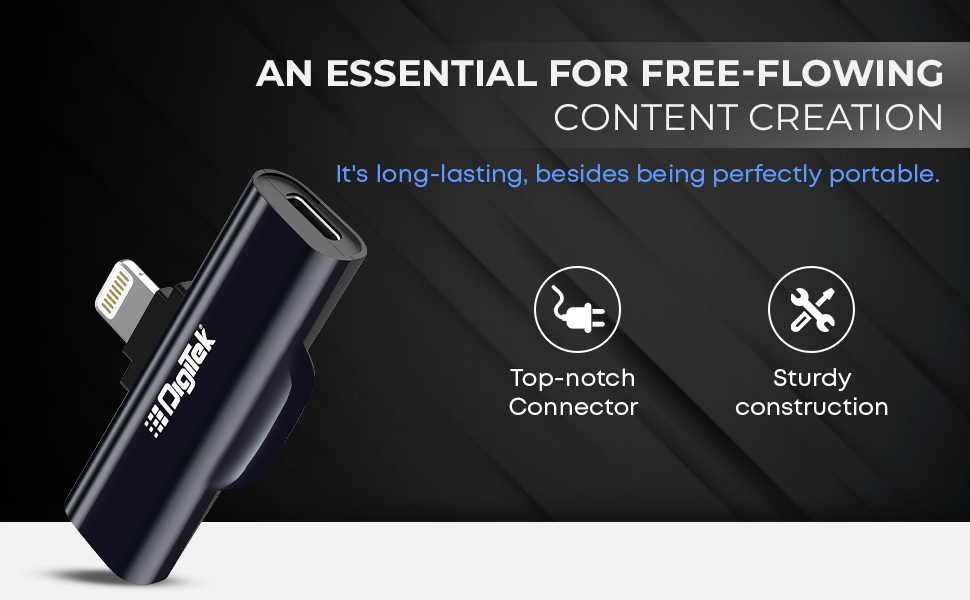
Image: Simplified Communication and Creation. This image highlights the microphone's battery life of up to 4 hours of non-stop usage and its built-in 50 mAh Li-Poly battery.
5.4 Anbefalede brugsscenarier
This wireless microphone system is well-suited for various applications requiring clear audio:
- Vlogging
- Videokonference
- Podcasting
- Live streaming
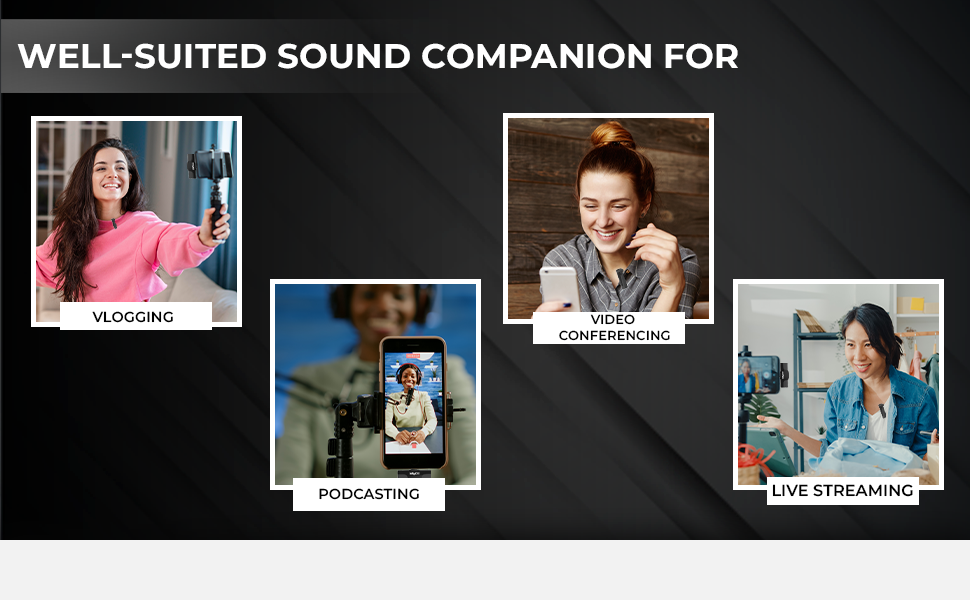
Image: Well-suited Sound Companion. This image displays various usage scenarios for the microphone, including vlogging, video conferencing, podcasting, and live streaming.
6. Vedligeholdelse
- Hold mikrofonen og modtageren rene og tørre. Undgå udsættelse for fugt eller ekstreme temperaturer.
- Use a soft, dry cloth to clean the surfaces. Do not use harsh chemicals or abrasive materials.
- Opbevar enheden i et beskyttende etui, når den ikke er i brug, for at forhindre beskadigelse.
- Undgå at tabe eller udsætte enheden for kraftige stød.
7. Fejlfinding
| Problem | Mulig årsag | Løsning |
|---|---|---|
| Microphone not working after connecting to iPhone. | iPhone screen was locked during connection. | Ensure your iPhone screen is låst op before plugging in the receiver. Disconnect and reconnect the receiver after unlocking the screen. |
| Ingen lyd eller dårlig lydkvalitet. | Microphone not powered on; out of range; interference; low battery. |
|
| Receiver not fitting or charging port issues. | Incorrect cable type; manufacturing defect. |
|
| Mikrofonen parres ikke med modtageren. | Microphone or receiver not powered; out of range; temporary glitch. |
|
8. Specifikationer
| Feature | Detalje |
|---|---|
| Mærke | Digitek |
| Modelnummer | DWM-002 |
| Forbindelsesteknologi | Lyn |
| Connector Type | Lyn |
| Speciel funktion | Mute Function, Wireless, Noise Cancellation |
| Kompatible enheder | iPhone (Lightning port models) |
| Polar mønster | Omnidirektionel |
| Impedans | 2200 Ohm |
| Mikrofon formfaktor | Mikrofonsystem |
| Strømkilde | Batteridrevet |
| Antal batterier | 1 Lithium Polymer battery required (included) per microphone |
| Signal-støjforhold | 75 dB |
| Hardware platform | Smartphone |
| Antal kanaler | 1 |
| Frekvensrespons | 2.4 GHz |
| Frekvensområde | 100 Hz - 10 kHz |
| Farve | Sort |
| Indkapslingsmateriale | Legeret stål, plast |
| Varens vægt | 300 Grams (total package) |
| Emnedimensioner | 11 x 4 x 10 centimeter |
| Oprindelsesland | Kina |
9. Garantioplysninger
The Digitek DWM-002 Wireless Microphone comes with a 1 Year Carry-in Warranty from the date of purchase. Please retain your purchase receipt for warranty claims. The warranty covers manufacturing defects but does not cover damage caused by misuse, accidents, unauthorized modifications, or normal wear and tear.
10. Kundesupport
For technical assistance, warranty claims, or product inquiries, please contact Digitek customer support:
- Telefon: 011 4707 4444
- Producent / importør: IMS Mercantiles Pvt. Ltd.
You can also visit the official Digitek webwebsted for mere information og supportressourcer.