
Andoer NDB7090303116798WD
Andoer Portable Digital Camera User Manual
Model: NDB7090303116798WD | Brand: Andoer
Indledning
Thank you for choosing the Andoer Portable Digital Camera. This compact and lightweight camera is designed for ease of use, allowing you to capture high-quality photos and videos. Featuring a CMOS image sensor, it supports up to 1080P video resolution and 16MP (interpolation) image resolution, along with 16X digital zoom and a 2.7-inch rotatable LCD screen. It includes functions such as digital anti-shake, white balance adjustment, exposure control, and built-in speaker and microphone for a versatile shooting experience.

The Andoer Digital Camera offers a range of features including 48 Megapixel photos, 2.7K video recording, 16X powerful zoom, anti-shaking technology, self-timer options, a 2.88-inch IPS screen, 128GB extended memory support, and face detection.
Hvad er der i æsken
Kontroller venligst pakkens indhold for at sikre, at alle varer er til stede:
- Digitalt kamera
- USB kabel
- Håndstrop
- Bær pose
- 2 x Batterier
- Brugermanual
The complete package includes the digital camera, USB cable, hand strap, carry pouch, two rechargeable batteries, and the user manual.
Opsætning
1. Batteriinstallation
The camera uses a BL-5C Li-ion Battery. Ensure the battery is charged before first use.
- Åbn batteridækslet, der er placeret i bunden af kameraet.
- Insert the BL-5C battery into the compartment, ensuring the correct polarity.
- Luk batterirummets dæksel forsvarligt.

The camera uses a 700 mAh rechargeable lithium battery. Insert it into the designated compartment at the bottom of the camera.
2. Installation af hukommelseskort
The camera supports memory cards up to 32GB. A Class 10 or higher memory card is highly recommended for optimal performance.
- Find SD-kortstikket, normalt ved siden af batterirummet.
- Insert the memory card into the slot with the metal contacts facing the correct direction until it clicks into place.
- For at fjerne det skal du forsigtigt skubbe kortet ind, indtil det springer ud.
3. Opladning af batteriet
Oplad batteriet ved hjælp af det medfølgende USB-kabel.
- Connect one end of the USB cable to the camera's USB port.
- Tilslut den anden ende til en USB-strømadapter (medfølger ikke) eller en computers USB-port.
- Opladningsindikatorlampen lyser. Den slukker eller skifter farve, når opladningen er færdig.
Betjening af kameraet
1. Tænd/sluk
Tryk på tænd/sluk-knappen (normalt markeret med en cirkel og en lodret linje) og hold den nede for at tænde eller slukke kameraet.
2. Grundlæggende kontroller
Familiarize yourself with the camera's buttons and their functions:
- Udløserknap: Tryk halvt ned for at fokusere, helt ned for at tage et billede eller starte/stoppe videooptagelse.
- Mode-knap (M): Skifter mellem foto-, video- og afspilningstilstande.
- Zoomknap (W/T): Adjusts the digital zoom (Wide/Telephoto).
- Navigationstast/OK-knap: Navigerer i menuer og bekræfter valg.
- Menu-knap: Giver adgang til kameraindstillinger.
- Slet knap: Deletes selected files i afspilningstilstand.
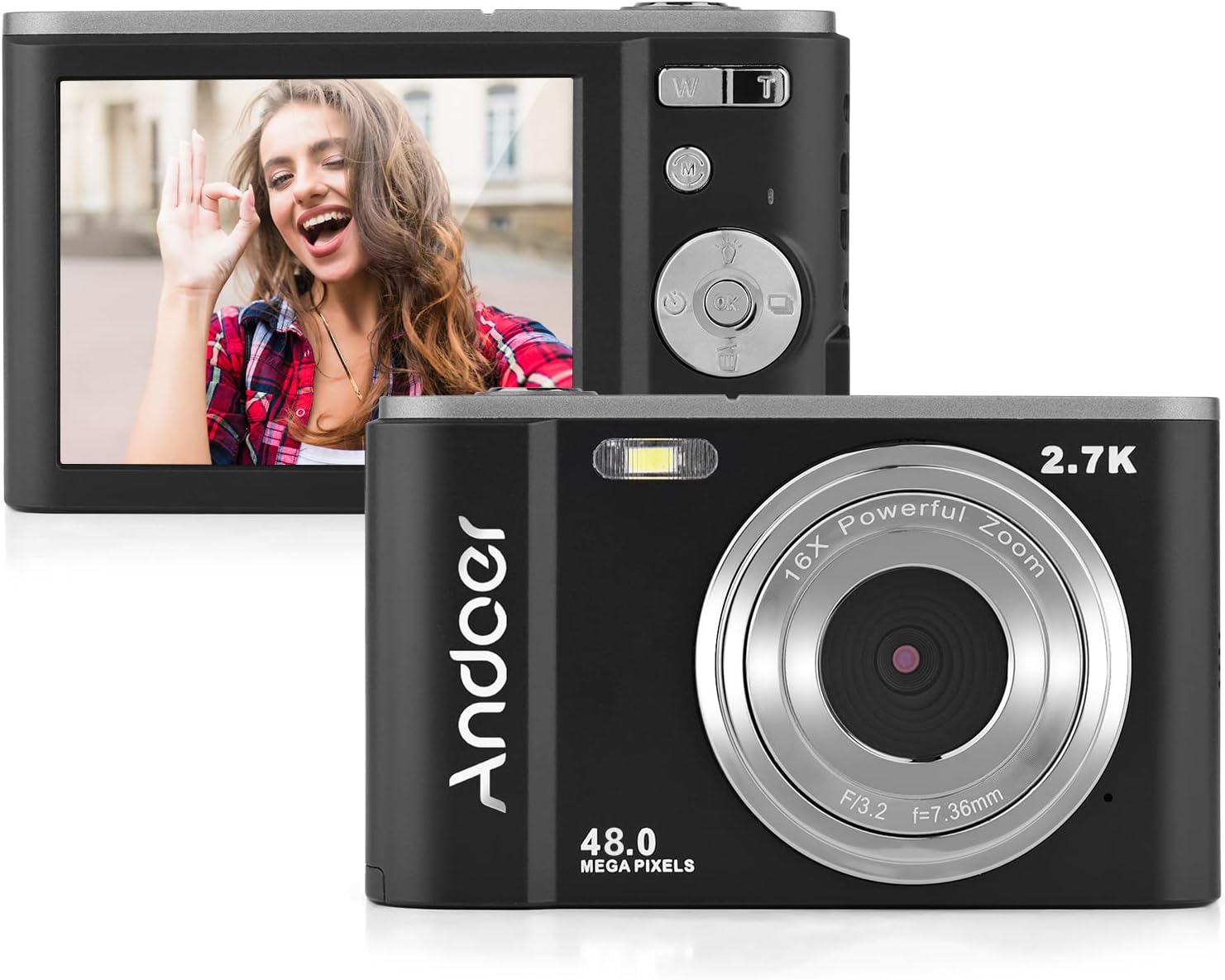
The camera features a 2.7-inch IPS screen and intuitive controls on the back for easy operation.
3. Tage billeder
In photo mode, frame your shot using the LCD screen. Press the shutter button halfway to focus, then fully to capture the image. Photos are saved in JPEG format with resolutions up to 16MP (interpolation).
4. Optagelse af videoer
Switch to video mode using the Mode button. Press the shutter button to start recording, and press it again to stop. Videos are saved in AVI format with resolutions including 1080P, 720P, and VGA.

The camera supports both 2.7K video recording and 48 Megapixel photo capture for high-quality media.
5. Zoomfunktion
Use the W/T lever to adjust the 16X digital zoom. 'T' (Telephoto) zooms in, and 'W' (Wide) zooms out.

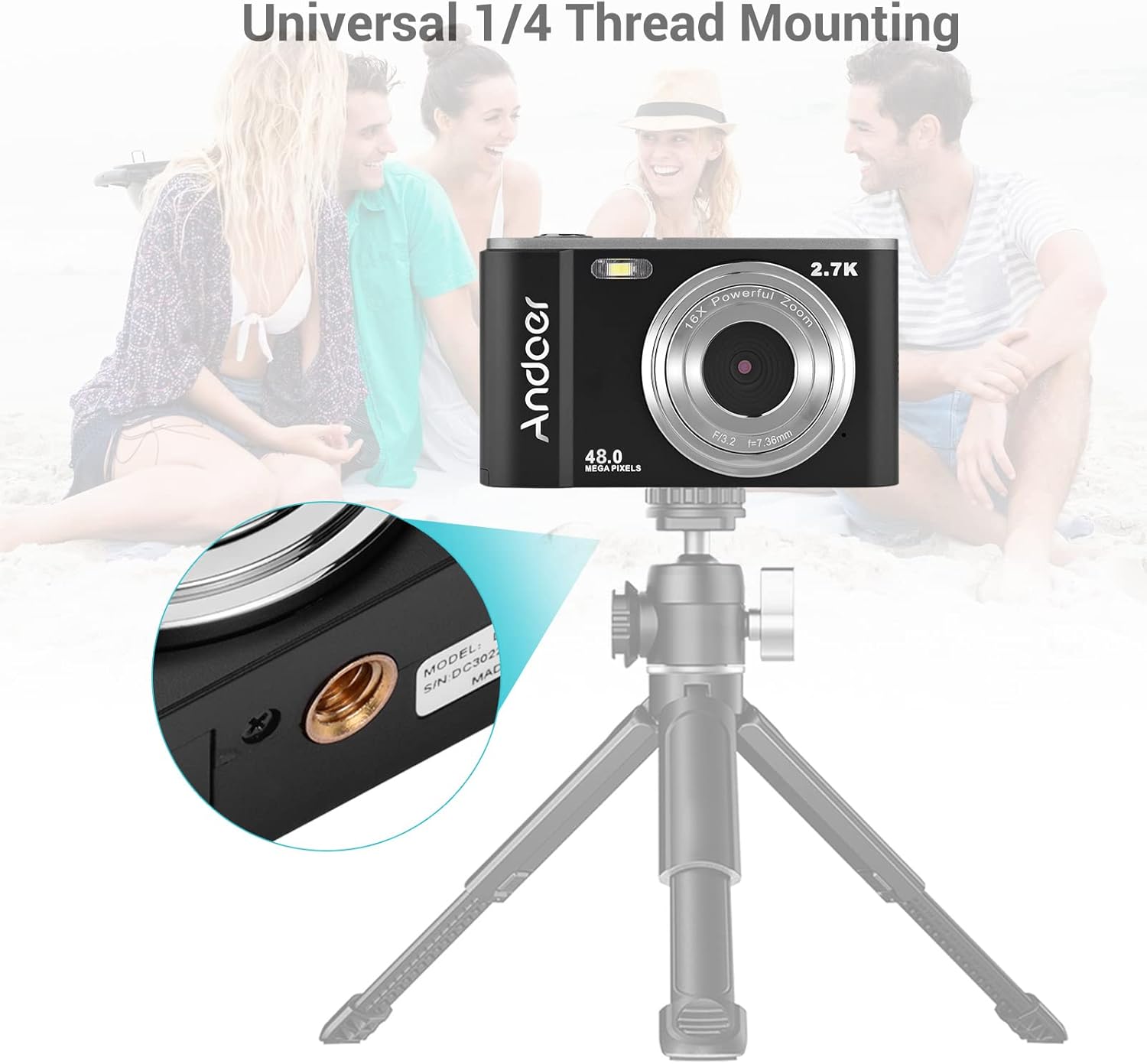
The 16X powerful zoom allows for detailed close-up shots.
6. Selvudløser
Access the self-timer option in the camera's menu. Available settings include off, 2 seconds, 5 seconds, and 10 seconds.
7. Smart Detection (Face Detection, Smile Capture)
The camera features smart detection capabilities, including face detection and smile capture, to assist in taking better portraits.
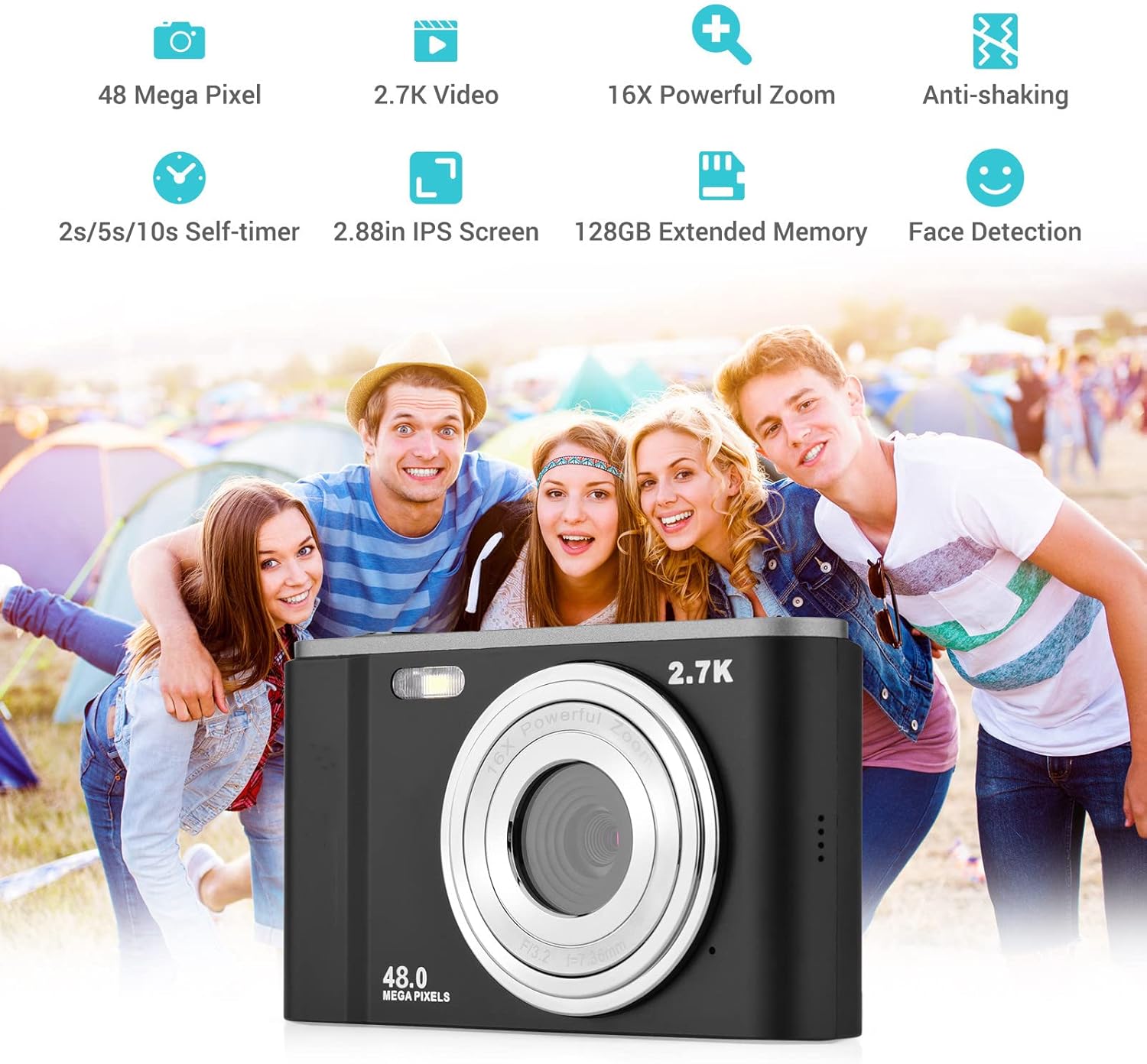
Smart detection features like face detection and smile capture enhance portrait photography.
8. Anti-Shaking
The digital anti-shake function helps reduce blur caused by camera movement, resulting in clearer images and videos.
9. Tilslutning til en computer
Use the provided USB cable to connect the camera to a computer for transferring photos and videos.
- Tilslut kameraet til din computer ved hjælp af USB-kablet.
- Kameraet vises som et flytbart diskdrev på din computer.
- You can then access and transfer your files.
Opretholdelse
1. Rengøring af kameraet
- Brug en blød, tør klud til at rengøre kamerahuset.
- Brug en specialklud og -opløsning til linserengøring. Undgå at berøre linsen med fingrene.
- Brug ikke hårde kemikalier eller slibende rengøringsmidler.
2. Batteripleje
- Opbevar batterierne på et køligt, tørt sted, når de ikke er i brug.
- Undgå at aflade batteriet helt ofte for at forlænge dets levetid.
- Hvis kameraet ikke skal bruges i længere tid, skal du fjerne batteriet.
3. Opbevaring
- Store the camera in its carry pouch or a protective case to prevent scratches and dust accumulation.
- Keep the camera away from extreme temperatures, high humidity, and direct sunlight.
Fejlfinding
Hvis du støder på problemer med dit kamera, kan du se følgende almindelige problemer og løsninger:
| Problem | Mulig årsag | Løsning |
|---|---|---|
| Kameraet tænder ikke | Batteriet er dødt eller isat forkert. | Oplad batteriet helt. Sørg for, at batteriet er isat med den korrekte polaritet. |
| Dårlig batterilevetid | Batterinedbrydning eller hyppig brug af strømkrævende funktioner. | Ensure battery is fully charged. Reduce use of flash or prolonged video recording. Consider replacing the battery if it's old. |
| Billeder er slørede | Camera shake, dirty lens, or incorrect focus. | Hold the camera steady. Clean the lens. Ensure the camera has focused before taking the shot. |
| Hukommelseskort fejl | Card not inserted correctly, incompatible card, or corrupted card. | Reinsert the card. Ensure it's a compatible SD card (up to 32GB, Class 10 recommended). Try formatting the card (this will erase all data). |
Specifikationer
Detailed technical specifications for the Andoer Portable Digital Camera:
| Feature | Specifikation |
|---|---|
| Sensor | CMOS sensor |
| Maks. Billedopløsning | 16MP (interpolation) |
| Video opløsning | 1080P / 720P / VGA |
| Skærm | 2.7 inch LCD (rotatable) |
| Zoom | 16X digital zoom |
| Fokus afstand | 1.2m til uendeligt |
| Hukommelseskortkapacitet | Max. 32GB (Not included, Class 10 or above recommended) |
| Fotoformat | JPEG |
| Videoformat | AVI |
| Eksponering | ± 2.0 EV |
| Selvudløser | Off, 2s, 5s, 10s |
| USB-port | USB2.0 |
| Strømforsyning | 1 * BL-5C Li-ion Battery |
| Produktdimensioner | 0.98 x 3.78 x 2.2 tommer |
| Varens vægt | 3.28 ounce |

Physical dimensions of the camera for reference.
Garanti og support
For warranty information and customer support, please refer to the documentation provided with your purchase or contact Andoer customer service through their official webwebsted. Gem din købsbevis i tilfælde af garantikrav.
Ask a question about this manual
Ask about setup, troubleshooting, compatibility, parts, safety, or missing instructions. Manuals+ will review the question and use this page’s manual context to help answer it.