
Indledning
Welcome to the user manual for your Awei T36 TWS Wireless Earbuds. This manual provides essential information for setting up, operating, and maintaining your earbuds to ensure optimal performance and longevity. Please read this manual thoroughly before using the product.
Sikkerhedsoplysninger
- Udsæt ikke ørepropperne eller opladningsetuiet for ekstreme temperaturer (over 45 °C eller under 0 °C).
- Keep away from water, moisture, and corrosive liquids.
- Do not disassemble, modify, or attempt to repair the product yourself. This will void the warranty.
- Use only approved charging cables and adapters to prevent damage.
- Avoid prolonged listening at high volumes to prevent potential hearing damage.
- Opbevares utilgængeligt for børn og kæledyr.
Pakkens indhold
- Awei T36 TWS Wireless Earbuds (Left and Right)
- Opladningsetui
- USB opladningskabel
- Brugermanual
Produkt overview
Familiarize yourself with the components and design features of your Awei T36 earbuds.
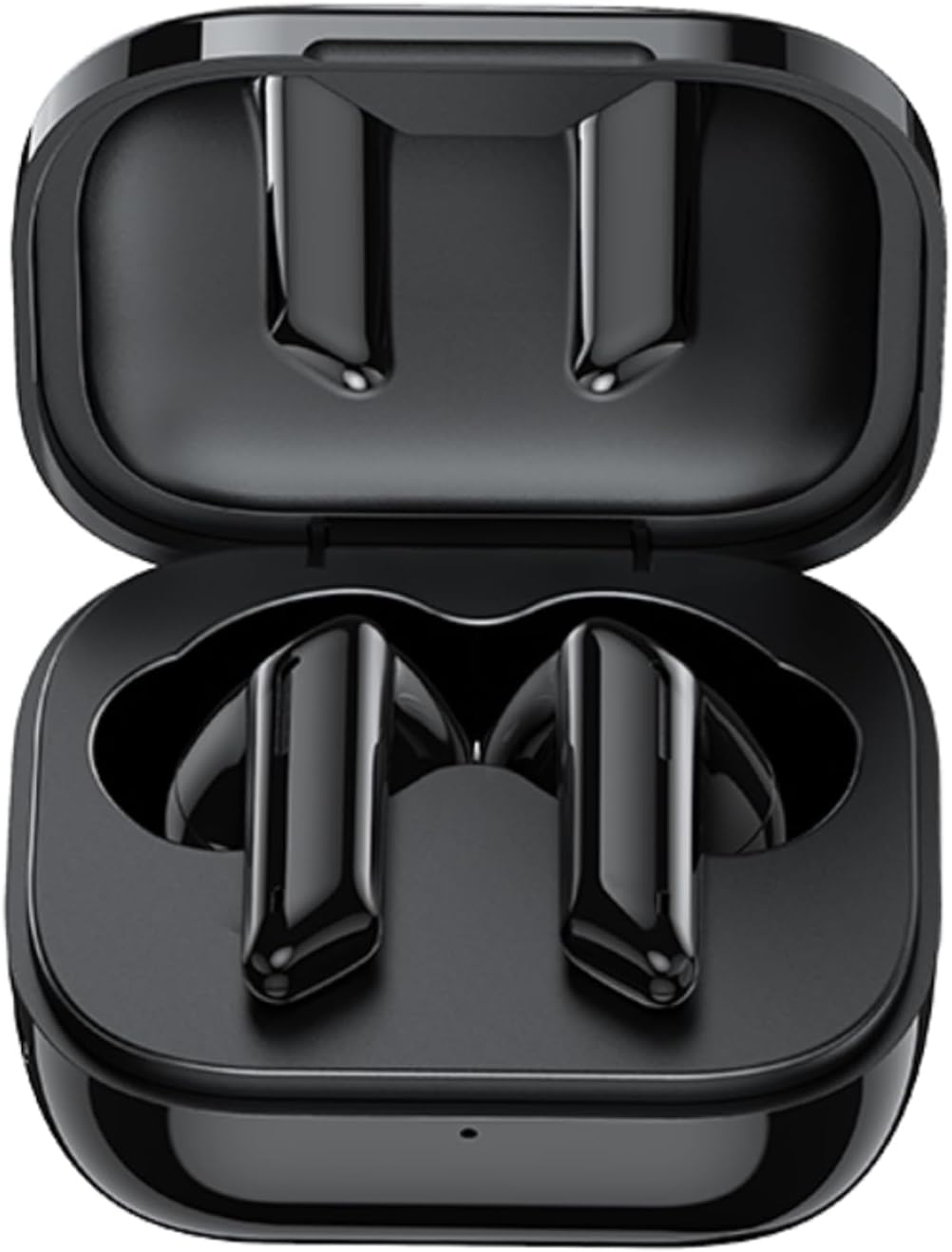
The image displays the Awei T36 TWS Wireless Earbuds securely placed within their open charging case. Both earbuds are black, sleek, and fit perfectly into their designated slots, indicating they are ready for charging or storage.

This image highlights the aesthetic design of the Awei T36 earbuds, showing them in various colors (black, white, purple, blue, green) alongside their respective charging cases. The design emphasizes portability and style.
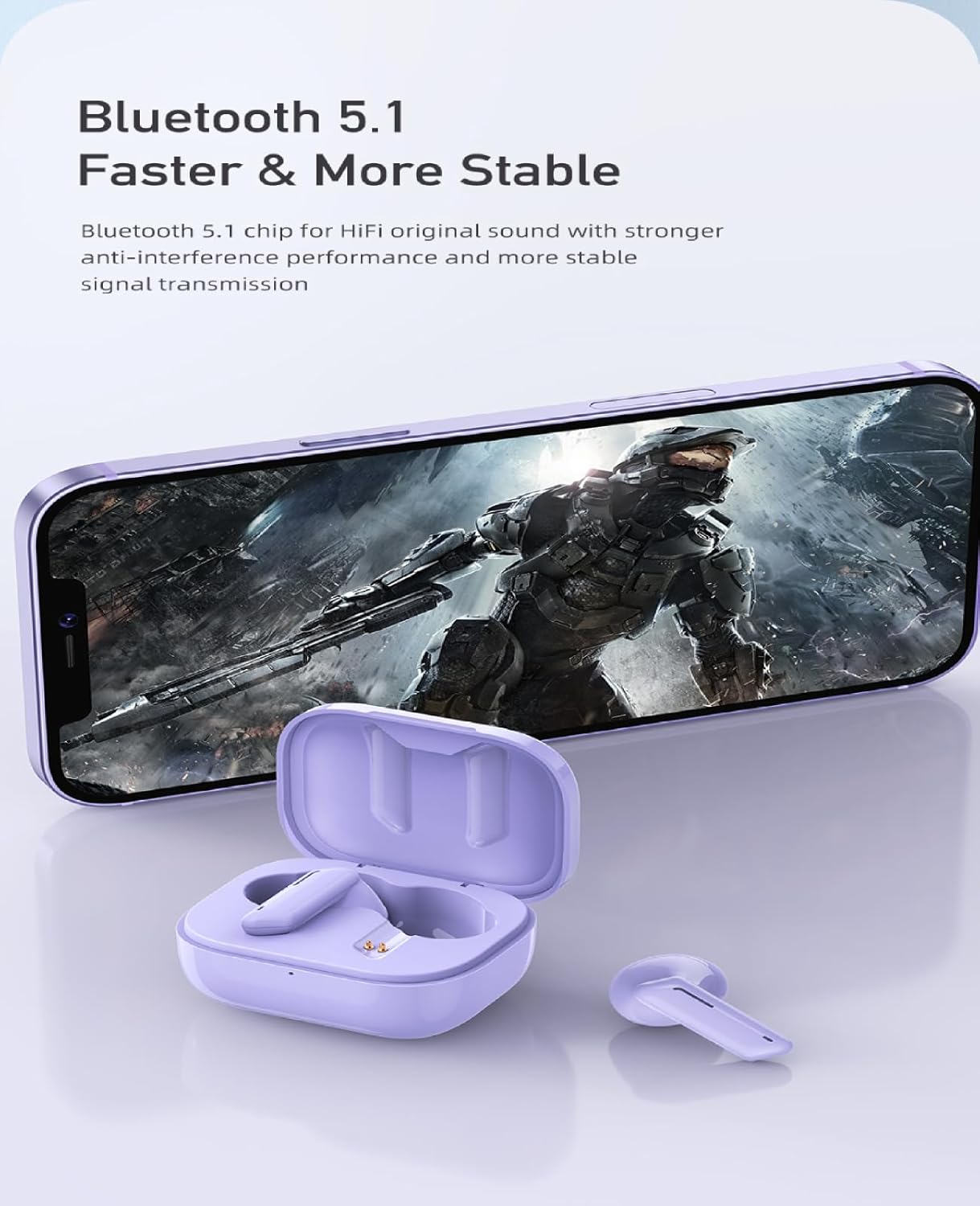
This image illustrates the Bluetooth 5.1 capability of the Awei T36 earbuds, promising a faster and more stable connection. The earbuds and case are shown next to a smartphone, suggesting seamless integration.
Opsætning
Opladning af øretelefoner og etui
Before first use, it is recommended to fully charge the earbuds and charging case.
- Placer ørepropperne i opladningsetuiet, og sørg for, at de sidder korrekt.
- Connect the USB charging cable to the charging port on the case and then to a power source (e.g., USB wall adapter, computer USB port).
- The indicator lights on the case will illuminate to show the charging status. Once fully charged, the lights may change or turn off.

This image illustrates the charging capabilities and battery life of the Awei T36 earbuds. It shows the earbuds and case on a wireless charging pad, with text indicating a 210-hour standby time, 320mAh charging case capacity, 4-5 hours of play time, and 1.5 hours for a full charge.
Parring med en enhed
The earbuds automatically enter pairing mode when removed from the case.
- Åbn opladningsetuiet, og fjern begge ørepropper. De tændes automatisk og går i parringstilstand.
- Aktiver Bluetooth på din enhed (smartphone, tablet osv.).
- Søg efter "Awei T36" in the list of available Bluetooth devices.
- Select "Awei T36" to connect. Once connected, a voice prompt will confirm the successful pairing.

This image demonstrates the 'Both Earbuds are Hosts' feature, indicating that either earbud can be used independently. It highlights the 'Instant Fetch and Connect' when the case is opened and 'Close Auto OFF' when the case is closed, simplifying the user experience.
This video demonstrates the process of taking the Awei T36 earbuds out of their charging case, placing them into the ears, and interacting with their touch controls for music and calls. It showcases the product's design and ease of use.
Betjeningsvejledning
Tryk på kontrolelementer
The Awei T36 earbuds feature intuitive touch controls for managing audio playback and calls.

A visual guide detailing the touch controls for the Awei T36 earbuds. It shows how to pause/play, skip tracks, answer/reject calls, and activate voice assistant with simple taps on the earbud's touch sensitive area.
| Handling | Venstre øretelefon | Højre ørepropper |
|---|---|---|
| Afspil/pause | Kort tryk | Kort tryk |
| Næste spor | N/A | Dobbelttryk |
| Forrige spor | Dobbelttryk | N/A |
| Besvar/afslut opkald | Kort tryk | Kort tryk |
| Afvis opkald | Tryk i 2 sekunder | Tryk i 2 sekunder |
| Aktivér stemmeassistent (Siri/Google Assistant) | Tryk tredobbelt | Tryk tredobbelt |
Calling Noise Cancellation
The Awei T36 earbuds are equipped with calling noise cancellation technology to ensure clearer conversations by reducing ambient noise during calls.

This image shows a user wearing the Awei T36 earbuds, emphasizing the calling noise cancellation feature for improved call clarity in various environments.
Opretholdelse
- Rengør ørepropperne og opladningsetuiet regelmæssigt med en blød, tør og fnugfri klud.
- Brug ikke slibende rengøringsmidler, opløsningsmidler eller stærke kemikalier.
- Ensure the charging contacts on both the earbuds and the case are clean and free of dust or debris.
- Opbevar øretelefonerne i deres opladningsetui, når de ikke er i brug for at beskytte dem og holde dem opladet.
- Undgå at udsætte produktet for ekstreme temperaturer eller direkte sollys i længere perioder.
Fejlfinding
Ørepropper parrer eller opretter ikke forbindelse
- Sørg for, at begge ørepropper er tilstrækkeligt opladet.
- Place both earbuds back into the charging case, close the lid, wait a few seconds, then open it again and remove them to reset.
- Sluk og tænd derefter Bluetooth på din enhed.
- If the issue persists, forget or unpair "Awei T36" from your device's Bluetooth list and then attempt to re-pair.
Ingen lyd fra et ørepropp
- Sørg for, at begge øretelefoner er opladet.
- Sæt begge ørepropper tilbage i etuiet, og tag dem ud igen for at genetablere forbindelsen mellem dem.
- Par øretelefonerne igen med din enhed.
Lav lydstyrke
- Adjust the volume on both your connected device and, if applicable, via the earbud's touch controls.
- Sørg for, at ørepropperne sidder korrekt i dine ører for optimal lydgengivelse.
Specifikationer
| Feature | Detalje |
|---|---|
| Mærkenavn | Awei |
| Modelnavn | Awei T36 |
| Forbindelsesteknologi | Trådløs |
| Hovedtelefoner Øreplacering | In Ear |
| Hovedtelefoner Form Factor | In Ear |
| Impedans | 3.5E+2 Ohm |
| Støjkontrol | Ingen |
| Følsomhed | 96 dB |
| Hovedtelefonstik | 3.5 mm Jack |
| Farve | Sort |
| Produktdimensioner | 4 x 11 x 9 cm; 120 g |
| Fabrikant | Awei |
| ASIN | B09YQL95X6 |
| Varemodelnummer | T36 |
| Oprindelsesland | Samoa (Independent) |
| Dato først tilgængelig | 23. april 2022 |
Garanti og support
For warranty information, technical support, or any product-related inquiries, please refer to the manufacturer's official webhjemmeside eller kontakt deres kundeservice direkte.
Fabrikant: Awei
Please refer to your product packaging or the official Awei website for specific warranty terms, contact details, and support resources.