
1. Introduktion
Thank you for choosing the Renimer IT100 Wireless Earbuds. These earbuds are designed to provide a superior audio experience with advanced Bluetooth 5.2 technology, Hi-Fi stereo sound, and a comfortable, waterproof design. This manual will guide you through the setup, operation, and maintenance of your new earbuds to ensure optimal performance and longevity.
2. Pakkens indhold
Tjek venligst pakken for følgende varer:
- Renimer IT100 Wireless Earbuds (Left and Right)
- Opladningsetui
- USB Type-C opladerkabel
- Ørepropper (S/M/L størrelser)
- Brugervejledning (dette dokument)
3. Produktet er slutview
Familiarize yourself with the components of your Renimer IT100 Wireless Earbuds.

Figur 3.1: Renimer IT100 Wireless Earbuds and Charging Case. This image displays the earbuds nestled within their compact charging case, highlighting their sleek design and portability.

Figur 3.2: Super Lightweight Design. This image illustrates the individual earbud weighing 4.1g and the charging case weighing 38.6g, emphasizing their minimal weight for comfortable wear and portability.
4. Opsætning
4.1 Opladning af øretelefoner og etuiet
Oplad ørepropperne og opladningsetuiet helt inden første brug.
- Place the earbuds into the charging case. Ensure they are correctly seated; the indicator lights on the earbuds will illuminate to show charging status.
- Tilslut USB Type-C-opladerkablet til opladningsporten på etuiet, og sæt den anden ende i en USB-strømadapter (medfølger ikke) eller en computers USB-port.
- The charging case indicator lights will show the charging progress. A full charge for the case typically takes about 1.5 hours.
- Once fully charged, disconnect the charging cable. The earbuds will charge automatically when placed in the case, providing up to 40 hours of total playtime with multiple recharges from the case.

Figur 4.1: Earbuds in Charging Case. This image shows the earbuds placed inside the charging case, illustrating how they are stored and charged.
4.2 Parring med din enhed
The Renimer IT100 earbuds utilize Bluetooth 5.2 for a stable and efficient connection.
- Automatisk tænding: Open the charging case, and the earbuds will automatically power on and enter pairing mode. The indicator light on one earbud will flash, indicating it is ready to pair.
- Aktiver Bluetooth: On your mobile device (smartphone, tablet, etc.), go to the Bluetooth settings and turn on Bluetooth.
- Vælg enhed: Look for "Renimer IT100" (or similar) in the list of available Bluetooth devices and select it to connect.
- Tilslutningsbekræftelse: Once successfully paired, you will hear an audible confirmation, and the earbud indicator lights will turn off or flash slowly.
- Tilslut igen: Efter den første parring opretter ørepropperne automatisk forbindelse til den sidst parrede enhed, når de tages ud af opladningsetuiet, forudsat at Bluetooth er aktiveret på din enhed.

Figur 4.2: Bluetooth 5.2 Technology. This diagram illustrates the advanced Bluetooth 5.2 chip within the earbud, highlighting its stable connection, low latency, and efficient power consumption.
5. Betjeningsvejledning
The Renimer IT100 earbuds feature smart touch controls for easy management of music, calls, and voice assistants.
Figur 5.1: Smart Touch Control. This image displays a diagram of an earbud in an ear, with various touch gestures and their corresponding functions for music, calls, and voice assistant.
5.1 Musikkontrol
- Afspil/pause: Et enkelt tryk på begge øretelefoner.
- Næste nummer: Tryk to gange på den højre øretelefon.
- Forrige nummer: Dobbelttryk på venstre øretelefon.
- Lydstyrke op: Tryk tre gange på den højre øretelefon.
- Skrue ned for lyden: Tryk tre gange på venstre øretelefon.
5.2 Opkaldskontrol
- Besvar/afslut opkald: Enkelt tryk på en af øretelefonerne under et indgående opkald eller et aktivt opkald.
- Afvis opkald: Tryk og hold en af øretelefonerne nede i 2 sekunder under et indgående opkald.
5.3 Stemmeassistent
- Aktivér stemmeassistent (Siri/Google Assistant): Tryk på en af øretelefonerne, og hold den nede i 3 sekunder.
6. Vedligeholdelse
6.1 Rengøring
For at opretholde optimal lydkvalitet og hygiejne:
- Regularly clean the earbuds, especially the ear tips and speaker mesh, with a soft, dry, lint-free cloth.
- Brug ikke skrappe kemikalier, rengøringsopløsningsmidler eller stærke rengøringsmidler.
- Ensure no moisture enters the speaker openings.
6.2 Vandtæthed (IP7)
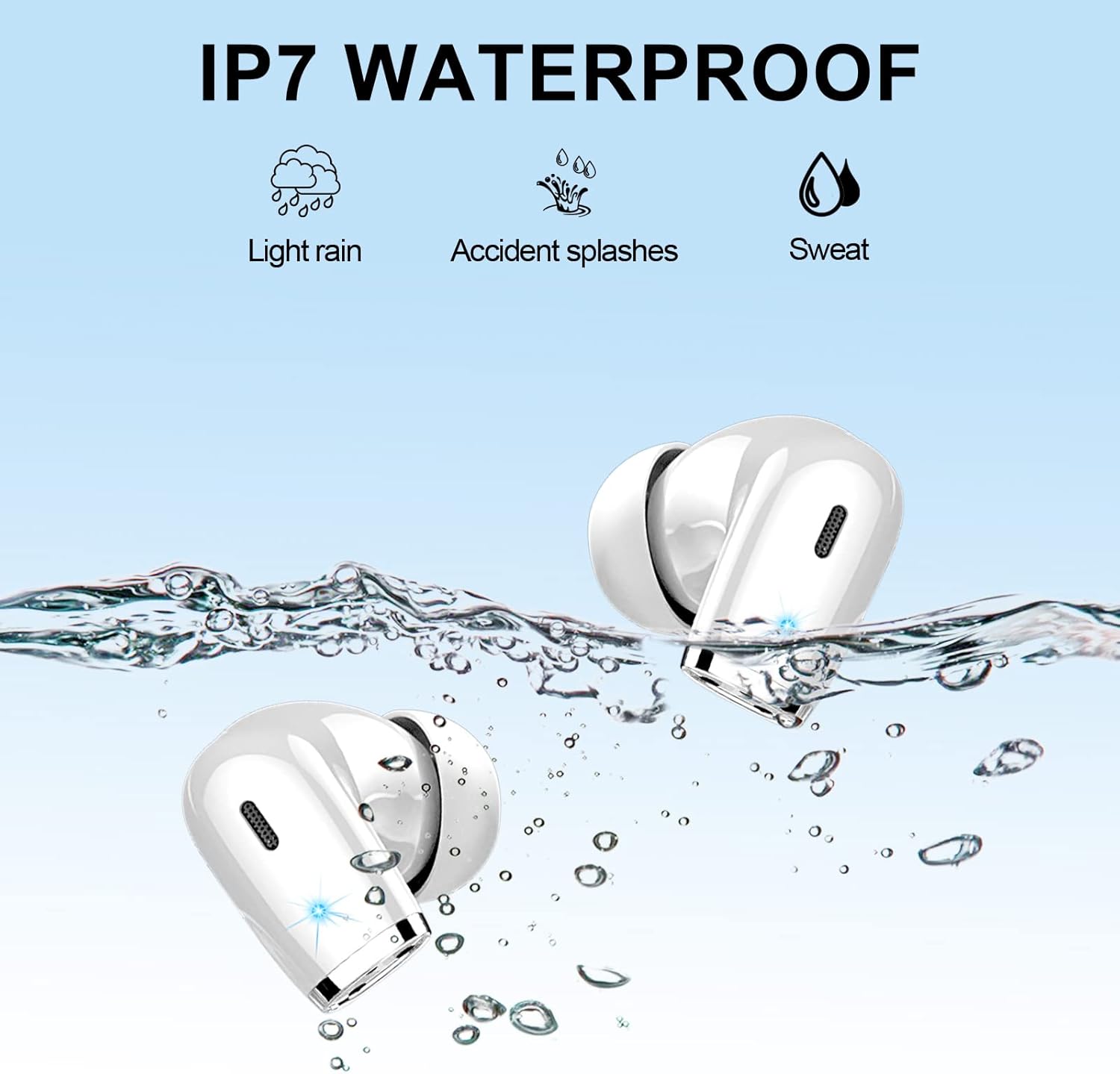
The Renimer IT100 earbuds are rated IP7 waterproof, meaning they are protected against the effects of temporary immersion in water (up to 1 meter for 30 minutes). This makes them suitable for:
- Let regn
- Accidental splashes
- Sweat during sports and exercise
Vigtig: While IP7 rated, it is recommended to wipe the earbuds dry immediately after contact with water to prevent any potential long-term damage and ensure proper function. The charging case is not waterproof.

Figur 6.1: IP7 Waterproof. This image visually represents the IP7 waterproof capabilities of the earbuds, showing them submerged in water with icons for light rain, accidental splashes, and sweat.
6.3 Opbevaring
Når ørepropperne ikke er i brug, skal de opbevares i deres opladningsetui for at beskytte dem mod støv og skader og for at holde dem opladet.
7. Fejlfinding
If you encounter any issues with your Renimer IT100 earbuds, please refer to the following common solutions:
| Problem | Løsning |
|---|---|
| Øretelefoner parrer ikke med enheden |
|
| Kun én øreprop virker |
|
| Lav lydstyrke eller dårlig lydkvalitet |
|
| Øretelefoner oplader ikke |
|
| Touch controls are too sensitive or unresponsive |
|
8. Specifikationer
| Modelnummer | IT100 |
| Bluetooth version | 5.2 |
| Højttaler størrelse | 13mm high-efficiency speakers |
| Spilletid (øretelefoner) | 7-8 timer (ved 60 % volumen) |
| Samlet spilletid (med opladningsetui) | Op til 40 timer |
| Opladningstid (etui) | Cirka 1.5 timer (via Type-C) |
| Vandtæt vurdering | IP7 (kun øretelefoner) |
| Støjkontrol | CVC 8.0 for calls, Passive Noise Isolation for music |
| Kontrolmetode | Smart Touch-kontrol |
| Enkelt øreprop Vægt | 4.1 g |
| Vægt af opladningsetui | 47 g |
| Kompatible enheder | iOS 9.0/Android 5.0 or above and Bluetooth 4.0 or later |
9. Garanti og support
Renimer products are designed and manufactured to the highest quality standards. For warranty information, technical support, or customer service inquiries, please refer to the contact information provided with your purchase or visit the official Renimer webwebsted. Gem venligst din købsbevis til garantikrav.