
1. Introduktion
Welcome to the world of Ultimate Ears. The WONDERBOOM EXC is a super-portable Bluetooth speaker designed to deliver surprisingly big sound with clear, crisp audio and rich bass. Its robust and waterproof design makes it ideal for use in various environments, from indoor relaxation to outdoor adventures. This manual will guide you through the essential steps to get the most out of your speaker.
2. Opsætning
2.1. Opladning af din højttaler
Before first use, ensure your WONDERBOOM EXC is fully charged. Connect the included micro USB cable to the charging port located at the bottom of the speaker. Plug the other end into a compatible USB power source. The charging indicator light will illuminate during charging and turn off when fully charged. A full charge takes approximately 10 hours.

Image: The WONDERBOOM EXC speaker with its waterproof charging port revealed at the bottom.
2.2. Tænd/sluk
To power on your WONDERBOOM EXC, press and hold the power button located on the bottom of the speaker. You will hear an audible sound, and a white indicator light will appear, confirming the speaker is on and ready for use. To power off, press and hold the same button until the light turns off and you hear a power-off sound.

Image: The base of the WONDERBOOM EXC speaker, highlighting the power button and brand engraving.
2.3. Bluetooth-parring
To connect your WONDERBOOM EXC to a device via Bluetooth:
- Ensure your speaker is powered on.
- Activate Bluetooth on your audio device (smartphone, tablet, computer).
- On the WONDERBOOM EXC, press and hold the Bluetooth pairing button (small button near the power button on the bottom) until you hear a pairing sound and the indicator light starts blinking rapidly.
- On your device, select "WONDERBOOM EXC" from the list of available Bluetooth devices.
- Once connected, you will hear a confirmation sound from the speaker, and the indicator light will turn solid white.
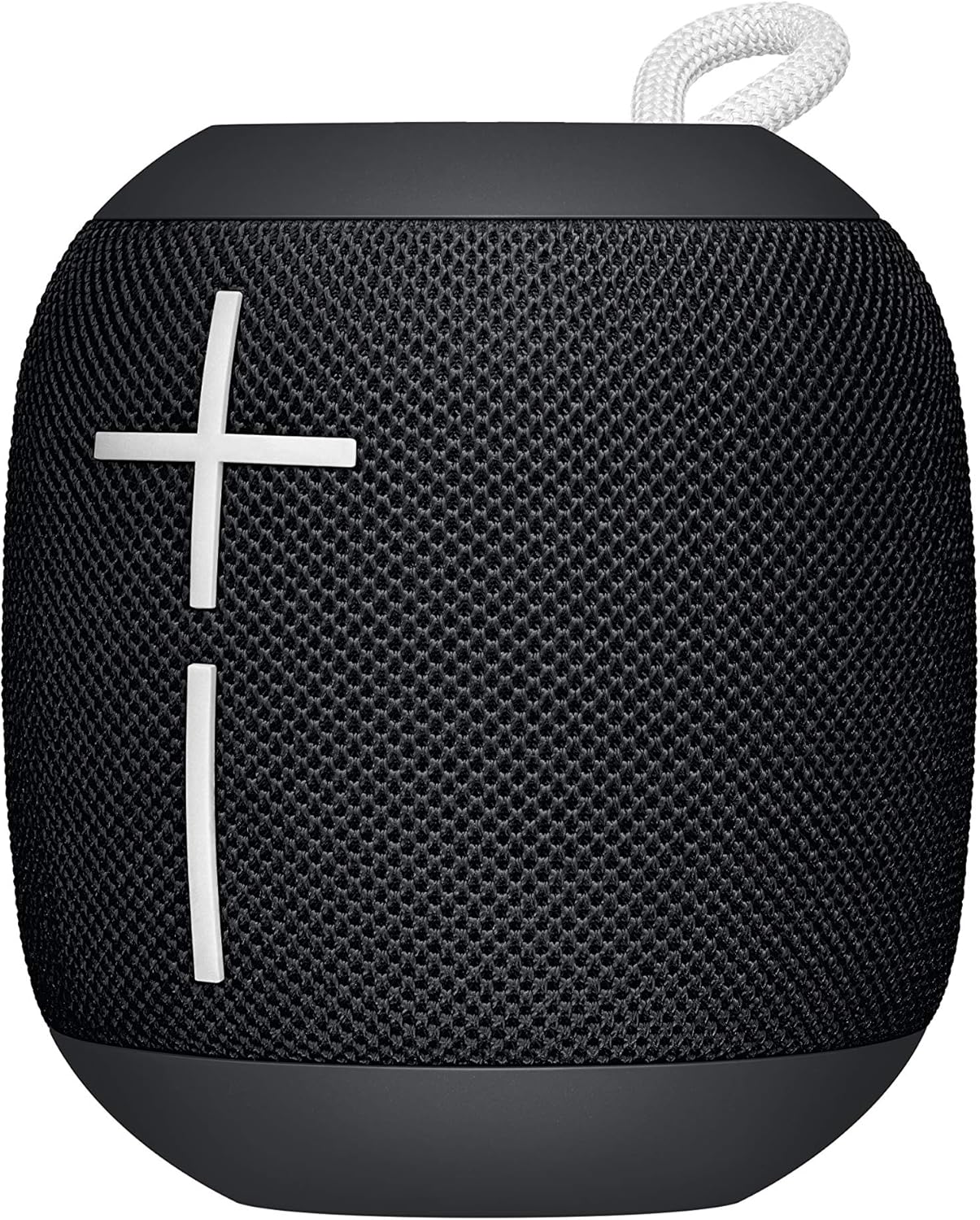
Image: The WONDERBOOM EXC speaker, showcasing its prominent volume control buttons.
3. Betjening af din højttaler
3.1. Lydstyrkekontrol
Adjust the volume directly on the WONDERBOOM EXC using the large '+' and '-' buttons on the front mesh of the speaker. Alternatively, you can control the volume from your connected audio device.

Image: The WONDERBOOM EXC speaker, highlighting its intuitive volume controls.
3.2. Afspilningskontrol
The WONDERBOOM EXC features a multi-function button (the Ultimate Ears logo button on the top surface) for convenient playback control:
- Tryk én gang: Afspil/pause musik.
- Press twice quickly: Spring til næste nummer.
3.3. Double Up (Pairing Two WONDERBOOM EXC Speakers)
For an even bigger sound experience, you can wirelessly connect two WONDERBOOM EXC speakers together:
- Ensure both WONDERBOOM EXC speakers are powered on and connected to your audio device.
- On both speakers, simultaneously press and hold the multi-function button (Ultimate Ears logo button on top) for about 3 seconds.
- You will hear a confirmation sound from both speakers, indicating they are now paired and playing in sync.
4. Vedligeholdelse
4.1. Waterproof Design and Cleaning
The WONDERBOOM EXC boasts an IPX7 waterproof rating, meaning it can be immersed in water up to 1 meter for 30 minutes. It also floats, making it perfect for poolside or beach use. If the speaker gets dirty, simply rinse it with clean water. Ensure the charging port cover is securely closed before exposing the speaker to water.

Image: The WONDERBOOM EXC speaker floating on water, showcasing dens vandtætte design.
5. Fejlfinding
If you encounter any issues with your WONDERBOOM EXC, try the following steps:
- Ingen strøm: Ensure the speaker is fully charged. Connect it to a power source and allow it to charge for a few minutes before attempting to power on again.
- Kan ikke parres: Make sure Bluetooth is enabled on your device and the speaker is in pairing mode (blinking indicator light). Try turning Bluetooth off and on again on your device. If the issue persists, restart both the speaker and your device.
- Ingen lyd: Check the volume levels on both the speaker and your connected device. Ensure the speaker is properly paired and not connected to another device.
- Dårlig lydkvalitet: Move the speaker closer to your device to ensure it's within Bluetooth range (up to 40 meters). Avoid obstacles that might interfere with the signal.
- Højttaler svarer ikke: Perform a soft reset by pressing and holding the power button for 15 seconds.
For yderligere assistance, se venligst supportsektionen eller kontakt kundeservice.
6. Specifikationer
| Feature | Detalje |
|---|---|
| Modelnavn | WONDERBOOM EXC |
| Højttaler type | Bashøjttaler |
| Forbindelsesteknologi | Bluetooth |
| Trådløs kommunikationsteknologi | Bluetooth |
| Bluetooth rækkevidde | 40 meter |
| Batterilevetid | 10 timer |
| Opladningstid | 10 timer |
| Vandmodstandsniveau | IPX7 (vandtæt) |
| Produktdimensioner | 3.68" D x 4.02" B x 3.68" H |
| Varens vægt | 15 ounces (425 gram) |
| Inkluderede komponenter | WONDERBOOM EXC, micro USB cable |
| Fabrikant | Logitech |

Image: Dimensional diagram of the WONDERBOOM EXC speaker.
7. Garanti og support
7.1. Garantioplysninger
The Ultimate Ears WONDERBOOM EXC comes with a Limited Warranty. Please refer to the warranty card included in your product packaging or visit the official Ultimate Ears webwebstedet for detaljerede vilkår og betingelser vedrørende garantidækning og krav.
7.2. Kundesupport
For teknisk support, produktforespørgsler eller garantikrav, besøg venligst Ultimate Ears Store on Amazon or the official Ultimate Ears support website. You may also find helpful FAQs and troubleshooting guides online.