
Vrabocry SP621E
SP621E Bluetooth Pixel Controller User Manual
Model: SP621E
Indledning
The Vrabocry SP621E Mini Bluetooth LED Controller is designed for controlling addressable LED strips such as WS2811, WS2812B, and WS2813. It offers stable operation, ease of use, and simple connectivity, making it ideal for various lighting applications. This controller supports a wide voltage input range of DC5V to 24V and features onboard current of 2.9A.
Nøglefunktioner omfatter:
- Certified by FCC, CE, RoHS, ensuring high quality and safety.
- Flame retardant shell resistant to high temperatures.
- Supports APP control for automatic device connection and re-connection.
- Built-in 142 dynamic effects with adjustable length.
- Function to collect and save favorite effects.
- Automatic saving of setting parameters.
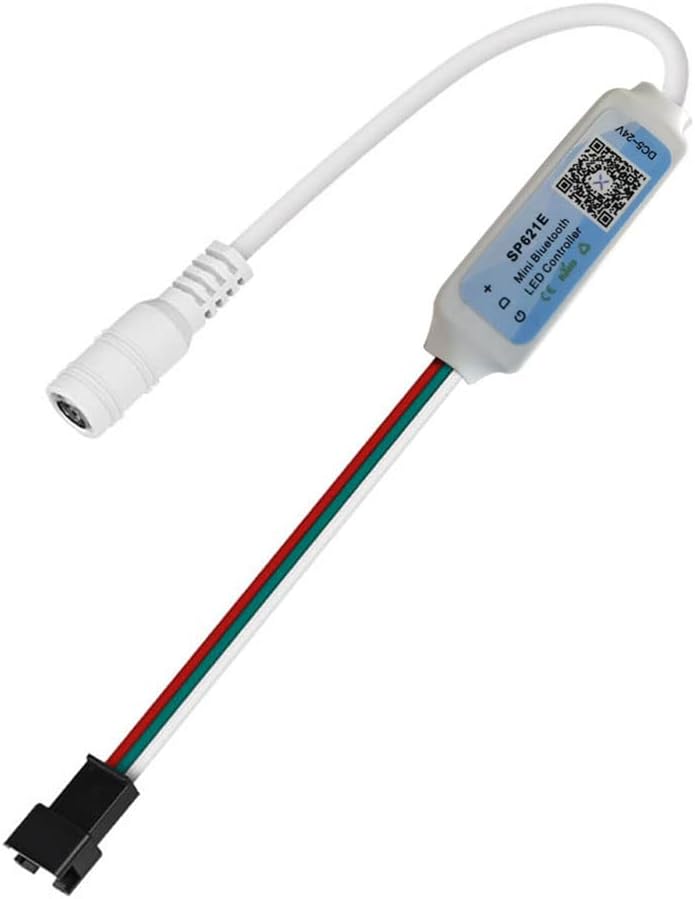
Image: The SP621E Mini Bluetooth LED Controller, showing its compact size and integrated cables for power and LED strip connection.
Pakkens indhold
Sørg venligst for, at alle varer er til stede i pakken:
- 1 x SP621E Mini Controller
- 1 x USB-kabel
Sikkerhedsoplysninger
- Sørg for, at arbejdsvolumentage is within the specified DC5V~24V range. Exceeding this range may damage the device.
- The controller is designed for indoor use. Avoid exposure to water or high humidity.
- Do not disassemble or modify the controller. This may void the warranty and pose safety risks.
- Opbevares utilgængeligt for børn.
- Ensure proper ventilation around the controller during operation.
- The power supply has an anti-reverse connection function, but always double-check polarity before connecting.
Opsætning
1. Strømtilslutning
Connect a DC5V~24V power adapter to the male DC power input connector of the SP621E controller. Ensure the power supply is appropriate for both the controller and the connected LED strip.
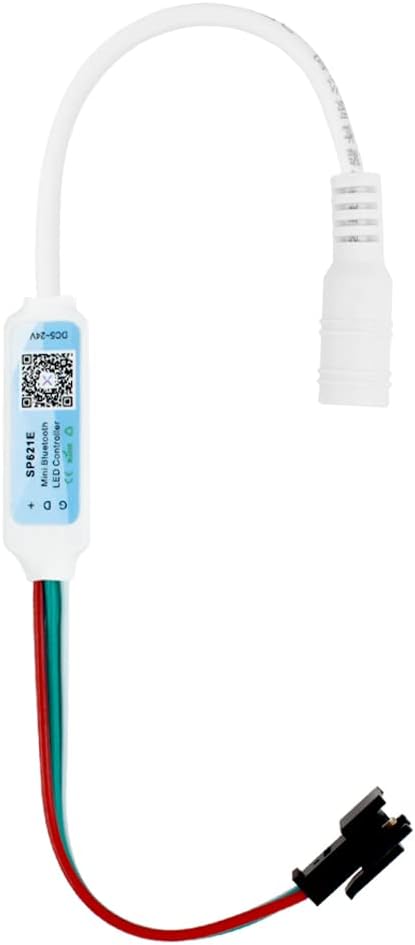
Image: The SP621E controller showing its male DC power input connector, ready to receive power from an external adapter.
2. LED-strimmeltilslutning
Connect your compatible LED strip (e.g., WS2811, WS2812B, WS2813) to the 3-pin output connector of the SP621E controller. Ensure the correct polarity (Data, Ground, VCC) matches the LED strip's input.

Image: The SP621E controller displaying its female DC power output connector and the 3-pin connector for connecting to an LED strip.
3. Appinstallation og Bluetooth-forbindelse
Download the dedicated control application for the SP621E controller from your smartphone's app store (usually by scanning the QR code on the controller or packaging). Once installed, enable Bluetooth on your device and open the app. The app should automatically detect and connect to the SP621E controller. If not, follow the in-app instructions for manual pairing.

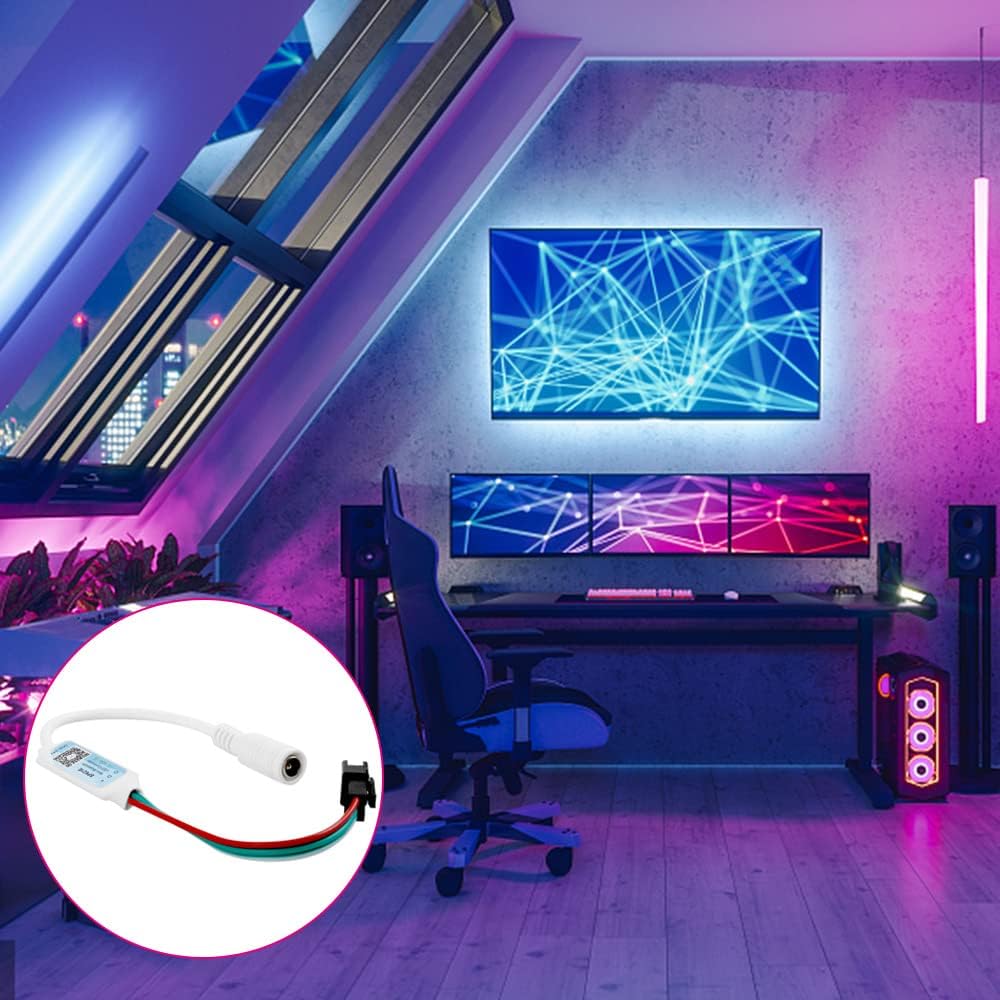
Image: A visual representation of the SP621E controller connected to a power source and an LED strip, with a smartphone displaying the control application interface.
Betjeningsvejledning
Once connected via the app, you can control various aspects of your LED lighting:
- Dynamiske effekter: The controller comes with 142 built-in dynamic effects. Browse through them and select your preferred lighting pattern.
- Effect Length Adjustment: Adjust the speed or duration of the selected dynamic effects to customize the lighting experience.
- Favorite Effects: Save your most frequently used or preferred effects for quick access.
- Timer funktion: Set schedules for your LED lights to turn on or off automatically.
- Farvevalg: Choose from a wide range of colors for static lighting modes.
Billede: En detaljeret view of the SP621E control application interface on a smartphone, illustrating options for dynamic effects, color selection, and other settings.
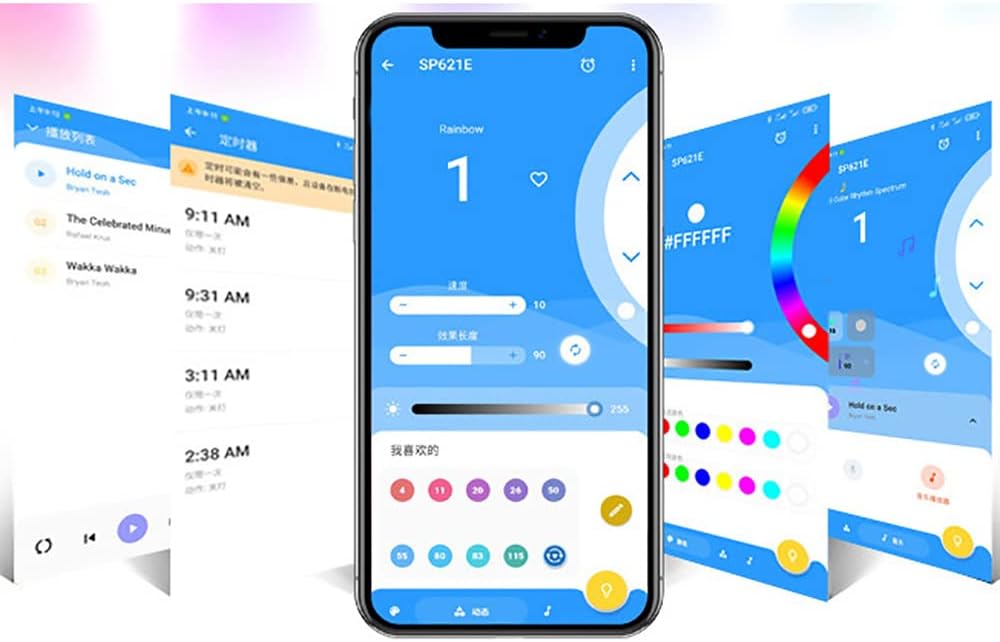
Billede: En anden view of the SP621E control application, highlighting the timer function and the ability to save favorite lighting effects for easy recall.
Opretholdelse
- Hold controlleren ren og fri for støv. Brug en blød, tør klud til rengøring.
- Avoid placing the controller in direct sunlight or near heat sources.
- Ensure all connections are secure to prevent intermittent operation.
- Opbevares på et køligt, tørt sted, når det ikke er i brug i længere perioder.
Fejlfinding
- Controlleren tænder ikke:
- Check if the power adapter is correctly connected and providing DC5V~24V.
- Sørg for, at stikkontakten fungerer.
- LED-striben lyser ikke:
- Verify the LED strip is compatible (WS2811, WS2812B, WS2813).
- Check the connection between the controller and the LED strip for correct polarity and secure fit.
- Ensure the LED strip itself is functional.
- Problemer med Bluetooth-forbindelse:
- Sørg for, at Bluetooth er aktiveret på din smartphone.
- Genstart appen, og prøv at oprette forbindelse igen.
- If the app does not remember the pairing, you may need to disconnect and reconnect the controller's power to re-establish a connection.
- Ensure the controller is within Bluetooth range.
- Effects not changing or responding:
- Check if the app is properly connected to the controller.
- Sørg for, at appen er opdateret til den nyeste version.
- Try restarting the controller by disconnecting and reconnecting its power.
Specifikationer
| Parameter | Værdi |
|---|---|
| Model | SP621E |
| Arbejdstemperatur | -20℃ ~ 60℃ (-4°F ~ 140°F) |
| Working Voltage | DC5V ~ 24V |
| Onboard Current | 2.9A |
| Kontrolmetode | Bluetooth app kontrol |
| Forbindelsesprotokol | Bluetooth |
| Kompatible LED-typer | WS2811, WS2812B, WS2813 Pixel RGB SMD5050 LED Strip/Module/Lamp |
| Materiale | Plast |
| Særlige funktioner | Color Changing, Timer, 142 Dynamic Effects, Favorite Effects Collection, Automatic Parameter Saving |
| Indendørs/Udendørs brug | Indendørs |
Garantioplysninger
For specific warranty terms and conditions, please refer to the documentation provided with your purchase or contact the manufacturer, Vrabocry, directly. Typically, warranty covers defects in materials and workmanship under normal use.
Kundesupport
If you encounter any issues or have questions regarding your SP621E Bluetooth Pixel Controller that are not covered in this manual, please contact Vrabocry customer support through their official website or the retailer from whom you purchased the product. Please have your product model number (SP621E) and purchase details ready when contacting support.