
PTHTECHUS G12A-GPS
PTHTECHUS 4G Kids Smartwatch User Manual
Model: G12A-GPS / XLH-Y25
Mærke: PTHTECHUS
Indledning
Welcome to the PTHTECHUS 4G Kids Smartwatch user manual. This guide provides essential information for setting up, operating, and maintaining your smartwatch, ensuring your child's safety and connectivity. Please read this manual thoroughly before using the device.
Produktegenskaber
Nøglefunktioner
- 4G Network & Video Chat: Supports smooth video calls and voice chat via 4G network or Wi-Fi.
- GPS + WiFi + LBS Tracking: Provides triple safety positioning for real-time location monitoring.
- SOS-nødopkald: One-click SOS button to alert pre-set emergency contacts.
- IP68 vandtæt: Designed for use during hand-washing, swimming, and showering (ensure SIM slot is securely closed).
- Integreret kamera: Allows children to take photos and parents to remotely control the camera.
- Sikkerhedszone: Parents can set geofence boundaries and receive alerts if the child exits the designated area.
- Forstyr ikke-tilstand: Blocks calls and functions during specified times (e.g., school hours) except for SOS.
- Historical Tracks: Records movement paths for up to 30 days.
- Alarm Reminders: Customizable alarms for daily routines.
- Skridttæller: Tracks daily steps and activity.
- Timer: Helps children manage time.
- Lang ventetid: Up to 72 hours standby with an 800mAh Li-polymer battery.
Visual Overview

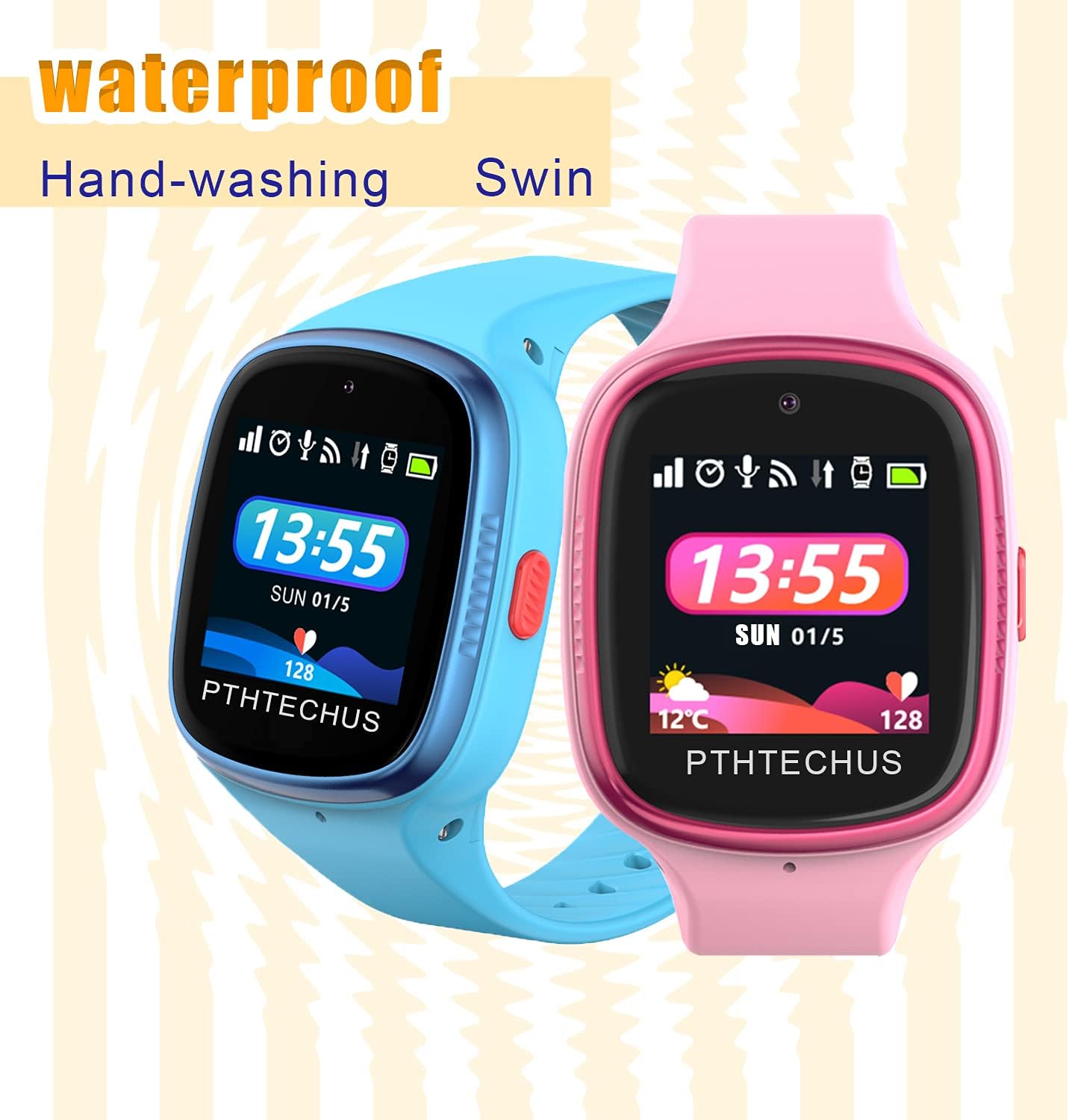
The PTHTECHUS 4G Kids Smartwatch, shown in pink, features a clear digital display indicating the current time (13:55) and weather information (12°C). The watch is designed to be water-resistant, as depicted by the splashing water.
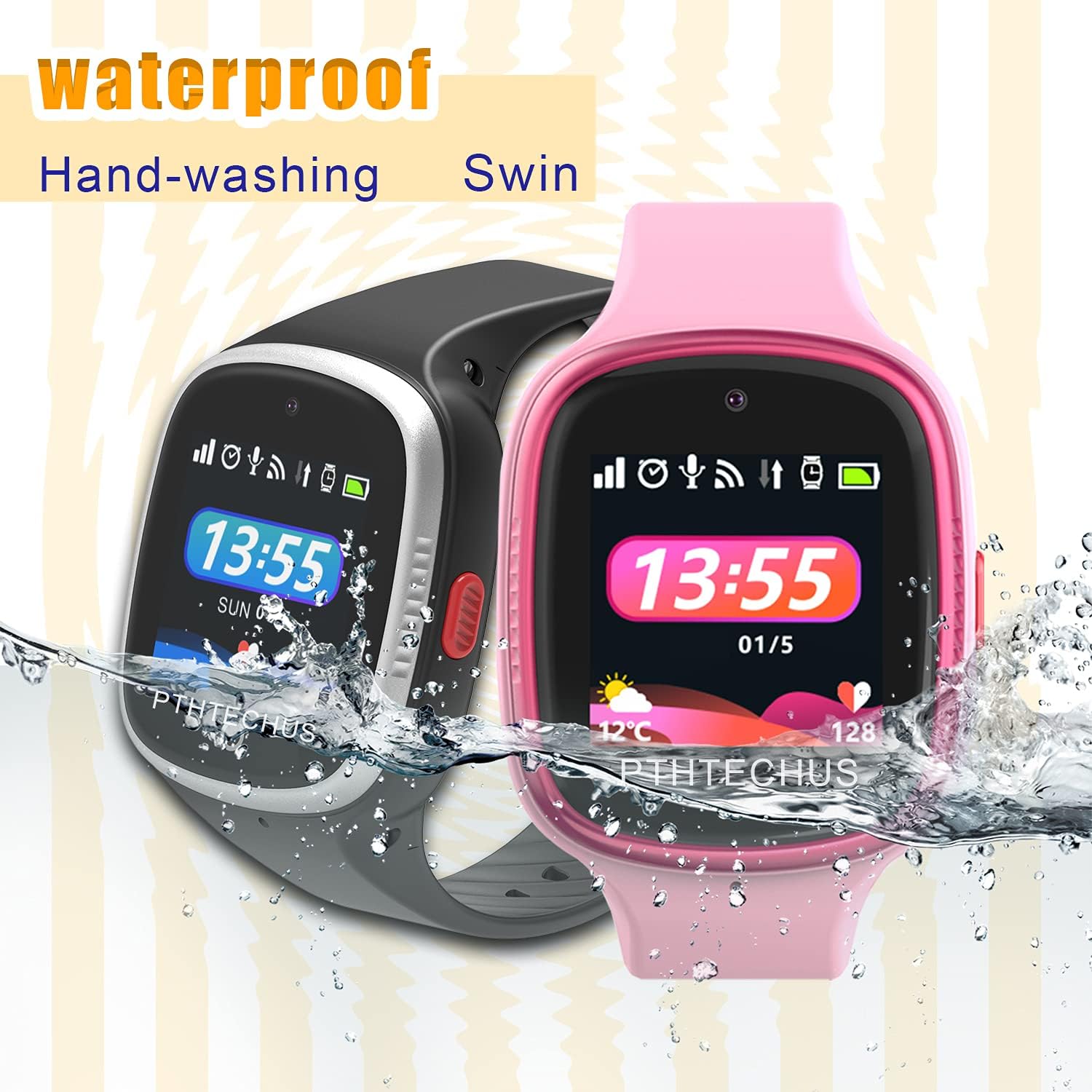
This image showcases two PTHTECHUS 4G Kids Smartwatches, one in black and one in pink, submerged partially in water, emphasizing their waterproof capability for activities like hand-washing and swimming.
The image highlights the impressive 72-hour standby battery life of the PTHTECHUS 4G Kids Smartwatch. Two watches, blue and pink, are shown with a prominent lightning bolt symbol, signifying long-lasting power from morning to night.
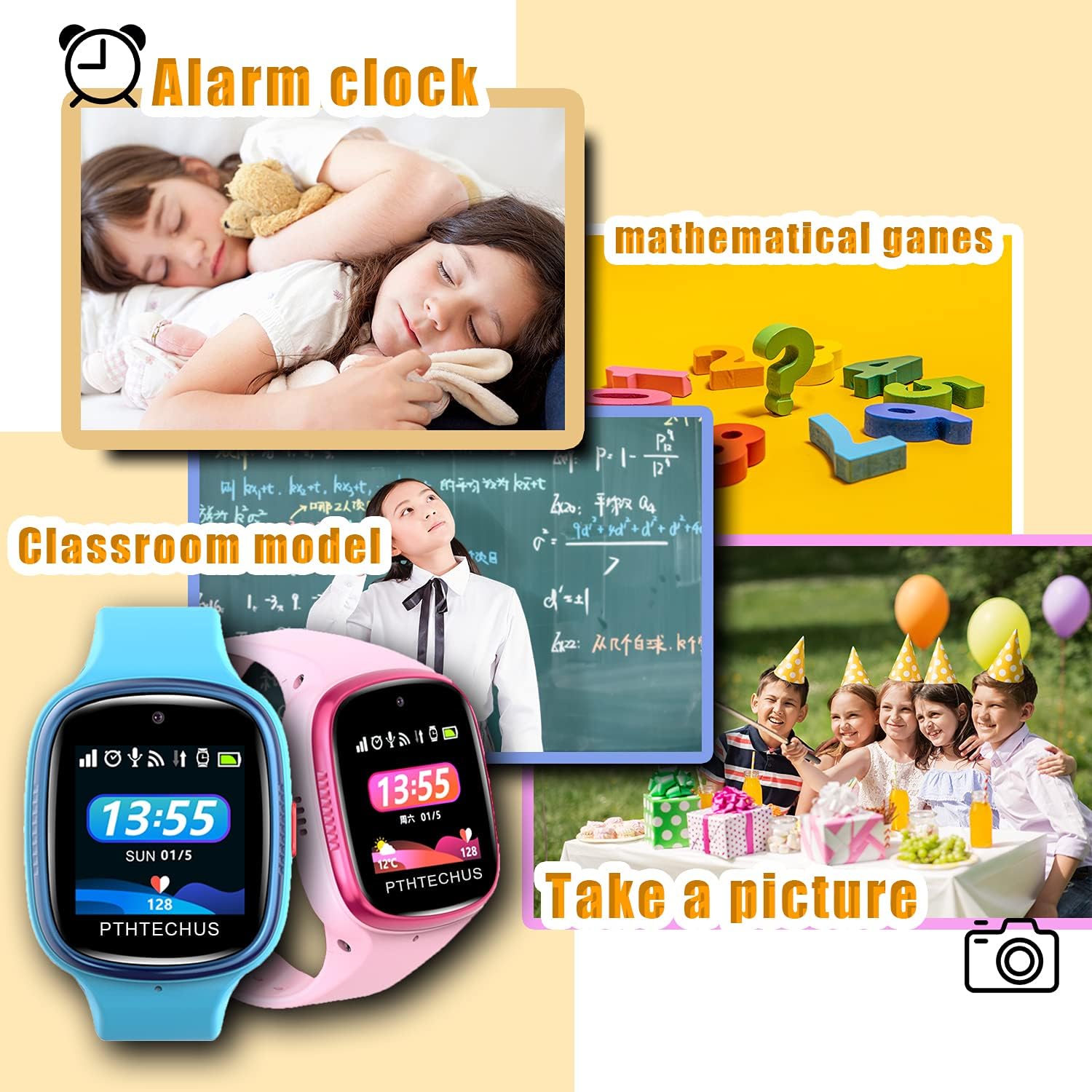
This collage illustrates several key features of the smartwatch. It includes an alarm clock (children sleeping), mathematical games (question mark and equations), classroom mode (child studying), and the ability to take pictures (children at a party), all accessible via the watch.
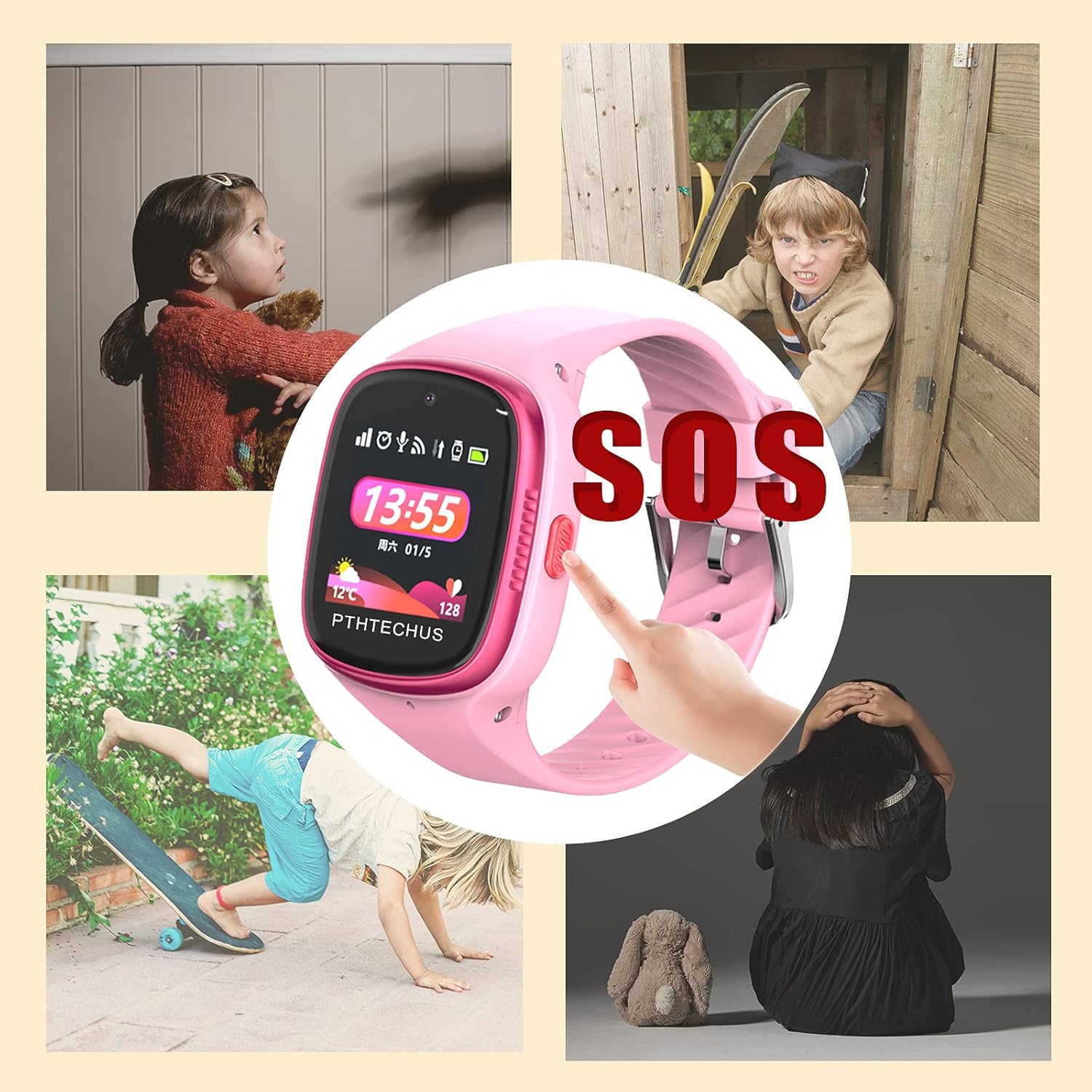
The image demonstrates the critical SOS function of the smartwatch. A finger is shown pressing the dedicated SOS button on the side of the pink watch, with surrounding visuals suggesting scenarios where a child might need immediate help, such as feeling scared or in danger.

En detaljeret view of the back of the PTHTECHUS 4G Kids Smartwatch, revealing the SIM card slot and emphasizing its large capacity 800mAh Li-polymer battery, designed for low power consumption and efficient, safe operation.

This image illustrates the video call capability of the smartwatch. The blue watch screen shows a child's face during a call, while a smartphone screen next to it displays a parent and child, simulating a video conversation as if the parent is right there with the child.
Opsætningsvejledning
Pakkens indhold
- PTHTECHUS 4G Kids Smartwatch
- Ladekabel
- Brugervejledning (dette dokument)
Opladning af Smartwatch
Before first use, fully charge the smartwatch. Connect the magnetic charging cable to the charging port on the back of the watch and plug the USB end into a compatible power adapter (not included). A full charge typically takes approximately 2-3 hours.
SIM-kort installation
The smartwatch requires a Nano SIM card (not included) with 4G network support for full functionality (calls, video calls, GPS).
- Sluk smartwatchet.
- Locate the SIM card slot on the back of the watch, under a protective cover.
- Åbn forsigtigt dækslet til SIM-kortstikket.
- Insert the Nano SIM card with the chip facing up and the cut corner oriented correctly, as indicated by the diagram near the slot.
- Securely close the SIM card slot cover to ensure water resistance.
- Power on the smartwatch. The network signal icon should appear on the screen once the SIM card is recognized.
App download og parring
To manage the smartwatch and access advanced features, download the companion app on your smartphone.
- Scan the QR code provided in the watch's settings or on the packaging to download the companion app (e.g., "SeTracker2").
- Registrer en konto og log ind.
- In the app, select "Add Device" and scan the QR code on the watch's screen or enter the device's registration code.
- Følg anvisningerne på skærmen for at fuldføre parringsprocessen.
Betjeningsvejledning
Grundlæggende navigation
The smartwatch features a touchscreen display for navigation. Swipe left/right to access different menus and tap to select options. The side button typically serves as a power/back button.
Foretage og modtage opkald
Once a SIM card is installed and registered, you can make and receive calls.
- Foretag et opkald: Navigate to the "Contacts" or "Dial Pad" on the watch, select a contact, or dial a number, then tap the call icon.
- Modtagelse af et opkald: When a call comes in, tap the green answer icon on the screen.
Videoopkald
The smartwatch supports 4G video calls. Ensure a stable 4G or Wi-Fi connection. Navigate to the video call function on the watch and select the contact you wish to video call.
SOS funktion
In an emergency, press and hold the SOS button (usually a dedicated button on the side) for 3 seconds. The watch will automatically dial the pre-set SOS numbers in sequence until one is answered.
GPS-sporing
Parents can monitor the child's real-time location through the companion app. The watch uses GPS, Wi-Fi, and LBS for accurate positioning.
Brug af kamera
To take a photo, navigate to the "Camera" application on the watch and tap the shutter icon. Photos are saved in the watch's gallery. Parents can also remotely activate the camera via the app.
Forstyr ikke-tilstand
Set specific "Do Not Disturb" periods via the companion app. During these times, the watch will block all incoming calls and notifications (except SOS calls) to prevent distractions.
Opretholdelse
Rensning
Tør uret regelmæssigt af med en blød, tør klud. Til genstridigt snavs skal du bruge en let tør klud.amp kluden og tør den derefter grundigt. Undgå at bruge skrappe kemikalier eller slibende materialer.
Vandtæthed (IP68)
The watch is IP68 waterproof, meaning it can withstand splashes, rain, hand-washing, and brief immersion in shallow water.
Vigtig: Ensure the SIM card slot cover is always securely closed to maintain water resistance. Do not expose the watch to hot water, steam, or prolonged immersion in deep water. Not suitable for diving or high-pressure water activities.
Batteripleje
For at forlænge batteriets levetid, undgå ekstreme temperaturer. Oplad uret regelmæssigt, og undgå at lade batteriet aflades helt i længere perioder.
Softwareopdateringer
Periodically check for software updates through the companion app to ensure optimal performance and access to new features.
Fejlfinding
| Problem | Mulig årsag | Løsning |
|---|---|---|
| Uret tænder ikke | Lavt batteri; Tænd/sluk-knappen er ikke trykket korrekt ind | Charge the watch for at least 30 minutes; Press and hold the power button for 5-10 seconds |
| Intet netværkssignal | SIM card not installed correctly; SIM card not activated; Out of network coverage | Reinstall SIM card; Contact your mobile carrier to activate SIM; Move to an area with better signal |
| GPS location inaccurate | Weak GPS signal indoors; LBS/Wi-Fi positioning being used | Move to an open outdoor area; Ensure Wi-Fi is enabled for better indoor positioning |
| Kan ikke foretage/modtage opkald | No SIM card; SIM card not registered; Insufficient balance; Do Not Disturb mode active | Check SIM installation and activation; Recharge SIM balance; Disable Do Not Disturb mode |
| Batteriet aflades hurtigt | Frequent use of features (video calls, GPS); Background apps | Reduce screen brightness; Limit continuous GPS tracking; Close unused apps |
| App cannot connect to watch | Incorrect registration code; Watch offline; Network issues | Verify registration code; Ensure watch has network connection; Check phone's internet connection |
Tekniske specifikationer
| Feature | Detalje |
|---|---|
| Mærke | PTHTECHUS |
| Model | G12A-GPS |
| Modelnavn | XLH-Y25 |
| Fabrikant | StarlianTracker |
| Skærmstørrelse | 1.3 tommer |
| Display Type | LCD |
| Hukommelseslagringskapacitet | 1 GB |
| Batteri | 800mAh Lithium-ion (1 required, included) |
| Average Battery Usage Time | 12 Hours (usage time, standby up to 72 hours) |
| Trådløs type | Bluetooth |
| Mobilteknologi | 4G |
| Forbindelsestype | Mobile Modem |
| Indgangsenhed | Knapper, berøringsskærm |
| Særlige funktioner | Calendar functions, Camera, GPS, Alarm Clock |
| Vandmodstand | IP68 |
| Pakkedimensioner | 10.3 x 8.6 x 6.4 cm; 60 g |
| Første ledige dato | 22. november 2022 |
Garanti og support
Your PTHTECHUS 4G Kids Smartwatch comes with a one-month free replacement policy and a one-year free warranty plan.
For any questions, technical support, or warranty claims, please contact your retailer or the manufacturer's customer service. Refer to your purchase documentation for specific contact details.
Ask a question about this manual
Ask about setup, troubleshooting, compatibility, parts, safety, or missing instructions. Manuals+ will review the question and use this page’s manual context to help answer it.