
1. Introduktion
Tak for købetasing the Edifier X3s True Wireless Stereo Earbuds. This manual provides detailed instructions on how to set up, operate, and maintain your earbuds to ensure optimal performance and longevity. Please read this manual thoroughly before use.

Image: The Edifier X3s earbuds, one removed from the open charging case, showcasinderes kompakte design.
2. Pakkens indhold
- Edifier X3s True Wireless Earbuds (Left and Right)
- Opladningsetui
- USB opladningskabel
- Ørespidser (forskellige størrelser)
- Brugermanual
3. Opsætning
3.1 Opladning af øretelefoner og etuiet
Oplad ørepropperne og opladningsetuiet helt inden første brug.
- Place the earbuds into the charging case. Ensure they are correctly seated; the indicator lights on the earbuds will illuminate.
- Connect the charging case to a power source using the provided USB cable. The indicator light on the charging case will show charging status.
- A full charge for the charging case typically takes approximately 8 hours. The earbuds will charge automatically when placed in the case.
3.2 Bluetooth -parring
Follow these steps to pair your Edifier X3s earbuds with your device:
- Sørg for, at øretelefonerne er opladet.
- Åbn opladningsetuiet. Ørepropperne går automatisk i parringstilstand, hvilket indikeres af et blinkende lys på ørepropperne.
- Aktiver Bluetooth på din enhed (smartphone, tablet osv.) og søg efter nye enheder.
- Select "EDIFIER X3s" from the list of available devices.
- Når forbindelsen er oprettet, vil en stemmemeddelelse bekræfte den gennemførte parring, og indikatorlamperne på øretelefonerne slukkes.
Ørepropperne understøtter TrueWireless Mirroring, allowing seamless switching between single and dual earbud use.
4. Betjeningsvejledning
4.1 Tryk på kontrolelementer
The Edifier X3s earbuds feature intuitive touch controls on each earbud. Refer to the diagram below for specific functions:

Image: A diagram illustrating the touch control functions for the left and right Edifier X3s earbuds.
- Enkelt tryk (V/H): Play/Pause music, Answer an Incoming Call
- Double Tap (L): Forrige sang
- Double Tap (R): Næste sang
- Triple Tap (L): Switch On Game Mode
- Triple Tap (R): Aktiver Voice Assistant
- Long Press for 2-3 Seconds (L/R): Hang Up/Reject a Call
- Long Press (L): Lydstyrke ned
- Long Press (R): Lydstyrke op
4.2 Spiltilstand
To enhance your gaming experience, the Edifier X3s features a dedicated Game Mode. Triple-tap the venstre earbud to activate or deactivate Game Mode. This mode optimizes audio-visual synchronization for gaming.
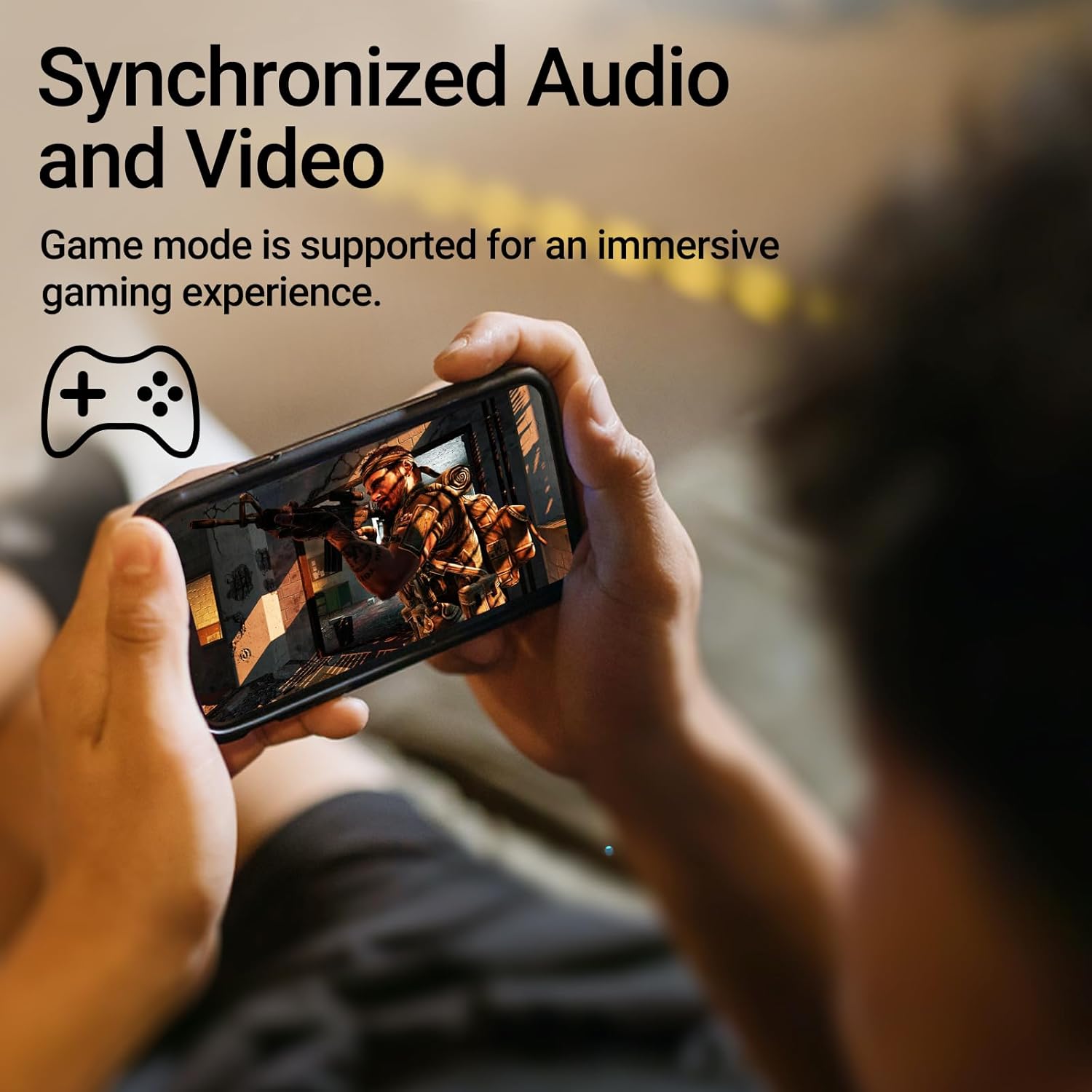
Image: A person holding a smartphone, playing a game, with the text "Synchronized Audio and Video. Game mode is supported for an immersive gaming experience."
5. Nøglefunktioner
- Ægte trådløs oplevelse: Bluetooth V5.2 with Qualcomm aptX audio decoding for high-fidelity sound and stable connections.
- Forlænget spilletid: Up to 28 hours of total playtime, with 8 hours from the earbuds and an additional 20 hours from the charging case.
- Superior Call Clarity: Equipped with Qualcomm cVc 8.0 noise cancellation technology for crystal clear calls.
- IP55 Rated Protection: Dust and water resistance make these earbuds suitable for outdoor activities and various weather conditions.
- Komfortabelt og let design: Weighing only 62g, these earbuds provide a secure and comfortable fit for extended wear.

Image: A close-up of the Qualcomm aptX QCC3040 chip, highlighting Bluetooth V5.2 with aptX audio decoding for lossless audio transmission.

Image: Hands holding the Edifier X3s charging case, with an overlay indicating "Up to 28 hours of playback in total: 8 hours (earbuds), 20 hours (charging case)".

Image: A graphic illustrating cVc 8.0 noise reduction, showing how ambient noise is reduced while voice remains clear during calls.

Image: A woman exercising, with an overlay indicating "Dust and water resistant. Feel free to use them at the gym or on a rainy day. IP55-Rated."
6. Vedligeholdelse
6.1 Rengøring
- Rengør regelmæssigt ørepropperne og opladningsetuiet med en blød, tør og fnugfri klud.
- Fjern ørepropperne, og rengør dem med mild sæbe og vand, hvis det er nødvendigt. Sørg for, at de er helt tørre, før du sætter dem på igen.
- Brug en vatpind til forsigtigt at rengøre opladningskontakterne på både ørepropperne og etuiet.
6.2 Opbevaring
- Når ørepropperne ikke er i brug, skal de opbevares i deres opladningsetui for at beskytte dem og holde dem opladede.
- Opbevares køligt og tørt, væk fra ekstreme temperaturer og direkte sollys.
6.3 Vand- og støvafvisende
The earbuds are IP55 rated, meaning they are protected against dust ingress and low-pressure water jets from any direction. While they can withstand sweat and light rain, they are not designed for submersion in water. Do not use them while swimming or showering.
7. Fejlfinding
- Ørepropper parrer ikke: Sørg for, at begge ørepropper er i opladningsetuiet, og åbn derefter låget for at starte parringstilstand. Tjek din enheds Bluetooth-indstillinger, og prøv at genoprette forbindelsen.
- Kun én øreprop virker: Sæt begge ørepropper tilbage i opladningsetuiet, luk låget, vent et par sekunder, og åbn det derefter igen. Dette synkroniserer dem ofte igen.
- Ingen lyd: Check the volume level on both your device and the earbuds. Ensure the earbuds are properly paired and connected.
- Opladningsproblemer: Verify that the charging cable is securely connected and the power source is active. Clean the charging contacts on the earbuds and case.
- Dårlig opkaldskvalitet: Ensure the earbuds are clean and positioned correctly in your ears. Check for any obstructions to the microphone.
8. Specifikationer
- Model: EDIFIER X3S
- Forbindelse: Trådløs (Bluetooth V5.2)
- Lydafkodning: Qualcomm aptX
- Støjreduktion: Qualcomm cVc 8.0 (for calls)
- Spilletid: Earbuds: 8 hours, Total with Charging Case: 28 hours
- Opladningstid (etui): Cirka 8 timer
- Vand-/støvmodstand: IP55-klassificeret
- Kontrolmetode: Røre
- Vægt: 62 gram (i alt)
- Materiale: Polycarbonat (PC), termoplastisk elastomer (TPE)
- Kompatible enheder: Smartphones, Gaming Devices, Tablets
9. Garanti og support
For warranty information and customer support, please refer to the warranty card included with your product or visit the official Edifier webwebsted. Gem din købsbevis i tilfælde af garantikrav.