
1. Introduktion og overview
The Alienware X17 R2 is a high-performance VR Ready Gaming Laptop designed for demanding tasks such as gaming, video editing, and graphic design. It features a 17.3-inch Full HD display with a 360Hz refresh rate and 1ms response time, powered by a 12th Gen Intel Core i7-12700H processor and NVIDIA GeForce RTX 3070 Ti graphics with 8GB GDDR6 memory. This manual provides essential information for setting up, operating, maintaining, and troubleshooting your device.
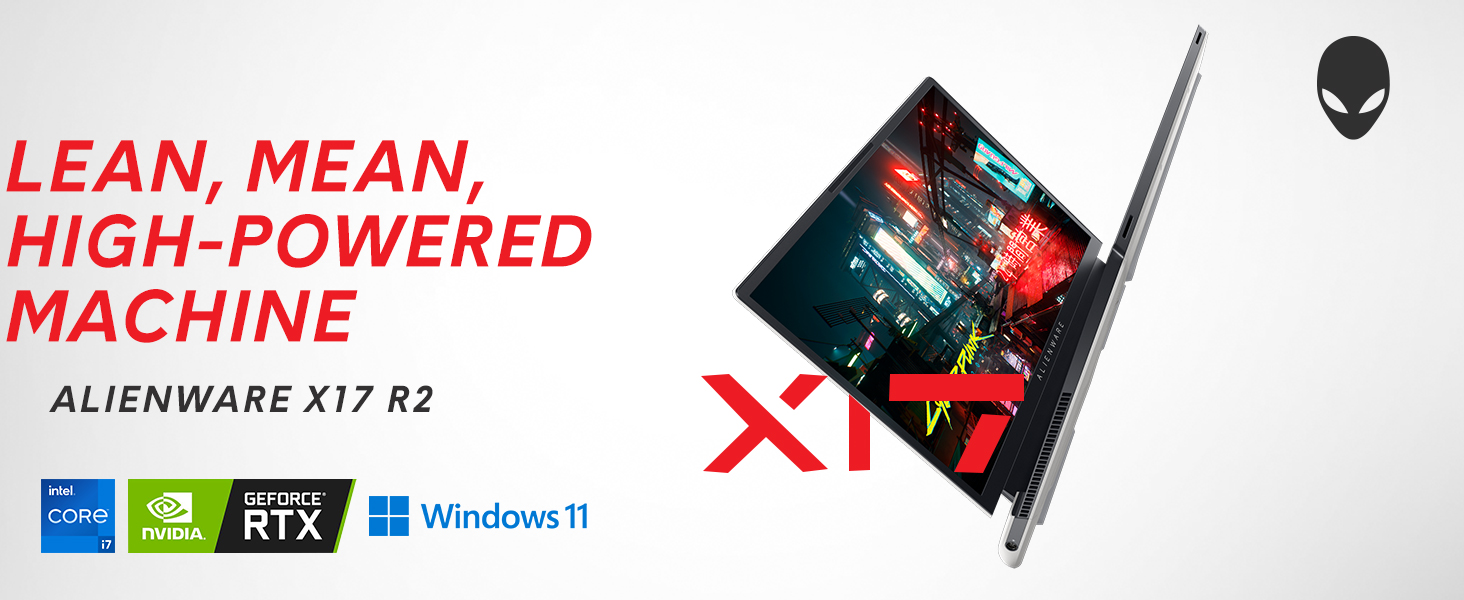
Image: Alienware X17 R2 showcasing its powerful components and sleek design.
2. Hvad er der i æsken
Upon unboxing your Alienware X17 R2, ensure all the following components are present:
- Alienware X17 R2 Notebook
- Strømadapter (240W lille formfaktor)
- Strømledning
- Dokumentation (inklusive denne manual)
3. Opsætning
3.1 Indledende tænding
- Connect the power adapter to the laptop's power/DC-in port and then to a power outlet.
- Åbn den bærbare computers låg.
- Press the Alienware head power button located on the keyboard deck to turn on the laptop.
- Følg instruktionerne på skærmen for at fuldføre Windows 11 Home-opsætningen.
3.2 Tilslutning af eksterne enheder
Utilize the various ports available for connecting external devices:
- USB 3.2 Gen 1 Type-A: Til standard USB-enheder.
- USB 3.2 Gen 2 Type-C with Power Delivery: For high-speed data transfer and charging compatible devices.
- Thunderbolt 4 / USB 3.2 Gen 2 Type-C with Power Delivery: For ultra-fast data transfer, display output, and power delivery.
- HDMI 2.1: Tilslut til eksterne skærme eller tv'er.
- Mini Display Port 1.4: Tilslut til eksterne skærme.
- Killer E3100 RJ-45 2.5G Ethernet: Til kabelbaseret netværksforbindelse.
- Globalt headsetstik: Til lydindgang/udgang.
- Micro SD -kortplads: Til udvidelse af lagerplads eller overførsel files.
Billede: Detaljeret view of the Alienware X17 R2's rear and side ports.
4. Betjening af din bærbare computer
4.1 Skærmfunktioner
The 17.3-inch Full HD display offers a 360Hz refresh rate and 1ms response time for smooth visuals. It also features ComfortView Plus technology to reduce blue light emissions, enhancing viewing comfort during extended use. Dolby Vision support provides an authentic visual experience with enhanced color profiles.
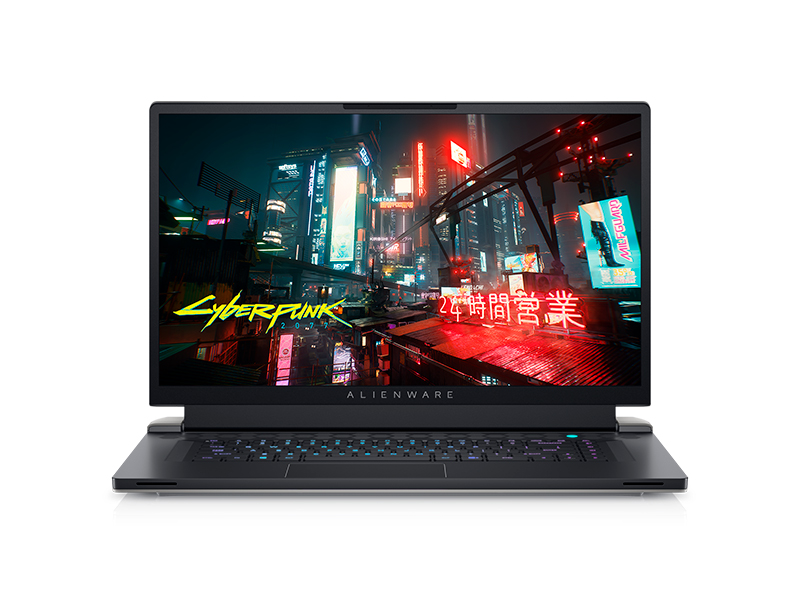
Image: Laptop screen showing vibrant game graphics with Dolby Vision and Atmos branding.
4.2 Keyboard and Lighting
The Alienware X17 R2 features an AlienFX keyboard with customizable backlighting, supporting 16.8 million colors. You can personalize the lighting effects, including wave patterns or solid colors, through the Alienware Command Center software. The power button, shaped like the Alienware head, also illuminates and can be customized.
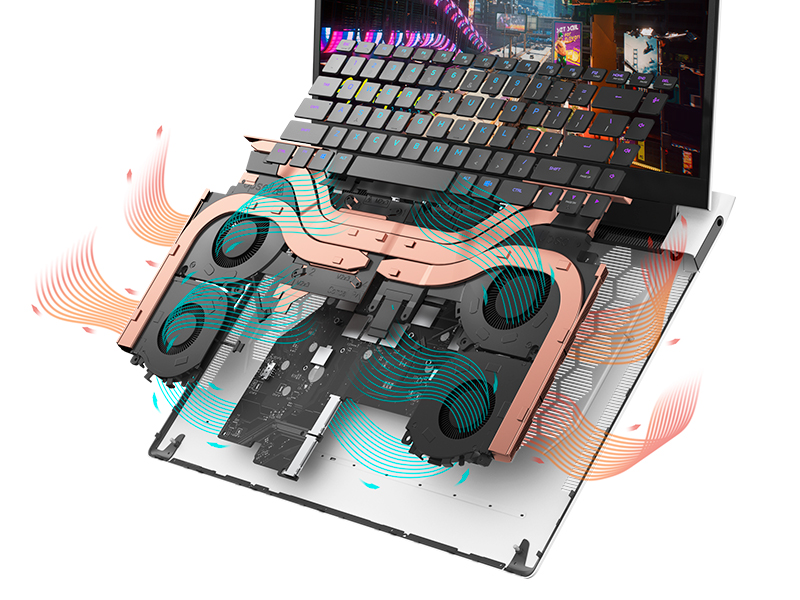
Image: The Alienware X17 R2 keyboard with customizable RGB lighting.
4.3 Lydsystem
The laptop is equipped with stereo speakers, including two 2W tweeters and two 2W woofers, totaling 8W for rich audio output. Dolby Atmos support further enhances the immersive sound experience.
4.4 Forbindelse
Enjoy high-speed wireless connectivity with Wi-Fi 6 (802.11ax) and Bluetooth. The USB 3.2 Gen 2 Type-C ports offer data transfer speeds up to 40Gbps, ensuring rapid file transfers and peripheral performance.

Billede: Bagside view of the Alienware X17 R2 showing connectivity options and lighting.
5. Vedligeholdelse
5.1 Termisk styring
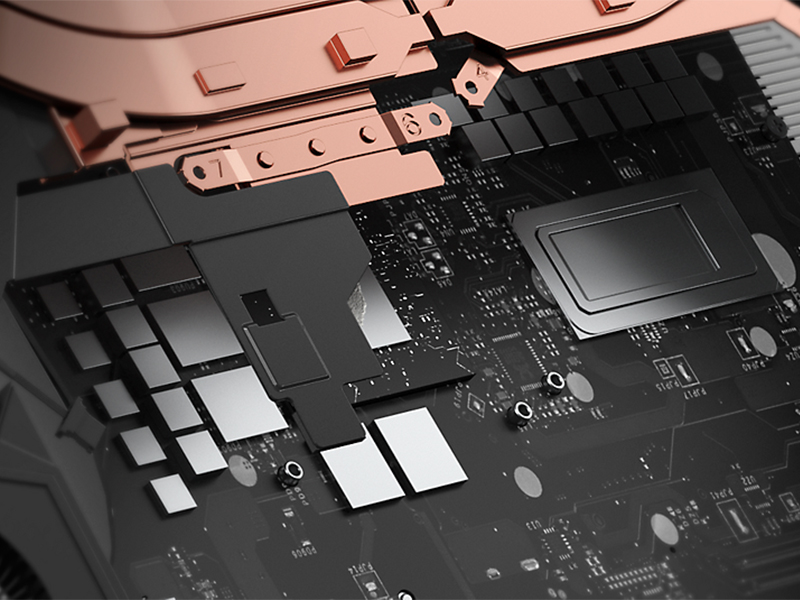
The Alienware X17 R2 features an advanced thermal design utilizing Element 31, an encapsulated gallium-silicone thermal interface material. This system maximizes airflow by expelling warm air through side vents and drawing in cooler air from the top of the keyboard, helping to keep the laptop cool during intensive use.

Billede: Intern view of the Alienware X17 R2's cooling technology.
5.2 Rengøring og pleje
- Rengør skærmen regelmæssigt med en blød, fnugfri klud og en skærmsikker rengøringsopløsning.
- Use compressed air to clear dust from the keyboard and ventilation ports.
- Avoid placing heavy objects on the laptop or exposing it to extreme temperatures.
6. Fejlfinding
If you encounter issues with your Alienware X17 R2, consider the following general troubleshooting steps:
- Ingen strøm: Ensure the power adapter is securely connected to both the laptop and the power outlet. Try a different outlet if necessary.
- Visningsproblemer: If the screen is black, try connecting an external monitor to determine if the issue is with the laptop's display or graphics card. Restart the laptop.
- Ydelsesnedgang: Close unnecessary applications, check for background processes, and ensure your system drivers are up to date. Overheating can also cause slowdowns; ensure vents are clear.
- Forbindelsesproblemer: For Wi-Fi issues, restart your router and the laptop. For Bluetooth, ensure the device is discoverable and within range.
- Software glitches: Restart the laptop. If problems persist, check for Windows updates or consider reinstalling problematic software.
For more detailed troubleshooting or persistent issues, refer to the official Alienware support webwebsted eller kontakt kundeservice.
7. Specifikationer
| Feature | Specifikation |
|---|---|
| Stående skærm displaystørrelse | 17.3 tommer |
| Skærmopløsning | 1920 x 1080 pixels |
| Max skærmopløsning | 1920x1080 pixels |
| Processor | 4.7 GHz core_i7_familie (Intel Core i7-12700H) |
| VÆDDER | 16 GB DDR5 (4800 MHz) |
| Harddisk | 1 TB SSD (M.2 PCIe NVMe) |
| Grafik coprocessor | NVIDIA GeForce RTX 3070 Ti |
| Grafikkort Ram Størrelse | 8 GB GDDR6 |
| Trådløs type | 802.11ax (Wi-Fi 6), Bluetooth |
| Antal USB 3.0-porte | 3 |
| Operativsystem | Windows 11 Home |
| Varens vægt | 6.82 pund |
| Produktdimensioner | 11.79 x 15.72 x 0.82 tommer |
| Farve | Månelys |
| Strømkilde | Batteridrevet |
| Batterier | 1 Lithium Ion batterier påkrævet (medfølger) |
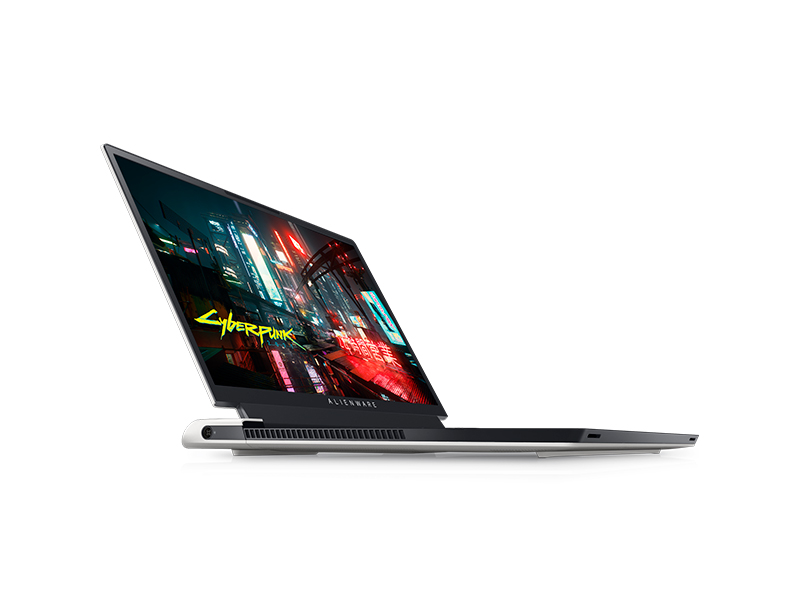
Image: Key specifications of the Alienware X17 R2.
8. Garanti og support
Your Alienware X17 R2 laptop comes with a manufacturer's warranty. Please refer to the included warranty documentation for details on coverage, terms, and conditions. For technical support, driver downloads, or service requests, visit the official Alienware support webwebsted eller kontakt deres kundeserviceafdeling.