
1. Introduktion
Thank you for choosing the EVTSCAN ME102H WiFi Smart Thermostat. This device is designed to provide intelligent temperature control for various heating systems, including electric heating, gas boilers, and hot water heating. Its color LCD touch screen and WiFi connectivity allow for convenient local and remote operation via a mobile application. Please read this manual carefully before installation and operation to ensure proper use and safety.
2. Sikkerhedsoplysninger
- Installation must be performed by a qualified electrician to prevent electric shock or damage to the thermostat.
- Sørg for, at strømforsyningen er afbrudt før installation eller vedligeholdelse.
- Udsæt ikke termostaten for vand eller for høj luftfugtighed.
- Do not attempt to disassemble or repair the thermostat yourself. Contact customer support if issues arise.
- Hold enheden væk fra børn.
3. Pakkens indhold
Ved udpakning skal du kontrollere, at alle dele er til stede og ubeskadigede:
- 1 x EVTSCAN ME102H WiFi Smart Thermostat
- 1 x brugermanual
4. Produktet er slutview
The EVTSCAN ME102H features a modern design with a color LCD touch screen for intuitive control. It integrates seamlessly into various environments such as homes, offices, shopping malls, and hotels.
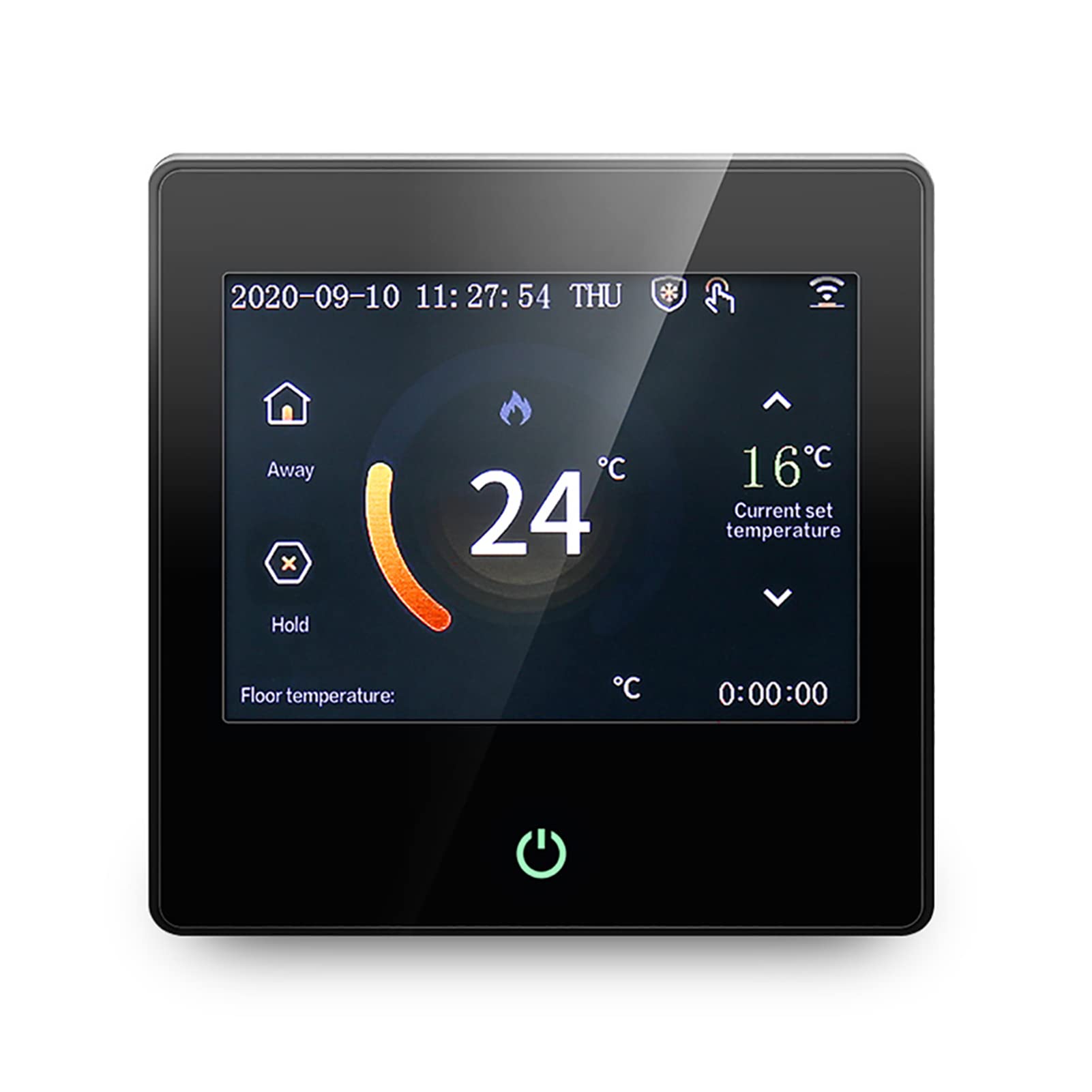
Figure 4.1: EVTSCAN ME102H WiFi Smart Thermostat front view, showing the color touch screen display.
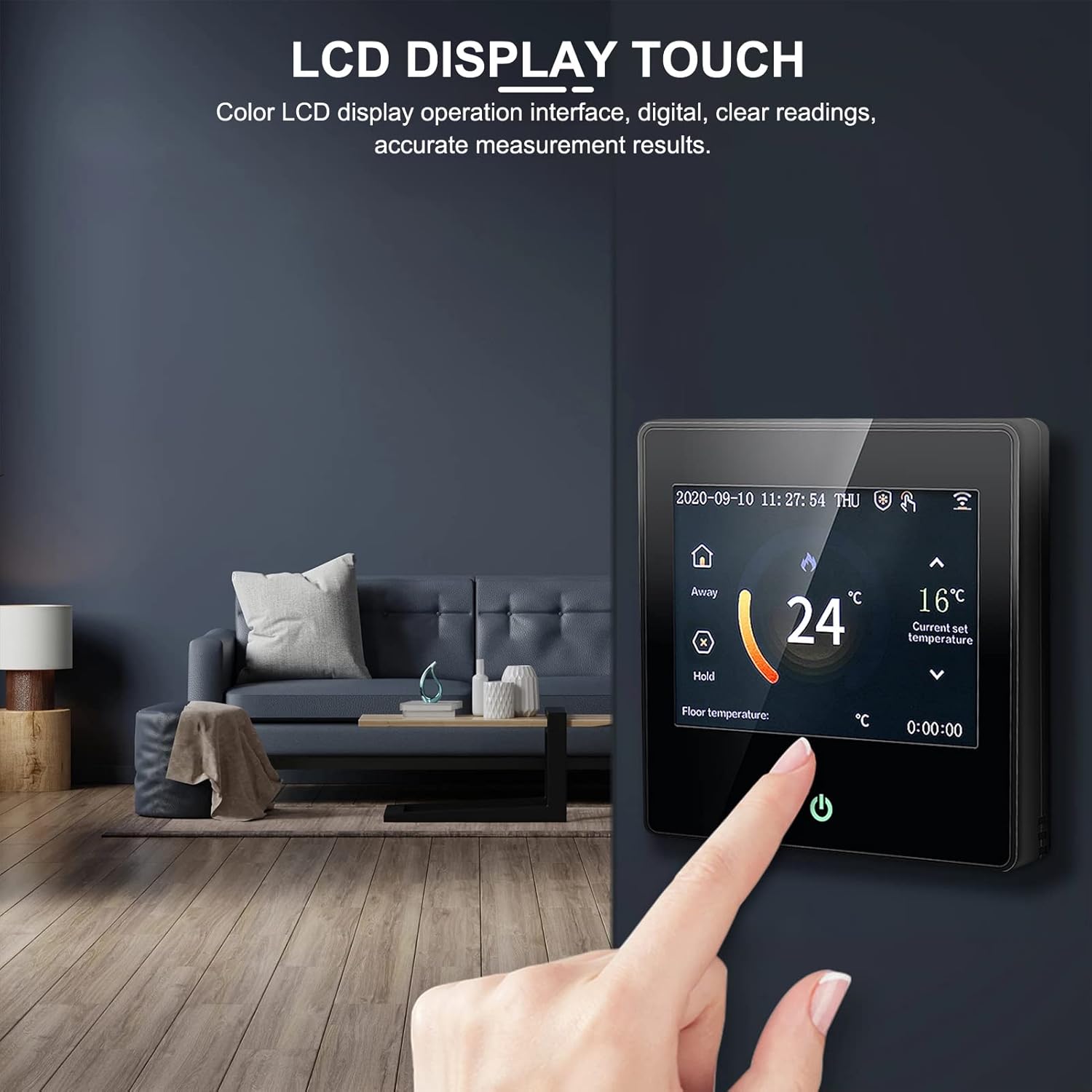
Figure 4.2: Close-up of the thermostat's color LCD touch screen interface.
5. Opsætning
5.1 Installation
It is highly recommended that a professional electrician performs the installation to ensure safety and correct wiring. The thermostat is designed for wired power supply (AC230V).
5.2 Ledningsdiagram
Refer to the following diagram for proper wiring connections. Ensure all connections are secure and comply with local electrical codes.

Figure 5.1: Wiring diagram for the EVTSCAN ME102H thermostat.
5.3 Indledende tænding
After successful installation and wiring, restore power to the thermostat. The device will power on, and the color LCD screen will display the current temperature and settings. Follow the on-screen prompts for initial setup, including time and date.
6. Betjeningsvejledning
6.1 Grundlæggende betjening
The thermostat features a color LCD display and touch buttons for easy navigation and setting adjustments. The interface provides clear digital readings and accurate measurement results.

Figure 6.1: Thermostat in a home setting, demonstrating ease of use.
6.2 driftstilstande
The ME102H supports several operating modes to suit your needs:
- Manuel tilstand: Set a desired temperature that the thermostat will maintain until changed.
- Programmeringstilstand: Opret brugerdefinerede varmeplaner til forskellige tidspunkter af dagen og ugen.
- Forladelsestilstand: Set a lower temperature when the premises are unoccupied to save energy.
- Hold -tilstand: Temporarily override the current schedule to maintain a specific temperature.
- Ferietilstand: Maintain a low, energy-saving temperature for extended periods of absence.
6.3 WiFi and App Remote Control
The thermostat supports wireless WiFi connectivity, allowing you to control it remotely via a dedicated mobile application. This feature enables you to adjust settings, monitor temperature, and manage schedules from anywhere.

Figure 6.2: Thermostat controlled remotely via a smartphone app.
6.4 Lavtemperaturbeskyttelse
The ME102H includes a low-temperature protection function to prevent pipes from freezing or to maintain a minimum temperature in unoccupied areas, enhancing safety and system longevity.
7. Vedligeholdelse
For at sikre optimal ydeevne og levetid for din termostat, skal du følge disse enkle vedligeholdelsesretningslinjer:
- Rensning: Gently wipe the screen and body with a soft, dry cloth. Do not use abrasive cleaners, solvents, or chemical sprays.
- Undgå forhindringer: Ensure that the thermostat's temperature sensor is not obstructed by furniture, curtains, or other objects that could affect accurate temperature readings.
- Regelmæssig kontrol: Periodically check the wiring connections for any signs of wear or looseness. (Ensure power is off before checking wiring).
8. Fejlfinding
If you encounter issues with your EVTSCAN ME102H thermostat, refer to the following common problems and solutions:
| Problem | Mulig årsag | Løsning |
|---|---|---|
| Termostaten tænder ikke | Ingen strømforsyning; forkert ledningsføring. | Check circuit breaker. Verify wiring connections (consult a professional if unsure). |
| Forkert temperaturaflæsning | Sensor issue; thermostat location. | Ensure sensor is properly connected. Relocate thermostat away from drafts or heat sources. |
| WiFi-forbindelsesfejl | Incorrect WiFi password; router issues; out of range. | Verify WiFi password. Restart router. Move thermostat closer to router or use a WiFi extender. |
| Varmesystemet reagerer ikke | Wiring issue; heating system fault. | Check thermostat wiring to heating system. Consult a heating technician if the system itself is faulty. |
If the problem persists after attempting these solutions, please contact EVTSCAN customer support for further assistance.
9. Specifikationer
- Model: ME102H
- Strømforsyning: AC230V
- Anvendelse: Electric heating, gas boiler, hot water heating
- Temperatursensor: NTC
- Temperatur nøjagtighed: ±1°C
- Self-consumption Power: <2W
- Omgivelsestemperatur: 0 ~ 50°C
- Temperaturindstillingsområde: 5 ~ 95°C
- Belastningsstrøm: 3A/16A (resistive)
- Knaptype: Tryk på knappen
- Vise: Farve LCD-skærm
- Forbindelse: Wi-Fi
- Materiale: ABS + flame-retardant PC
- Særlige funktioner: Low-temperature thermal protection
10. Garanti og support
EVTSCAN products are manufactured to high-quality standards. For warranty information, technical support, or service inquiries, please refer to the warranty card included with your product or visit the official EVTSCAN website. Please have your model number (ME102H) and purchase date available when contacting support.