
1. Introduktion
The CUBOT King Kong 7 is a rugged smartphone designed for durability and performance in challenging environments. It features IP68/IP69K water, dust, and shock resistance, an Android 11 operating system, a powerful Octa-Core processor, and a high-resolution camera system. This manual provides essential information for setting up, operating, maintaining, and troubleshooting your device.

Billede: Overview of CUBOT King Kong 7 key features including ruggedness, processor, operating system, camera, memory, battery, and connectivity options.
2. Pakkens indhold
Please check the package contents upon unboxing your CUBOT King Kong 7 smartphone. If any items are missing or damaged, contact your retailer.
- CUBOT King Kong 7 Smartphone
- Strømadapter
- USB-kabel (Type-C)
- SIM Ejector Tool
- Skærmbeskytter (forudpåsat eller i æske)
- Hurtig startvejledning
- Garantikort
3. Enhedslayout
Familiarize yourself with the physical components of your CUBOT King Kong 7.
- Front: 6.36-inch FHD+ Display, 32MP Front Camera, Earpiece, Sensors.
- Bag: 64MP Main Camera, 16MP Wide-Angle Camera, 5MP Macro Camera, LED Flash, Fingerprint Sensor.
- Sider: Power Button, Volume Up/Down Buttons, SIM/SD Card Tray, USB Type-C Port.
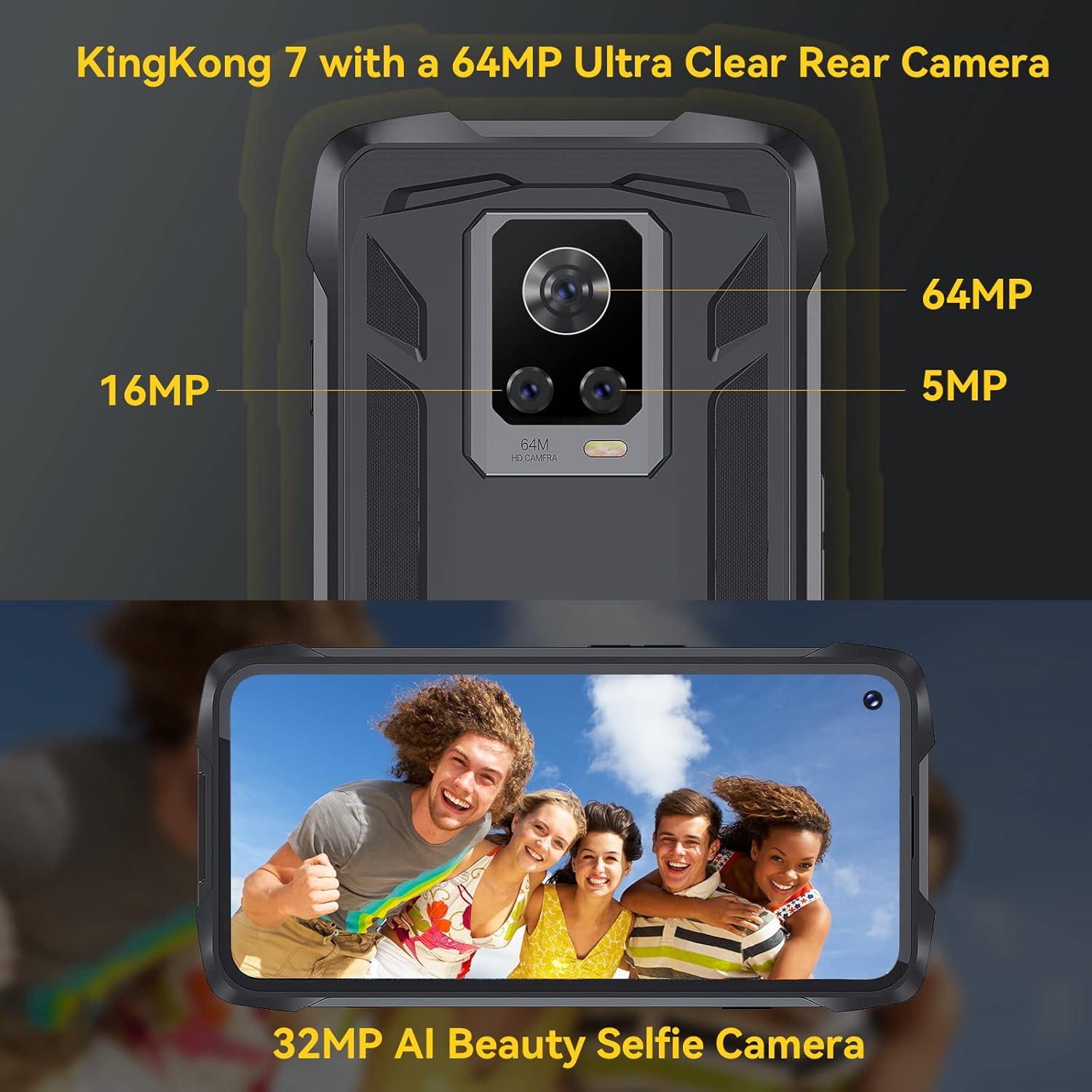
Billede: Bagside view of the CUBOT King Kong 7, highlighting the camera array and fingerprint sensor placement.
4. Opsætning
4.1 Installing SIM and SD Cards
- Find SIM-/SD-kortbakken på siden af enheden.
- Sæt SIM-kortudkastningsværktøjet i det lille hul ved siden af bakken, og tryk forsigtigt, indtil bakken springer ud.
- Place your Nano-SIM card(s) and/or microSD card (up to 256GB) into the designated slots on the tray, ensuring correct orientation.
- Skub forsigtigt bakken tilbage i telefonen, indtil den klikker på plads.
4.2 Tænd/sluk
- For at tænde: Tryk på tænd/sluk-knappen, og hold den nede, indtil CUBOT-logoet vises.
- For at slukke: Press and hold the Power button until the power options appear on the screen, then select "Power off."
4.3 Indledende opsætning
Når du tænder den første gang, skal du følge instruktionerne på skærmen for at:
- Vælg dit sprog.
- Opret forbindelse til et Wi-Fi-netværk.
- Opsæt din Google-konto.
- Configure screen lock (PIN, pattern, password, fingerprint, Face ID).
5. Betjening af din enhed
5.1 Android 11 Basics
Your CUBOT King Kong 7 runs on Android 11, offering an intuitive user experience. Navigate using gestures or on-screen buttons. Swipe down from the top for notifications and quick settings.
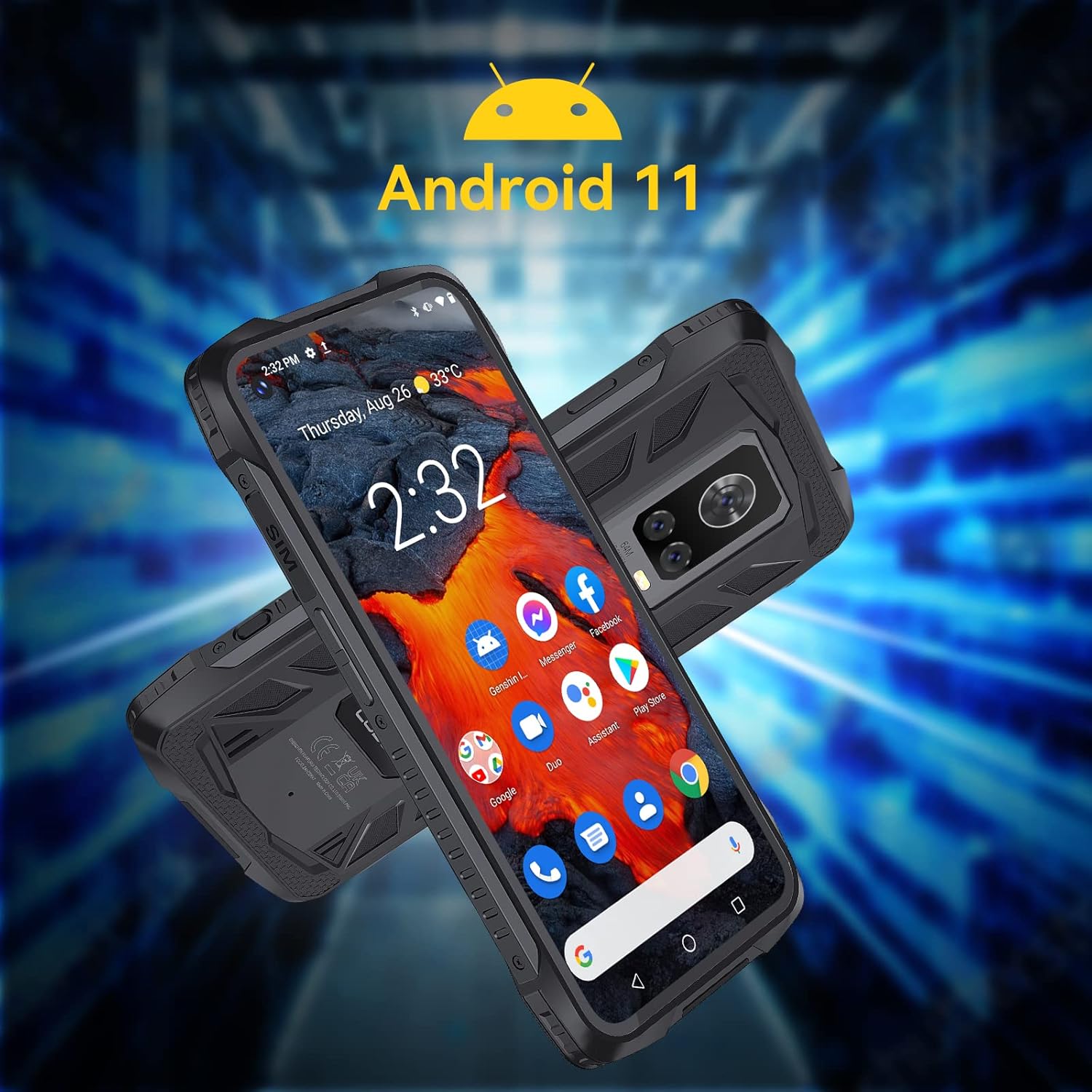
Image: The CUBOT King Kong 7 running Android 11, showing the user interface and pre-installed applications.
5.2 Opkald og beskeder
- Foretage opkald: Åbn Telefon-appen, indtast nummeret, og tryk på opkaldsikonet.
- Afsendelse af beskeder: Åbn Beskeder-appen, tryk for at starte en ny samtale, indtast modtageren og din besked.
5.3 Kamerabrug
The King Kong 7 features a versatile camera system:
- 64MP hovedkamera: Til billeder i høj opløsning.
- 16MP vidvinkelobjektiv: Optag bredere scener.
- 5MP makroobjektiv: For detaljerede nærbilleder.
- 32MP frontkamera: Til selfies og videoopkald.
- Supernattilstand: Forbedr fotos under dårlige lysforhold.

Billede: Detaljeret view of the King Kong 7's AI Triple Camera system, illustrating the different lens capabilities.
5.4 Forbindelse
- Wi-Fi: Opret forbindelse til trådløse netværk for at få internetadgang.
- 4G LTE: Utilize cellular data for internet on the go (Dual SIM support).
- Bluetooth 4.2: Connect to wireless headphones, speakers, and other devices.
- NFC: Til kontaktløs betaling og hurtig parring med kompatible enheder.
5.5 Sikkerhedsfunktioner
- Face ID: Lås din telefon op ved hjælp af ansigtsgenkendelse.
- Fingeraftrykssensor: Unlock your phone quickly and securely using the side-mounted fingerprint sensor.

Image: Visual representation of NFC, Face ID, and Dual Nano SIM capabilities.
5.6 Navigation
The device supports multiple global navigation satellite systems for accurate positioning:
- GPS
- GLONASS
- Beidou
6. Vedligeholdelse
6.1 Rengøring af din enhed
To maintain the rugged features and appearance of your phone:
- Tør skærmen og kabinettet af med en blød kludamp klæde.
- Undgå at bruge skrappe kemikalier eller slibende materialer.
- Sørg for, at alle portdæksler er forsvarligt lukket, før du udsætter telefonen for vand eller støv.
6.2 Pleje af batterier
The CUBOT King Kong 7 is equipped with a 5000mAh battery. To prolong battery life:
- Undgå ekstreme temperaturer.
- Brug den originale oplader og kabel.
- Undgå at aflade batteriet helt ofte.
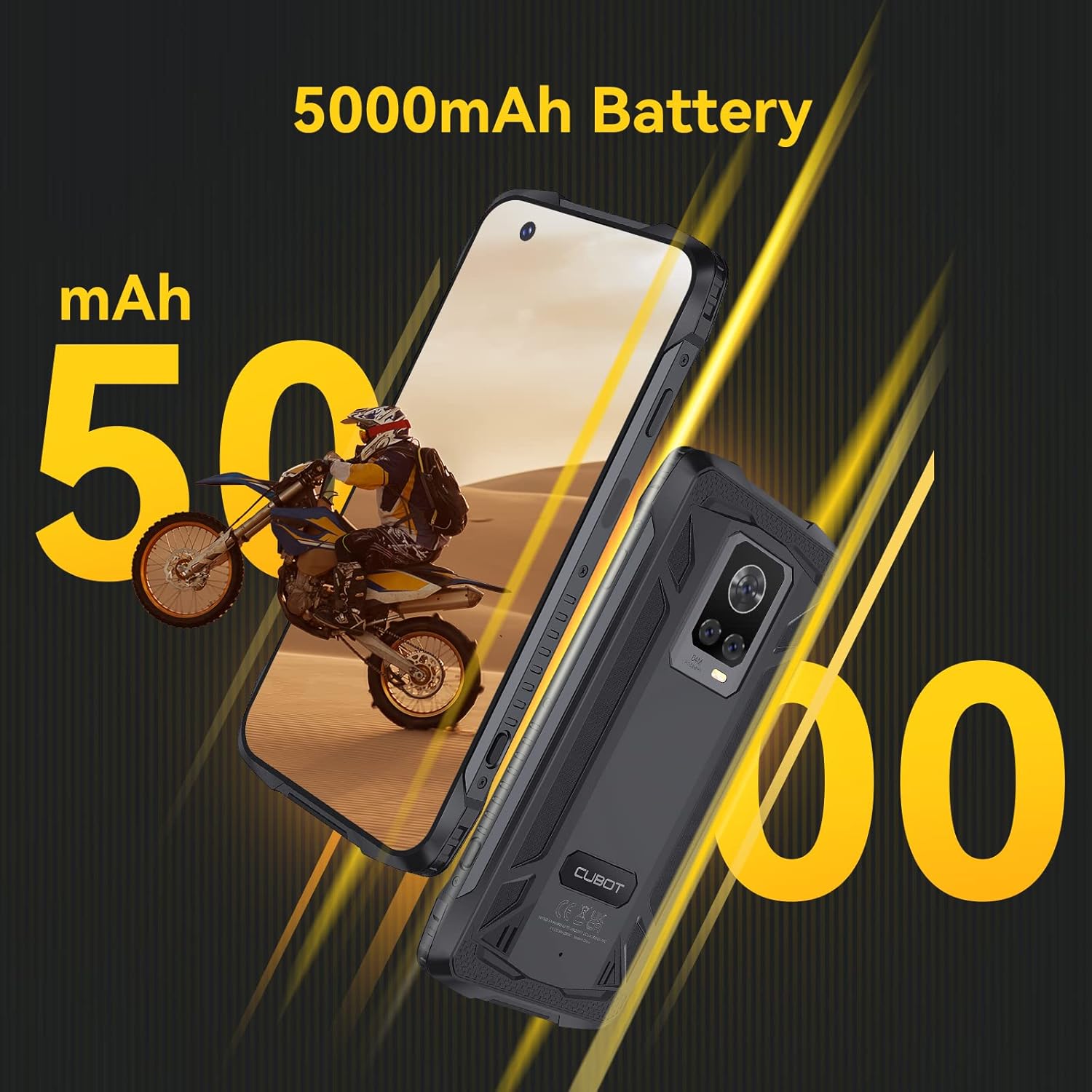
Image: The CUBOT King Kong 7 highlighting its 5000mAh battery capacity.
6.3 Softwareopdateringer
Søg regelmæssigt efter og installer softwareopdateringer for at sikre optimal ydeevne, sikkerhed og adgang til nye funktioner. Gå til Indstillinger > System > Systemopdatering.
7. Fejlfinding
Dette afsnit omhandler almindelige problemer, du kan støde på.
| Problem | Løsning |
|---|---|
| Enheden tænder ikke | Sørg for, at batteriet er opladet. Tilslut det til opladeren i mindst 10 minutter, og prøv derefter at tænde det igen. |
| Dårligt netværkssignal | Kontrollér, om SIM-kortet er isat. Flyt til et område med bedre netværksdækning. Genstart enheden. |
| Apps går ned eller fryser | Clear the app's cache (Settings > Apps > [App Name] > Storage > Clear cache). Restart the device. Update the app. |
| Fingeraftrykssensoren virker ikke | Sørg for, at din finger og sensoren er rene og tørre. Registrer dine fingeraftryk igen i Indstillinger > Sikkerhed. |
| Vand-/støvindtrængning | Ensure all port covers are properly sealed. If water has entered, power off immediately and seek professional service. |
8. Specifikationer
Key technical specifications for the CUBOT King Kong 7.
| Feature | Detalje |
|---|---|
| Modelnavn | King Kong 7 |
| Operativsystem | Android 11.0 |
| Processor | P60 Octa-Core Processor |
| VÆDDER | 8 GB |
| Intern opbevaring | 256 GB (kan udvides op til 256 GB via TF-kort) |
| Vise | 6.36 Inches FHD+ (1080 x 2300) |
| Bagkamera | 64MP Main + 16MP Wide-Angle + 5MP Macro |
| Forreste kamera | 32 MP |
| Batterikapacitet | 5000 mAh |
| Forbindelse | 4G dobbelt SIM-kort, Wi-Fi, Bluetooth 4.2, NFC |
| Navigation | GPS, GLONASS, BEIDOU |
| Sikkerhed | Face ID, Side Fingerprint Sensor |
| Robusthed | IP68 & IP69K Waterproof, Dustproof, Shockproof |
| Dimensioner | 6.56 x 3.29 x 0.55 tommer |
| Vægt | 6 ounce |
| Lydstik | Intet hovedtelefonstik |
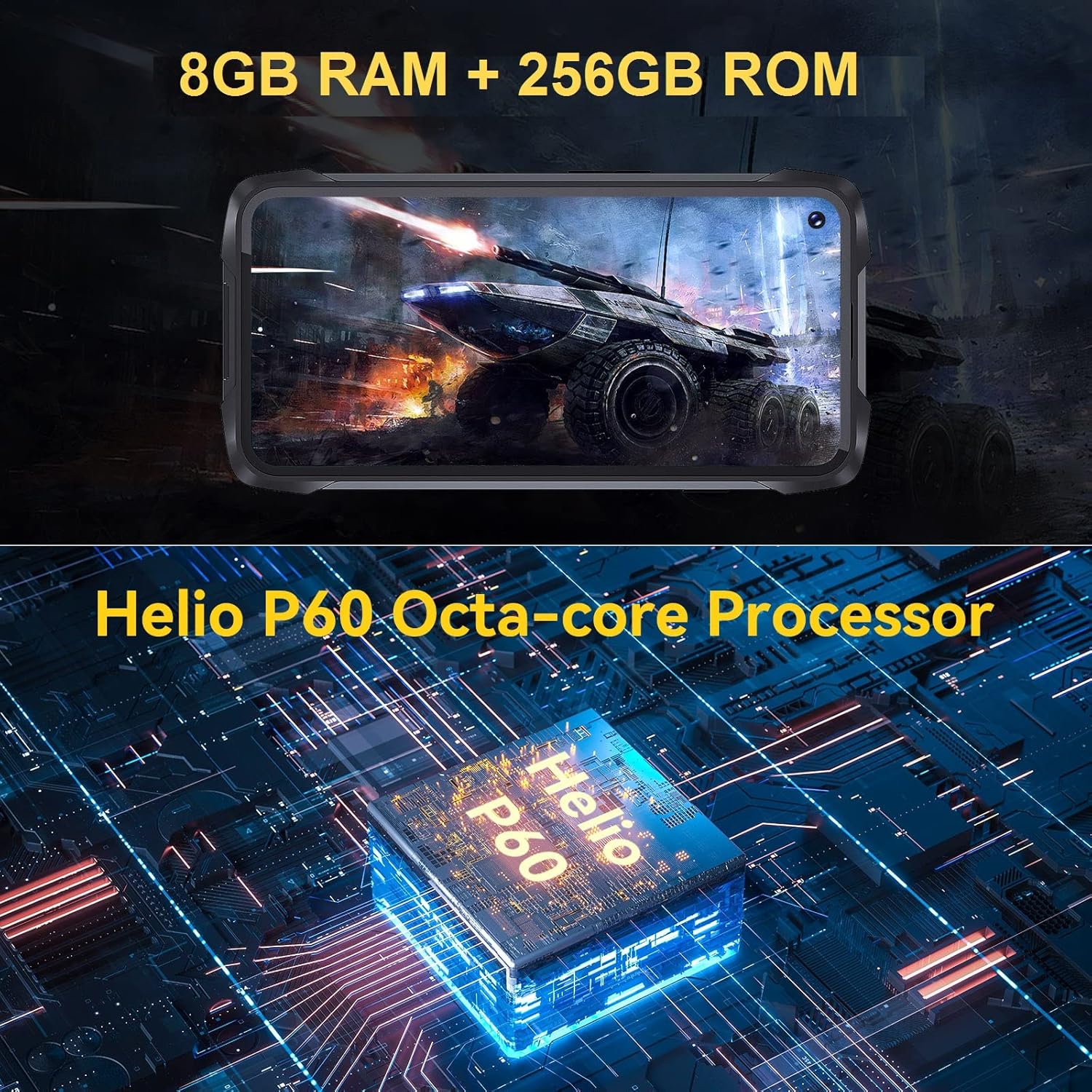
Image: Visual representation of the King Kong 7's powerful Helio P60 Octa-core Processor and memory configuration (8GB RAM + 256GB ROM).
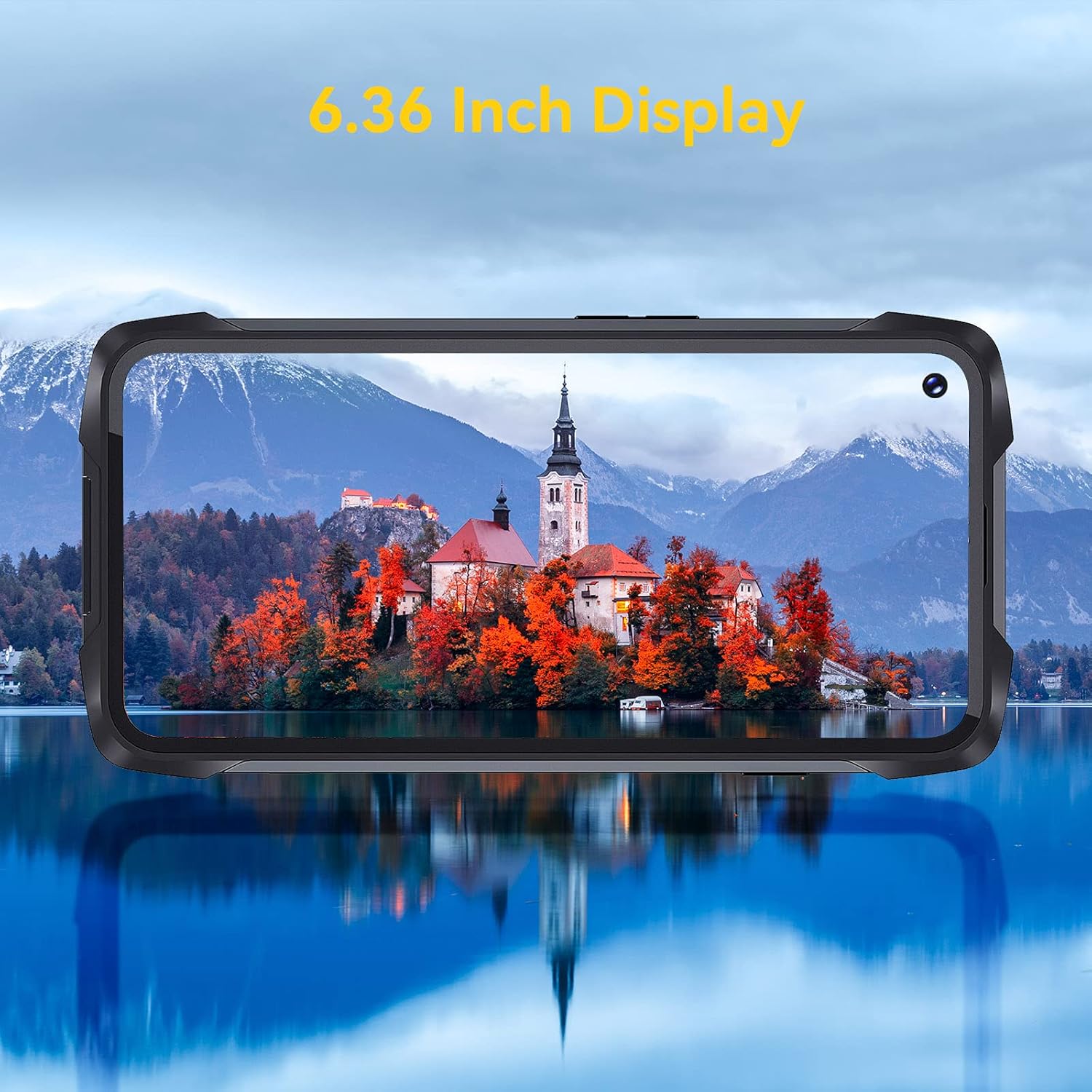
Image: The 6.36-inch display of the CUBOT King Kong 7 showcasing dens visuelle klarhed.
9. Sikkerhedsoplysninger
Please read the following safety guidelines carefully to ensure safe and proper use of your device:
- Forsøg ikke at adskille eller modificere enheden.
- Brug kun godkendte opladere og tilbehør.
- Undgå at udsætte enheden for ekstreme temperaturer eller direkte sollys i længere perioder.
- Hold enheden væk fra medicinsk udstyr og pacemakere.
- Bortskaf enheden og dens batteri på en ansvarlig måde i henhold til lokale regler.
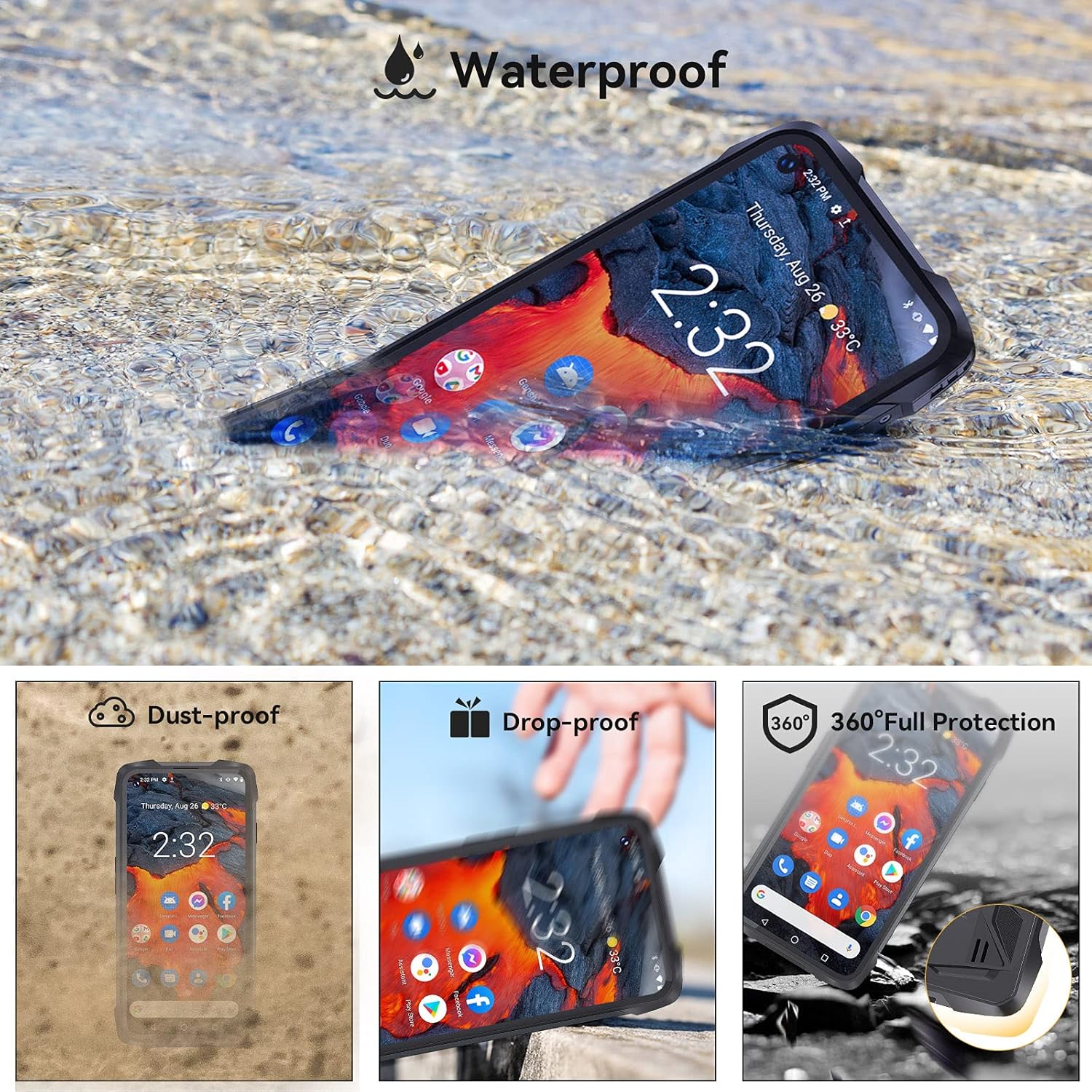
Image: The CUBOT King Kong 7 demonstrating its waterproof capability, alongside icons indicating its dust-proof, drop-proof, and overall rugged protection.
10. Garanti og support
Your CUBOT King Kong 7 is covered by a limited warranty. Please refer to the warranty card included in your package for specific terms and conditions. For technical support, software updates, or further assistance, please visit the official CUBOT webwebstedet eller kontakt din lokale forhandler.


