
1. Introduktion
This manual provides essential information for the proper use and maintenance of your Hikvision T200N Portable Solid State Drive (SSD). The T200N is designed to expand storage capacity for various devices, including Android phones, Android tablets, PCs, and laptops, utilizing a USB 3.1 Type-C interface. It offers high-speed data transfer and a durable design.

Billede 1.1: Forside view of the Hikvision T200N Portable SSD.
Nøglefunktioner:
- Højhastighedstransmission: Achieves read speeds up to 540 MB/s, significantly faster than traditional mechanical hard drives.
- Type-C Adapter Included: Facilitates connectivity with Android phones, tablets, and other devices via OTG cables.
- Shock-Resistant and Heat Dissipation: Har et metal-casing for enhanced durability and efficient heat management.
- Comprehensive Compatibility: Supports Windows, Linux, and macOS operating systems.
- Ultra Slim & Large Capability: Compact design combined with substantial storage capacity.
2. Opsætning
2.1 Pakkens indhold
Før du fortsætter, skal du sørge for, at alle komponenter er til stede:
- Hikvision T200N Portable SSD
- USB Type-C til Type-A-kabel
- USB Type-A til Type-C adapter

Image 2.1: Retail packaging of the Hikvision T200N Portable SSD.
2.2 Tilslutning af SSD'en
- Til pc/laptop: Connect the USB Type-C end of the cable to the SSD and the USB Type-A end to an available USB port on your computer. For optimal performance, use a USB 3.1 compatible port.
- For Android Phone/Tablet: Connect the USB Type-C end of the cable to the SSD. Attach the USB Type-A to Type-C adapter to the other end of the cable, then plug the adapter into your Android device's Type-C port. Ensure your device supports OTG (On-The-Go) functionality.

Image 2.2: The T200N SSD connected to a mobile phone.
2.3 Førstegangsindregning
Upon connection, your operating system (Windows, macOS, Linux, or Android) should automatically detect the T200N SSD. It may appear as a new drive letter or an external storage device. If prompted, follow any on-screen instructions for initial setup or formatting. For most uses, the drive comes pre-formatted and ready for use.
3. Betjeningsvejledning
3.1 Dataoverførsel
At overføre files to or from the T200N SSD, simply drag and drop files or use the copy/paste functions within your operating system's file explorer. The high-speed USB 3.1 interface allows for rapid data movement, with speeds up to 540 MB/s.
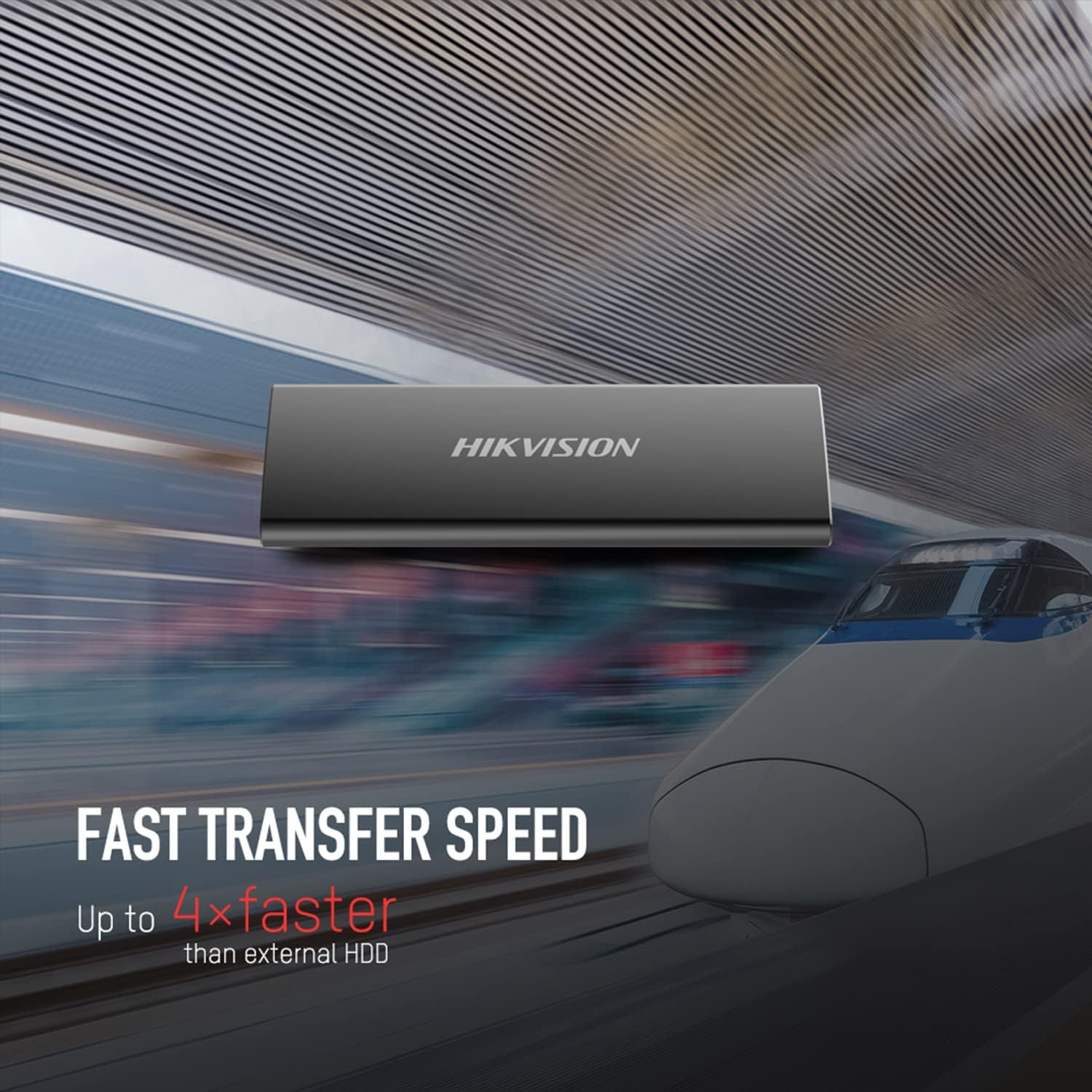
Image 3.1: Visual representation of the T200N's fast transfer speed.
3.2 Sikker fjernelse
Always safely eject the T200N SSD before disconnecting it from your device to prevent data corruption. This can typically be done by right-clicking the drive icon in your operating system's file explorer and selecting "Eject" or "Safely Remove Hardware."
4. Vedligeholdelse
4.1 Fysisk pleje
The T200N features a robust metal casing designed for durability and shock resistance. While it can withstand minor impacts, avoid dropping the device from significant heights or subjecting it to extreme physical force. Keep the SSD clean and free from dust and moisture.

Image 4.1: The T200N's solid metal design for durability.
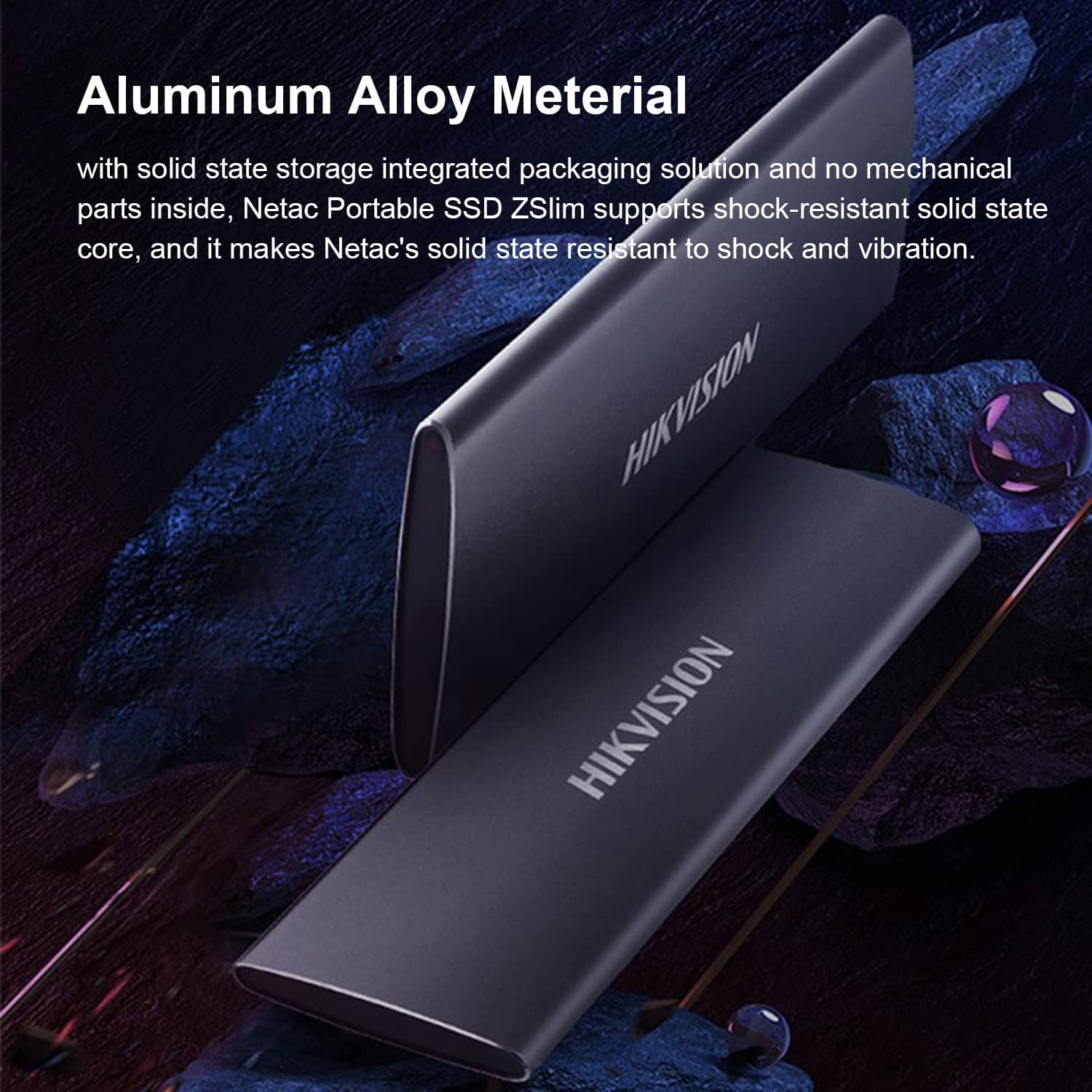
Image 4.2: The aluminum alloy material contributes to shock resistance and heat dissipation.
4.2 Varmeafledning
The metal case of the T200N aids in dissipating heat generated during operation. Ensure the device is used in a well-ventilated area and not covered, to maintain optimal operating temperatures.
4.3 Datasikkerhedskopiering
Regularly back up important data stored on the T200N SSD to another storage device. While SSDs are reliable, no storage medium is infallible, and data loss can occur due to various unforeseen circumstances.
5. Fejlfinding
5.1 Enhed ikke genkendt
- Tjek forbindelser: Sørg for, at USB-kablet er korrekt tilsluttet til både SSD'en og din enhed. Prøv en anden USB-port eller et andet kabel.
- Strømforsyning: For some devices, ensure sufficient power is supplied to the USB port.
- Driver installation: On Windows, check Device Manager for any unrecognized devices and update drivers if necessary. On macOS or Linux, the drive should be recognized automatically.
- Diskhåndtering (Windows) / Diskværktøj (macOS): Check if the drive appears in disk management tools. It might need to be initialized or assigned a drive letter.
- OTG Compatibility: If connecting to an Android device, confirm that the device supports USB OTG.
5.2 Langsomme overførselshastigheder
- USB-porttype: Ensure you are connected to a USB 3.1 (or higher) port on your computer. Connecting to a USB 2.0 port will result in significantly lower speeds.
- Kabelkvalitet: Use the provided high-quality USB cable. Damaged or low-quality cables can affect performance.
- Systembelastning: Høj CPU-brug eller andre baggrundsprocesser på din computer kan påvirke overførselshastighederne.
- File Størrelses Type: Overførsel af mange små files er generelt langsommere end at overføre et par store files af samme samlede størrelse.
5.3 Kompatibilitetsproblemer
The T200N is compatible with Windows, Linux, and macOS. If you encounter issues on a supported operating system, ensure your system is up-to-date and try the troubleshooting steps above.
6. Specifikationer
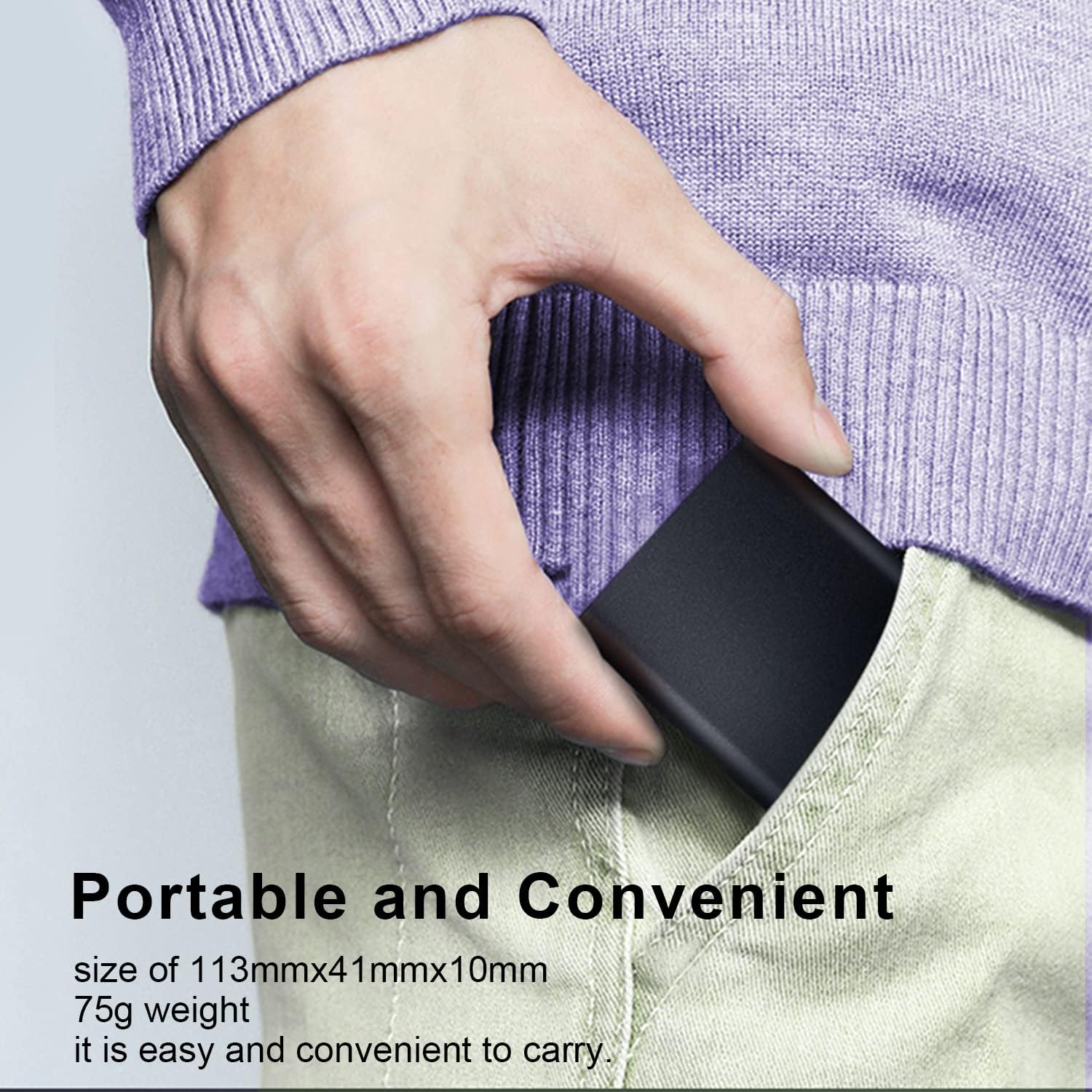
Image 6.1: The compact size of the T200N Portable SSD, fitting easily into a pocket.
| Feature | Detalje |
|---|---|
| Modelnavn | T200N |
| Digital lagerkapacitet | 512 GB |
| Harddisk interface | Solid State |
| Forbindelsesteknologi | USB 3.1 Type-C |
| Mærke | Hikvision |
| Særlige funktioner | Compact, Shock-resistant, Heat Dissipation |
| Kompatible enheder | PC, Mac, Linux, Android Phone, Android Tablet |
| Installationstype | Ekstern harddisk |
| Farve | Sort |
| Mediehastighed | Up to 540 MB/s (Read) |
| Formfaktor | Transportabel |
| Varens vægt | 75 gram |
| Fabrikant | Hikvision |
| UPC/GTIN | 842571141894 |
| ASIN | B09NBP8HRL |
7. Garanti og support
7.1 Garantioplysninger
The Hikvision T200N Portable SSD typically comes with a 3-year limited warranty from the date of purchase. This warranty covers defects in materials and workmanship under normal use. Please retain your proof of purchase for warranty claims.
7.2 Teknisk support
For technical assistance, troubleshooting beyond this manual, or warranty inquiries, please contact Hikvision customer support. Refer to the official Hikvision webwebstedet eller produktemballagen for de mest aktuelle kontaktoplysninger.