
Crosscall 1001011101114
Crosscall CORE-M5 User Manual
Model: 1001011101114
Indledning
This manual provides comprehensive instructions for the setup, operation, maintenance, and troubleshooting of your Crosscall CORE-M5 rugged smartphone. Designed for durability and performance in challenging environments, the CORE-M5 is built to withstand various conditions while providing essential communication and smart device functionalities.
Please read this manual thoroughly before using your device to ensure proper operation and to maximize its lifespan.
Pakkens indhold
Når du åbner pakken, skal du kontrollere, at alle varer er til stede:
- Crosscall CORE-M5 Device
- USB opladningskabel
- Hurtig startvejledning
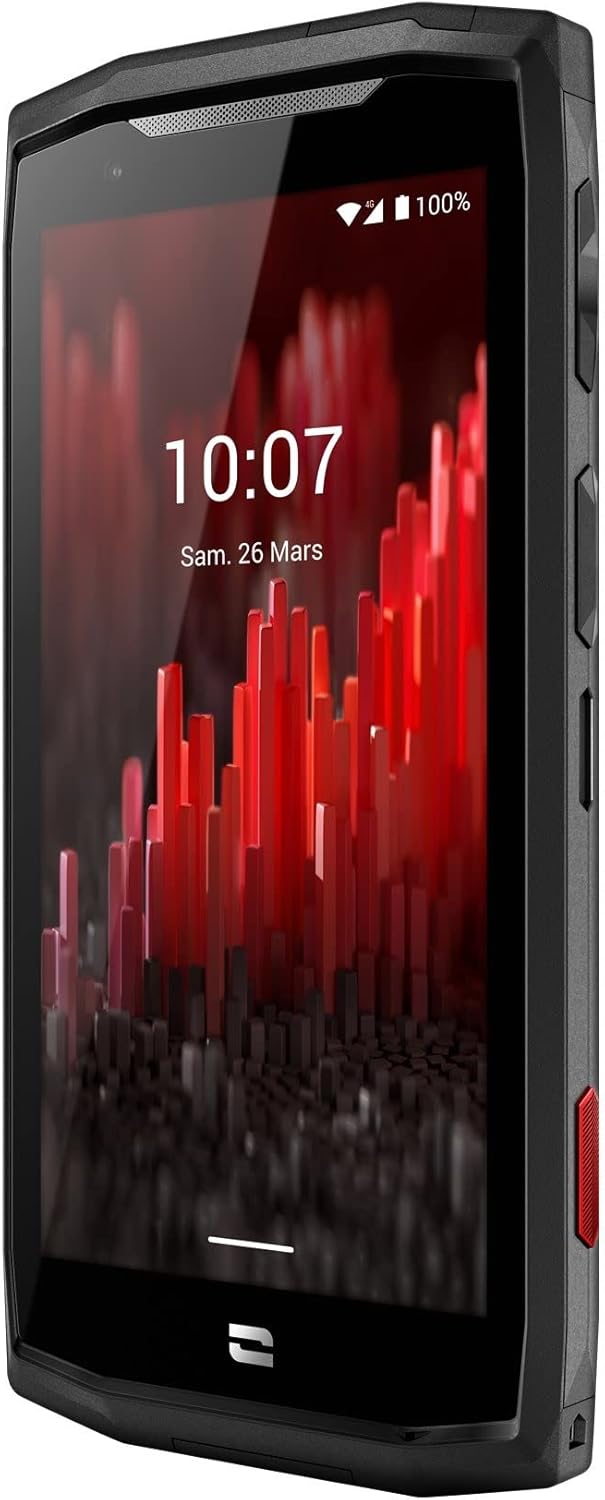
Billede: Forfra vinklet view of the Crosscall CORE-M5 device, highlighting its robust design and display.
Opsætning
1. Inserting the SIM Card and Memory Card
The CORE-M5 supports SIM cards for cellular connectivity and an optional memory card for expanded storage. Locate the SIM/memory card tray on the side of the device.
- Sluk enheden helt.
- Use the provided SIM ejector tool (or a small paperclip) to open the SIM/memory card tray.
- Carefully place your SIM card(s) and/or memory card into the designated slots on the tray, ensuring correct orientation as indicated on the tray.
- Skub forsigtigt bakken tilbage i enheden, indtil den klikker på plads.

Image: A user demonstrating the insertion of a SIM card into the device's slot.
2. Første opladning
Before first use, it is recommended to fully charge your CORE-M5.
- Connect the USB charging cable to the device's charging port.
- Tilslut den anden ende af kablet til en kompatibel USB-strømadapter eller en computers USB-port.
- The charging indicator on the screen will show the charging status. Allow the device to charge until the battery icon indicates a full charge.
3. Tænd og indledende konfiguration
- Press and hold the Power button (usually located on the side) until the Crosscall logo appears.
- Følg vejledningen på skærmen for at fuldføre den indledende opsætning, herunder valg af sprog, Wi-Fi-forbindelse, opsætning af Google-konto og sikkerhedsindstillinger.
Operating the CORE-M5
Grundlæggende navigation
- Touchskærm: Navigate the device using taps, swipes, and pinch gestures on the 4.95-inch touchscreen display.
- Power knap: Press to turn the screen on/off, or press and hold to power off/restart the device.
- Lydstyrkeknapper: Juster medielydstyrke, opkaldslydstyrke eller ringetonelydstyrke.
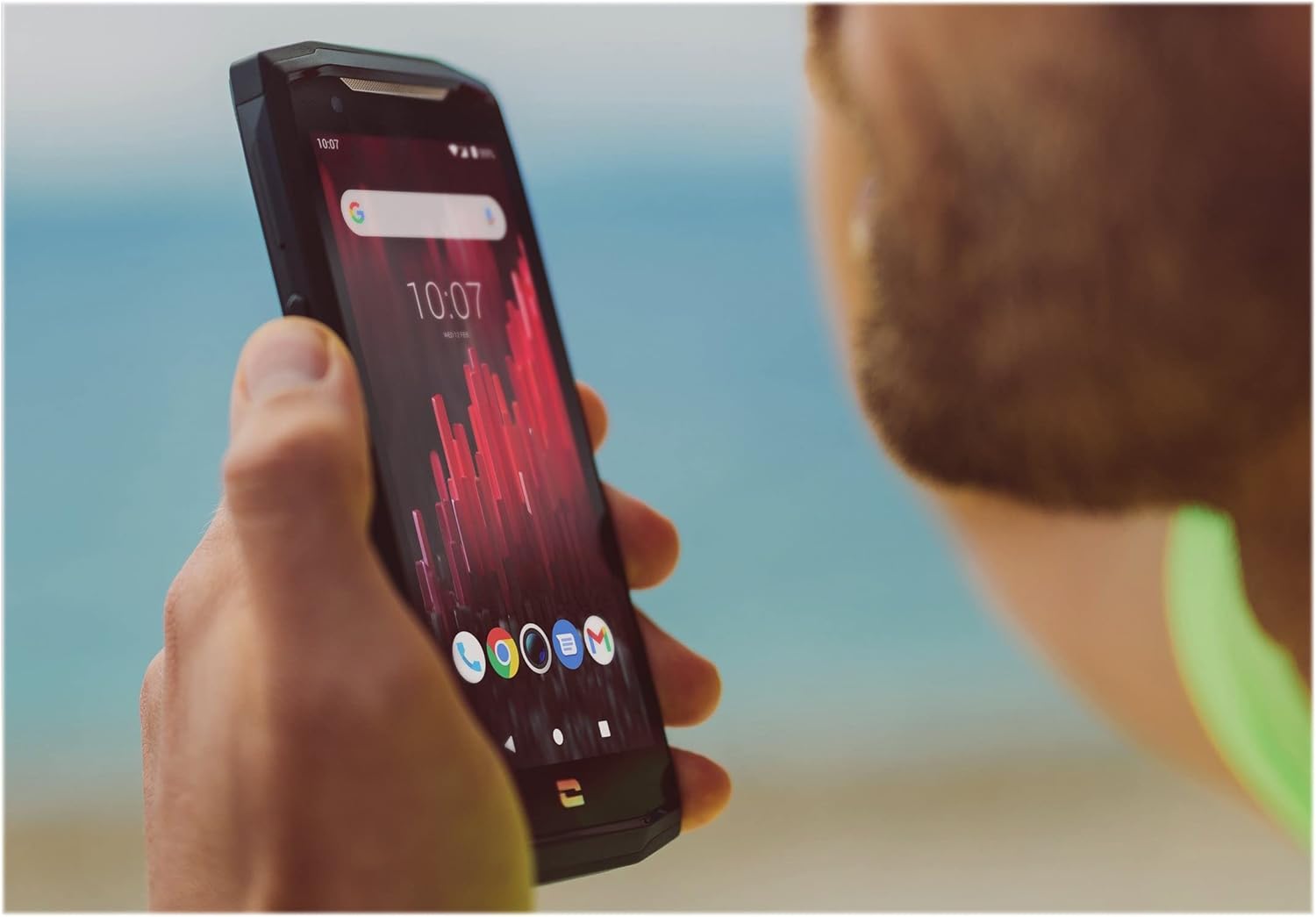
Image: The CORE-M5 in use, demonstrating its compact size and clear display for outdoor visibility.
Forbindelse
- Wi-Fi: Access Wi-Fi settings from the Quick Settings panel or Settings app to connect to wireless networks.
- Bluetooth: Pair with Bluetooth devices such as headphones, speakers, or other smartphones via the Bluetooth settings.
- USB: Connect the device to a computer using the USB cable for data transfer or charging.
- Mobildata: Enable or disable mobile data from the Quick Settings or Network & Internet settings. Supports 2G and 3G cellular technologies.
Kamera funktionalitet
The CORE-M5 features both front and rear cameras for capturing photos and videos.
- Åbn Kamera-appen fra startskærmen eller app-skuffen.
- Tap the shutter button to take a photo or switch to video mode to record.
- Brug skærmknapperne til at skifte mellem forreste og bageste kamera, justere zoom eller anvende filtre.
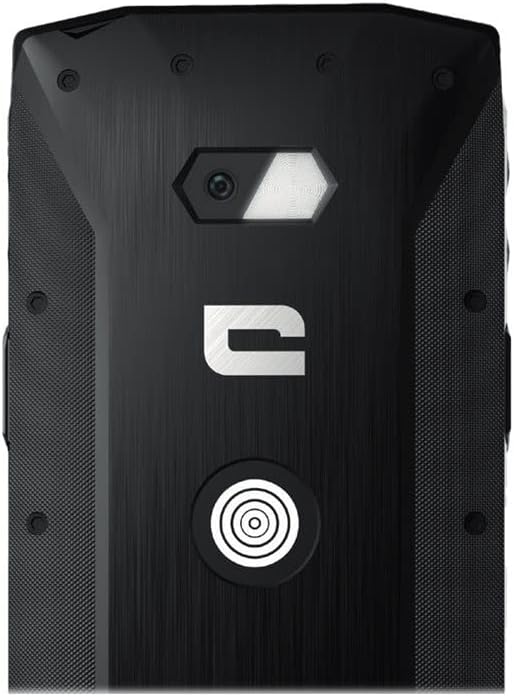
Billede: Detaljeret view of the CORE-M5's rear, highlighting the camera module and the X-Link magnetic connection system.
X-Link System
The CORE-M5 is equipped with Crosscall's X-Link magnetic connection system on the back, allowing for easy attachment of compatible accessories such as chargers, mounts, and external batteries.
- Align the X-Link accessory with the magnetic connector on the back of your CORE-M5.
- The magnets will guide the accessory into place, ensuring a secure connection.

Image: The CORE-M5 securely mounted in a vehicle, demonstrating the utility of the X-Link system for hands-free use.
Opretholdelse
- Rensning: Brug en blød, damp cloth to clean the device. Avoid harsh chemicals or abrasive materials. Ensure all ports are closed before cleaning if exposed to water.
- Vand- og støvmodstand: The CORE-M5 is designed to be rugged. However, ensure all port covers are securely closed to maintain water and dust resistance. Avoid prolonged submersion beyond specified limits.
- Batteripleje: To prolong battery life, avoid extreme temperatures. Do not allow the battery to fully discharge frequently.
- Softwareopdateringer: Søg regelmæssigt efter og installer systemopdateringer for at sikre optimal ydeevne og sikkerhed.
Fejlfinding
| Problem | Mulig årsag | Løsning |
|---|---|---|
| Enheden vil ikke tænde | Lavt batteri; softwarenedbrud | Oplad enheden i mindst 30 minutter. Udfør en tvungen genstart ved at holde tænd/sluk-knappen nede i 10-15 sekunder. |
| Skærmen reagerer ikke | Midlertidig softwarefejl | Restart the device. If unresponsive, perform a forced restart. |
| Poor call quality / No network | Weak signal; incorrect SIM insertion; network issue | Move to an area with better signal. Reinsert the SIM card. Contact your network provider. |
| Apps går ned eller fryser | Insufficient memory; app conflict; outdated software | Close background apps. Clear app cache/data. Update apps and system software. Free up storage space. |
Specifikationer
| Feature | Detalje |
|---|---|
| Modelnavn | 1001011101114 |
| Mærke | Krydskald |
| Operativsystem | Android |
| CPU model | Cortex |
| Skærmstørrelse | 4.95 tommer |
| Opløsning | 1026 x 513 |
| VÆDDER | 3 GB |
| Hukommelseslagringskapacitet | 32 GB |
| Batterikapacitet | 4000 mAh |
| Telefonens taletid | 24 timer |
| Forbindelse | Bluetooth, Wi-Fi, USB |
| Cellulær teknologi | 2G, 3G |
| Trådløs bærer | Ulåst |
| Kameraer | Bagpå, foran |
| Farve | Sort |
| Produktdimensioner | 4.25 x 0.79 x 4.25 tommer |
| Varens vægt | 8 ounces (226.6 gram) |
| Først tilgængelig | 21. september 2021 |
Garanti og support
Crosscall products are known for their durability and come with a manufacturer's warranty. For specific warranty terms and conditions, please refer to the warranty card included with your product or visit the official Crosscall webwebsted.
For technical support, troubleshooting assistance, or service requests, please contact Crosscall Customer Service through their official channels. Have your product model number (1001011101114) and purchase information ready when contacting support.
Official Crosscall Webwebsted: www.crosscall.com
Ask a question about this manual
Ask about setup, troubleshooting, compatibility, parts, safety, or missing instructions. Manuals+ will review the question and use this page’s manual context to help answer it.