
Indledning
Thank you for choosing Senso Orbits Wireless Earbuds. These earbuds are designed to provide a high-quality audio experience with features like Environmental Noise Cancellation (ENC), deep bass, and a compact charging case. This manual will guide you through the setup, operation, and maintenance of your new earbuds.
Hvad er der i æsken
- Senso Orbits Wireless Earbuds
- Compact USB-C Charging Case
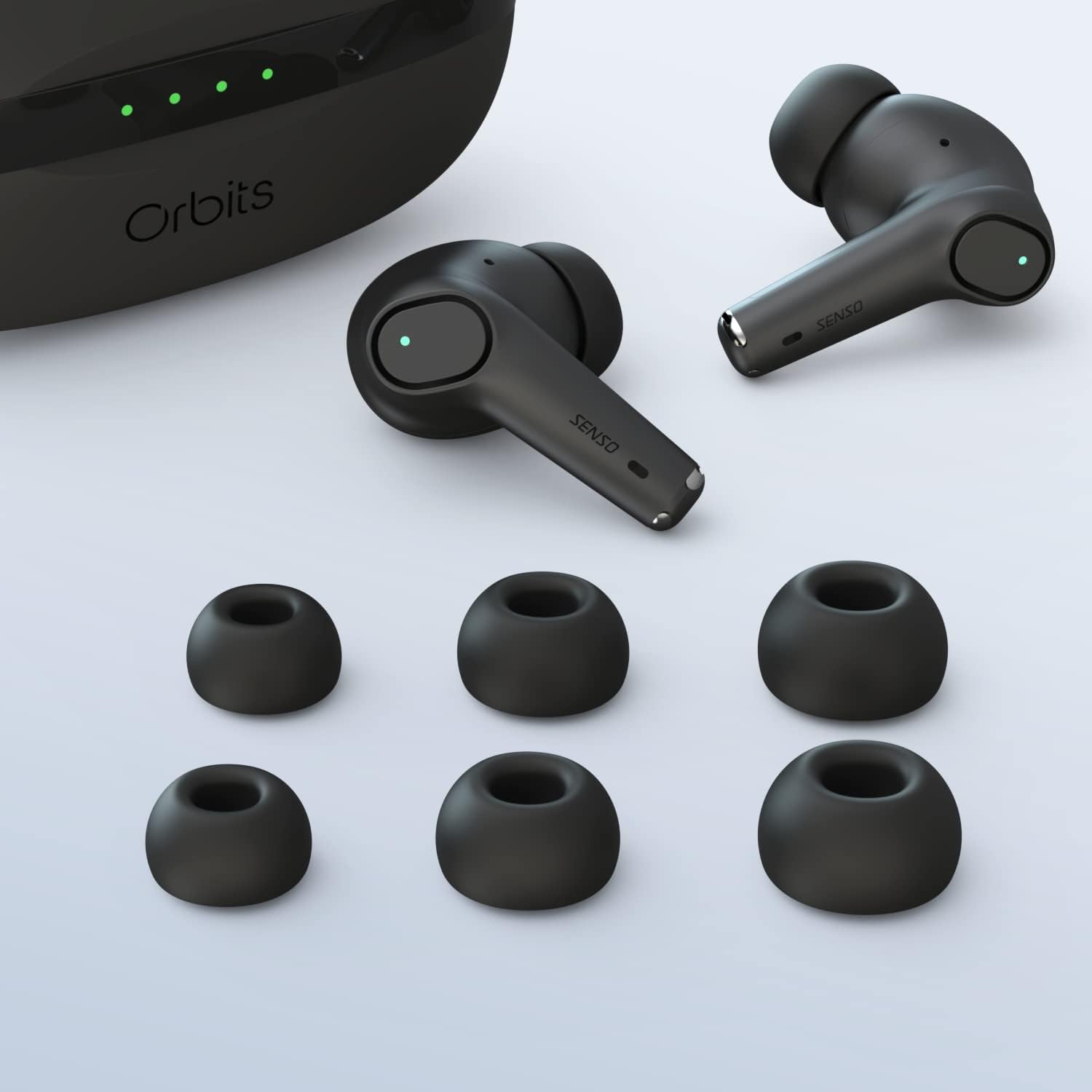
- Flere størrelser af ørepropper
- USB-C ladekabel
- Instruktionsmanual
Opsætning
Indledende opladning
Before first use, fully charge the earbuds and the charging case. Connect the USB-C cable to the charging port on the case and to a power source. The LED indicators on the case will show the charging status.
Parring med din enhed
The Senso Orbits earbuds feature a responsive one-step instant connection. Simply open the charging case, and the earbuds will automatically enter pairing mode. Then, follow these steps:
- Åbn opladningsetuiet.
- Gå til Bluetooth-indstillinger på din enhed (smartphone, tablet osv.).
- Select "Orbits" or "Orbits ENC70" from the list of available devices.
- Når der er forbindelse, hører du en lydmeddelelse, og ørepropperne er klar til brug.

Betjeningsvejledning
Tryk på kontrolelementer
The Senso Orbits earbuds are equipped with multi-function touch controls. Simply tap on the earbuds to access various functions:
- Volumen +/-: Double tap the Left (L) earbud to decrease volume, or the Right (R) earbud to increase volume.
- Afspil/pause: Single tap either L or R earbud.
- Forrige/næste nummer: Triple tap the L earbud for the previous track, or the R earbud for the next track.
- Answer/Reject Phone Call: Press and hold either L or R earbud for 2 seconds to answer or reject a call.
- Activate Voice Assistant (SIRI): Press and hold either L or R earbud for 2 seconds.

Opladning af øretelefoner og etui
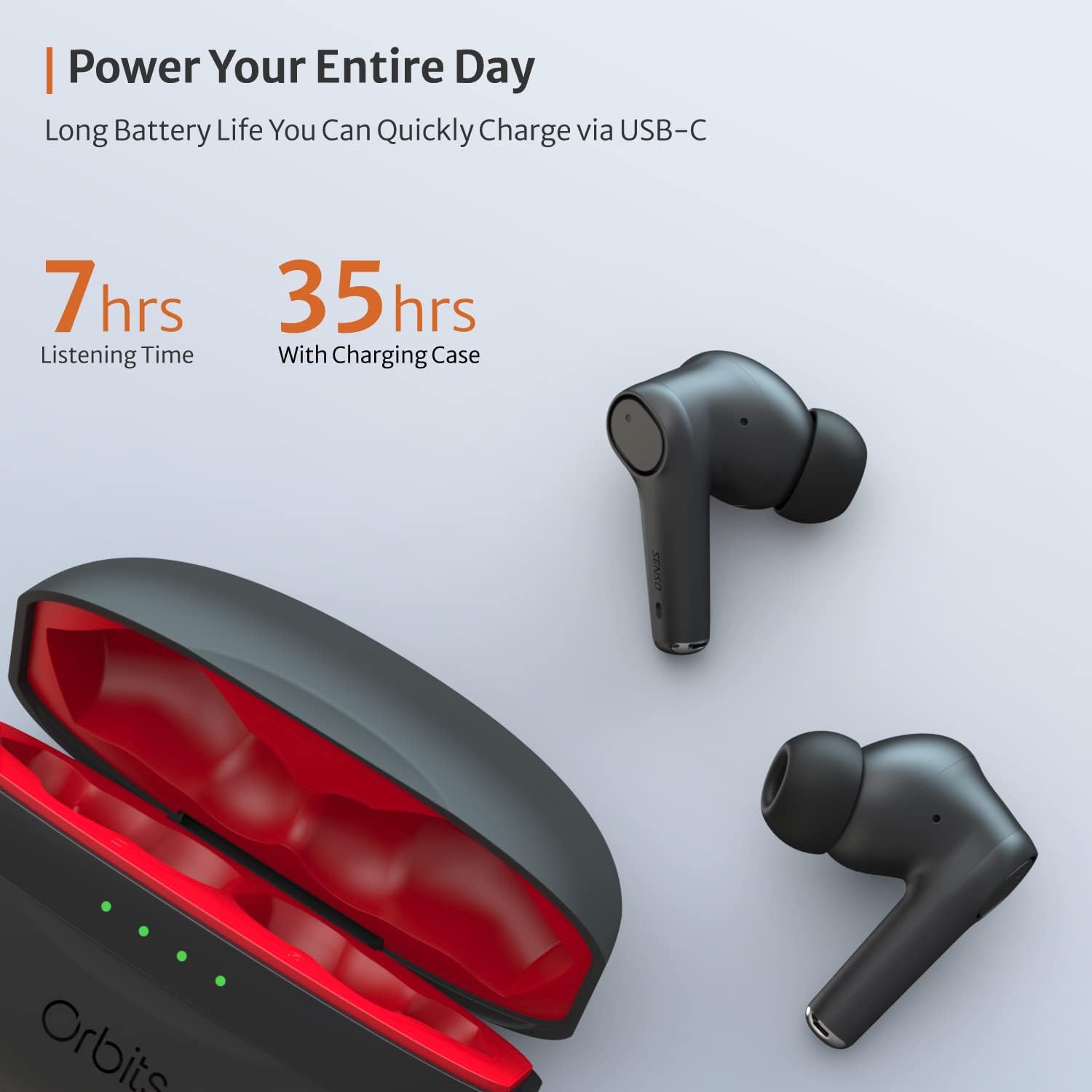
The charging case provides extended battery life for your earbuds. The earbuds will charge automatically when placed inside the case and the lid is closed. The case itself can be charged via a USB-C cable. The LED indicators on the case show the remaining battery level.
Støjreduktion (ENC) for opkald
The Senso Orbits earbuds feature a QUAD-microphone array with ENC technology to effectively suppress environmental noise and enhance voice clarity during calls. This reduces ambient noise by up to 35dB, ensuring clear communication.
Opretholdelse
Rensning
Regularly clean your earbuds and charging case to ensure optimal performance and hygiene. Use a soft, dry, lint-free cloth. For ear tips, you may gently wipe them with a damp klud og mild sæbe, og sørg for, at de er helt tørre, inden de sættes på igen.
Vandmodstand
The Senso Orbits earbuds are IPX rated, providing protection against light rain, accidental splashes, and sweat. They are suitable for sports and exercise. However, they are not designed for submersion in water. Avoid exposing them to excessive moisture or harsh chemicals.

Opbevaring
Når ørepropperne ikke er i brug, skal de opbevares i deres opladningsetui for at beskytte dem og holde dem opladet. Opbevar etuiet et køligt og tørt sted væk fra direkte sollys og ekstreme temperaturer.
Fejlfinding
- Ørepropper parrer ikke: Ensure both earbuds are in the charging case, then open the lid. Check your device's Bluetooth settings to ensure it's discoverable and select "Orbits". If issues persist, try resetting the earbuds (refer to specific reset instructions if provided in a separate quick start guide).
- Ingen lyd fra den ene øreprop: Place both earbuds back in the charging case, close the lid, and then reopen it. Re-pair with your device.
- Opladningsproblemer: Sørg for, at USB-C-kablet er korrekt tilsluttet til både etuiet og strømkilden. Kontroller, om opladningsporten er ren og fri for snavs.
- Dårlig opkaldskvalitet: Sørg for, at ørepropperne sidder korrekt i dine ører. Kontroller, om der er forhindringer omkring mikrofonerne.
Specifikationer
| Feature | Detalje |
|---|---|
| Modelnavn | orbits |
| Forbindelsesteknologi | Bluetooth 5.0, Trådløs |
| Trådløs kommunikationsteknologi | Bluetooth |
| Inkluderede komponenter | Opladningsetui |
| Materiale | Plast, silikone |
| Specifikke anvendelser af produktet | Sport og motion |
| Opladningstid | 2 timer |
| Vandmodstandsniveau | Waterproof (IPX rated) |
| Kontrolmetode | Røre |
| Bluetooth version | 5.0 |
| Støjkontrolfunktioner | Active Noise Control (ENC) |
| Speciel funktion | Lightweight, Microphone Included, Noise Cancellation, Water-resistant, Wireless |
| Varens vægt | 5 ounce |
| Batterilevetid (ørepropper) | Op til 7-8 timer |
| Samlet spilletid (med opladningsetui) | Op til 35 timer |
Garanti og support
Udvidet garanti
Senso offers an option to extend the warranty to two years for free. To convert to a Two Year Warranty, please visit www.sensoshop.com/warranty. This must be claimed within 7 days of receiving the product.
Kundesupport
For any further assistance, technical support, or inquiries, please refer to the contact information provided with your product packaging or visit the official Senso webwebsted.