
Indledning
Welcome to the Helix TIMEX METALFIT 2.0 Smartwatch user manual. This guide provides detailed instructions on how to set up, operate, and maintain your smartwatch. Please read this manual carefully to ensure proper use and to maximize the device's features.
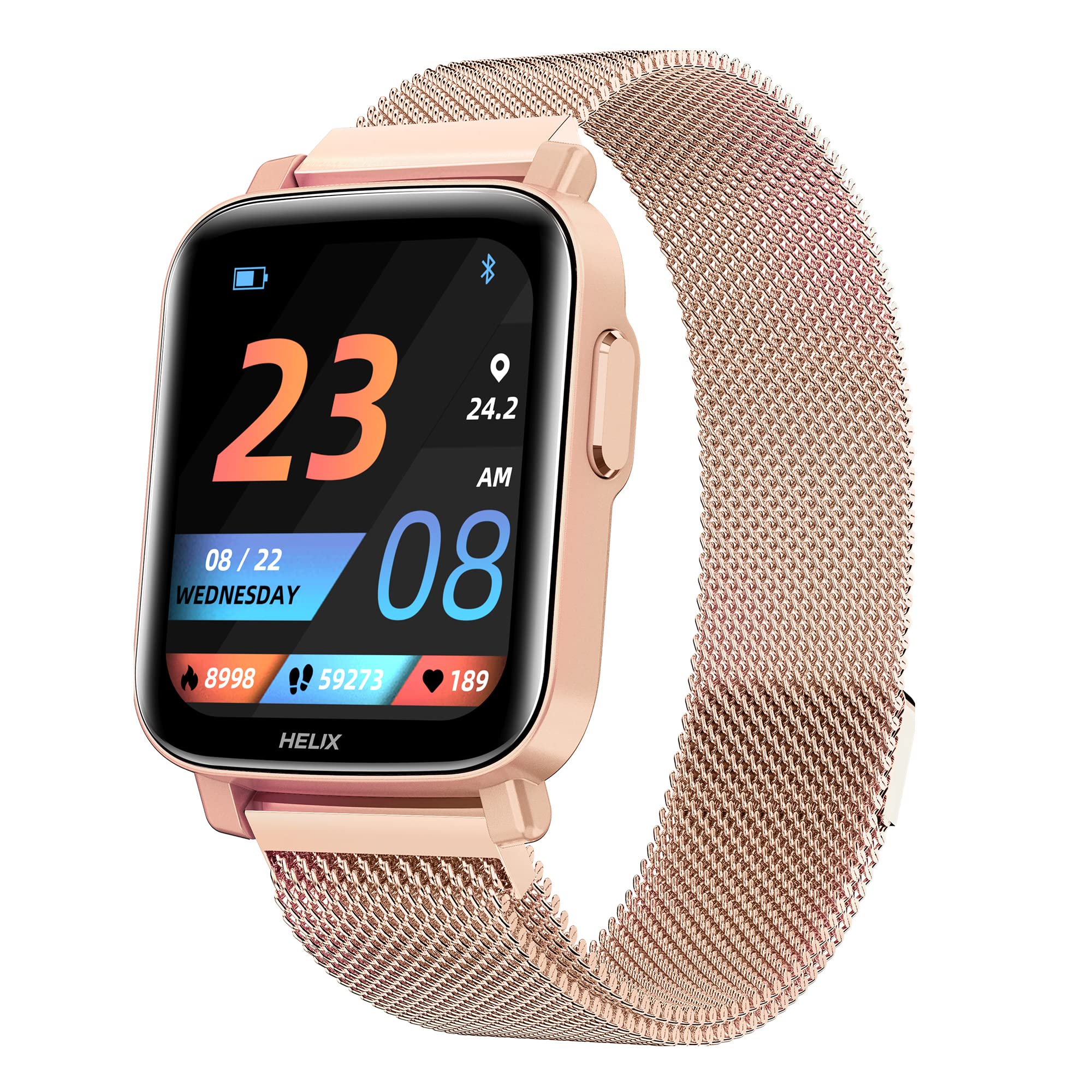
Image: The Helix TIMEX METALFIT 2.0 smartwatch, showcasing dens elegante design og display.
Opsætning
1. Opladning af smartwatchet
Oplad dit smartwatch helt før første brug. Tilslut det magnetiske opladningskabel til opladningsbenene på bagsiden af uret, og sæt USB-enden i en standard USB-strømadapter (medfølger ikke).
- En fuld opladning tager typisk cirka 2 timer.
- Batteriikonet på skærmen viser opladningsstatus.
2. Installing the Helix Smart App
To unlock the full potential of your METALFIT 2.0 smartwatch, download and install the 'Helix Smart' application on your smartphone.
- Scan the QR code provided in the watch packaging or search for 'Helix Smart' in the Google Play Store (for Android) or Apple App Store (for iOS).
- Installer applikationen på din smartphone.

Image: Screenshots of the Helix Smart App interface on a smartphone, showing options for Google Play and App Store downloads.
3. Pairing the Smartwatch with Your Phone
Sørg for, at Bluetooth er aktiveret på din smartphone, og at smartwatchet er tilstrækkeligt opladet.
- Open the 'Helix Smart' app on your phone.
- Følg instruktionerne på skærmen for at oprette en konto eller logge ind.
- Navigate to the 'Device' section and select 'Add Device'.
- The app will search for available devices. Select 'METALFIT 2.0' from the list.
- Bekræft parringsanmodningen på både din telefon og smartwatchet.
Betjening af smartwatchet
1. Grundlæggende navigation
The METALFIT 2.0 features a 1.5-inch HD IPS full-touch display for intuitive interaction.

Image: Close-up of the smartwatch display showing time, date, and activity metrics, highlighting the large touchscreen with auto brightness.
- Stryg op/ned: Rul gennem menuer og notifikationer.
- Stryg til venstre/højre: Få adgang til hurtige funktioner eller widgets.
- Tryk på: Vælg et element eller bekræft en handling.
- Side knap: Tryk for at vække skærmen, vende tilbage til startskærmen eller få adgang til hovedmenuen.
2. Bluetooth-opkald
The smartwatch supports Bluetooth calling, allowing you to make and receive calls directly from your wrist when connected to your smartphone.

Image: A person wearing the smartwatch, with an enlarged view of the watch display showing an incoming call interface, indicating dial pad, inbuilt contacts, microphone, and speaker.
- Foretage opkald: Få adgang til opkaldstastaturet eller kontaktlisten på uret for at starte et opkald.
- Modtagelse af opkald: An incoming call notification will appear on the watch. Tap to answer or decline.
- The watch utilizes an inbuilt microphone and speaker for call functionality.
3. Sundhedsovervågning
The METALFIT 2.0 provides comprehensive health monitoring features.

Image: The smartwatch display showing SpO2 (blood oxygen) measurement at 98%, alongside icons for Female Health Tracking, SpO2 Monitor, Temperature Sensor, and Stress Monitor.
- SpO2-monitor: Måler blodets iltmætning.
- Kropstemperatur: Overvåger din kropstemperatur.
- Blodtryk (BP): Giver blodtryksmålinger.
- Pulsmåler: Sporer kontinuerligt din puls.
- Søvnsporing: Analyserer dine søvnmønstre.
- Kvindesundhedssporing: Offers dedicated tracking for female health cycles.
Note: Health monitoring data is for reference only and should not be used for medical diagnosis or treatment. Consult a medical professional for health concerns.
4. Sportstilstande
Engage in various physical activities with 20 built-in sports modes.
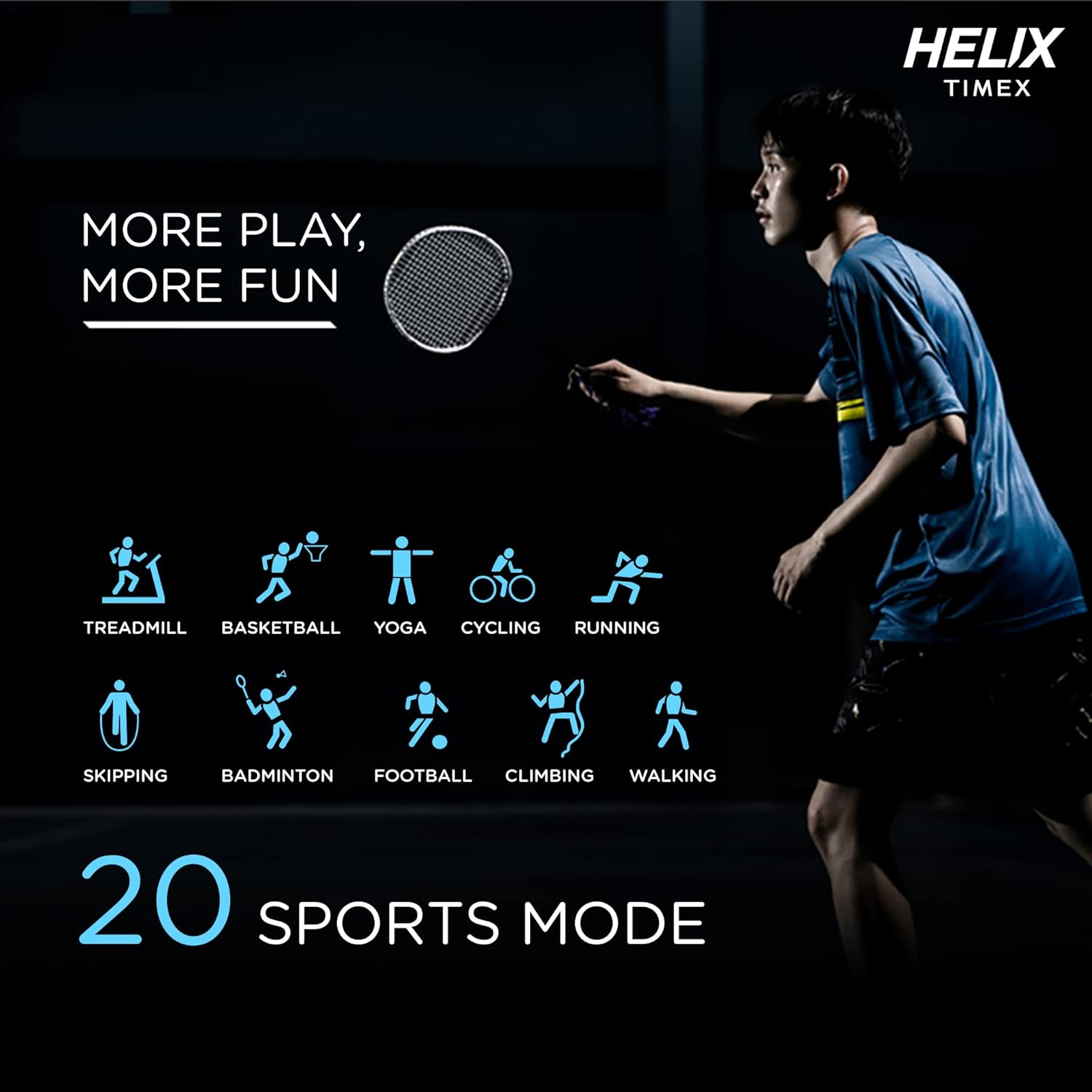
Image: A person playing badminton, with icons representing 20 different sports modes including Treadmill, Basketball, Yoga, Cycling, Running, Skipping, Badminton, Football, Climbing, and Walking.
- Select a sports mode before starting your workout to track specific metrics like duration, calories burned, and heart rate.
- Modes include Treadmill, Basketball, Yoga, Cycling, Running, Skipping, Badminton, Football, Climbing, Walking, and more.
5. Smarte funktioner
The smartwatch offers a range of smart features to enhance your daily life.

Image: The smartwatch surrounded by icons representing various smart features: Female Health Tracking, Music Control, Camera Control, Daily Activity Tracking, Call Answering Option, Social Media Notifications, Sleep Tracking, Message, Phone Finder, and Sedentary Reminder.
- Musik kontrol: Styr musikafspilning på din smartphone.
- Kamerastyring: Brug dit ur som fjernbetjent udløser til din telefons kamera.
- Daglig aktivitetssporing: Overvåg skridt, distance og forbrændte kalorier.
- Notifikationer på sociale medier: Receive alerts from your favorite apps.
- Meddelelsesmeddelelser: View incoming messages.
- Telefonfinder: Find din parrede smartphone.
- Stillesiddende påmindelse: Få besked om at bevæge dig efter perioder med inaktivitet.
- Stemmeassistent: Interager med din enhed ved hjælp af stemmekommandoer.
6. Urskiver
Personalize your smartwatch with a variety of watch faces available through the Helix Smart App.

Image: A collage of different watch face designs displayed on the smartwatch, illustrating customization options.
- Browse and download new watch faces from the app to match your style or mood.
Opretholdelse
1. Rengøring af dit smartwatch
- Tør skærmen og remmen af med en blød kludamp, fnugfri klud.
- Undgå at bruge skrappe kemikalier eller slibende materialer.
- Sørg for, at opladningskontakterne er rene og tørre, før du oplader.
2. Vandafvisende
The METALFIT 2.0 is IP67 water and dust resistant.
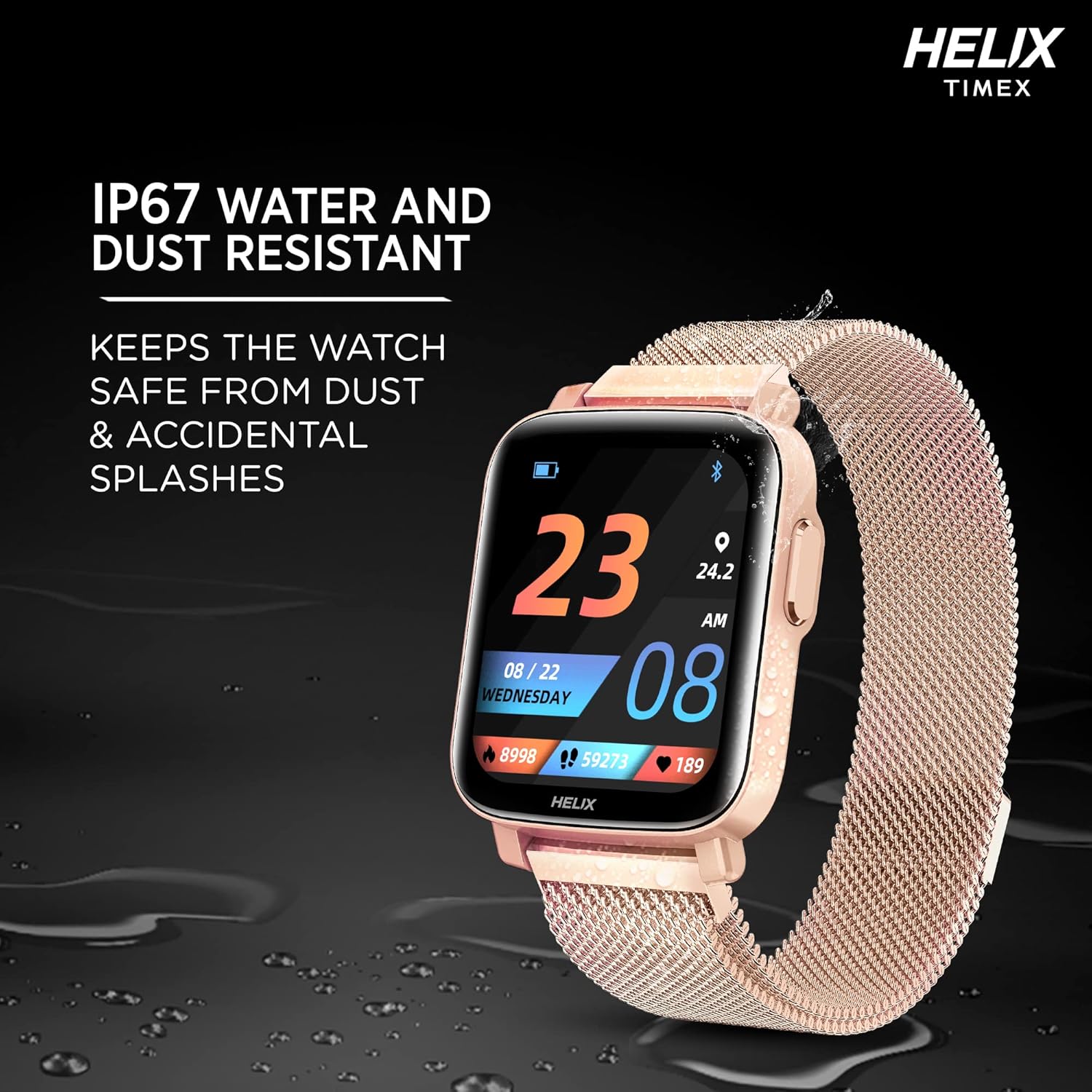
Image: The smartwatch lying on a wet surface, illustrating its IP67 water and dust resistance.
- It is resistant to splashes, rain, and brief immersion in water (up to 1 meter for 30 minutes).
- Ikke egnet til svømning, varmt brusebad eller dykning.
- Avoid exposure to high-pressure water or steam.
3. Batterilevetid og opladning
The smartwatch offers extended battery life depending on usage.

Image: The smartwatch display showing a charging animation, with text indicating up to 7 days battery life without call function and up to 72 hours with call function.
- Up to 7 days of battery life without the Bluetooth calling function.
- Up to 72 hours of battery life with the Bluetooth calling function enabled.
- Charge the device using the provided magnetic charging cable.
Fejlfinding
- Smartwatch tænder ikke: Sørg for, at enheden er fuldt opladet. Tilslut den til opladeren i mindst 30 minutter.
- Kan ikke parres med telefon: Make sure Bluetooth is enabled on your phone and the smartwatch is within range. Restart both devices and try pairing again through the Helix Smart App.
- Unøjagtige sundhedsdata: Sørg for, at uret sidder tæt på dit håndled, hverken for stramt eller for løst. Rengør sensoren på bagsiden af uret.
- Notifikationer vises ikke: Check app permissions on your phone to ensure the Helix Smart App has access to notifications. Verify notification settings within the app.
- Bluetooth calling issues: Ensure the watch is properly connected to your phone via Bluetooth. Check the volume settings on both devices.
Specifikationer
| Feature | Detalje |
|---|---|
| Modelnavn | METALFIT 2.0 |
| Mærke | Helix |
| Display Type | 1.5-inch HD IPS Full-touch LCD |
| Forbindelse | Bluetooth |
| Operativsystem | Smartwatch OS |
| Målte metrikker | Heart Rate, Blood Oxygen (SpO2), Body Temperature, Blood Pressure |
| Sportstilstande | 20+ (e.g., Treadmill, Basketball, Yoga, Cycling, Running, Skipping, Badminton, Football, Climbing, Walking) |
| Batterilevetid (typisk) | Up to 7 days (without calling), Up to 72 hours (with calling) |
| Vandtæt vurdering | IP67 |
| Human Interface Input | Microphone, Touch Control |
| Kompatible enheder | Smartphones med Bluetooth |
| Varens vægt | 120 g |
| Fabrikant | helix |
Støtte
For any questions or support regarding your Helix TIMEX METALFIT 2.0 Smartwatch, please contact our customer service.
- Gratis support: 1800 419 2727
- Driftstider: Mandag til lørdag, kl. 10 - 7
This service is provided by the TIMEX Group.