
Indledning
Thank you for choosing the Dilwe TS100 True Wireless Earbuds. This manual provides essential information for setting up, operating, and maintaining your earbuds to ensure optimal performance and longevity. Please read this manual thoroughly before using the product.
Pakkens indhold
Upon opening your Dilwe TS100 True Wireless Earbuds package, please verify that all the following items are included:
- 2 x Dilwe TS100 Earbuds
- 1 x opladningsetui
- 4 x ørepropper (forskellige størrelser)
- 1 x USB-C opladningskabel
- 1 x Brugsanvisning (dette dokument)

Image: Contents of the Dilwe TS100 package, including two earbuds, a charging case, a USB-C cable, and multiple ear tip sizes.
Opsætning
1. Opladning af øretelefoner og etuiet
Before initial use, fully charge the earbuds and the charging case. The charging case has a capacity of 400mAh, and each earbud has a 50mAh battery. A full charge typically takes 1-2 hours.
- Tilslut det medfølgende USB-C-kabel til opladningsporten på etuiet og til en kompatibel USB-strømkilde.
- Indikatorlamperne på etuiet viser opladningsstatus.
- Placer ørepropperne i opladningsetuiet. De vil automatisk begynde at oplade.
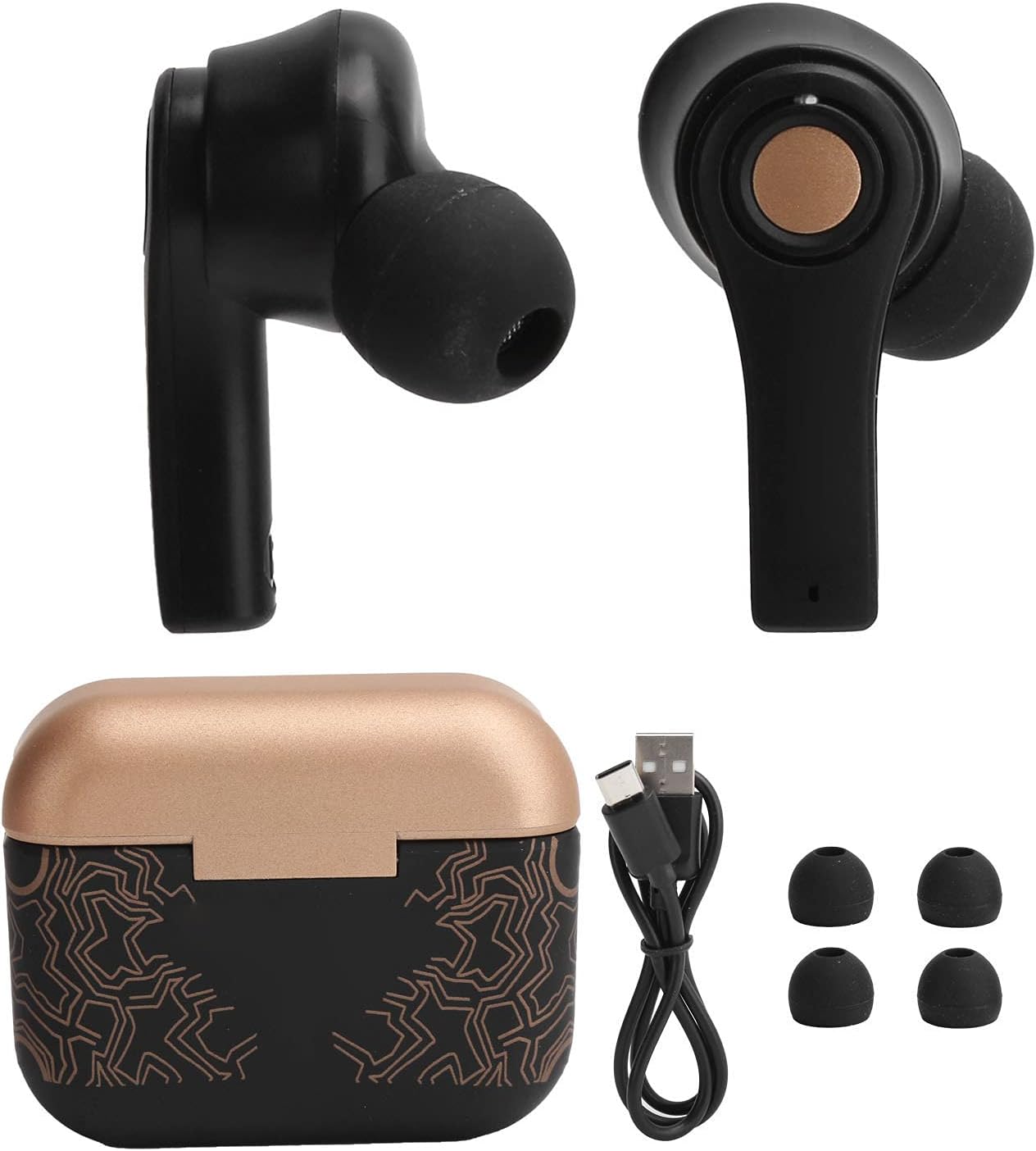
Image: Earbuds placed inside the open charging case, showing charging indicators.
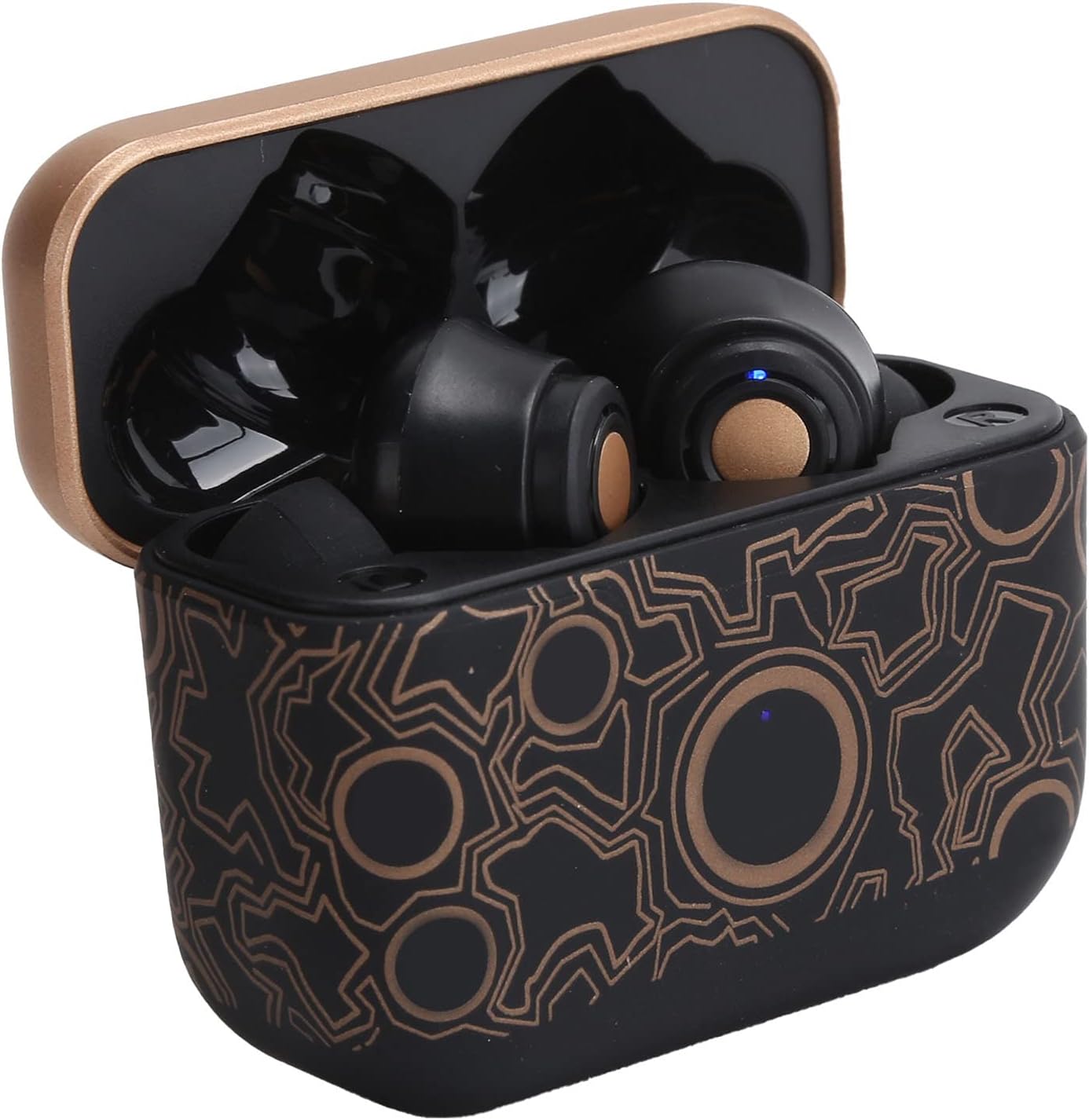
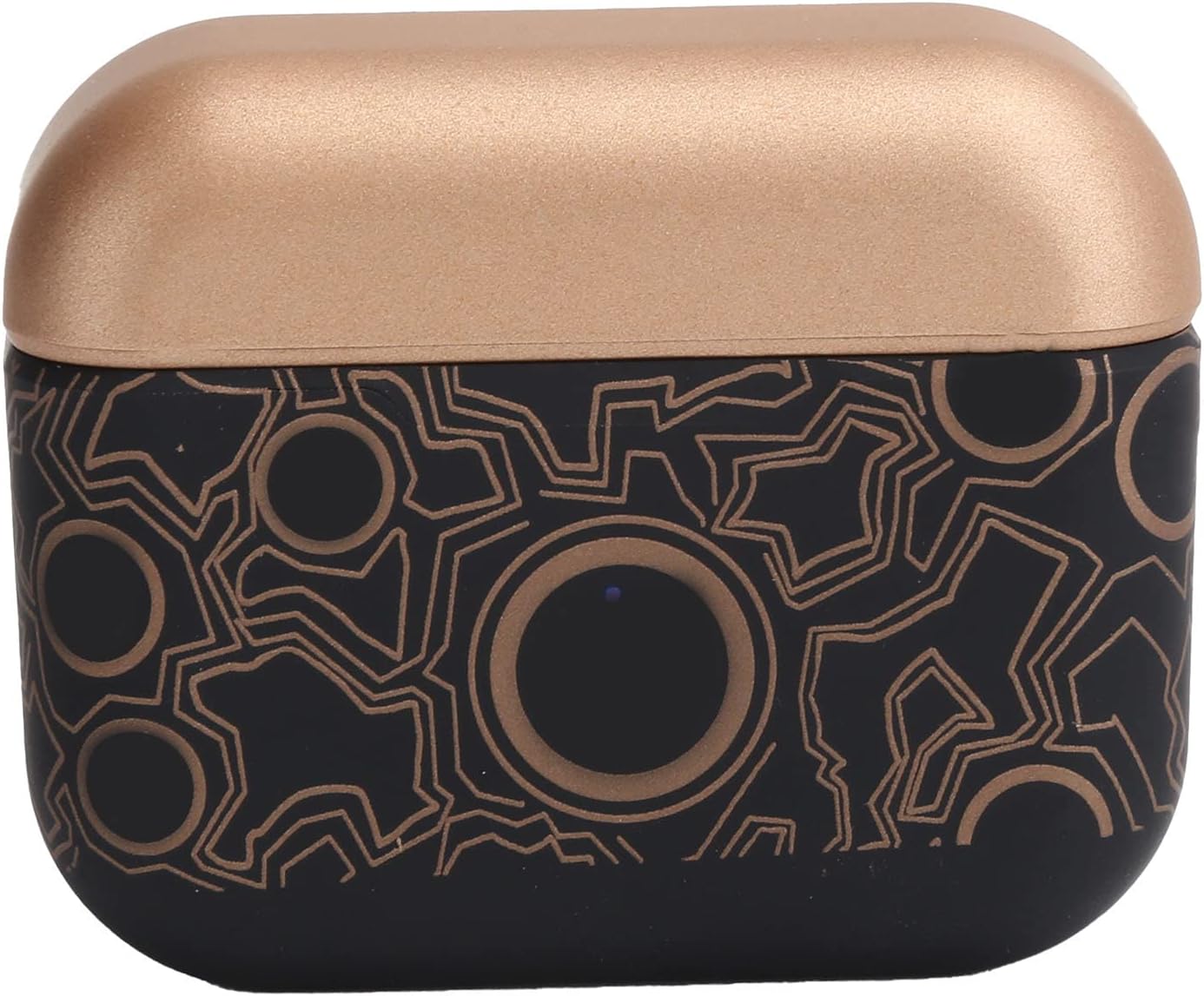
Image: The closed charging case, ready for portable power.
2. Parring med en enhed
The Dilwe TS100 earbuds feature automatic pairing for convenience.
- Sørg for, at øretelefonerne er opladet.
- Åbn opladningsetuiet, og fjern begge ørepropper. De tændes automatisk og går i parringstilstand.
- On your mobile device (e.g., smartphone, tablet), go to the Bluetooth settings.
- Søg efter available devices and select "TS100" from the list.
- Når der er oprettet forbindelse, hører du en bekræftelsestone, og indikatorlamperne på ørepropperne skifter.
The earbuds support Bluetooth 5.0 connectivity, providing a stable connection within an 18-20 meter range.
Betjeningsvejledning
The Dilwe TS100 earbuds utilize multi-function touch controls for various operations.
Tænd/sluk
- Tænd: Tag ørepropperne ud af opladningsetuiet. De tændes automatisk.
- Sluk: Sæt ørepropperne tilbage i opladningsetuiet. De slukker automatisk og begynder at oplade.
Opkaldskontrol
- Besvar opkald: Click the multi-function key once.
- Afvis opkald: Long press the multi-function key.
- Afslut opkald: Click the multi-function key once during a call.
Musikafspilningskontrol
- Afspil/pause: Click the multi-function key once.
- Næste sang: Click the main ear (right earbud) multi-function key three times.
- Forrige sang: Click the secondary ear (left earbud) multi-function key three times.
Lydstyrkekontrol
- Lydstyrke op: Double click the main ear (right earbud) multi-function key.
- Skrue ned for lyden: Double click the secondary ear (left earbud) multi-function key.

Image: An earbud comfortably seated in an ear, highlighting the ergonomic design and touch control surface.
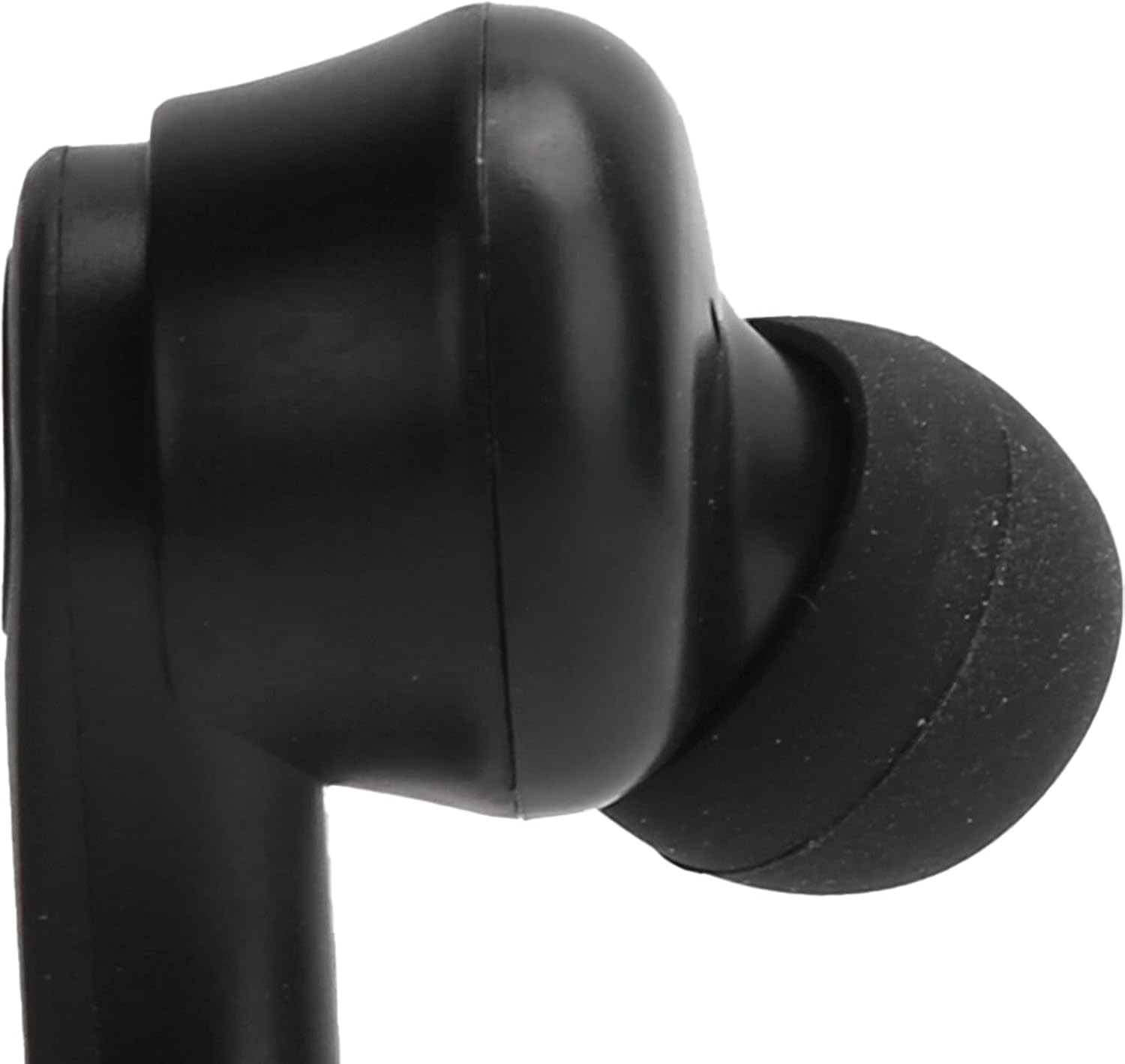
Billede: Et nærbillede view of the left earbud's stem, indicating its designation.
Opretholdelse
Proper maintenance ensures the longevity and optimal performance of your Dilwe TS100 earbuds.
- Rensning: Regularly clean the earbuds and charging case with a soft, dry, lint-free cloth. Avoid using abrasive materials or harsh chemicals. Gently clean the ear tips and speaker mesh to prevent wax buildup.
- Opbevaring: Når ørepropperne ikke er i brug, skal de opbevares i deres opladningsetui for at beskytte dem mod støv og skader og for at holde dem opladet.
- Batteripleje: To prolong battery life, avoid fully discharging the earbuds and charging case frequently. Charge them regularly, even if not in constant use. The earbuds offer a standby time of 1-2 months.
- Vandtæthed: The earbuds feature anti-sweat performance, making them suitable for workouts. However, they are not fully waterproof. Avoid submerging them in water or exposing them to heavy rain.
Billede: En detaljeret view of the earbud's tip and speaker mesh, emphasizing areas for cleaning.
Fejlfinding
If you encounter issues with your Dilwe TS100 earbuds, try the following solutions:
- Ørepropper parrer ikke:
- Sørg for, at begge ørepropper er taget ud af opladningsetuiet.
- Sluk Bluetooth på din enhed, og tænd den derefter igen.
- Forget "TS100" from your device's Bluetooth list and attempt to pair again.
- Ensure earbuds and device are within the 18-20m operating range.
- Ingen lyd fra den ene øreprop:
- Placer begge ørepropper tilbage i opladningsetuiet, luk låget, vent et par sekunder, og fjern dem derefter igen.
- Tjek din enheds lydindstillinger for at sikre, at balancen er centreret.
- Øretelefoner oplader ikke:
- Sørg for, at USB-C-kablet er korrekt tilsluttet til både opladningsetuiet og strømkilden.
- Kontroller, at strømkilden er aktiv.
- Rengør opladningskontakterne på både ørepropperne og inde i opladningsetuiet.
- Touch-kontroller reagerer ikke:
- Sørg for, at dine fingre er rene og tørre, når du bruger berøringsknapperne.
- Genstart ørepropperne ved at lægge dem i etuiet og tage dem ud igen.
Specifikationer
| Feature | Detalje |
|---|---|
| Varetype | Bluetooth øretelefoner |
| Mærke | Dilwe |
| Model | TS100 |
| Materiale | ABS |
| Vægt | Ca. 120 g / 4.2 oz |
| Bluetooth version | V5.0 |
| Horn Diameter | 13 mm |
| Driftsafstand | 18-20m |
| Earbud batterikapacitet | 50mAh Polymer Lithium Battery (built-in) |
| Opladningsetui Kapacitet | 400mAh Polymer Lithium Battery (built-in) |
| Standby tid | 1-2 måneder |
| Talk/Music Playing Time | 3-5 timer |
| Opladningsgrænseflade | USB-C |
| Opladningstid | 1-2 timer |
| Frekvens | 2400.0-2483.5 MHz |
| Kontrolmetode | Tryk på kontrol |
| Støjkontrol | Sound Isolation / Noise Reduction |
| Yderligere funktioner | Ergonomic, Anti-sweat performance |
Produkt overview Video
Video: En officiel overview of the Dilwe TS100 True Wireless Earbuds, demonstrating key features and design.
Garanti & Support
Dilwe products are designed and manufactured to the highest quality standards. While specific warranty details are not provided in this manual, please refer to the retailer's return policy or the official Dilwe brand store for information regarding warranty coverage and customer support.
For yderligere hjælp kan du besøge Dilwe Store on Amazon.