
PTHTECHUS S23
PTHTECHUS Smart Watch S23 User Manual
Model: S23
Indledning
Thank you for choosing the PTHTECHUS Smart Watch S23. This multi-functional smartwatch is designed for children aged 4-12, offering a blend of entertainment and educational features. It includes 14 games, a music player, HD selfie camera, flashlight, calculator, calendar, alarm, and timer. This manual provides detailed instructions to help you and your child get the most out of this device.
Hvad er der i æsken
- 1x PTHTECHUS Smart Watch S23
- 1x USB opladningskabel
- 1x brugsanvisning
- 1x 1GB TF Memory Card
Produkt overview
Familiarize yourself with the components of your PTHTECHUS Smart Watch S23.

Figur 1: Forside og side view of the PTHTECHUS Smart Watch S23, highlighting the screen, buttons, and strap design.
Nøglekomponenter:
- Berøringsfølsom skærm: Interactive interface for navigating menus and applications.
- Power knap: Located on the side, used to turn the watch on/off and wake/sleep the screen.
- Kamera: Integrated camera for taking photos and recording videos.
- USB-port: Placeret på siden, bruges til opladning og dataoverførsel.
- Højttaler/mikrofon: For audio playback and recording functions.
- Rem: Justerbar rem for behagelig brug.
Opsætning
1. Opladning af enheden:
Before first use, fully charge the smartwatch. Connect the provided USB cable to the watch's USB port and the other end to a compatible USB power adapter (not included) or a computer's USB port. The charging indicator will appear on the screen.
- En fuld opladning tager typisk cirka 2-3 timer.
- Sørg for, at USB-porten er ren og tør, før du oplader.
2. Tænd/sluk:
- For at tænde: Press and hold the Power Button on the side of the watch until the screen lights up and the "Hello" message appears.
- For at slukke: Press and hold the Power Button until a power-off option appears on the screen. Select "Power Off" to shut down the device.
Video 1: S23 Children's Watch Operation Demonstration Instructions. This video demonstrates the basic operation of the watch, including powering on, navigating the interface, and accessing various functions.
3. Initial Settings (Time, Date, Language):
Upon first power-on or after a reset, you may need to set the time, date, and language. Navigate to the Indstillinger menu (often represented by a gear icon) to adjust these options.
- Sprog: Vælg dit foretrukne sprog blandt de tilgængelige muligheder.
- Tid og dato: Adjust the current time, date, and time format (12/24 hours).
- Ringetonelydstyrke: Adjust the volume for alerts and notifications.
Betjeningsvejledning
The PTHTECHUS Smart Watch S23 features a touch screen for easy navigation. Swipe left or right to browse through the different application icons.
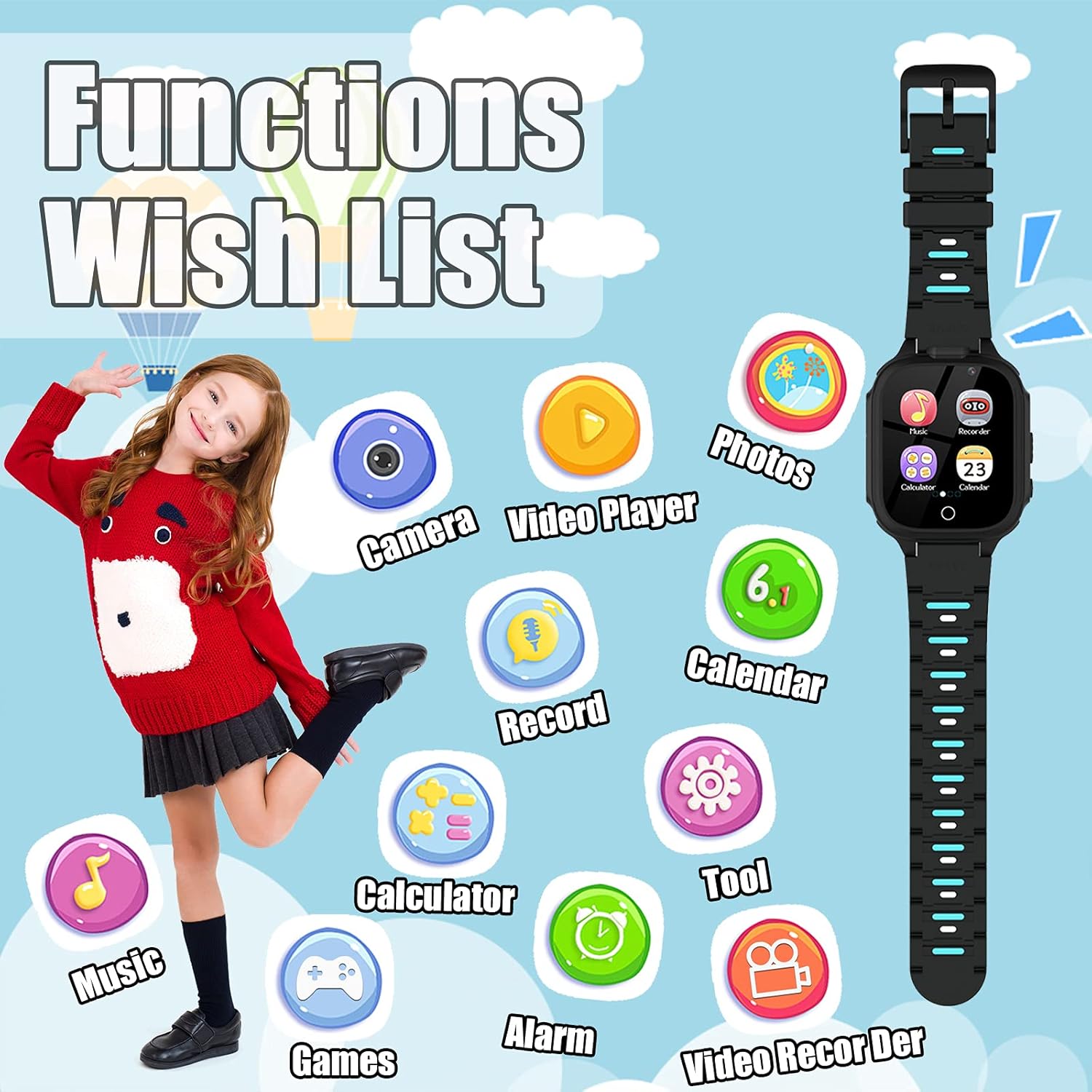
Figur 2: Overview of the watch's main functions and applications.
1. Games:
The watch comes with 14 built-in puzzle games designed to aid children's brain development, including digital games, life habit games, logical thinking games, and hand-eye coordination games. Tap the "Games" icon to access the game selection menu.
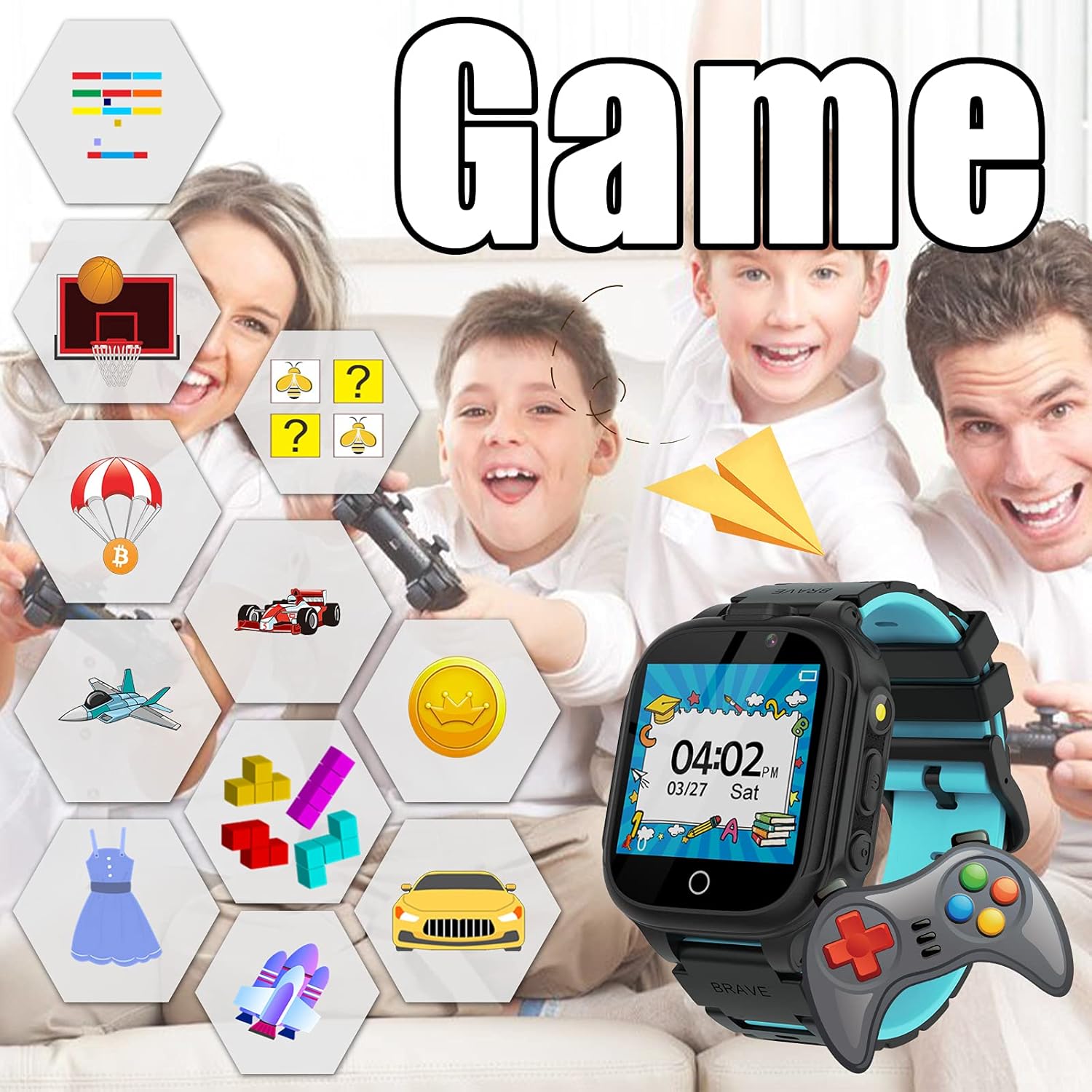
Figure 3: The watch's game interface and examples of available games.
2. Music Player:
Enjoy music directly on your smartwatch. The watch has a built-in memory chip for storing music files. Connect the watch to a PC using the USB cable to transfer MP3 files. Tap the "Music" icon to open the music player.
- Brug skærmknapperne til at afspille, sætte på pause, springe numre over og justere lydstyrken.
- No SD card is required for music storage.
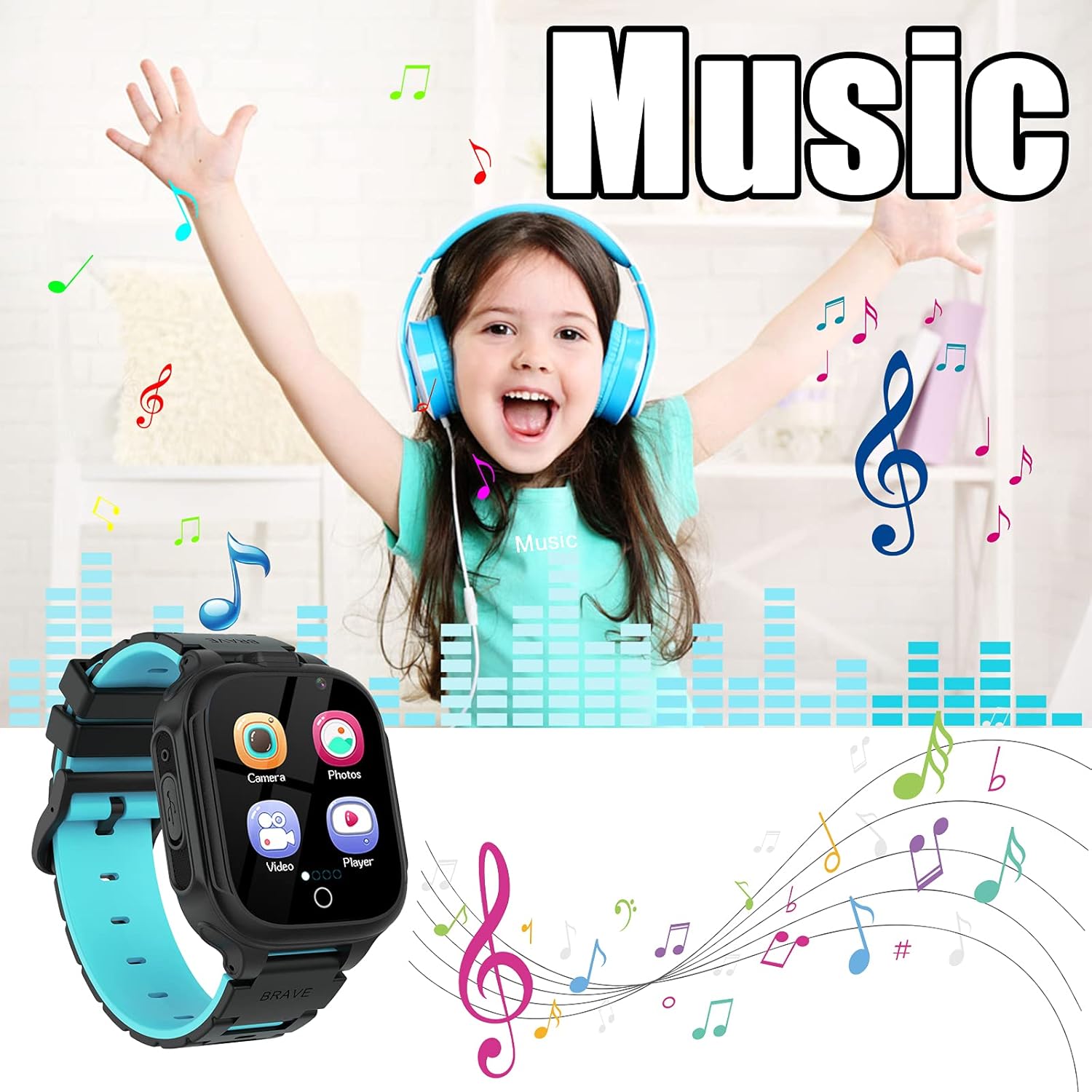
Figure 4: The music player interface, illustrating music playback capabilities.
3. Camera & Video Recorder:
The watch is equipped with two cameras, allowing children to capture photos and record short videos. Tap the "Camera" or "Video Recorder" icon to activate these functions.
- Switch between front and rear cameras if available.
- Explore fun photo stickers to add creative effects to pictures.
- View captured media in the "Photos" or "Video Player" applications.
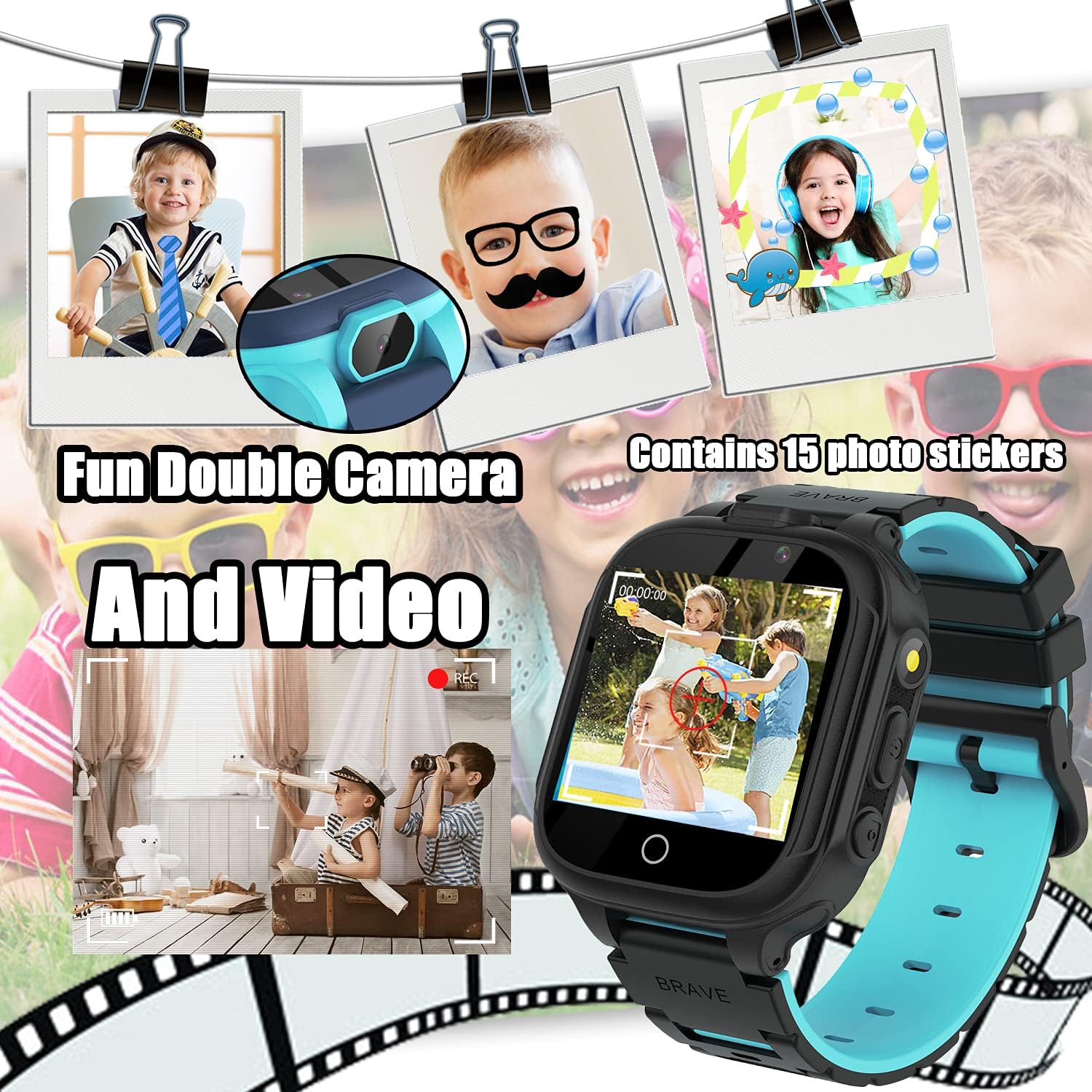
Figure 5: The camera interface, demonstrating photo and video capture with creative stickers.
4. Flashlight:
Activate the built-in flashlight for illumination in dark environments. Tap the "Torch" icon to turn the flashlight on or off.

Figure 6: The flashlight feature in use, providing convenient illumination.
5. Calculator:
Perform basic arithmetic calculations using the integrated calculator. Tap the "Calculator" icon to open the application.
- Supports addition, subtraction, multiplication, and division.
- Clear display with large numbers for easy use.
6. Alarm Clock:
Set up to three alarms to help manage daily routines. Tap the "Alarm" icon to configure alarm times and repeat settings.
- Set specific times for alarms.
- Choose repeat options: Once, Everyday, or Custom days.
7. Kalender:
View the current date and month. Tap the "Calendar" icon to access the calendar display.
8. Skridttæller:
Track daily steps and estimated calories burned. Tap the "Pedometer" icon to view aktivitetsdata.
- Start and pause step tracking as needed.
- Provides a basic overview of physical activity.
9. Other Tools:
The "Tools" menu provides additional utilities:
- Stopur: Til tidsstyringsaktiviteter.
- Timer: Indstil nedtællingstimere.
- File Manager: Gennemse og administrer files stored on the watch.
- Reset Wallpaper: Revert to the default watch face.

Figur 7: Eksamples of customizable watch faces available on the device.
Opretholdelse
- Rensning: Use a soft, dry cloth to clean the watch screen and body. Avoid abrasive cleaners or solvents.
- Vandtæthed: The watch is not waterproof. Keep it away from water, moisture, and high humidity to prevent damage.
- Opbevaring: Opbevar uret et køligt og tørt sted, når det ikke er i brug.
- Batteripleje: To prolong battery life, avoid extreme temperatures and do not leave the watch fully discharged for extended periods.
Fejlfinding
| Problem | Mulig løsning |
|---|---|
| Uret tænder ikke. | Ensure the watch is fully charged. Press and hold the Power Button for at least 5 seconds. |
| Skærmen reagerer ikke. | Restart the watch by holding the Power Button. If unresponsive, allow the battery to fully drain and then recharge. |
| Kan ikke overføre musik files. | Ensure the watch is properly connected to the PC via USB. Check if the watch is in data transfer mode (if applicable). Ensure files er i MP3-format. |
| Kort batterilevetid. | Reduce screen brightness. Close unused applications. Limit frequent use of power-intensive features like games or video recording. |
Specifikationer
- Model: S23
- Skærmstørrelse: 1.54 tommer
- Skærmtype: Digital
- Hukommelseslagring: 1 GB (built-in)
- Batteritype: Lithiummetal (inkluderet)
- Forbindelse: USB (for charging and data transfer)
- Dimensioner: 0.39 x 1.18 x 1.18 tommer
- Varens vægt: 1.59 ounces (45 gram)
- Funktioner: 14 Games, Music Player, HD Selfie Camera, Flashlight, Calculator, Calendar, Alarm, Timer, Pedometer.
Garanti & Support
PTHTECHUS is committed to providing quality products and customer satisfaction. If you encounter any issues or have questions regarding your Smart Watch S23, please refer to the following:
- Garantioplysninger: Se venligst garantikortet, der er inkluderet i produktemballagen, for specifikke garantivilkår.
- Kundesupport: For technical assistance or customer service inquiries, please contact the seller directly through your purchase platform.
- Online ressourcer: Visit the official PTHTECHUS brand store on Amazon for additional product information and FAQs: PTHTECHUS Amazon Store.
Ask a question about this manual
Ask about setup, troubleshooting, compatibility, parts, safety, or missing instructions. Manuals+ will review the question and use this page’s manual context to help answer it.