
Indledning
Welcome to your PTHTECHUS Kids Educational Smartwatch! This manual provides detailed instructions on how to set up, operate, and maintain your new smartwatch. Designed for children, this device offers a range of educational and entertainment features, including two-way calling, games, a music player, camera, flashlight, alarm, and pedometer, all without internet access or GPS tracking for enhanced safety.
Hvad er der i æsken
- 1 x Kids Smart Watch (with built-in battery)
- 1 x USB Cable (No Adapter)
- 1 x brugsanvisning
- 1 x 1GB Micro SD Card (pre-installed for storage)
Produkt overview
Familiarize yourself with the key components of your smartwatch:

Image Description: A black PTHTECHUS Kids Smartwatch is shown from two angles. Labels indicate the Camera and Light on the top edge, the Touch Screen on the front, the Power Button/SOS on the right side, and the USB Socket on the left side. The watch features a square face and a textured strap.
- Berøringsskærm: 1.54-inch OGS Capacitive Touch Screen for interactive use.
- Kamera: Located at the top of the watch face for taking photos and videos.
- Lys: Integreret lommelygtefunktion.
- Power Button / SOS: Used to power the watch on/off and initiate SOS calls.
- USB-stik: Til opladning og dataoverførsel.
Opsætning
1. Opladning af smartwatchet
Connect the provided USB cable to the smartwatch's USB socket and a compatible USB power source (e.g., computer, USB wall adapter). A full charge typically takes approximately 2 hours. The 400mAh battery can last 7-10 days depending on usage.
2. SIM Card Installation (Optional for Two-Way Call)
For two-way calling functionality, a 2G-compatible SIM card is required (not included). We recommend "SpeedTalk" in the US. Ensure your local area has 2G network coverage. Vigtig: Install the SIM card with the watch powered off.
Video Description: A close-up demonstration of how to install a SIM card into the PTHTECHUS Kids Smartwatch. The back cover is removed, the battery is lifted, and a SIM card is inserted into its slot before reassembling the watch. This video also shows basic navigation and feature demonstration.
3. Tænd/sluk
- For at tænde: Tryk og hold tænd/sluk-knappen nede, indtil skærmen lyser.
- For at slukke: Press and hold the Power Button until the power-off option appears on the screen, then confirm.
4. Initial Settings (Language, Time, Date)
Navigate to the 'Settings' menu on the smartwatch. Here you can adjust the language (English, Français, Español, German, Italiano), set the correct time and date, and choose your preferred time and date formats.
Betjeningsvejledning
Grundlæggende navigation
The smartwatch features a responsive touchscreen. Swipe left or right to browse through different applications and functions. Tap an icon to open an application. Use the physical buttons for quick actions like returning to the home screen or initiating an SOS call.
Nøglefunktioner
- SOS Emergency Two-Way Call: In distress, press the Power Button/SOS key twice to circularly call up to 2 pre-set family numbers. This function works even without a SIM card for emergency alerts. With a SIM card, it enables two-way communication.
- Dial & Ten Contacts: With a SIM card, children can make and receive calls from up to ten pre-approved contacts.
- Spil: The smartwatch includes several educational and simple games designed to improve response ability, logical thinking, and hand-eye coordination. Parents can set game time limits.
- Music Player & Video Player: Enjoy pre-loaded music or transfer MP3 files to the included 1GB Micro SD card. The watch also supports video playback.
- Camera & Photos: Take photos and videos directly from the watch. Images are saved to the Micro SD card and can be transferred to a computer.
- Lommelygte: En indbygget lommelygte for nemheds skyld.
- Vækkeur: Set up to three alarms for reminders.
- Kalender og lommeregner: Basic utility tools for daily use.
- Skridttæller: Tracks steps taken, encouraging physical activity.
- Silent Profile & School Mode: Parents can activate a silent profile or school mode to limit distractions during specific times.
- Stemmeoptager: Optag stemmenotater.
- Lydbog: Listen to pre-loaded audiobooks.

Image Description: A child with a bandaged knee is shown outdoors, pressing the SOS button on a PTHTECHUS Kids Smartwatch. The watch screen displays a prominent "SOS" icon, emphasizing the emergency call feature.
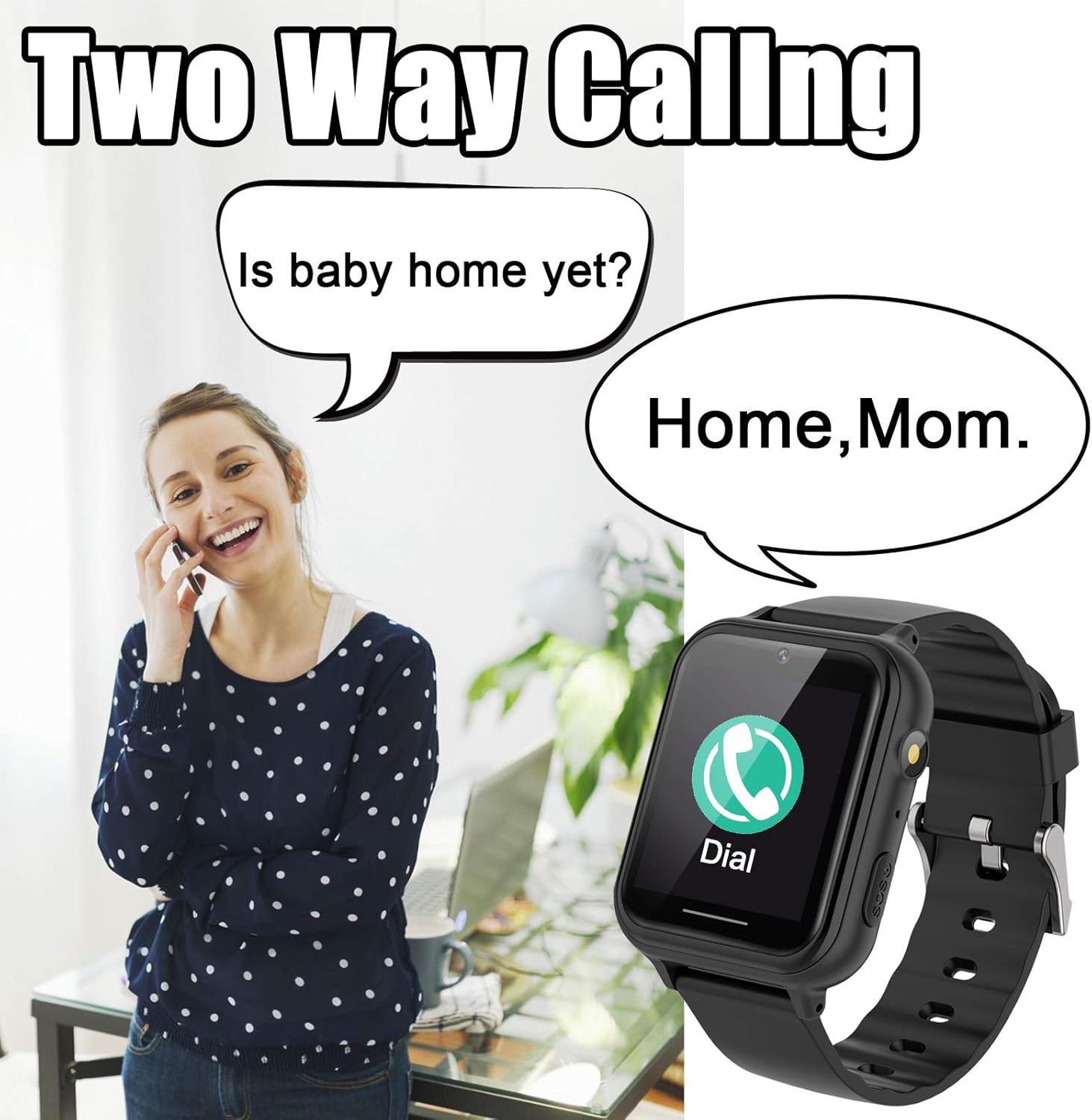
Image Description: A woman is shown talking on a smartphone, with a speech bubble asking "Is baby home yet?". Next to her, a PTHTECHUS Kids Smartwatch displays a "Dial" icon and a speech bubble responding "Home, Mom.", illustrating the two-way calling feature.

Image Description: Three children are depicted playing video games, with various game icons from the PTHTECHUS Kids Smartwatch floating around them, including basketball, parachute, and car racing games, highlighting the entertainment aspect.

Image Description: A child is shown happily listening to music with headphones, while a PTHTECHUS Kids Smartwatch displays a music icon on its screen, surrounded by musical notes, emphasizing the music player feature.

Image Description: A family is shown taking a selfie, with a PTHTECHUS Kids Smartwatch displaying a camera icon on its screen, indicating its photo-taking capability.

Image Description: Two children are shown reading a book together under a blanket fort, illuminated by a flashlight. A PTHTECHUS Kids Smartwatch displays a torch icon on its screen, highlighting the flashlight feature.
Forældrekontrol
The smartwatch includes parental control features accessible through the settings. These allow you to manage game time, set school mode periods, and control other functions to ensure appropriate usage for your child.
Video Description: A promotional video showcasing the PTHTECHUS Kids Smartwatch. It highlights various features such as customizable watch faces, camera, music player, games, and the two-way calling function, demonstrating the watch's interactive capabilities in a playful setting.
Opretholdelse
- Rensning: Wipe the watch with a soft, dry cloth. Avoid harsh chemicals.
- Vandtæthed: The watch is not waterproof. It is safe for washing hands or light rain, but do not submerge it in water, especially hot water, as this can cause damage. Remove the watch before showering or bathing.
- Vedligeholdelse af rem: The food-grade silicone strap is anti-allergic and anti-static. Clean it regularly to maintain hygiene.
Fejlfinding
- Uret tænder ikke: Ensure the watch is fully charged. If the battery is completely drained, it may take a few minutes of charging before it responds.
- SIM-kort ikke fundet:
- Sørg for, at uret er slukket, før du isætter SIM-kortet.
- Verify the SIM card is correctly inserted into the slot.
- Confirm the SIM card is active and supports 2G networks in your area. (Does not support AT&T, Sprint, Verizon network format).
- Dårlig opkaldskvalitet: Check network signal strength. Ensure the SIM card is properly installed.
- Skærmen reagerer ikke: Prøv at genstarte uret. Hvis problemet fortsætter, skal du sørge for, at skærmen er ren og tør.
- Batteriet aflades hurtigt: Reduce screen brightness, limit game time, and close unused applications.
Specifikationer
| Feature | Detalje |
|---|---|
| Modelnummer | PTH-S19Y28 |
| Skærmstørrelse | 1.54 tommer |
| Skærmtype | OGS Capacitive Touch Screen, 240*240 pixels |
| Batterikapacitet | 400mAh litiumpolymer (inkluderet) |
| Hukommelseslagring | 500 MB (with 1GB Micro SD Card included) |
| Forbindelse | USB, 2G Network (SIM card required for calls) |
| Vandmodstand | Not waterproof (splash-resistant only) |
| Anbefalet alder | 3 år og opefter |
| Sprog | Engelsk, Français, Español, Tysk, Italiano |
| Særlige funktioner | SOS Call, Two-Way Call, Games, Music Player, Video Player, Camera, Photos, Flashlight, Alarm Clock, Calendar, Calculator, Time & Date, Silent Profile, Call Log, School Mode, Pedometer, Voice Recorder, Audiobooks. |
Garanti og support
The PTHTECHUS Kids Educational Smartwatch comes with a 1-year warranty. For any questions or support, please contact PTHTECHUS customer service. Refer to the contact information provided in your product packaging or on the official PTHTECHUS webwebsted.