
1. Introduktion
Tak for købetasing the Edifier M601DB Bookshelf Coaxial Bluetooth Speaker System. This 2.1 speaker system features two compact satellite speakers and an 8-inch wireless subwoofer, designed to deliver a powerful and immersive audio experience. With versatile connectivity options including Bluetooth 5.1 with AptX, Optical, Coaxial, Line In, and AUX, the M601DB is compatible with a wide range of devices such as computers, tablets, mobile phones, and televisions. This manual provides detailed instructions for setup, operation, maintenance, and troubleshooting to ensure optimal performance and longevity of your speaker system.

Image 1.1: The Edifier M601DB speaker system, showcasing the two satellite speakers, the wireless subwoofer, and the included remote control.
2. Sikkerhedsinstruktioner
- Læs alle instruktioner omhyggeligt, før du bruger produktet.
- Gem denne vejledning til fremtidig reference.
- Udsæt ikke produktet for regn eller fugt.
- Do not use the product near water or heat sources.
- Rengør kun med en tør klud.
- Bloker ikke nogen ventilationsåbninger.
- Brug kun tilbehør/tilbehør specificeret af producenten.
- Tag stikket ud af produktet under tordenvejr, eller når det ikke skal bruges i længere perioder.
- Overlad al service til kvalificeret servicepersonale.
3. Pakkens indhold
Kontroller venligst kassens indhold for at sikre, at alle varer er til stede:
- Active Satellite Speaker (1)
- Passive Satellite Speaker (1)
- Wireless Subwoofer (1)
- Fjernbetjening (1)
- Speaker Connection Cable (1)
- RCA til 3.5 mm lydkabel (1)
- Optical Audio Cable (1)
- Strømkabel (1)
- Brugervejledning (1)

Image 3.1: The Edifier M601DB speaker system with protective grilles installed, along with the remote control, illustrating the complete product package.
4. Produktet er slutview
4.1 satellithøjttalere
The system includes one active (main) satellite speaker and one passive satellite speaker. The active speaker houses the main controls and input ports.
- Øverste panelkontroller: Volume up, Volume down, Power/Input selection button.
- Bagpanelporte: Speaker output to passive speaker, Optical input, Coaxial input, Line In input, AUX input, Power switch, Power cable input.

Billede 4.1: En detaljeret view of the active satellite speaker's top panel, highlighting the power button (with an illuminated ring) and the volume adjustment buttons.
4.2 trådløs subwoofer
The 8-inch wireless subwoofer connects automatically to the satellite speakers upon power-up, providing deep bass frequencies.

Image 4.2: The rear panel of the wireless subwoofer, featuring the bass reflex port and the power connection point.
4.3 Fjernbetjening
The included remote control allows for convenient adjustment of volume, input selection, and power from a distance.

Image 4.3: A detailed image of the remote control, displaying its various buttons for power, volume, input source selection, and media playback control.
5. Opsætning
5.1 Højttalerplacering
For optimal sound quality, place the satellite speakers at an equal distance from your listening position, ideally at ear level. The wireless subwoofer can be placed on the floor, preferably in a corner or near a wall to enhance bass response. Ensure adequate ventilation around all components.
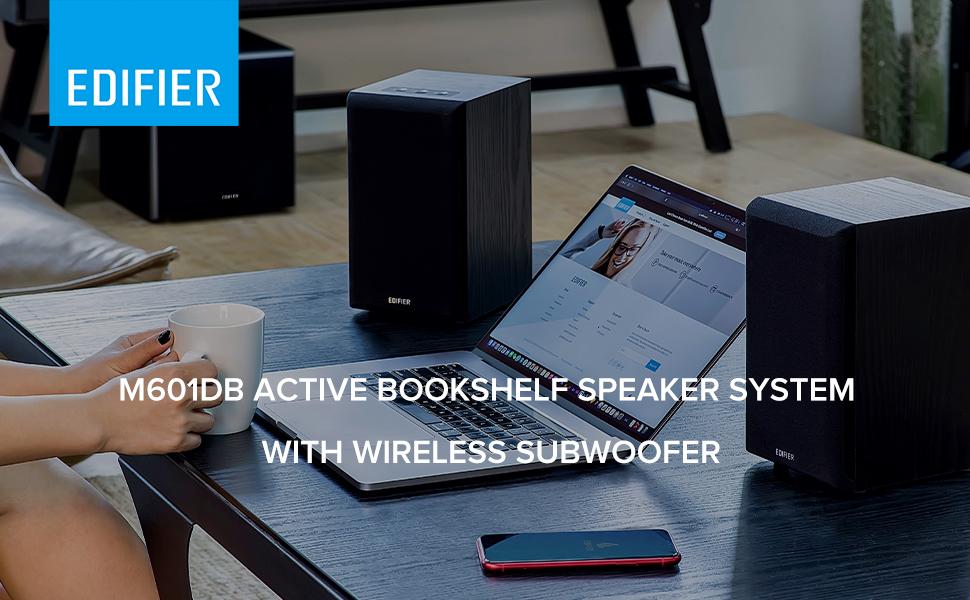
Billede 5.1: En eksample setup of the M601DB speaker system in a living room environment, demonstrating ideal placement of satellite speakers and the subwoofer.
5.2 Connecting Satellite Speakers
- Connect the speaker connection cable from the 'OUT' port on the active satellite speaker to the input port on the passive satellite speaker.
5.3 Strømtilslutning
- Connect the power cable to the active satellite speaker and then plug it into a power outlet.
- Connect the power cable to the wireless subwoofer and then plug it into a power outlet.
5.4 Subwoofer-parring
The wireless subwoofer is designed to automatically pair with the active satellite speaker when both are powered on. If pairing does not occur automatically, ensure both units are powered on and within range. Refer to the troubleshooting section if issues persist.
6. Betjeningsvejledning
6.1 Tænd/sluk
Press the power button on the top panel of the active satellite speaker or the power button on the remote control to turn the system on or off. The LED indicator on the active speaker will illuminate when powered on.
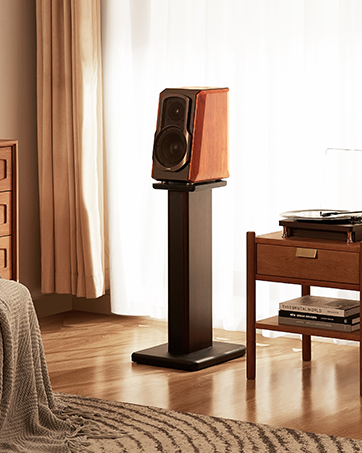
Image 6.1: A user's hand interacting with the top panel controls of the active satellite speaker, demonstrating the power button functionality.
6.2 Indgangsvalg
Press the power/input selection button on the top panel of the active satellite speaker or the corresponding input button on the remote control (AUX, Line In, Optical, Coaxial, Bluetooth) to cycle through available input sources. The LED indicator will change color to indicate the selected input.
6.3 Bluetooth -parring
- Select Bluetooth input on the speaker system. The LED indicator will flash rapidly, indicating it is in pairing mode.
- On your device (e.g., smartphone, tablet, computer), search for Bluetooth devices and select "EDIFIER M601DB".
- Once paired, the LED indicator on the speaker will glow steadily.
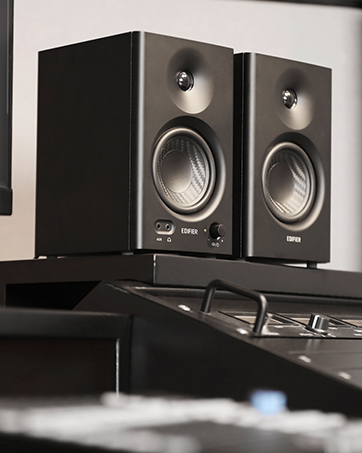
Image 6.2: A smartphone connected via Bluetooth to the Edifier M601DB speaker, demonstrating wireless audio streaming.
6.4 Lydstyrkekontrol
Adjust the volume using the '+' and '-' buttons on the top panel of the active satellite speaker or the volume buttons on the remote control.
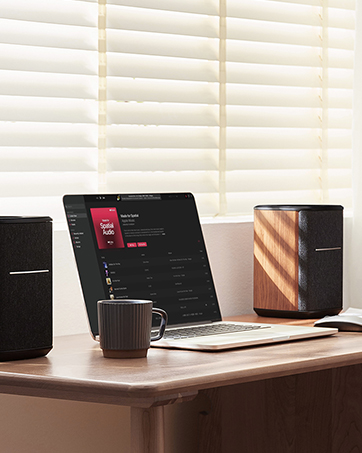
Image 6.3: The speaker system integrated into a desktop setup with a laptop, showing the convenience of controlling the system with the remote.
7. Vedligeholdelse
- Rensning: Use a soft, dry cloth to clean the surfaces of the speakers and subwoofer. Do not use abrasive cleaners, waxes, or solvents.
- Opbevaring: If storing the system for an extended period, unplug all cables and store in a cool, dry place away from direct sunlight and extreme temperatures.
- Ventilation: Ensure that the speakers and subwoofer have adequate airflow and that ventilation openings are not blocked.
8. Fejlfinding
If you encounter any issues with your Edifier M601DB speaker system, please refer to the following troubleshooting guide:
| Problem | Mulig årsag | Løsning |
|---|---|---|
| Ingen lyd | Strøm ikke tilsluttet; Forkert indgang valgt; Lydstyrke for lav; Løse kabler. | Ensure power is connected and unit is on; Select correct input source; Increase volume; Check all cable connections. |
| Bluetooth forbinder ikke | Speaker not in pairing mode; Device not discoverable; Interference. | Select Bluetooth input and ensure LED is flashing; Make sure device's Bluetooth is on and visible; Move device closer to speaker; Try re-pairing. |
| Forvrænget lyd | Volume too high; Source audio quality poor; Loose connections. | Reduce volume on both speaker and source device; Try a different audio source; Check all cable connections. |
| Subwooferen virker ikke | Subwoofer not powered; Not paired with satellite speakers. | Ensure subwoofer is plugged in and powered on; Subwoofer should automatically pair, if not, power cycle both speakers and subwoofer. |
9. Specifikationer
| Feature | Detalje |
|---|---|
| Modelnavn | M601DB |
| Højttaler type | Multimedia 2.1 System |
| Forbindelsesteknologi | AUX, Bluetooth 5.1 (with AptX), Coaxial, Line In, Optical |
| Højttaler Maksimal udgangseffekt | 220 watt (RMS) |
| Subwoofer diameter | 8 tommer |
| Materiale | Træ |
| Farve | Sort |
| Varens vægt | 25.44 pund |
| Produktdimensioner | 0.39"D x 0.39"W x 0.39"H (Overall, approximate) |
| Signal-støjforhold | 85 dB |
| Kontrolmetode | Remote, Top Panel Controls |
| Inkluderede komponenter | Wireless Subwoofer, Two Compact Satellite Speakers, Remote Control |
10. Garanti og support
Edifier products are designed with quality and reliability in mind. This product comes with a full manufacturer's warranty. For detailed warranty terms and conditions, please refer to the warranty card included in your package or visit the official Edifier webwebsted.
For technical support, service inquiries, or to purchase replacement parts, please contact Edifier customer service through their official website or the contact information provided in your product documentation. Please have your model number (M601DB) and proof of purchase ready when contacting support.