
Vigtige sikkerhedsinstruktioner
Læs og forstå alle sikkerhedsinstruktioner, før du bruger dette produkt. Manglende overholdelse af disse instruktioner kan resultere i elektrisk stød, brand eller alvorlig personskade.
- Kun indendørs brug: Denne oplader er designet til indendørs brug. Udsæt den ikke for regn, fugt eller ekstreme temperaturer.
- Hold tør: Ensure the charger and your hands are dry before plugging in or unplugging.
- Korrekt ventilation: Dæk ikke opladeren til under drift. Sørg for tilstrækkelig ventilation for at forhindre overophedning.
- Afbryd forbindelsen, når den ikke er i brug: Tag altid opladeren ud af stikkontakten, når den ikke er i brug, eller før rengøring.
- Undgå skader: Brug ikke opladeren, hvis ledningen, stikket eller adapteren er beskadiget.asing is damaged. Contact customer support for assistance.
- Korrekt bindtage: Only connect the charger to a power outlet with the specified voltage-område (100-240V AC).
- Børnesikkerhed: Opbevar opladeren utilgængeligt for børn.
- Tiltænkt brug: Use this charger only for its intended purpose, which is charging compatible Li-ion batteries requiring 25.2V 1A output.
Produkt overview
Komponenter
- Charger Unit with US Plug
- Integrated Output Cable with DC Connector

Image: The Dilwe Li-ion Battery Charger, showing its compact black casing, integrated US plug, and output cable with a DC connector.
Nøglefunktioner
- Holdbar konstruktion: Made with PC high-temperature fireproof shell material for enhanced safety.
- Intelligent beskyttelse: Features intelligent overvoltage, overload, and short circuit protection to prevent damage to the battery and charger.
- Wide Input Voltage: Operates stably with an input voltage range of 100-240V AC (50/60Hz), suitable for various regions.
- Produktion: Provides a stable 25.2V 1A output for efficient charging.
- Indikatorlys: Equipped with an indicator light to show charging status.

Image: The charger unit with a background suggesting intelligent protection, emphasizing its safety features.
Opsætning
Follow these steps to set up your Dilwe Li-ion Battery Charger:
- Undersøg opladeren: Before each use, visually inspect the charger, cable, and plug for any signs of damage. Do not use if damaged.
- Opret forbindelse til enhed: Plug the DC output connector of the charger into the charging port of your compatible Li-ion battery device. Ensure a secure connection.
- Tilslut til strøm: Insert the US plug of the charger into a standard 100-240V AC wall outlet.
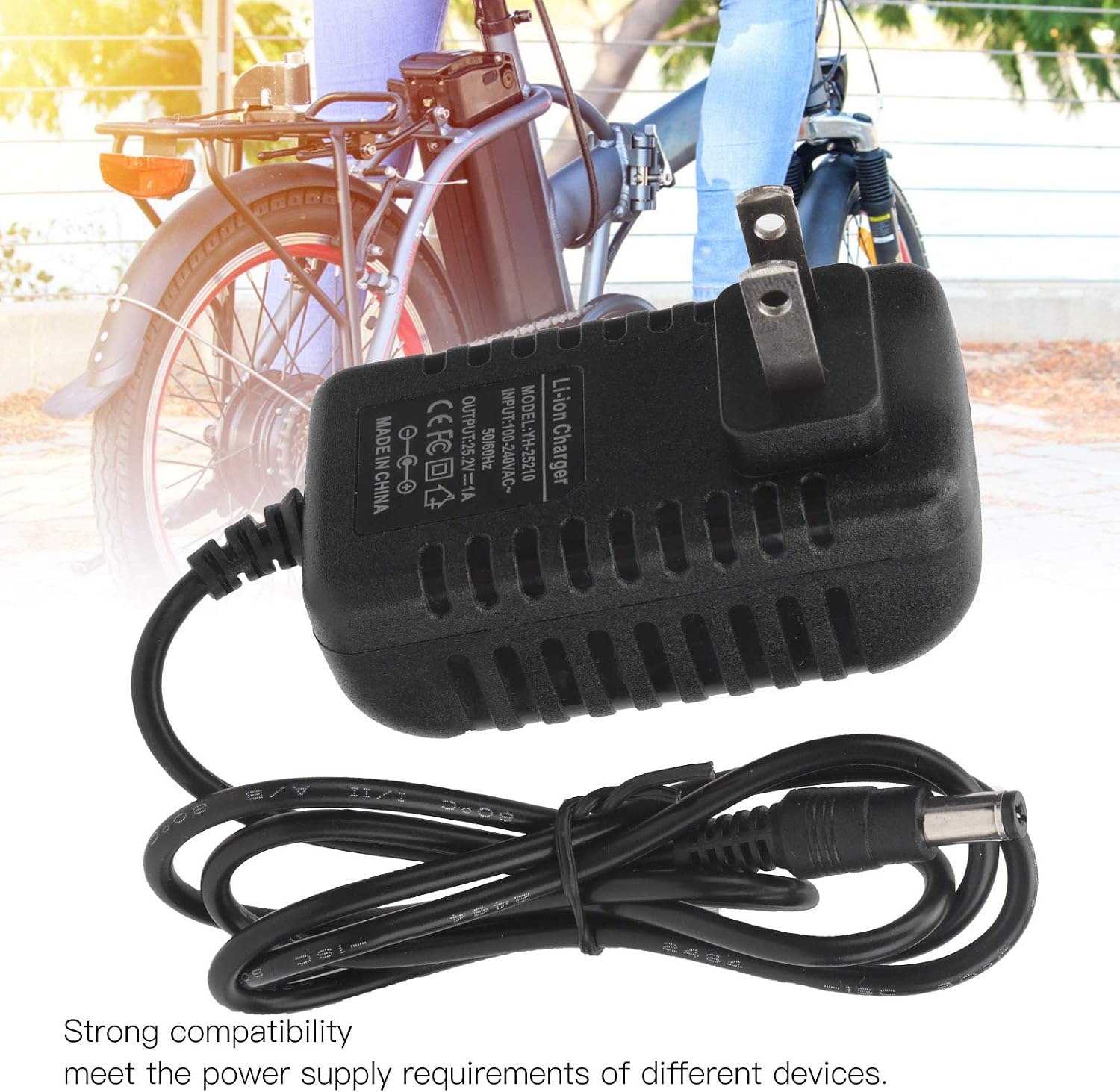
Image: The charger with its DC connector plugged into a device, illustrating the connection process.
Betjeningsvejledning
Once properly connected, the charger will begin the charging process. Observe the indicator light for status:
- Opladningsindikator: The indicator light will illuminate (typically red) to show that the battery is currently charging.
- Indikator for fuld opladning: The indicator light will change color (typically green) when the battery is fully charged.
Once the battery is fully charged, disconnect the charger from the power outlet first, then disconnect it from your device.
Opretholdelse
Korrekt vedligeholdelse sikrer din opladeres levetid og sikre drift.
- Rensning: Frakobl opladeren fra alle strømkilder før rengøring. Brug en blød, tør klud til at tørre ydersiden af. Brug ikke flydende rengøringsmidler eller opløsningsmidler.
- Opbevaring: Store the charger in a cool, dry place away from direct sunlight and moisture when not in use. Avoid wrapping the cable too tightly.
- Regelmæssig inspektion: Periodically check the charger, cable, and connectors for any signs of wear, cuts, or damage.
Fejlfinding
Hvis du støder på problemer med din oplader, skal du se følgende tabel:
| Problem | Mulig årsag | Løsning |
|---|---|---|
| Opladerens indikatorlampe lyser ikke. | No power from outlet; charger not properly plugged in; damaged charger. | Check power outlet with another device; ensure charger is fully plugged in; inspect charger for damage. |
| Batteriet oplades ikke. | Incorrect connection to device; device battery issue; charger malfunction. | Ensure DC connector is securely plugged into the device; verify device battery is compatible and functional; try another compatible charger if available. |
| Opladeren føles for varm. | Dårlig ventilation; overbelastet kredsløb; intern fejl. | Ensure charger has adequate airflow; unplug immediately and discontinue use if overheating persists. Contact support. |
Specifikationer
| Model | YH-25210 |
| Input | 100-240V AC, 50/60Hz |
| Produktion | 25.2V 1A |
| Materiale | PC High Temperature Fireproof Shell |
| Stiktype | US stik |
| Produktdimensioner | Cirka 0.39 x 0.39 x 0.39 tommer (1 x 1 x 1 cm) |
| Varens vægt | Cirka 3.2 ounce (90.7 gram) |
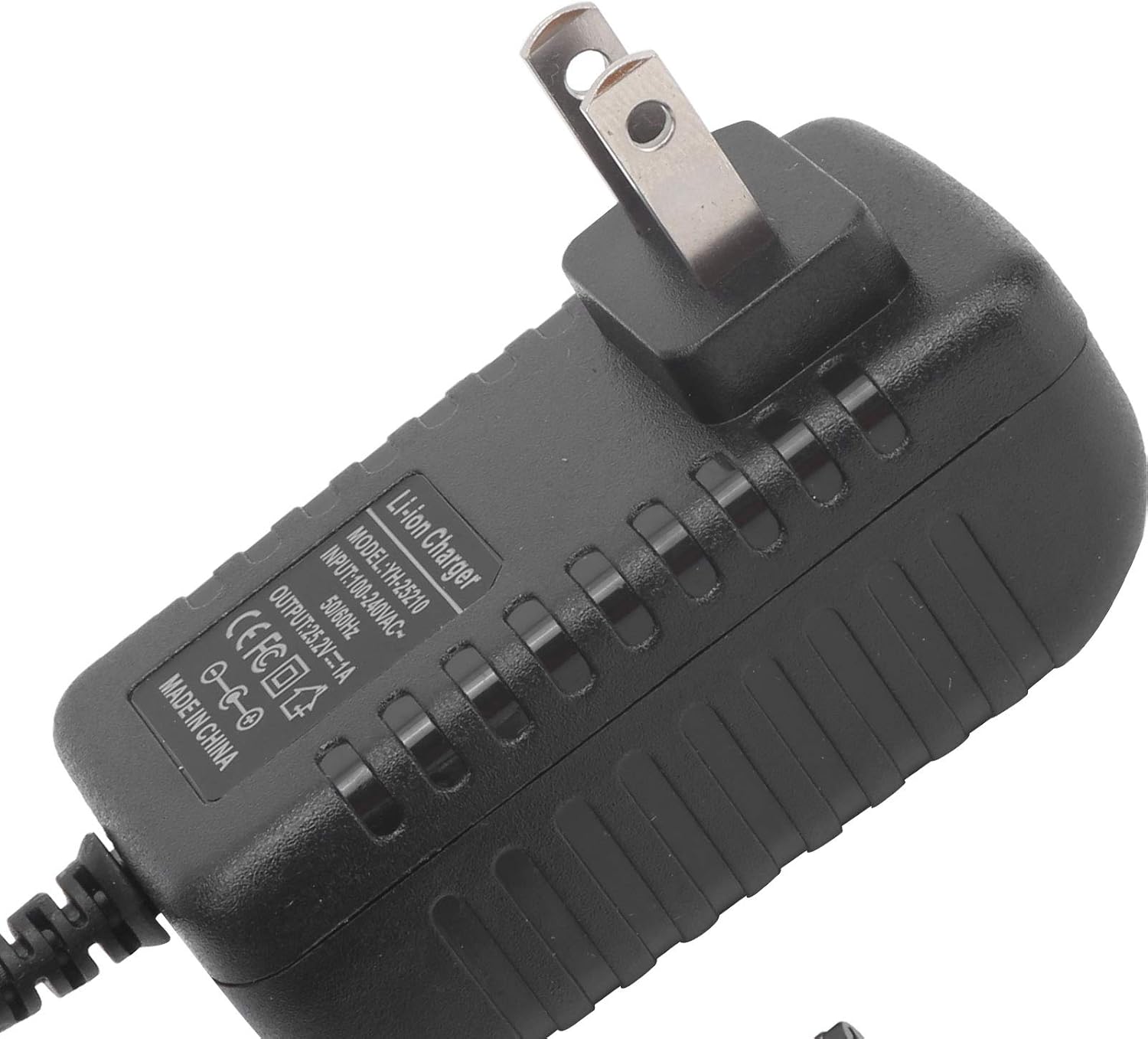
Billede: Et nærbillede view of the charger's label, detailing its model number (YH-25210), input voltage og outputspecifikationer.
Garanti og support
For warranty information or technical support, please refer to the documentation provided with your purchase or contact Dilwe customer service directly. Keep your purchase receipt as proof of purchase.
For further assistance, you may visit the official Dilwe store or contact their support channels.