
1. Introduktion
Thank you for choosing the HBN Digital Timer Plug. This device is designed to automatically control the power supply to your indoor appliances, helping you save energy and enhance convenience. It features weekly programming with up to 8 ON/OFF programs per day and a random function for added security. Please read this manual carefully before use to ensure proper operation and safety.
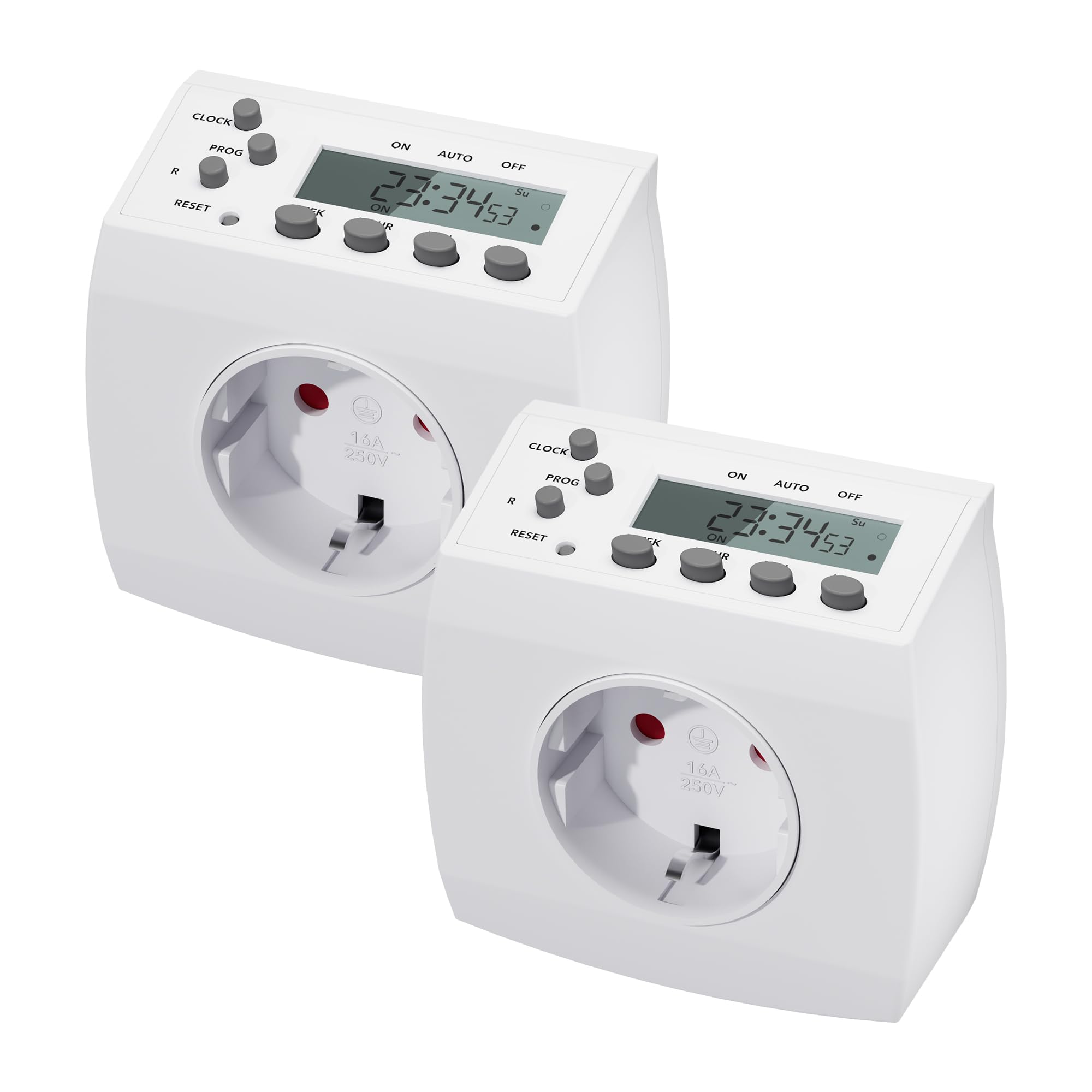
Image 1.1: HBN Digital Timer Plug in use with a coffee machine, highlighting key features.
2. Sikkerhedsinstruktioner
- Kun til indendørs brug. Må ikke udsættes for fugt eller ekstreme temperaturer.
- Overskrid ikke den maksimale belastning på 16A / 3680W.
- Ensure the timer is fully inserted into the wall socket.
- Do not connect multiple timers in series.
- Always unplug the timer from the wall socket before cleaning.
- Opbevares utilgængeligt for børn.
3. Produktet er slutview
3.1 Komponenter og display
The HBN Digital Timer Plug features a clear LCD display and intuitive buttons for easy programming. The device is compact and designed for discreet integration into your home.

Billede 3.1: Forside og side view of the timer, highlighting buttons and display.
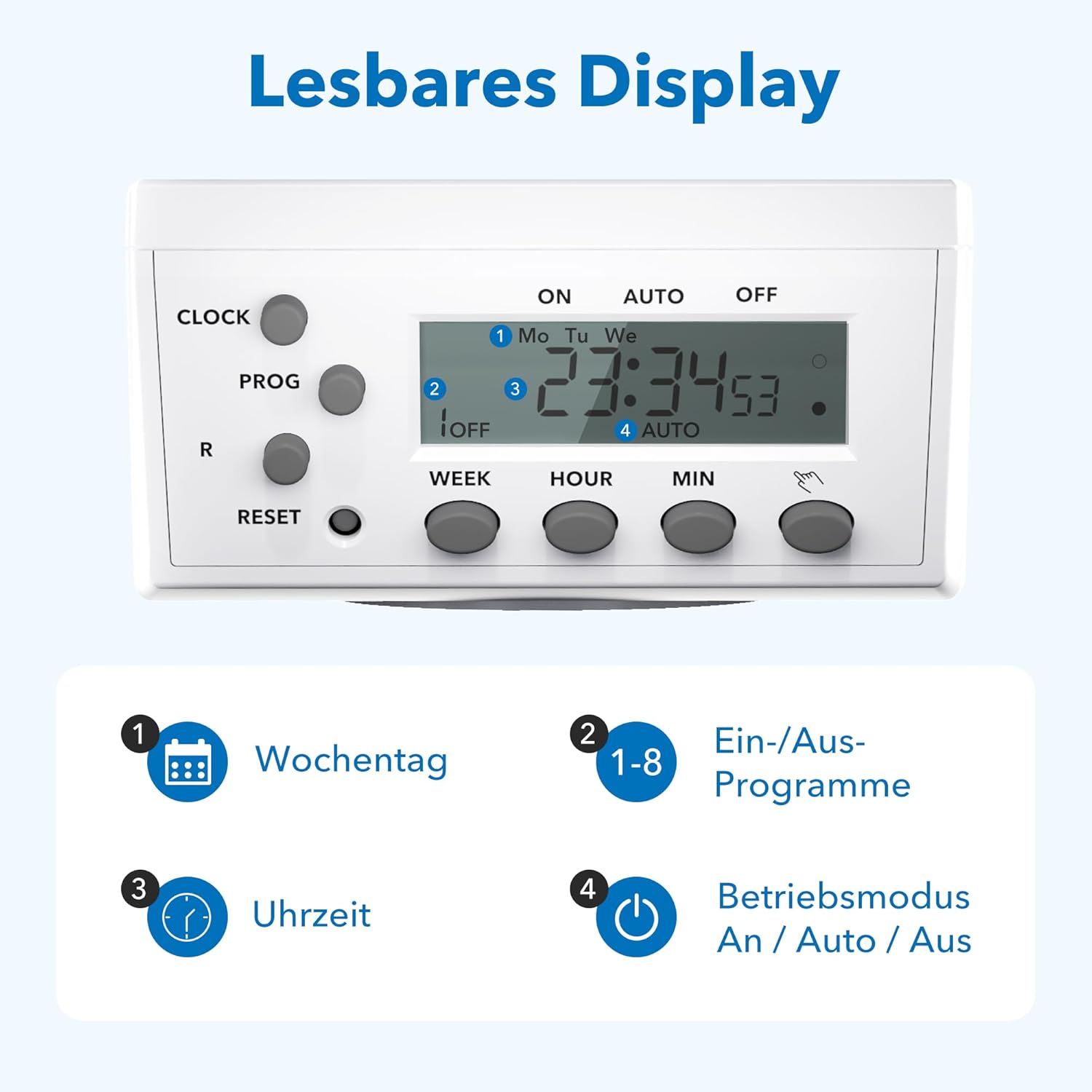
Billede 3.2: Detaljeret view of the readable display, showing weekday, program, time, and mode indicators.
3.2 Technical Data and Dimensions

Image 3.3: Technical specifications and dimensions of the timer.
- Dimensioner: Cirka 7.5 cm x 7.5 cm x 8 cm
- Max. Programs: 8 tænd/sluk-programmer pr. dag
- Weekly Combinations: 15 different weekly settings
- Maks. Indlæs: 3680W / 16 A.
- Min. Switching Time: 1 minut
- Funktioner: Manual ON/OFF, Summer/Winter time, Power failure memory
4. Opsætning
4.1 Første opsætning og opladning
- Plug the timer into a wall socket for at least 30 minutes to charge the internal battery. This battery maintains settings during power outages.
- Tryk på NULSTIL button with a pointed object (e.g., a pen tip) to clear all previous settings. The display will show "0:00" and all segments will flash.
4.2 Indstilling af aktuel tid
- Tryk på UR knappen og hold den nede.
- Mens du holder UR, tryk på UGE knappen gentagne gange for at vælge den aktuelle ugedag (ma, ti, ons, to, fre, lør, søn).
- Mens du holder UR, tryk på TIME knappen gentagne gange for at indstille det aktuelle timetal (0-23).
- Mens du holder UR, tryk på MIN knappen gentagne gange for at indstille det aktuelle minut (0-59).
- Slip UR knappen. Det aktuelle klokkeslæt er nu indstillet.
5. Betjeningsvejledning
5.1 Programmering af tænd/sluk-tider
The timer allows for up to 8 ON/OFF programs. Each program can be set for specific days or combinations of days.
- Tryk på PROG én gang. Displayet viser "1 ON", og tiden blinker.
- Trykke UGE to select the desired day(s) for the first ON program. Options include individual days, weekdays, weekends, or all days.
- Trykke TIME og MIN for at indstille den ønskede ON-tid.
- Trykke PROG igen. Displayet vil vise "1 OFF", og tiden vil blinke.
- Trykke UGE to select the desired day(s) for the first OFF program (usually the same as the ON program).
- Trykke TIME og MIN for at indstille den ønskede SLUKNINGstid.
- Repeat steps 1-6 for programs 2 through 8.
- Når du har indstillet alle de ønskede programmer, skal du trykke på UR knappen for at vende tilbage til visning af det aktuelle klokkeslæt.
5.2 Manuel overstyring (TIL/AUTO/FRA)
Tryk på MANUEL button (often labeled with a hand icon or similar) to cycle through the operating modes:
- PÅ: The connected appliance will remain continuously ON, overriding all programs.
- BIL: Timeren vil fungere i henhold til de programmerede TIL/FRA-tider.
- OFF: The connected appliance will remain continuously OFF, overriding all programs.
5.3 Tilfældig funktion
The random function can simulate presence in your home by turning appliances ON and OFF at irregular intervals, typically between 6:00 PM and 6:00 AM. This feature is useful for deterring potential intruders when you are away.
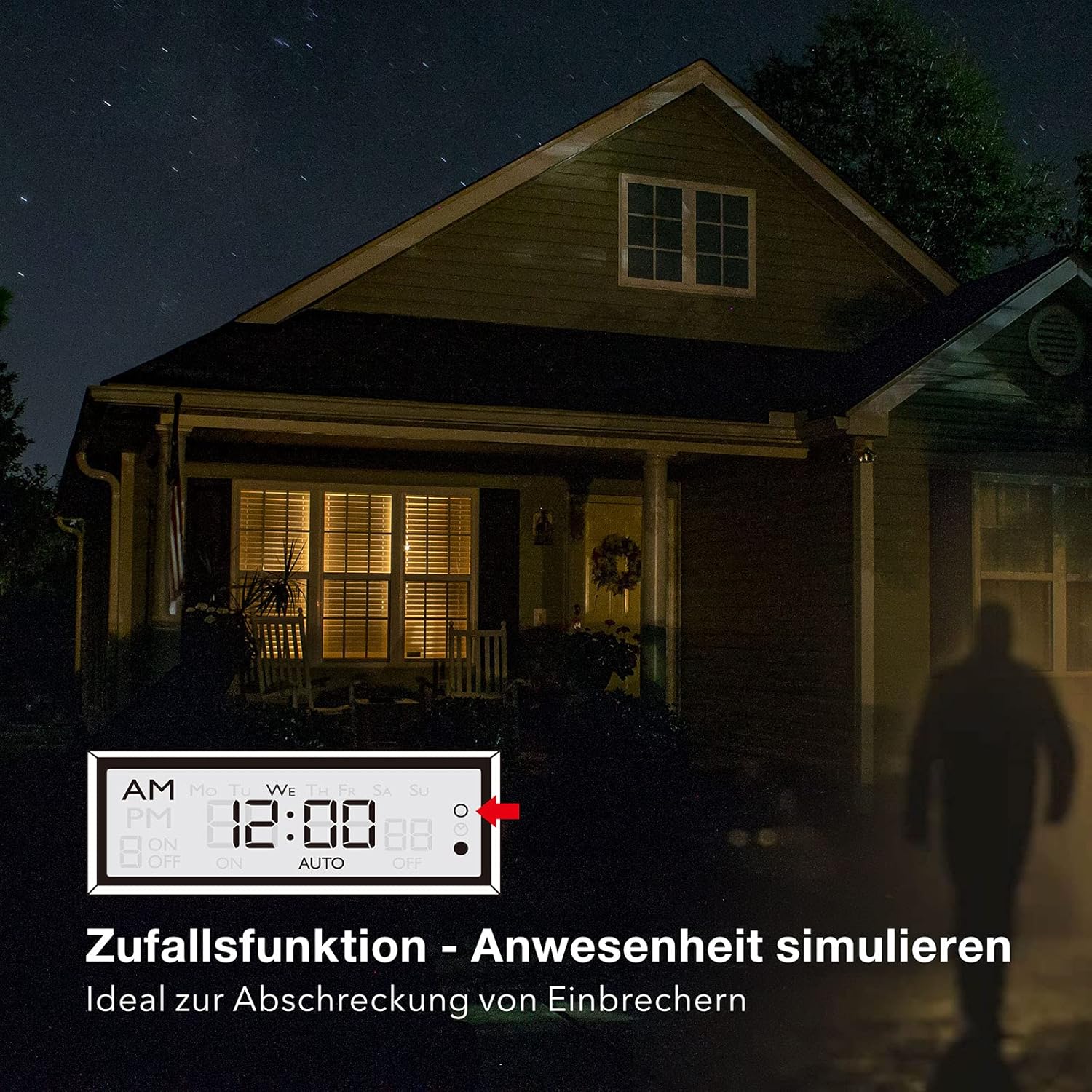
Image 5.1: Random function simulating presence for security.
- For at aktivere tilfældig funktion skal du trykke på R (Random) button. The display will show "R" or a similar indicator.
- For at deaktivere, tryk på R knappen igen.
6. Vedligeholdelse
The HBN Digital Timer Plug requires minimal maintenance.
- Sørg for, at timeren er taget ud af stikkontakten, inden rengøring.
- Tør ydersiden af med en blød, tør klud. Brug ikke slibende rengøringsmidler eller opløsningsmidler.
- Opbevares på et køligt, tørt sted, når det ikke er i brug.

Image 6.1: The timer operates silently, suitable for bedrooms.

Image 6.2: Versatile applications for the HBN Digital Timer Plug.
7. Fejlfinding
- Displayet er tomt: Ensure the timer is plugged into a live socket. If it has been unplugged for a long time, the internal battery might be depleted. Plug it in for 30 minutes to charge.
- Appliance does not turn ON/OFF as programmed:
- Check if the timer is in "AUTO" mode.
- Verify that the ON/OFF programs are set correctly for the desired days and times.
- Ensure the appliance itself is switched ON.
- Check if the random function is accidentally activated.
- Timeren reagerer ikke: Tryk på NULSTIL button with a pointed object to restore factory settings. You will need to reprogram the time and schedules.
8. Specifikationer
| Specifikation | Værdi |
|---|---|
| Modelnummer | 2xBND-50/SG3-VC |
| Voltage | 230V~50Hz |
| Maks. Strøm | 16(3)A |
| Maks. Magt | 3680W |
| Antal programmer | 8 ON/OFF programmer |
| Minimum indstillingstid | 1 minut |
| Farve | Hvid |
| Produktets vægt | 150 gram |
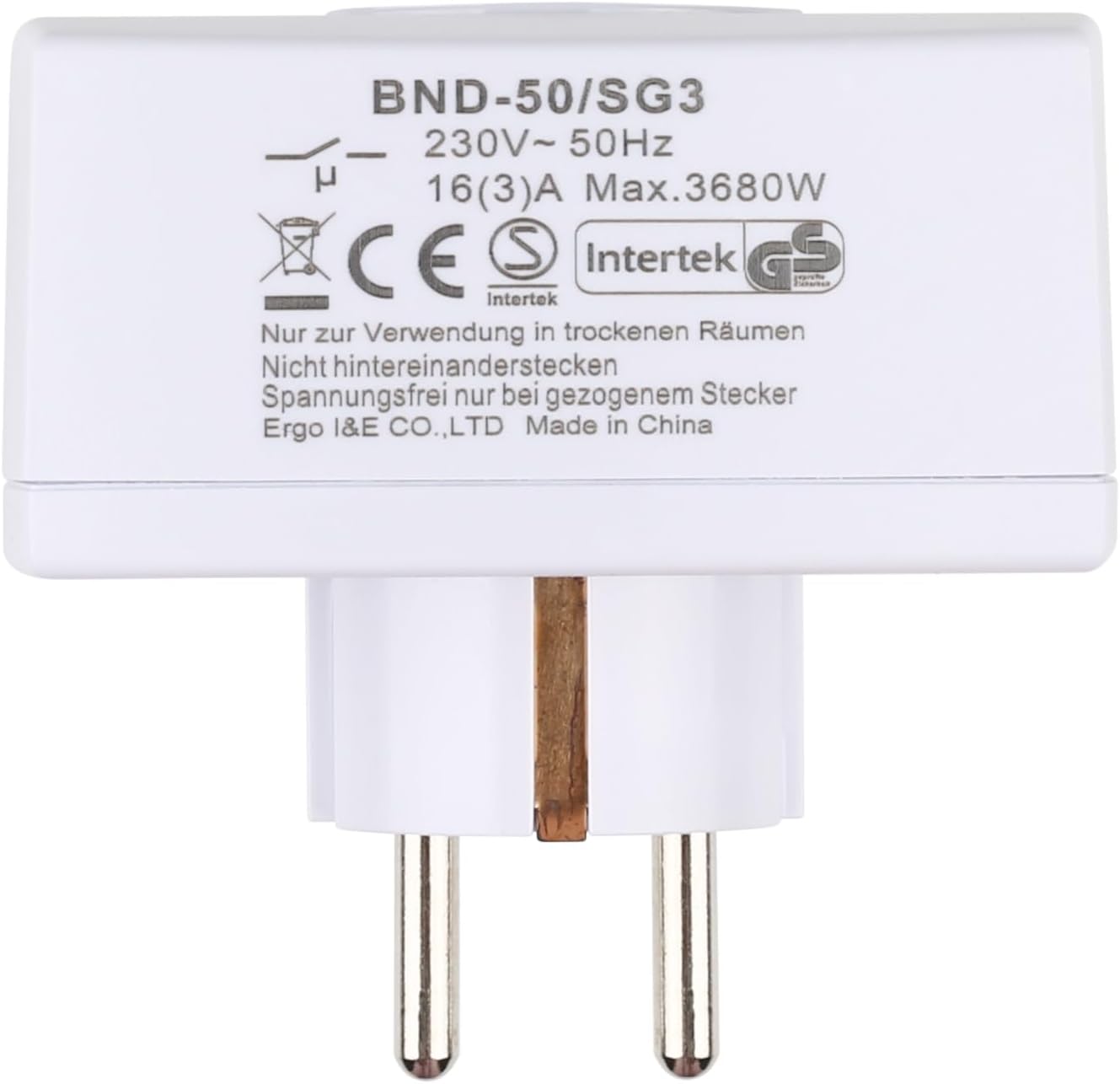
Billede 8.1: Bagside view of the timer with electrical specifications and certifications.
9. Garanti og support
HBN products are designed for reliability and performance. For warranty information or technical support, please refer to the contact details provided with your purchase or visit the official HBN webwebstedet. Behold din købskvittering som købsbevis.