
Indledning
Thank you for choosing the VOYEE Wireless Controller for PlayStation 4. This manual provides detailed instructions on how to set up, operate, maintain, and troubleshoot your new controller. Please read this manual thoroughly before use to ensure optimal performance and longevity of your device.
Produkt overview
Nøglefunktioner
- Trådløs forbindelse: Seamless connection to your PlayStation 4 console.
- Dobbelt vibrationsfeedback: Enhanced haptic feedback for immersive gaming.
- 6-akset bevægelsessensor: Integreret gyroskop og accelerometer for præcis bevægelseskontrol.
- Multi-touch-touchpad: Interactive input for various game functions.
- Integreret højttaler: Delivers additional sound effects directly from the controller.
- 3.5 mm hovedtelefonstik: Connect your headset for private audio and chat.
- Ergonomisk design: Komfortabelt greb til længere spillesessioner.
- Fast Charging Port: Efficient charging for minimal downtime.
Controller-komponenter
Familiarize yourself with the various buttons and features of your VOYEE Wireless Controller:
- Handlingsknapper: Triangle, Circle, Cross, Square.
- Retningstastatur (D-pad): Op, ned, venstre, højre.
- Analoge pinde: Venstre og højre analoge pinde til bevægelse og kamerastyring.
- L1/R1 Buttons & L2/R2 Triggers: Shoulder buttons and triggers.
- PS-knap: Powers on the controller, accesses the PS Home screen.
- DEL-knap: Shares gameplay content.
- INDSTILLINGER-knap: Giver adgang til menuer og muligheder i spillet.
- Touchpad: Interactive surface for gestures and clicks.
- Lysbjælke: Indicates player number, health, and other game information.
- Mikro-USB-port: Til opladning og kabelforbindelse.
- EXT Port: Til tilslutning af tilbehør.
- Højttaler: Built-in mono speaker.
- Headset-stik: 3.5mm port for headsets.

Figur 1: Forside view of the VOYEE Wireless Controller, highlighting its ergonomic design and button layout.

Figur 2: Detaljeret view of the SHARE, OPTIONS, and VOYEE buttons, along with the D-pad and R1 trigger.
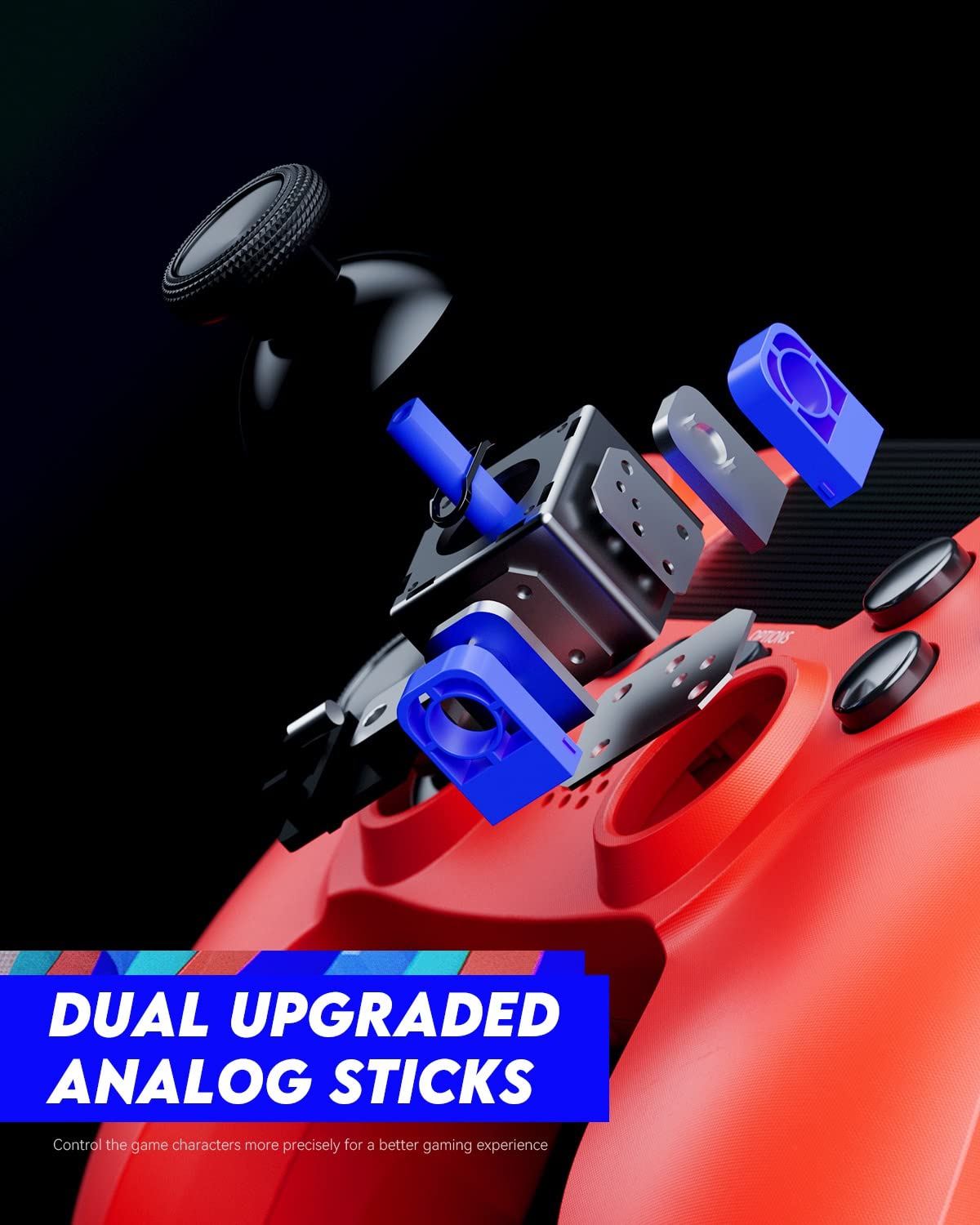
Figure 3: An exploded diagram illustrating the internal components of the dual analog sticks, emphasizing precision control.
Opsætning
Opladning af controlleren
Before first use, fully charge the controller. The controller features an 800mAh battery for extended playtime.
- Connect the supplied USB cable to the Micro-USB port on the controller.
- Connect the other end of the USB cable to a USB port on your PlayStation 4 console (console must be powered on or in rest mode) or a compatible USB wall charger.
- The light bar on the controller will slowly blink orange while charging and turn off when fully charged.

Figure 4: The controller's light bar illuminates, indicating power or charging status.
Parring med PlayStation 4
To use the controller wirelessly, it must be paired with your PlayStation 4 console.
- Sørg for, at din PlayStation 4-konsol er tændt.
- Tilslut controlleren til PS4-konsollen ved hjælp af USB-kablet.
- Tryk på PS-knap on the controller. The controller will power on and automatically pair with the console.
- Når den er parret, kan du frakoble USB-kablet og bruge controlleren trådløst.
- To pair additional controllers, repeat these steps for each controller. The light bar will indicate the player number (Player 1: Blue, Player 2: Red, Player 3: Green, Player 4: Pink).
Betjeningsvejledning
Grundlæggende kontrol
The VOYEE Wireless Controller functions similarly to the original PlayStation 4 controller. Refer to your game's instructions for specific button mappings.
- Analoge pinde: Use for character movement, camera control, and menu navigation.
- D-Pad: For precise directional input, often used in menus or fighting games.
- Handlingsknapper (Trekant, Cirkel, Kryds, Firkant): Perform in-game actions such as jumping, attacking, or confirming selections.
- L1/R1 knapper: Bruges ofte til hurtige handlinger eller våbenskift.
- L2/R2-udløsere: Typically used for aiming, shooting, or acceleration/braking in driving games.
- PS-knap: Press once to return to the PS Home screen. Press and hold to access the Quick Menu.
- DEL-knap: Press to open the Share menu, allowing you to take screenshots or record video clips.
- INDSTILLINGER-knap: Press to pause games or access in-game options/menus.
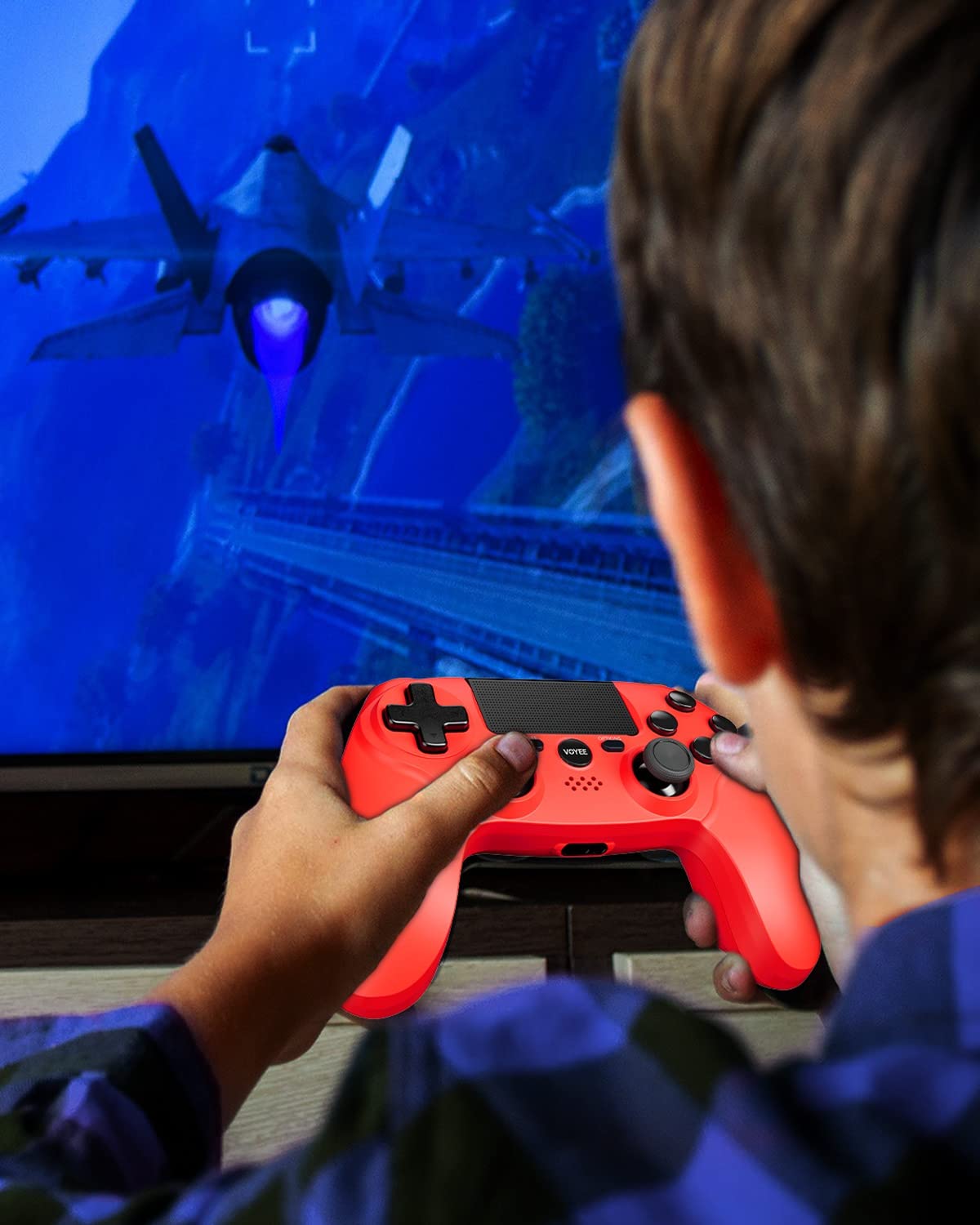
Figure 5: A user actively engaged in gameplay using the VOYEE Wireless Controller.
Brug af specialfunktioner
- Touchpad: Swipe, tap, or click the touchpad for various in-game interactions, depending on the game's design.
- Bevægelsessensor: Tilt and move the controller to control certain game elements, such as steering in racing games or aiming in shooters.
- Vibrationsfeedback: The controller will vibrate to provide tactile feedback during gameplay, such as impacts, explosions, or specific in-game events.
- Hovedtelefonstik: Plug any standard 3.5mm headset into the jack for game audio and voice chat. Adjust audio settings via the PS4 Quick Menu.

Figure 6: Two players using VOYEE Wireless Controllers for a shared gaming experience.
Opretholdelse
Rensning
To keep your controller in optimal condition:
- Tør controlleren regelmæssigt af med en blød, tør klud.
- Til genstridigt snavs, let dampRengør kluden med vand eller en mild rengøringsopløsning. Undgå skrappe kemikalier.
- Lad ikke væsker trænge ind i betjeningsenhedens åbninger.
Opbevaring
Når controlleren ikke er i brug, skal den opbevares køligt og tørt, væk fra direkte sollys og ekstreme temperaturer.
Batteripleje
The controller contains a rechargeable lithium-ion battery. To maximize battery life:
- Undgå at aflade batteriet helt ofte.
- Oplad controlleren regelmæssigt, selvom den ikke er i konstant brug.
- Udsæt ikke controlleren for temperaturer over 60 °C (140 °F).
Fejlfinding
Forbindelsesproblemer
- Controlleren forbinder ikke: Ensure the controller is charged. Connect it to the PS4 with a USB cable and press the PS button to re-pair.
- Hyppige afbrydelser: Ensure there are no obstructions between the controller and the PS4. Move closer to the console. Other wireless devices might cause interference.
Opladningsproblemer
- Controlleren oplader ikke: Try a different USB cable or a different USB port on the PS4 or wall charger. Ensure the PS4 is powered on or in rest mode.
- Langsom opladning: Use the original USB cable or a high-quality replacement. Ensure the power source provides sufficient current.
Button/Stick Unresponsiveness
- Buttons or analog sticks not responding: Reset the controller by inserting a small, pointed object (like a straightened paperclip) into the small hole on the back of the controller near the L2 button. Hold for 5 seconds. Then, re-pair the controller with the PS4.
- Drift in analog sticks: Perform a controller reset. If the issue persists, contact customer support.
Specifikationer
| Mærke | VOYEE |
| Kompatible enheder | PlayStation 4 |
| Controller type | Gamepad |
| Forbindelse | Trådløs |
| Særlige funktioner | Ergonomic, Headphone Jack, Rumble, Touchpad, 6-Axis Motion Sensor |
| Antal knapper | 16 |
| Batterikapacitet | 800mAh (intern) |
| Varedimensioner (L x B x H) | 6.61 x 4.53 x 2.95 tommer |
Sikkerhedsoplysninger
Overhold venligst følgende sikkerhedsforanstaltninger:
- Udsæt ikke controlleren for ekstreme temperaturer, direkte sollys eller høj luftfugtighed.
- Undgå at tabe controlleren eller udsætte den for kraftige stød.
- Hold controlleren væk fra vand og andre væsker.
- Do not attempt to disassemble or modify the controller. This may void your warranty and cause damage.
- Opbevares utilgængeligt for små børn.
Garanti og support
For warranty information or technical support, please refer to the documentation included with your purchase or contact VOYEE customer service through the retailer where the product was purchased. Please have your product model and purchase date available when contacting support.