
1. Introduktion
The Edifier TWS1 PRO True Wireless Earbuds offer a superior audio experience with advanced features designed for convenience and durability. This manual provides detailed instructions for setup, operation, and maintenance to ensure optimal performance.
- Bluetooth V5.2 + CVC 8.0: Ensures a reliable connection, clear sound, and minimal latency.
- Qualcomm AptX-Adaptive: Provides high-resolution and uninterrupted audio.
- 42 Hours Battery and Rapid Charging: Enjoy extended playtime with quick charging capabilities.
- IP65 Sved-, vand- og støvafvisende: Designed for durability in various environments.
- Touch Control: Intuitiv kontrol over musik og opkald.
2. Hvad er der i æsken
Upon unboxing your Edifier TWS1 PRO earbuds, please ensure all the following items are present:
- Edifier TWS1 PRO Earbuds
- Opladningsetui
- USB-C ladekabel
- Ørepuder (forskellige størrelser)
- Brugermanual
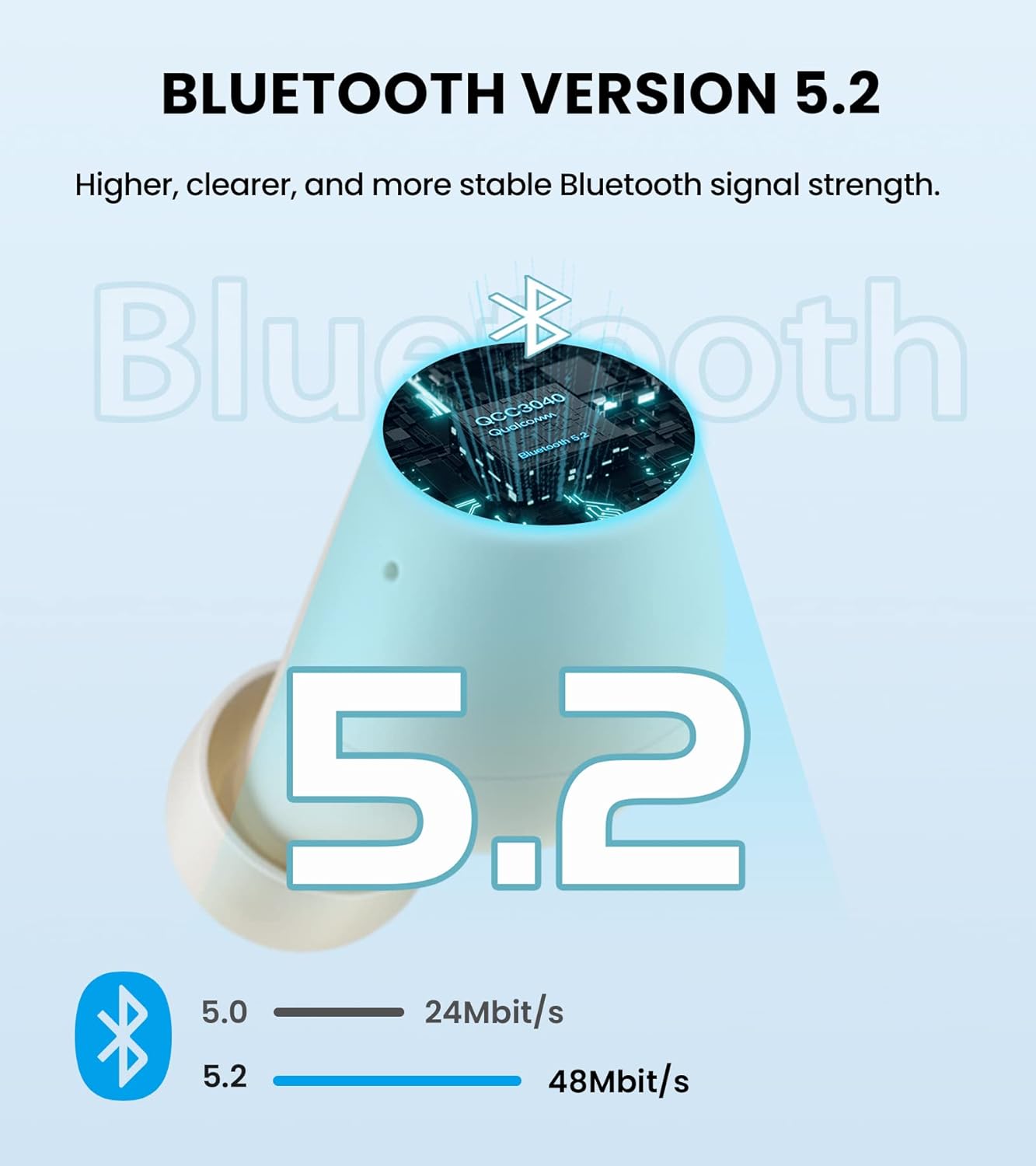
Image: Edifier TWS1 PRO Earbuds and Charging Case, showcasing the product and its compact design.
Video: An unboxing demonstration of the Edifier TWS1 PRO, showing all included components.
3. Opsætning og parring
Automatic Pairing (First Use)
- Take both earbuds out of the charging case. The earbuds will automatically power on and enter pairing mode.
- On your mobile device, enable Bluetooth and search for "EDIFIER TWS1 Pro" in the available devices list.
- Select "EDIFIER TWS1 Pro" to connect. Once connected, the indicator light on the earbuds will flash slowly.
Manual Pairing (Connecting to a New Device)
- Sørg for, at ørepropperne er i opladningsetuiet, og at låget er åbent.
- Press and hold the touch button on either the left or right earbud for approximately 2-3 seconds until the indicator light flashes rapidly in blue and red. This indicates pairing mode.
- On your new mobile device, enable Bluetooth and search for "EDIFIER TWS1 Pro" in the available devices list.
- Select "EDIFIER TWS1 Pro" to connect. Once connected, the indicator light will flash slowly.
Video: A demonstration of the Bluetooth connection process for the Edifier TWS1 PRO earbuds.
Video: Instructions on how to pair the Edifier TWS1 PRO earbuds for the first time.
4. Betjeningsvejledning
Tryk på kontrolelementer
The Edifier TWS1 PRO earbuds feature intuitive touch controls for managing your audio and calls.
- Single Tap (Left or Right Earbud): Play/Pause music, Accept/End a call.
- Dobbelttryk (højre øretelefon): Næste nummer.
- Dobbelttryk (venstre øretelefon): Forrige nummer.
- Langt tryk (højre øreprop): Øg volumen.
- Long Press (Left Earbud): Sænk volumen.
- Long Press (Left or Right Earbud during incoming call): Afvis et opkald.

Image: Diagram illustrating the touch control functions for the Edifier TWS1 PRO earbuds.
Video: A demonstration of call handling and music playback controls on the Edifier TWS1 PRO earbuds.
5. Opladning
The Edifier TWS1 PRO earbuds provide up to 12 hours of playtime on a single charge, with an additional 30 hours provided by the charging case, totaling 42 hours. The charging case supports rapid charging, fully charging in less than 40 minutes.
Opladning af øretelefoner og etui
- Placer ørepropperne i opladningsetuiet. Sørg for, at de er korrekt placeret, før opladningen startes.
- Slut opladningsetuiet til en strømkilde ved hjælp af det medfølgende USB-C-opladningskabel.
- The indicator light on the case will show charging status. A steady red light indicates charging.

Image: Visual representation of the 42-hour total battery life and rapid charging feature.
Video: A demonstration of how to charge the Edifier TWS1 PRO earbuds and case.
6. Vedligeholdelse
The Edifier TWS1 PRO earbuds are IP65 rated, meaning they are sweat, water, and dust resistant. Proper maintenance ensures longevity and optimal performance.
- Rensning: Rengør regelmæssigt ørepropperne og opladningsetuiet med en blød, tør klud. Undgå at bruge slibende materialer eller barske kemikalier.
- Vandeksponering: While water resistant, it is recommended to wipe off any water droplets from the earbuds before placing them back into the charging case or charging them.
- Opbevaring: Opbevar ørepropperne og etuiet et køligt og tørt sted væk fra ekstreme temperaturer.

Image: Illustration highlighting the IP65 dust and water resistance of the Edifier TWS1 PRO earbuds.