
Indledning
This manual provides essential instructions for the safe and efficient use of your Teufel AIRY TRUE WIRELESS in-ear headphones. Please read this guide thoroughly before operating the device and retain it for future reference.
Sikkerhedsoplysninger
Overhold følgende sikkerhedsforanstaltninger for at forhindre skader på enheden eller personskade:
- Udsæt ikke enheden for ekstreme temperaturer, direkte sollys eller høj luftfugtighed.
- Undgå at tabe eller udsætte enheden for kraftige stød.
- Keep the device away from water and liquids, despite its IPX5 rating, to prevent internal damage.
- Do not attempt to disassemble or modify the device. This voids the warranty and may cause damage.
- Brug kun det medfølgende opladningskabel og en kompatibel strømkilde.
- Langvarig lytning ved høj lydstyrke kan forårsage høreskader. Juster lydstyrken til et sikkert niveau.
Pakkens indhold
Bekræft at alle varer er til stede i din pakke:
- Teufel AIRY TRUE WIRELESS In-Ear Headphones (Left and Right)
- Opladningsetui
- USB opladningskabel
- Flere størrelser af silikoneørepropper
- Brugervejledning (dette dokument)
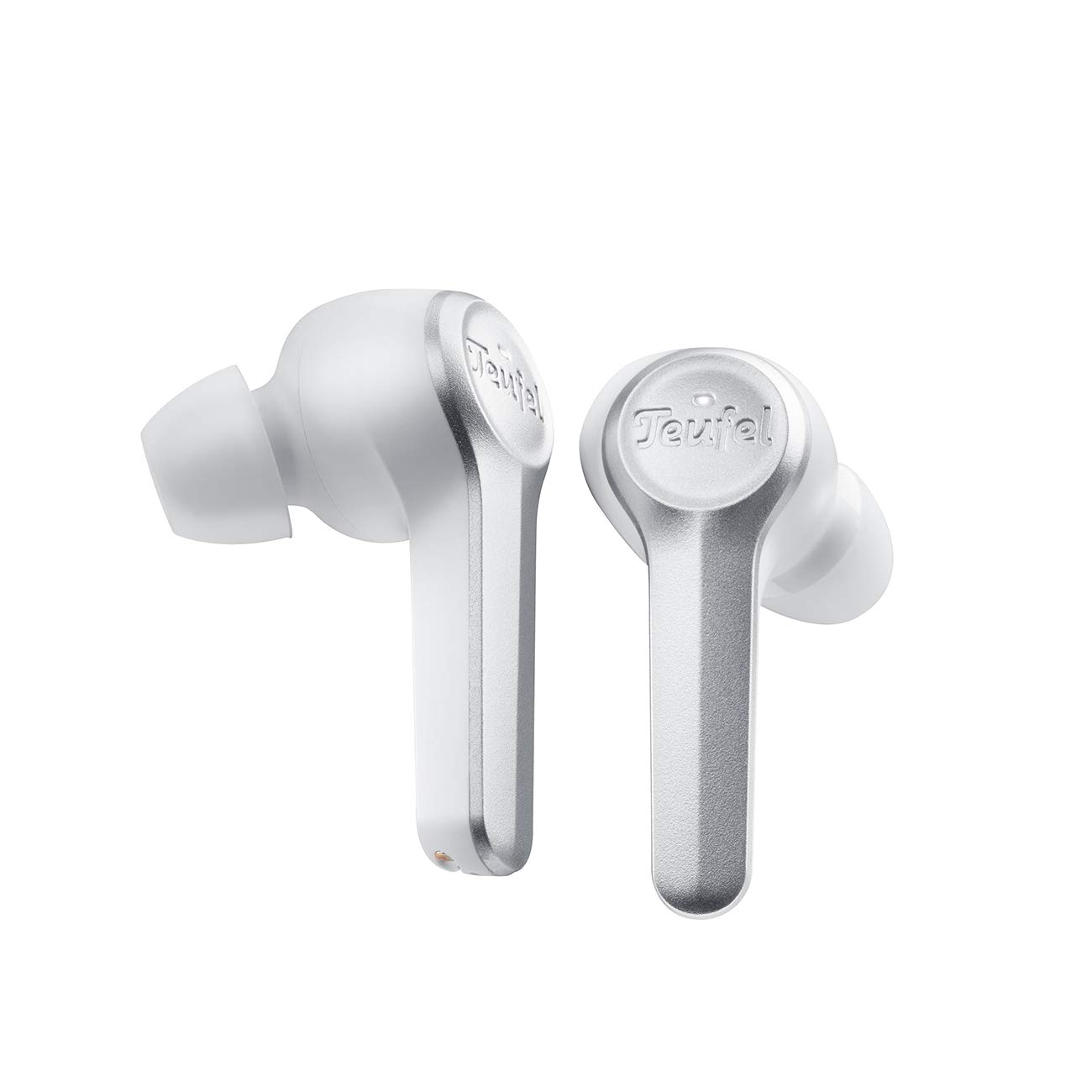
Image: The Teufel AIRY TRUE WIRELESS in-ear headphones, in white, are shown resting within their open charging case. The earbuds feature a sleek design with the Teufel logo visible on the outer surface. The charging case has indicator lights on the front.
Opsætning
1. Opladning af enheden
Oplad ørepropperne og opladningsetuiet helt inden første brug.
- Placer ørepropperne i opladningsetuiet. Sørg for, at de er korrekt isat.
- Tilslut USB-opladerkablet til opladningsporten på etuiet og til en kompatibel USB-strømkilde.
- Indikatorlamperne på opladningsetuiet viser opladningsstatussen. En fuld opladning tager typisk cirka 2 timer.
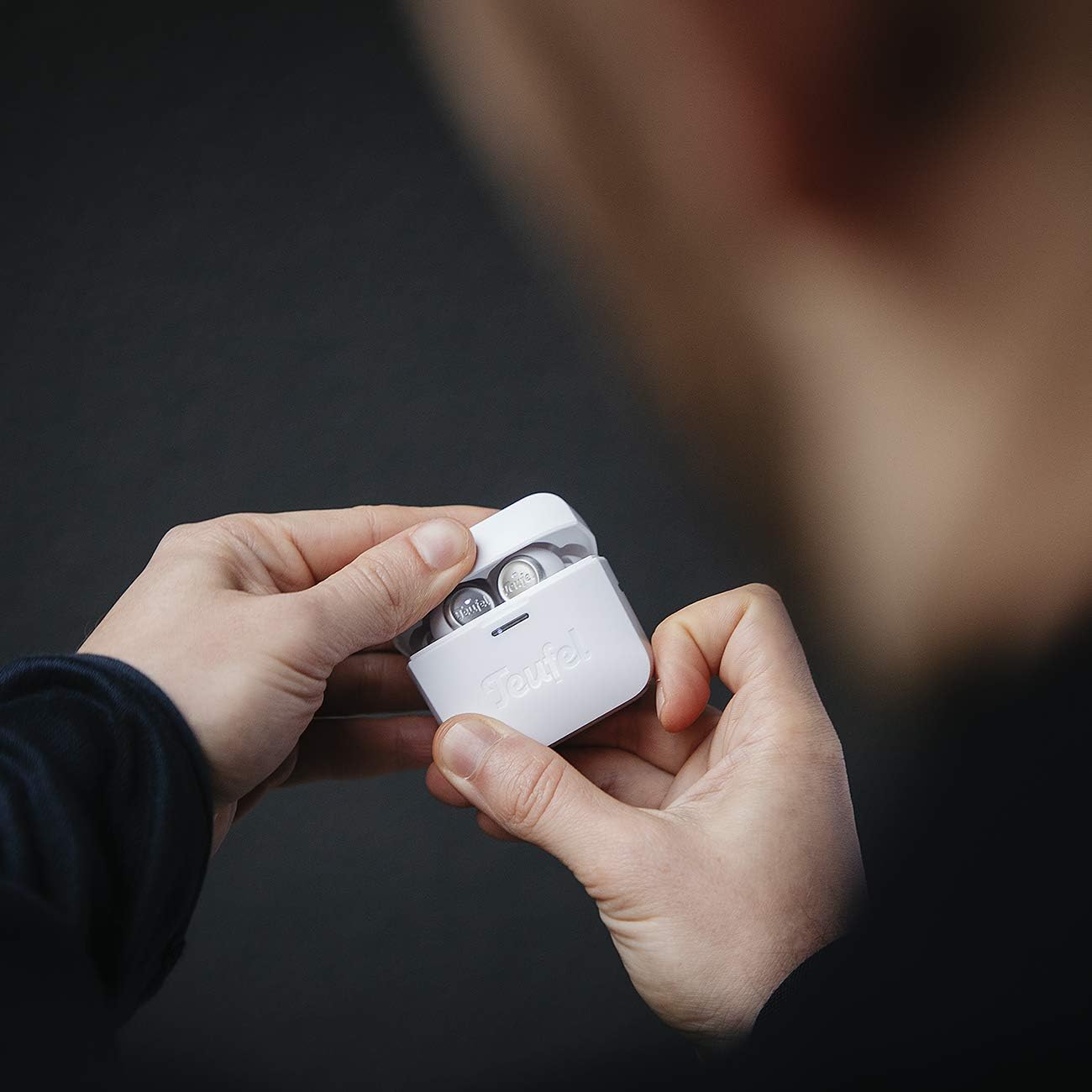
Image: A person's hands are shown holding the white Teufel AIRY TRUE WIRELESS charging case, which is open to reveal the earbuds inside. This illustrates the typical interaction when handling or charging the device.
2. Parring med en Bluetooth-enhed
The earbuds automatically enter pairing mode when the charging case is opened for the first time.
- Open the charging case. The earbuds will power on and enter pairing mode.
- Aktiver Bluetooth på din lydenhed (smartphone, tablet osv.) og søg efter tilgængelige enheder.
- Select "Teufel AIRY TRUE WIRELESS" from the list of found devices.
- Once connected, a confirmation sound will play, and the indicator lights on the earbuds may change.
3. Tilpasning af ørepropperne
Korrekt pasform er afgørende for lydkvalitet og komfort.
- Choose the ear tips that provide the best seal and comfort for your ears. Experiment with different sizes.
- Gently insert each earbud into your ear canal and twist slightly until it feels secure and comfortable.

Image: A woman is shown wearing a white Teufel AIRY TRUE WIRELESS earbud in her right ear, demonstrating how the product is worn. The earbud is discreetly placed, indicating a comfortable and secure fit.
Drift
Tænd/sluk
- Tænd: Open the charging case, or if already out of the case, press and hold the touch control area on both earbuds for 2 seconds.
- Sluk: Place the earbuds back into the charging case and close the lid. Alternatively, press and hold the touch control area on both earbuds for 5 seconds.
Tryk på kontrolelementer
The Teufel AIRY TRUE WIRELESS earbuds feature intuitive touch controls on the outer surface of each earbud.
| Handling | Venstre øretelefon | Højre ørepropper |
|---|---|---|
| Afspil/pause | Enkelt tryk | Enkelt tryk |
| Næste spor | Dobbelttryk | Dobbelttryk |
| Forrige spor | Tryk tredobbelt | Tryk tredobbelt |
| Lydstyrke op | N/A | Tryk og hold |
| Lydstyrke ned | Tryk og hold | N/A |
| Besvar/afslut opkald | Enkelt tryk | Enkelt tryk |
| Afvis opkald | Tryk og hold | Tryk og hold |
| Aktiver Voice Assistant | Firedobbelt hane | Firedobbelt hane |
Batteristatus
The battery status of the earbuds and charging case can be viewed on connected iOS and Android devices. Additionally, indicator lights on the charging case provide a visual cue for the case's battery level.
Opretholdelse
Rensning
- Brug en blød, tør og fnugfri klud til at rengøre ørepropperne og opladningsetuiet.
- Fjern ørepropperne, og rengør dem med mild sæbe og vand. Sørg for, at de er helt tørre, før du sætter dem på igen.
- Brug ikke slibende rengøringsmidler, alkohol eller kemiske opløsningsmidler.
Opbevaring
Når ørepropperne ikke er i brug, skal de opbevares i deres opladningsetui for at beskytte dem og sikre, at de forbliver opladede.
Fejlfinding
Hvis du støder på problemer, kan du bruge følgende almindelige løsninger:
- Ingen lyd: Ensure earbuds are charged, properly paired, and volume is not muted on either the earbuds or the connected device.
- Parringsproblemer: Turn off Bluetooth on your device, then turn it back on. Reset the earbuds by placing them in the case, closing the lid for 10 seconds, then reopening. Try pairing again.
- Én øretelefon virker ikke: Ensure both earbuds are charged. Place both earbuds back in the case, close it, then reopen. If the issue persists, try re-pairing the earbuds.
- Opladningsproblemer: Kontrollér opladningskablet og strømkilden. Sørg for, at ørepropperne er korrekt placeret i opladningsetuiet. Rengør opladningskontakterne om nødvendigt.
- Vandtæthed (IPX5): The earbuds are resistant to splashes and jet water. They are not designed for submersion. Ensure the charging port is dry before charging.
Specifikationer
| Feature | Detalje |
|---|---|
| Modelnavn | AIRY TRUE WIRELESS |
| Modelnummer | 106083002 |
| Forbindelse | Bluetooth 5.0 with AAC |
| Batterilevetid (ørepropper) | Op til 6 timer pr. Opladning |
| Samlet batterilevetid (med etui) | Over 25 timer |
| Hurtig opladning | 15 minutes charge for over 1 hour playback |
| Vandmodstand | IPX5 (splash and jet water resistant) |
| Dimensioner (produkt) | 2.2 x 1.9 x 3.9 cm |
| Vægt (produkt) | 160 g |
| Materiale | Plast |
| Batteritype | Lithium-ion (inkluderet) |
Garanti og support
Your Teufel AIRY TRUE WIRELESS headphones come with a manufacturer's warranty. For detailed information regarding warranty terms, conditions, and duration, please refer to the warranty card included in your product packaging or visit the official Teufel website. For technical support, troubleshooting assistance beyond this manual, or service inquiries, please contact Teufel customer support through their official channels.