
1. Introduktion
This manual provides detailed instructions for the safe and effective use of your Prtukyt 8S Over Ear Wireless Headphones. Please read this manual thoroughly before using the product and retain it for future reference.
The Prtukyt 8S headphones offer a versatile audio experience with both wireless Bluetooth 5.0 connectivity and a wired option. Key features include up to 52 hours of playtime, 6 EQ sound modes, a built-in microphone for calls, and a foldable design for portability.
2. Pakkens indhold
Sørg for at alle varer er til stede i pakken:
- Prtukyt 8S Over Ear Wireless Headphones
- USB opladningskabel
- 3.5 mm lydkabel
- Brugervejledning (dette dokument)
3. Produktet er slutview og kontroller
Gør dig bekendt med hovedtelefonkomponenterne og kontrolknapperne.

Image: Detailed diagram of the Prtukyt 8S Wireless Headphones showing control buttons, indicator lights, and ports.
- Forrige nummer / Lydstyrke ned: Kort tryk for forrige nummer, langt tryk for at sænke lydstyrken.
- Bluetooth Mode / FM Mode: (Note: FM mode functionality is not specified in product details, focus on Bluetooth).
- Equalizer (EQ): Press to cycle through 6 different sound equalization modes.
- Play / Pause / Answer / Hang Up: Tryk én gang for at afspille/sætte musik på pause eller besvare/afslutte et opkald.
- Næste nummer / Lydstyrke op: Kort tryk for næste nummer, langt tryk for at øge lydstyrken.
- Indikatorlys: Displays charging status (Red) and Bluetooth pairing/connection status (Blue/Red for pairing, Blue for connected, Red for charging).
- TF-kortslot: (Note: TF card functionality is not specified in product details).
- Tænd/sluk: Slide switch to turn headphones on or off.
- Mikrofon: Indbygget til håndfri opkald.
- Mikroopladningsport: Til tilslutning af USB-opladerkablet.
- 3.5mm AUX Plug-in Port: Til kablet lydforbindelse.

Billede: Forside view of the Prtukyt 8S Wireless Headphones in grey, highlighting the over-ear design and integrated controls.
4. Opsætning
4.1 Opladning af hovedtelefonerne
Before first use, fully charge the headphones. Connect the USB charging cable to the Micro Charging Port on the headphones and the other end to a USB power source (e.g., computer, wall adapter).
- Indikatorlyset vil være RØD under opladning.
- Indikatorlampen vil tænde BLÅ når opladningen er færdig.
- En fuld opladning tager typisk 2-3 timer.
- The headphones provide up to 52 hours of continuous music or talk time on a full charge.
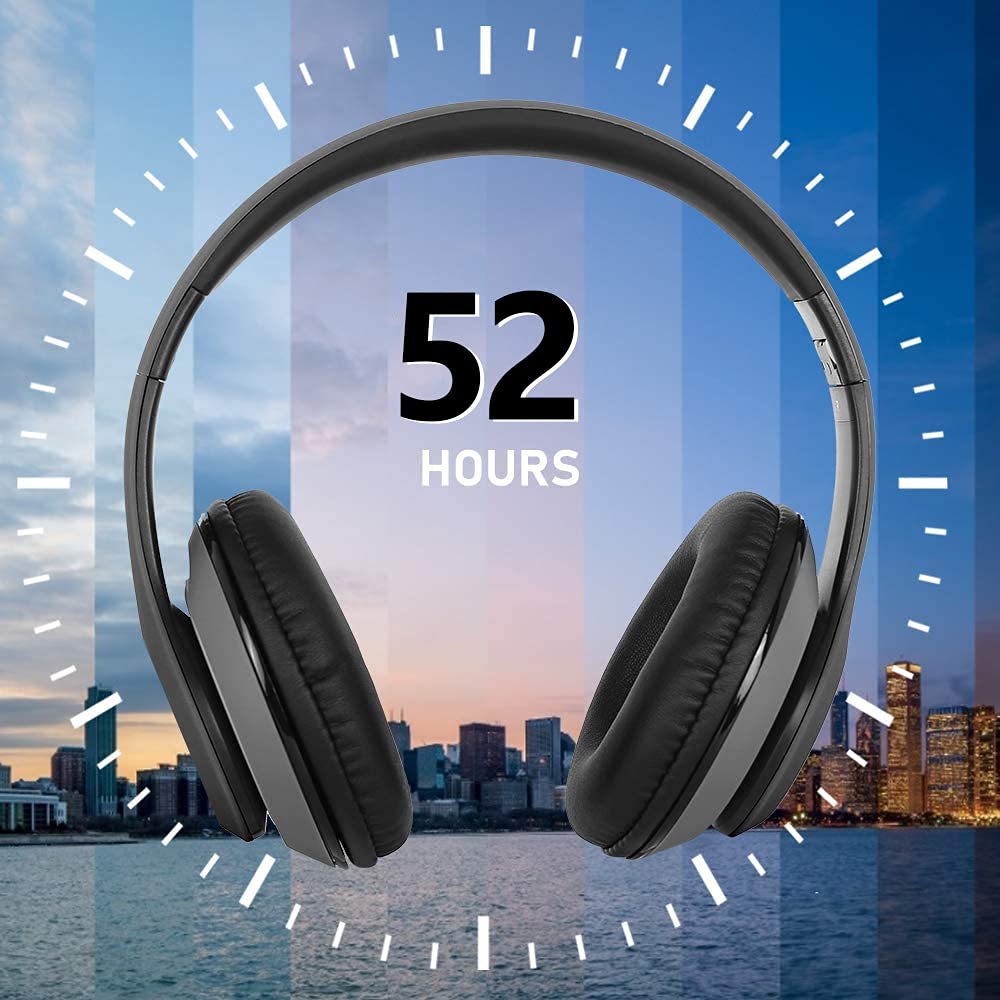
Image: Graphic illustrating the 52-hour battery life of the Prtukyt 8S Wireless Headphones.
4.2 Bluetooth -parring
Sådan tilslutter du dine hovedtelefoner trådløst:
- Sørg for, at hovedtelefonerne er opladet.
- Slide the Power ON/OFF switch to the "ON" position. The indicator light will flash BLÅ og RØD alternately, indicating pairing mode.
- Aktiver Bluetooth på din enhed (smartphone, tablet, computer) og søg efter tilgængelige enheder.
- Select "Prtukyt 8S" (or similar name) from the list of found devices.
- Once connected, the indicator light will flash BLÅ langsomt.
The headphones utilize Bluetooth 5.0 technology for stable and efficient wireless connection.
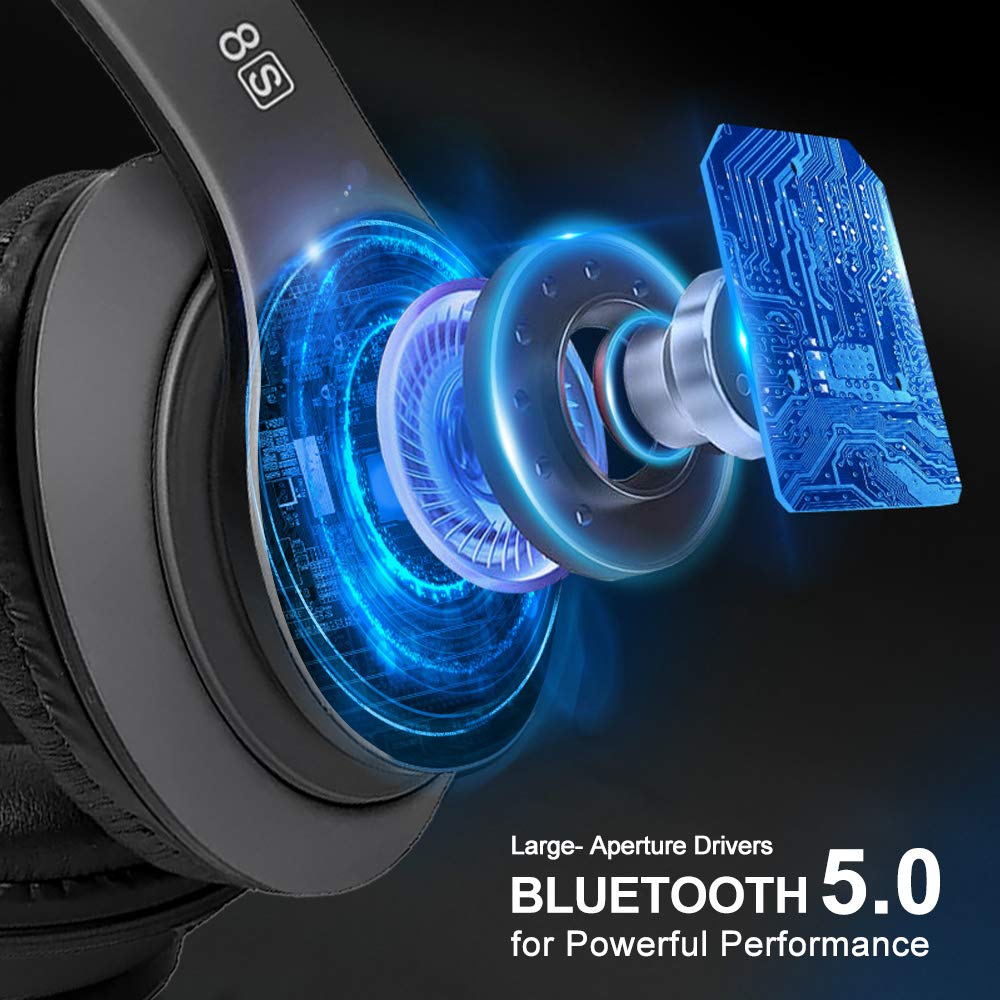
Billede: Intern view of the Prtukyt 8S headphones highlighting large-aperture drivers and Bluetooth 5.0 technology for powerful performance.
5. Betjeningsvejledning
5.1 Tænd/sluk
- Tænd: Slide the Power ON/OFF switch to "ON".
- Sluk: Slide the Power ON/OFF switch to "OFF".
5.2 Musikafspilning
- Afspil/pause: Tryk på Afspil/pause knap én gang.
- Næste nummer: Tryk kort på Næste spor / lydstyrke op knap.
- Forrige nummer: Tryk kort på Forrige nummer / Lydstyrke ned knap.
- Lydstyrke op: Tryk længe på Næste spor / lydstyrke op knap.
- Skrue ned for lyden: Tryk længe på Forrige nummer / Lydstyrke ned knap.
5.3 Equalizer-tilstande (EQ)
Tryk på EQ button to cycle through 6 different sound equalization modes, allowing you to customize the audio output to your preference.
5.4 Håndfri opkald
The built-in microphone allows for hands-free communication when connected via Bluetooth.
- Besvar opkald: Tryk på Svar/læg på knap én gang.
- Afslut opkald: Tryk på Svar/læg på én gang under et opkald.
- Afvis opkald: Tryk længe på Svar/læg på knap.
5.5 Kablet tilstand
When the battery is depleted or if you prefer a wired connection, use the included 3.5mm audio cable.
- Plug one end of the 3.5mm audio cable into the 3.5mm AUX Plug-in Port on the headphones.
- Plug the other end into the 3.5mm audio jack of your audio source device.
Note: In wired mode, the headphone buttons (play/pause, volume, track control, EQ) will not function. All controls must be managed directly from your connected audio source device.

Image: Illustration of the Prtukyt 8S headphones' dual connectivity, highlighting wireless Bluetooth and wired (3.5mm audio cable) options.
6. Vedligeholdelse
- Rengør hovedtelefonerne med en blød, tør klud. Brug ikke slibende rengøringsmidler eller opløsningsmidler.
- Undgå at udsætte hovedtelefonerne for ekstreme temperaturer, fugtighed eller direkte sollys.
- Store the headphones in a cool, dry place when not in use. The foldable design aids in compact storage.
- Forsøg ikke at skille hovedtelefonerne ad eller ændre dem, da dette vil ugyldiggøre garantien og kan forårsage skade.
- Hold opladningsporten og 3.5 mm-stikket fri for støv og snavs.
7. Fejlfinding
| Problem | Løsning |
|---|---|
| Hovedtelefonerne tændes ikke. | Ensure the headphones are charged. Connect to a power source using the USB cable. |
| Kan ikke parres via Bluetooth. |
|
| Ingen lyd i trådløs tilstand. |
|
| Ingen lyd i kablet tilstand. |
|
| Dårlig opkaldskvalitet. |
|
8. Specifikationer
| Feature | Detalje |
|---|---|
| Modelnavn | 8S Over Ear |
| Forbindelsesteknologi | Kablet, trådløs (Bluetooth 5.0) |
| Hovedtelefonstik | 3.5 mm Jack |
| Audio driver type | Dynamic Driver (57mm large-aperture) |
| Batterilevetid | Op til 52 timer |
| Opladningstid | Ca. 2-3 timer |
| Batteritype | Lithium Polymer (genopladelig) |
| Mikrofon | Indbygget |
| Kontrolmetode | Berøring (knapper) |
| Materiale | Læder (ørekopper) |
| Varens vægt | 210 gram |
| Særlige funktioner | Foldable, High fidelity, Lightweight, 6 EQ Modes |
| Kompatible enheder | Devices with 3.5 mm Audio Jack, Bluetooth-enabled Devices |
9. Garanti og support
Prtukyt products are designed and manufactured to the highest quality standards. For warranty information or technical support, please refer to the warranty card included in your package or contact Prtukyt customer service through the retailer where the product was purchased.
Gem venligst dit købsbevis for garantikrav.