
Indledning
This manual provides detailed instructions for the setup, operation, and maintenance of your FANGOR 15.6" Portable Monitor, model DH112222. Please read this manual thoroughly before using the product to ensure proper functionality and to prevent damage.
The FANGOR DH112222 is a versatile 15.6-inch Full HD 1080P IPS display designed for various applications, including extending laptop screens, gaming, and multimedia consumption. It features USB Type-C and HDMI connectivity, built-in speakers, and a smart cover for portability and protection.
Pakkens indhold
Kontroller venligst pakkens indhold ved udpakning. Hvis der mangler eller er beskadigede dele, skal du kontakte kundesupport.
- FANGOR 15.6" Portable Monitor (DH112222)
- Smart Cover / Stand
- USB-C to USB-C Cable (for power and video/data)
- HDMI to Mini HDMI Cable (for video)
- USB-A to USB-C Cable (for power)
- Strømadapter (hvis inkluderet)
- Brugervejledning (dette dokument)
Produkt overview
Familiarize yourself with the monitor's components and ports.
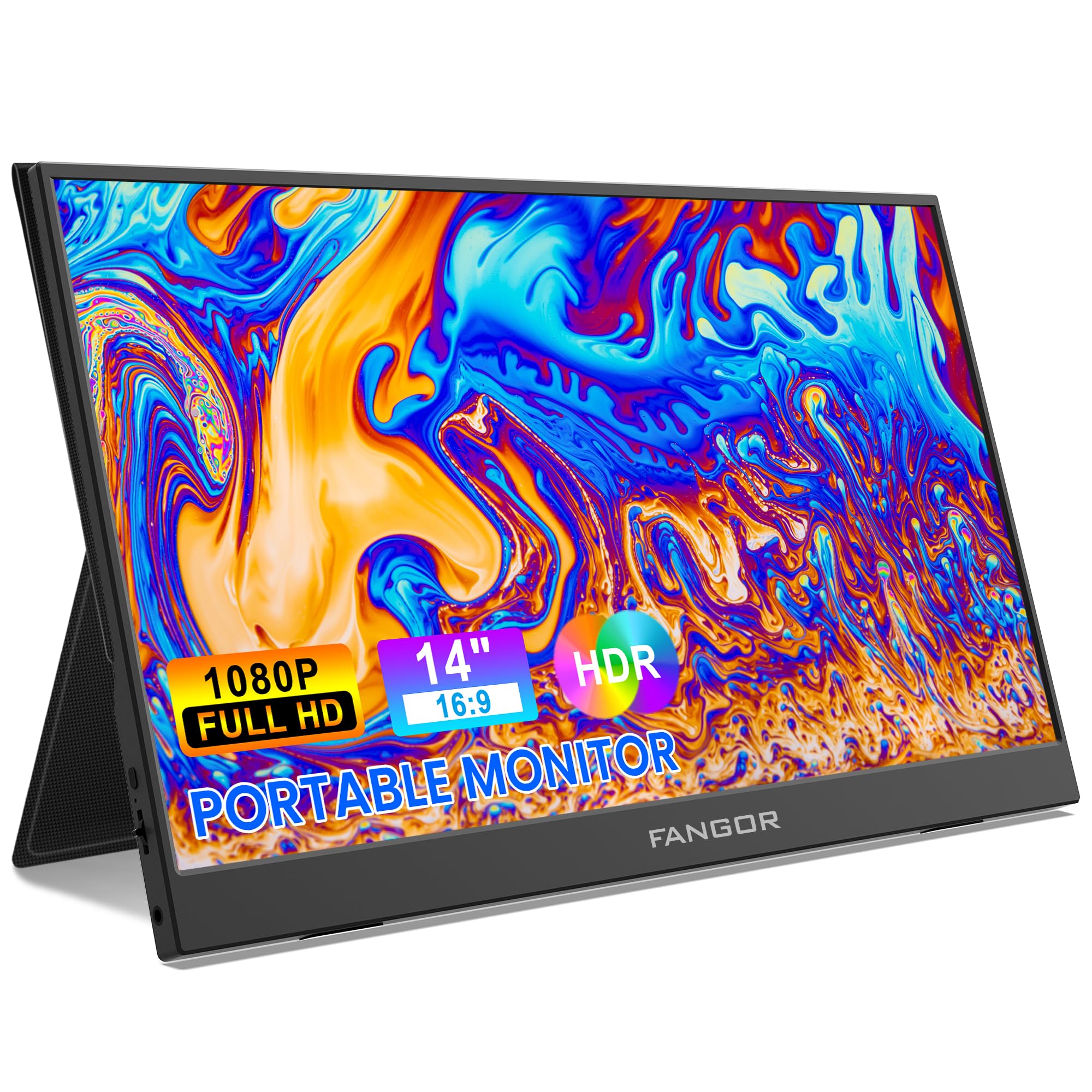
Image: FANGOR 15.6" Portable Monitor DH112222. This image displays the monitor with its smart cover, showcasing its slim profile og skærm.
Porte og knapper:
- USB-C Port (Full-featured): For power, video, and data transmission from compatible devices.
- Mini HDMI-port: For video input from devices using an HDMI cable.
- 3.5 mm lydstik: Til tilslutning af eksterne hovedtelefoner eller højttalere.
- Power Button / OSD Menu Button: Press and hold to power on/off. Press to access the On-Screen Display (OSD) menu.
- Volume / Navigation Buttons: Used to adjust volume or navigate through the OSD menu.
- Indbyggede højttalere: Located on the sides or rear of the monitor.
Note: A visual diagram showing the exact location of each port and button would typically be included here.
Opsætningsinstruktioner
1. Setting up the Smart Cover:
- Unfold the smart cover to form a triangular stand.
- Place the monitor into the grooves of the stand to achieve the desired viewvinkel.
Note: An illustration demonstrating how to fold the smart cover into a stand would be beneficial here.
2. Connecting to a Power Source:
The monitor requires power to operate. It can be powered via USB-C.
- Connect one end of the USB-C to USB-C cable to the monitor's full-featured USB-C port.
- Connect the other end to a power adapter (5V/3A or higher recommended) or a compatible device's USB-C port that supports power delivery.
- Alternatively, use the USB-A to USB-C cable with a power adapter.
Note: A diagram showing power connection options would be helpful.
Betjeningsvejledning
Tilslutning til enheder:
The FANGOR DH112222 supports various devices via USB-C and HDMI.
1. Connecting to a Laptop/PC (USB-C):
For laptops/PCs with a full-featured USB-C port (supporting DisplayPort Alternate Mode and Power Delivery):
- Connect one end of the USB-C to USB-C cable to the monitor's full-featured USB-C port.
- Connect the other end to the laptop's full-featured USB-C port.
- The monitor should automatically detect the signal and display the screen. If not, ensure the laptop's display settings are configured for an external monitor (e.g., Extend, Duplicate).
Note: Some laptops may require an external power source for the monitor if their USB-C port does not provide sufficient power.
2. Connecting to a Laptop/PC (HDMI):
For laptops/PCs with an HDMI port:
- Connect one end of the HDMI to Mini HDMI cable to the monitor's Mini HDMI port.
- Connect the other end (HDMI) to the laptop's HDMI port.
- Ensure the monitor is powered via its USB-C port (using a USB-A to USB-C cable connected to a power adapter or a USB-C to USB-C cable connected to a power source).
- The monitor should automatically detect the signal. Adjust display settings on your PC if necessary.
3. Connecting to Gaming Consoles (PS4, Xbox, Switch):
Use the HDMI to Mini HDMI cable for video and a USB-C cable for power.
- Connect the monitor to a power source via USB-C.
- Connect the HDMI to Mini HDMI cable from the console's HDMI output to the monitor's Mini HDMI input.
- Power on the console and the monitor.
4. Connecting to Smartphones (USB-C):
For smartphones with a full-featured USB-C port (supporting DisplayPort Alternate Mode and Power Delivery):
- Connect one end of the USB-C to USB-C cable to the monitor's full-featured USB-C port.
- Connect the other end to the smartphone's USB-C port.
- The monitor will display the phone's screen. Some phones may offer a desktop mode.
Note: Not all smartphones support video output via USB-C. Check your phone's specifications.
On-Screen Display (OSD) menu:
The OSD menu allows you to adjust various display settings.
- Press the Power/OSD button to open the OSD menu.
- Use the Volume/Navigation buttons to move up/down or left/right through the menu options.
- Press the Power/OSD button again to select an option or confirm a setting.
- To exit the OSD menu, navigate to the 'Exit' option or wait for the menu to time out.
Common OSD Menu Options: Brightness, Contrast, Color Temperature, Aspect Ratio, Input Source, Volume.
Opretholdelse
- Rengøring af skærmen: Brug en blød, fnugfri klud lidt damprengøres med vand eller et ikke-slibende skærmrensemiddel. Sprøjt ikke væske direkte på skærmen.
- Rengøring af Casing: Use a soft, dry cloth. Avoid harsh chemicals or abrasive materials.
- Opbevaring: When not in use, store the monitor in its smart cover to protect the screen from scratches and dust. Avoid extreme temperatures and humidity.
- Håndtering: Hold altid skærmen i kanterne. Undgå at trykke på skærmen.
Fejlfinding
| Problem | Mulig løsning |
|---|---|
| Intet signal / Sort skærm |
|
| Ingen lyd fra højttalerne |
|
| Skærmflimmer eller ustabilt billede |
|
| Skærm tænder ikke |
|
Specifikationer
| Feature | Detalje |
|---|---|
| Modelnummer | DH112222 |
| Skærmstørrelse | 15.6 tommer |
| Opløsning | FHD 1080p (1920 x 1080) |
| Display Type | LCD, IPS |
| Aspektforhold | 16:9 |
| Opdateringshastighed | 60 Hz |
| Kontrastforhold | 1000:1 |
| Viewi vinkel | 160 grader |
| Skærmfinish | Blank |
| Forbindelse | HDMI, USB-C (full-featured), Mini HDMI |
| Lyd | Built-In Speakers, 3.5mm Audio Jack |
| Produktdimensioner | 38 x 28.5 x 45 cm |
| Varens vægt | 612.35 g (1.35 pund) |
| Kompatible enheder | Laptop, PC, Smartphone, XBOX, Switch, PS4 |
Sikkerhedsoplysninger
- Udsæt ikke skærmen for regn eller fugt for at undgå brand- eller stødfare.
- Åbn ikke skærmen casing. Overlad al service til kvalificeret servicepersonale.
- Undgå at placere skærmen i nærheden af varmekilder eller i direkte sollys.
- Brug kun den strømadapter og de kabler, der er medfølgende eller anbefalet af producenten.
- Hold skærmen væk fra stærke magnetfelter.
Garanti og support
For warranty information and technical support, please refer to the warranty card included with your product or visit the official FANGOR webwebsted. Behold din købskvittering som købsbevis i tilfælde af garantikrav.
For further assistance, contact FANGOR customer support through their official channels.