
1. Introduktion
This manual provides essential information for the installation, operation, and maintenance of your ZOTAC Gaming GeForce RTX 3070 Twin Edge OC graphics card. This card is built on the NVIDIA Ampere architecture, featuring 2nd Gen Ray Tracing Cores, 3rd Gen Tensor Cores, and GDDR6 memory for high-fidelity gaming performance.
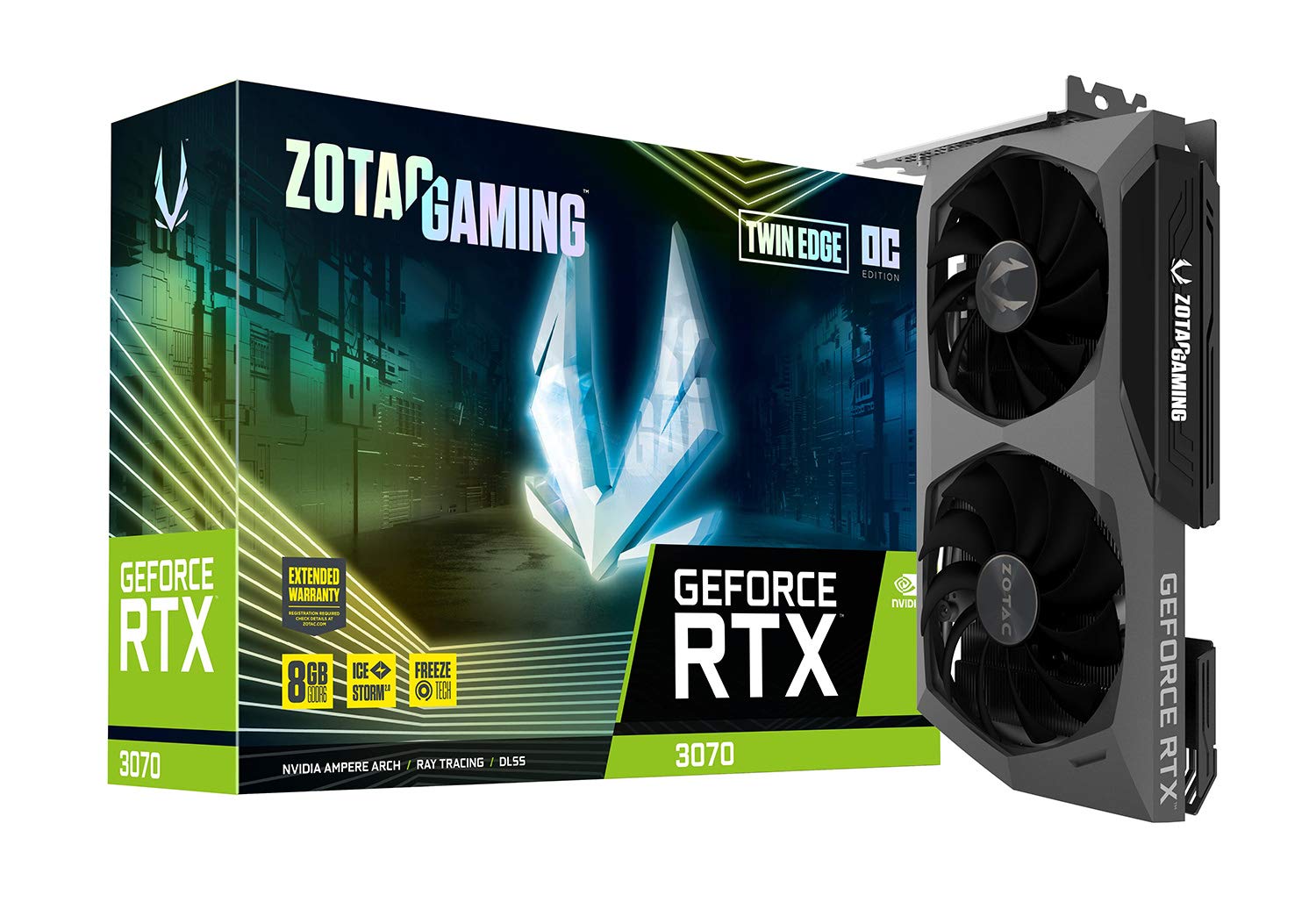
Billede: Forside view of the ZOTAC Gaming GeForce RTX 3070 Twin Edge OC graphics card.
2. Hvad er der i æsken
Bekræft, at alle følgende varer er inkluderet i din produktpakke:
- ZOTAC GAMING GeForce RTX 3070 Twin Edge OC graphics card
- 2x Dual 6-pin to 8-pin adapter
- Brugermanual (hurtig installationsguide)

Image: Quick Installation Guide and two 6-pin to 8-pin power adapters included with the graphics card.
3. Specifikationer
| Feature | Specifikation |
|---|---|
| Grafik coprocessor | NVIDIA GeForce RTX 3070 |
| Mærke | ZOTAC |
| Grafik RAM-størrelse | 8 GB |
| Video Output Interface | 3 x DisplayPort 1.4a, 1 x HDMI 2.1 |
| Grafik RAM-type | GDDR6 |
| Kompatible enheder | desktop pc |
| Grafikkort interface | PCI-Express 4.0 x16 |
| Boost Clock Speed | 1755 MHz |
| Maximum Digital Resolution | 7680 x 4320 @ 60Hz |
| Emnedimensioner (L x B) | 231.9 mm x 141.3 mm (9.1" L x 5.6" B) |
| Modelnummer | ZT-A30700H-10P |
| Varens vægt | 998 gram |
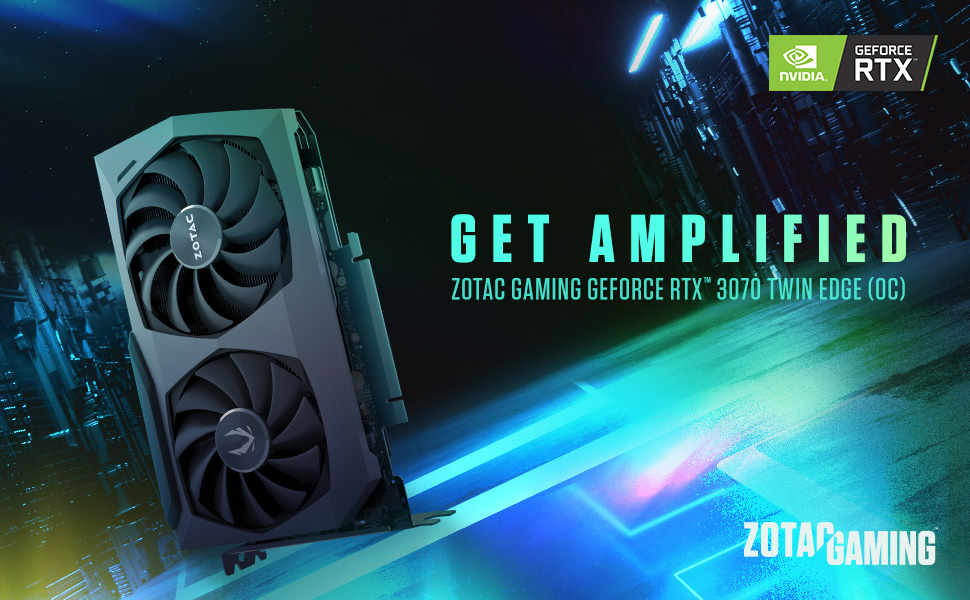
Image: Detailed dimensions and output port configuration (3x DisplayPort 1.4a, 1x HDMI 2.1) of the graphics card.
4. Installation
- Forbered dit system: Sluk computeren, og frakobl alle kabler. Åbn computerkabinettet.
- Find PCIe-slot: Find et ledigt PCI Express 4.0 x16-slot på dit bundkort. Fjern eventuelle dæksler til udvidelsesslots, hvis det er nødvendigt.
- Indsæt grafikkort: Juster forsigtigt grafikkortet med PCIe-stikket, og tryk det godt ned, indtil det sidder sikkert fast. Sørg for, at fastholdelsesklipsen klikker på plads.
- Sikkert kort: Fasten the graphics card to the computer case using the screw or latch mechanism provided by your case.
- Tilslut strøm: This graphics card requires two 8-pin PCIe power connectors. Connect the power cables from your power supply unit (PSU) to the corresponding ports on the graphics card. Ensure your PSU can provide sufficient power (minimum 650W recommended). If your PSU only has 6-pin connectors, use the included 6-pin to 8-pin adapters.
- Close Case and Connect Cables: Close your computer case, reconnect all external cables (monitor, power, peripherals), and power on your system.

Billede: Side view illustrating the location of the dual 8-pin PCIe power input on the graphics card.
5. Betjeningsvejledning
5.1 Driverinstallation
After physical installation, you must install the latest NVIDIA graphics drivers. Visit the official NVIDIA webwebsted (www.nvidia.com/drivers) to download the appropriate drivers for your GeForce RTX 3070 card and operating system. Follow the on-screen instructions for installation.
5.2 Skærmforbindelse
Connect your monitor(s) to the graphics card using DisplayPort or HDMI cables. This card supports up to four displays simultaneously. Ensure you use Ultra High Speed HDMI cables for 8K/60FPS or 4K/120FPS resolutions.

Image: Rear panel of the graphics card with three DisplayPort and one HDMI output.
5.3 ZOTAC FireStorm Utility
The ZOTAC FireStorm Utility software allows you to monitor your graphics card's performance, adjust fan speeds, and customize LED lighting. Download the utility from the official ZOTAC webwebsted (www.zotac.com/support).
6. Kølefunktioner
The ZOTAC Gaming GeForce RTX 3070 Twin Edge OC features the IceStorm 2.0 Advanced Cooling system for optimal thermal management.
- IceStorm 2.0 Avanceret Køling: A refined cooling system designed for wider coverage, keeping the GPU cooler and maintaining performance. It includes a wide array aluminum heatsink with up to five copper heat pipes and 11-blade fans for increased airflow.
- FRYS Ventilatorstop: This feature automatically stops the fans when the GPU is idle, providing quieter operation and reducing wear on the fan system.
- Aktiv ventilatorstyring: Users can adjust fan rotations independently using the ZOTAC GAMING FireStorm software, allowing for precise airflow control where and when it is needed.

Billede: Eksploderet view of the IceStorm 2.0 cooling system, highlighting the metal backplate, heatsink, and fan design.
Image: Representation of Active Fan Control, demonstrating independent fan speed adjustments.
7. Vedligeholdelse
To ensure optimal performance and longevity of your graphics card, regular maintenance is recommended:
- Fjernelse af støv: Rengør regelmæssigt ventilatorer og køleplade for støv med trykluft. Sørg for, at systemet er slukket, før rengøring.
- Luftstrøm: Maintain good airflow within your computer case by ensuring proper cable management and clear ventilation paths.
- Driver opdateringer: Keep your graphics drivers updated to the latest version from the NVIDIA website for performance improvements and bug fixes.
8. Fejlfinding
Hvis du støder på problemer med dit grafikkort, kan du overveje følgende almindelige fejlfindingstrin:
- Ingen skærmoutput:
- Ensure the monitor cables are securely connected to the graphics card.
- Kontroller, at grafikkortet er korrekt placeret i PCIe-stikket.
- Check that all required PCIe power connectors are properly attached.
- Test med et andet skærmkabel eller en anden skærm, hvis det er muligt.
- Systemustabilitet/nedbrud:
- Ensure your Power Supply Unit (PSU) meets the minimum wattage requirement (650W recommended) and can deliver stable power through separate PCIe power cables, not just daisy-chained connectors from a single PSU output.
- Opdater dine grafikdrivere til den nyeste version.
- Monitor GPU temperatures using the FireStorm Utility to check for overheating.
- Driverproblemer:
- Perform a clean installation of the graphics drivers. Uninstall existing drivers before installing new ones.
For further assistance, refer to the ZOTAC support page.
9. Garanti og support
Your ZOTAC Gaming GeForce RTX 3070 Twin Edge OC graphics card comes with a 2 års producentgarantiGem venligst din købsbevis i tilfælde af garantikrav.
For customer service, technical support, or general inquiries, please visit the dedicated ZOTAC support page:
Yderligere funktioner
- White LED Logo Lighting: The card features a white LED illuminated ZOTAC GAMING logo, which can be customized via the FireStorm Utility.
- Metal Backplate: A durable metal backplate provides structural protection for the PCB and enhances the overall aesthetic design of the card.
Image: The graphics card showcasing its white LED logo lighting.
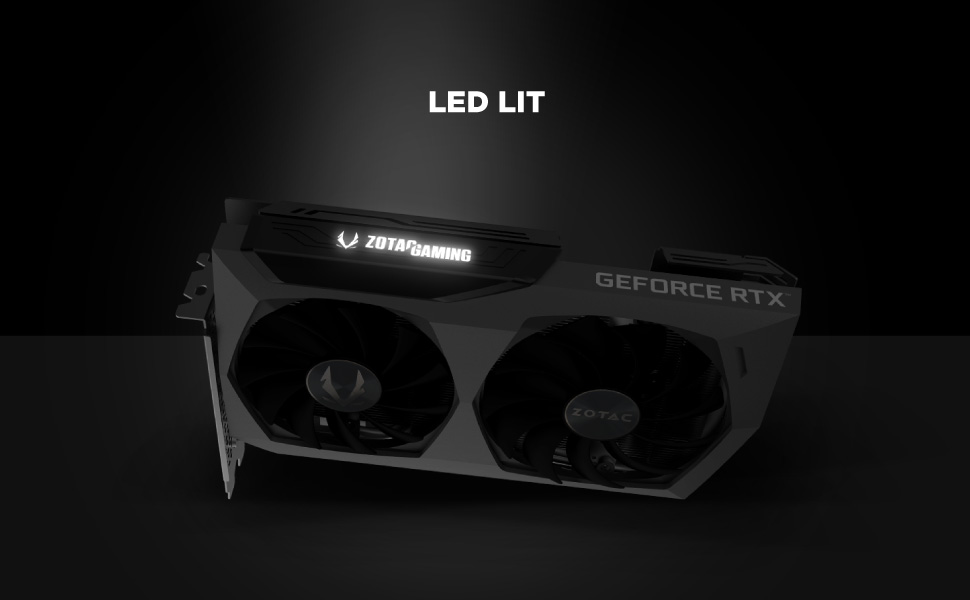
Image: The metal backplate component of the graphics card, providing protection and structural integrity.