
Indledning
Thank you for choosing the MEDION E11909 (MD 20059) 19-inch HD TV. This television features an integrated DVD player, a 12V car adapter for mobile use, and a triple tuner for receiving cable, satellite, or DVB-T2 HD signals. This manual provides essential information for the safe and efficient use of your new device. Please read it thoroughly before operation and keep it for future reference.
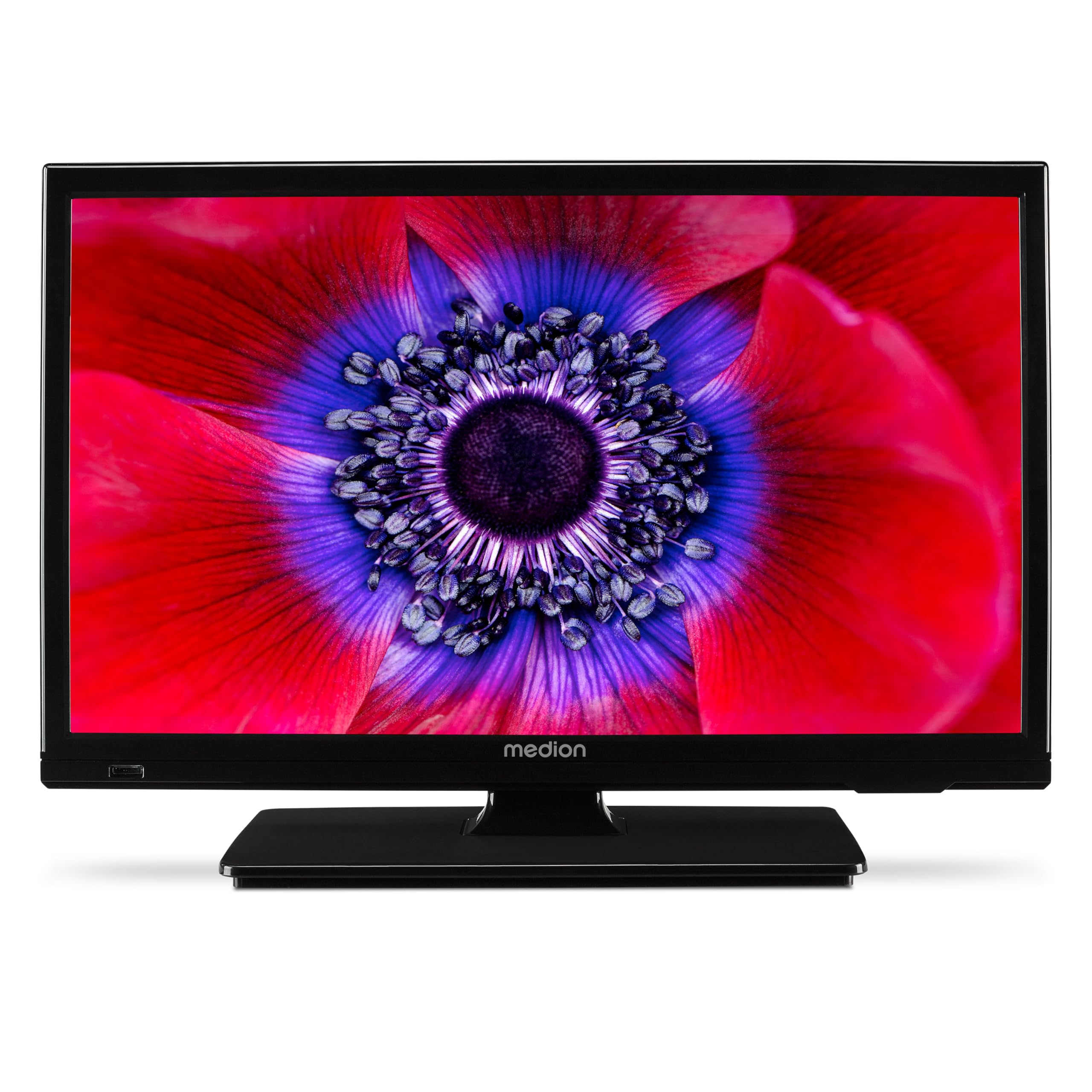
Figur 1: MEDION E11909 19-inch HD TV. This image shows the front view of the television, highlighting its compact design suitable for various environments.
Sikkerhedsoplysninger
Please observe the following safety instructions to prevent damage to the device or injury to yourself:
- Udsæt ikke TV'et for regn eller fugt.
- Sørg for tilstrækkelig ventilation; bloker ikke ventilationsåbningerne.
- Brug kun den strømadapter, der fulgte med enheden.
- Åbn ikke tv'etasing; overlad al service til kvalificeret personale.
- Hold tv'et væk fra varmekilder og direkte sollys.
- When using the 12V car adapter, ensure the vehicle's power outlet is clean and provides stable power.
Pakkens indhold
Kontroller venligst, at alle varer er til stede i pakken:
- MEDION E11909 MD20059 LCD TV
- Fjernbetjening med batterier (AAA)
- Ekstern strømadapter
- Car adapter (12V)
- DVB-T antenne
- AV adapter
- Stativ med skruer
- Brugermanual
- Garantihæfte
Opsætning
1. Montering af stativet
- Carefully place the TV screen-down on a soft, clean surface.
- Juster stativet med monteringshullerne i bunden af tv'et.
- Fastgør stativet med de medfølgende skruer.
2. Tilslutning af strøm
- Til hjemmebrug: Connect the external power adapter to the TV's DC IN port and then plug it into a standard wall outlet.
- For Mobile Use (Car/Caravan): Connect the 12V car adapter to the TV's DC IN port and then plug it into your vehicle's 12V DC power socket.
3. Connecting Antennas and External Devices
Refer to the connection diagram below for port locations.

Figur 2: Rear panel connections. This image illustrates the various input and output ports on the back of the television, including HDMI, USB, SCART, VGA, AV In, YPbPr, PC Audio In, Headphone Jack, Digital Audio Out, and the 12V DC power input.
- Antenne/kabel: Connect your DVB-T antenna (included), cable, or satellite dish to the appropriate RF IN port.
- HDMI-enheder: Connect devices like Blu-ray players or game consoles to the HDMI ports.
- USB-enheder: Indsæt USB-drev til medieafspilning i USB-porten.
- Older Devices: Use the SCART, VGA, or AV IN ports for older equipment.
4. Indledende opsætning
After connecting power and turning on the TV for the first time, an initial setup wizard will guide you through language selection, country, and channel scanning. Follow the on-screen instructions.
Drift
1. Tænd/sluk
Tryk på MAGT -knappen på fjernbetjeningen eller på tv'et for at tænde eller slukke enheden.
2. Fjernbetjeningsfunktioner
The remote control allows you to navigate menus, change channels, adjust volume, and select input sources. Refer to the remote control diagram in your separate warranty booklet for specific button functions.
3. Channel Selection and Volume
- Brug CH +/- knapper for at skifte kanal.
- Brug VOL +/- knapper for at justere lydstyrken.
4. Valg af inputkilde
Tryk på KILDE button on the remote control to cycle through available input sources (TV, HDMI1, HDMI2, AV, USB, DVD).
5. Using the Integrated DVD Player
- Insert a DVD disc into the disc slot on the side of the TV.
- Fjernsynet burde automatisk skifte til DVD-tilstand. Hvis ikke, tryk på KILDE button and select DVD.
- Brug fjernbetjeningens afspilningsknapper (PLAY, PAUSE, STOP, FF, REW) to control DVD playback.

Figur 3: TV with integrated DVD player. This image shows the television screen displaying high-definition content, with a DVD disc partially visible, indicating the integrated DVD player functionality.
6. Using the Media Player (USB)
- Indsæt en USB-lagerenhed i USB-porten.
- Tryk på KILDE button and select USB.
- Naviger gennem din files (photos, music, videos) using the remote control and press OK at spille.

Figur 4: Easy playback of photos, videos, and more. This image highlights the USB port on the TV's side and icons representing music, photos, and video files, indicating the TV's multimedia playback capabilities.
Opretholdelse
1. Rengøring af skærmen
Tør forsigtigt skærmen af med en blød, fnugfri klud. Ved genstridige mærker, tør let afampRengør kluden med vand eller en specialiseret skærmrens. Sprøjt ikke væske direkte på skærmen.
2. Rengøring af enheden
Tør fjernsynet afasinmed en blød, tør klud. Undgå at bruge slibende rengøringsmidler eller opløsningsmidler.
3. Opbevaring
Hvis du opbevarer tv'et i længere tid, skal du afbryde strømmen til det, fjerne batterierne fra fjernbetjeningen og opbevare det et køligt og tørt sted, helst i originalemballagen.
Fejlfinding
If you encounter problems with your TV, please refer to the following common issues and solutions:
- Ingen strøm:
- Check if the power adapter is securely connected to both the TV and the power outlet.
- Sørg for, at stikkontakten fungerer. - Intet billede/lyd:
- Verify that the correct input source is selected (e.g., HDMI1, TV, DVD).
- Check all cable connections (antenna, HDMI, AV).
- Perform a channel scan if using TV mode. - DVD Not Playing:
- Ensure the disc is inserted correctly with the label facing up.
- Check if the disc is clean and free from scratches.
- Try a different DVD to rule out disc issues. - Fjernbetjeningen virker ikke:
- Replace the batteries (AAA).
- Ensure there are no obstructions between the remote and the TV's IR sensor.
Hvis problemet fortsætter efter at have prøvet disse løsninger, bedes du kontakte kundesupport.
Specifikationer
- Mærke: MEDION
- Model: E11909 (MD 20059)
- Skærmstørrelse: 18.5 tommer (47 cm)
- Displayteknologi: LCD LED
- Opløsning: 768p (HD)
- Opdateringshastighed: 60 Hz
- Aspektforhold: 1.77:1
- Forbindelse teknologi: HDMI, USB
- Særlige funktioner: Built-in DVD player, 12V Car Adapter, Triple Tuner for HD reception (Cable, Satellite, DVB-T2)
- Inkluderede komponenter: LCD TV (MD 20059)
- Produktdimensioner: 16D x 44B x 31H cm
- Lydudgang: 2 x 3 W RMS Stereo Speakers
Garanti og support
Your MEDION E11909 (MD 20059) TV comes with a manufacturer's warranty. Please refer to the included warranty booklet for detailed terms and conditions, including the warranty period and coverage.
For technical support, service, or further inquiries, please visit the official MEDION website or contact their customer service department. Contact information can typically be found in your warranty booklet or on the MEDION support page.