
1. Introduktion
Tak for købetasing the JAM Retro Classic+ Bluetooth Speaker. This manual provides essential information for setting up, operating, and maintaining your speaker. Please read it thoroughly before use to ensure optimal performance and longevity of your device.
2. Pakkens indhold
Bekræft at alle varer er til stede i din pakke:
- JAM Retro Classic+ Bluetooth Speaker
- USB opladningskabel
- Hurtig startvejledning
3. Opsætning
3.1 Opladning af højttaleren
Before first use, fully charge the speaker. Connect the provided USB charging cable to the speaker's USB port and the other end to a USB power adapter (not included) or a computer's USB port.
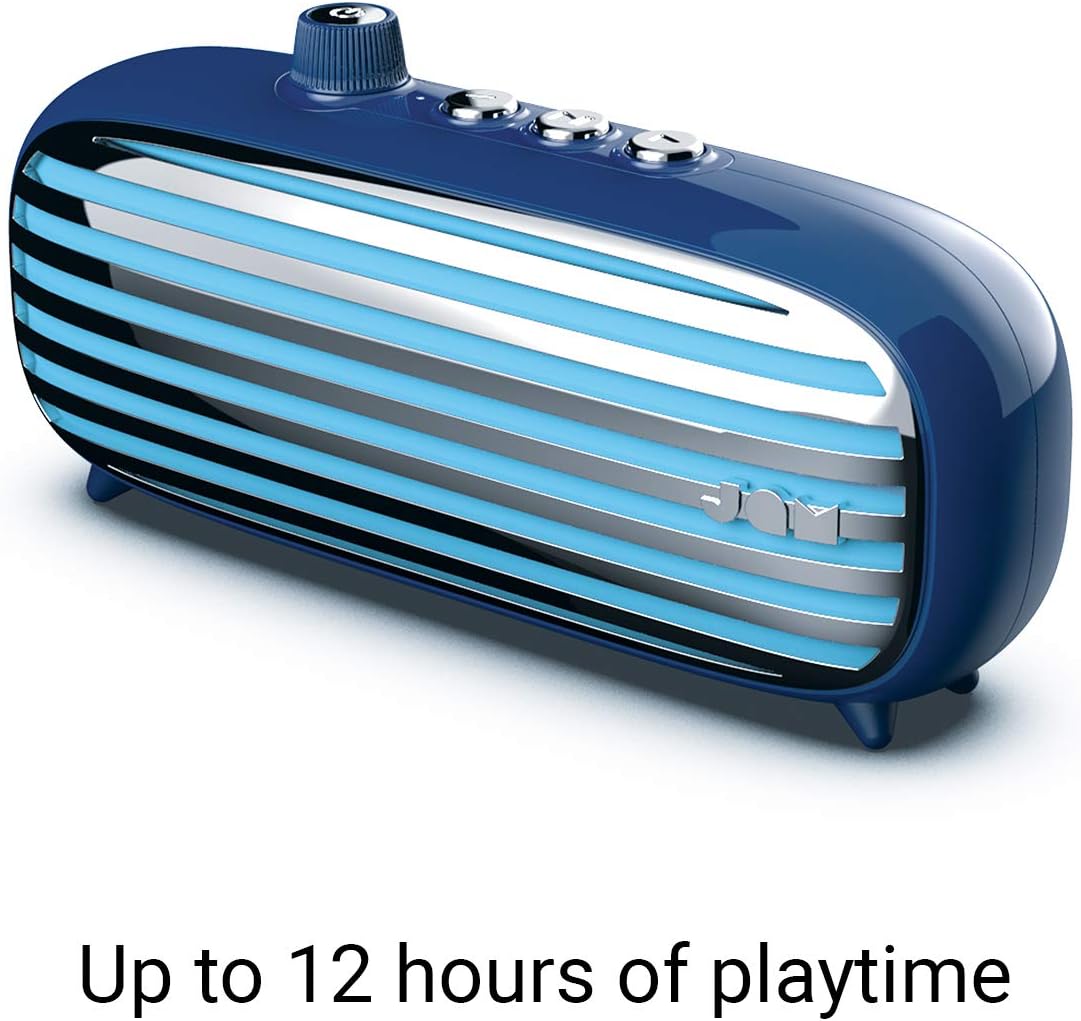
Image: The JAM Retro Classic+ Bluetooth Speaker in blue, with a USB charging cable connected to its side port, indicating the charging process.
3.2 Tænd/sluk
To power on the speaker, press and hold the button located in the center of the volume dial on the front for approximately 4 seconds. The dial will light up in neon blue, and an audible sound will confirm it is powered on. To power off, press and hold the same button again.

Image: A blue JAM Retro Classic+ Bluetooth Speaker with its volume dial illuminated in blue, indicating it is powered on.
3.3 Bluetooth -parring
Once powered on, the speaker will automatically enter Bluetooth pairing mode. On your device (smartphone, tablet, computer), enable Bluetooth and search for "JAM Vintage" in the list of available devices. Select it to pair. An audible confirmation will sound upon successful pairing.
4. Betjening
4.1 Musikafspilning
- Afspil/pause: Press the central play/pause button on the top of the speaker.
- Næste nummer: Press the forward button (right arrow) on the top.
- Forrige nummer: Press the back button (left arrow) on the top.
- Lydstyrkekontrol: Rotate the large dial on the front of the speaker to adjust the volume.
4.2 Højttalertelefonens funktionalitet
When connected via Bluetooth to your smartphone, the speaker can be used as a speakerphone:
- Besvar opkald: Tryk én gang på afspil/pause-knappen.
- Afslut opkald: Tryk én gang på afspil/pause-knappen under et opkald.
- Afvis opkald: Tryk på afspil/pause-knappen, og hold den nede.
4.3 Aux-in-tilslutning
For non-Bluetooth devices, connect an audio cable (not included) from your device's headphone jack to the Aux-in port on the side of the speaker. The speaker will automatically switch to Aux-in mode.
5. Nøglefunktioner
- Retro design: Aesthetic inspired by classic vintage radioer.
- 12 timers spilletid: Nyd længerevarende musikafspilning på en enkelt opladning.
- Bluetooth-forbindelse: Problemfri trådløs lydstreaming.
- Aux-indgangsport: Wired connection option for various devices.
- USB-opladning: Convenient charging via standard USB.
- Højttalertelefon: Integreret mikrofon til håndfri opkald.
- Stereo parring: Connect two Classic+ speakers for enhanced stereo sound.
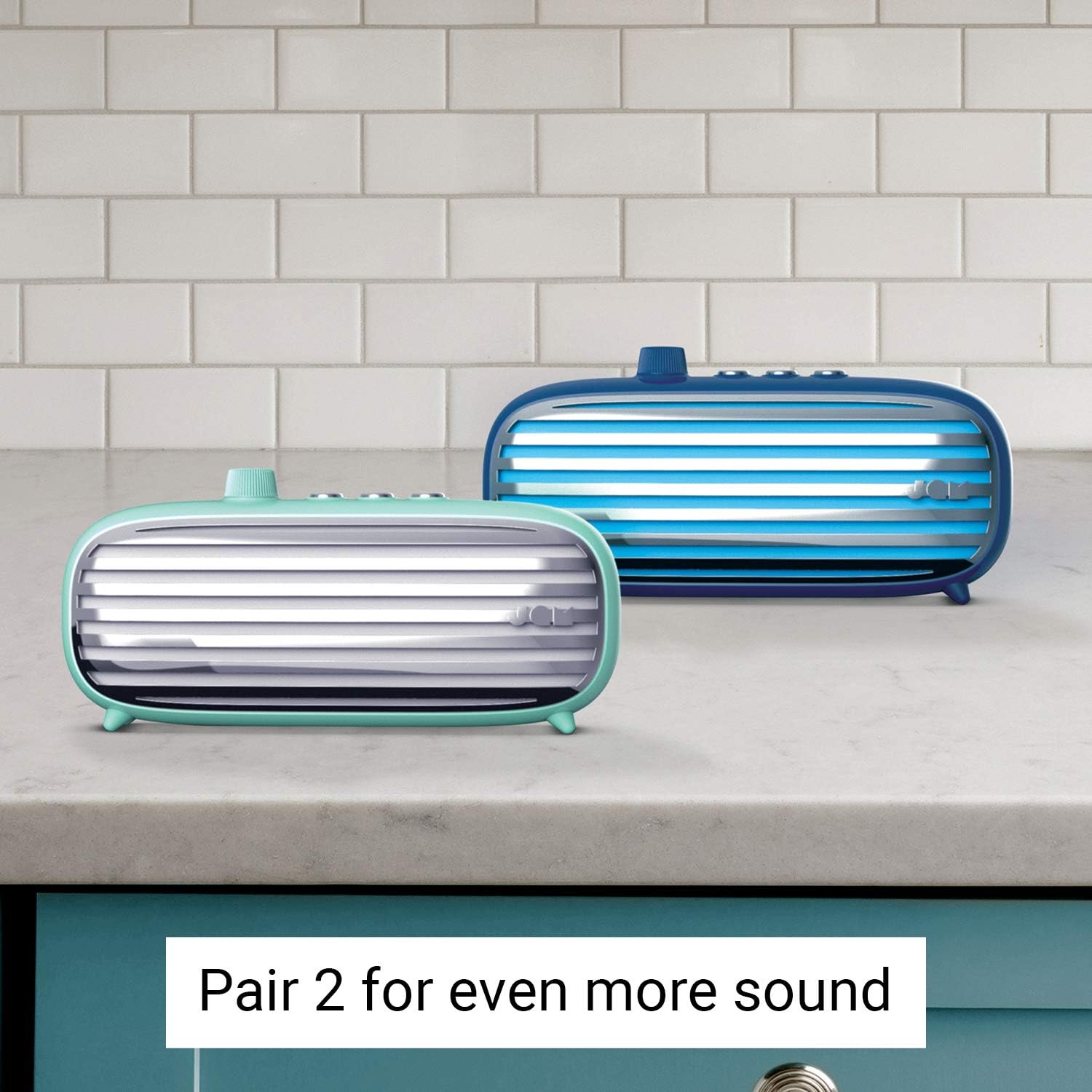
Image: Two JAM Retro Classic+ Bluetooth Speakers, one in blue and one in mint green, positioned side-by-side on a kitchen counter, demonstrating the stereo pairing feature.
6. Vedligeholdelse
- Rensning: Brug en blød, tør klud til at rengøre højttaleren. Brug ikke slibende rengøringsmidler eller opløsningsmidler.
- Opbevaring: Opbevar højttaleren et køligt, tørt sted væk fra direkte sollys og ekstreme temperaturer.
- Vandtæthed: Denne højttaler er ikke waterproof. Avoid exposure to water or moisture.
7. Fejlfinding
| Problem | Løsning |
|---|---|
| Højttaleren tænder ikke. | Ensure the speaker is fully charged. Press and hold the power button for 4 seconds. |
| Kan ikke parres via Bluetooth. | Make sure Bluetooth is enabled on your device and the speaker is in pairing mode. Ensure no other devices are currently connected to the speaker. Try restarting both devices. |
| Ingen lyd. | Check the volume levels on both the speaker and your connected device. Ensure the correct input mode (Bluetooth or Aux-in) is selected. |
| Dårlig lydkvalitet. | Flyt højttaleren tættere på din Bluetooth-enhed for at reducere interferens. Sørg for, at lydkilden er af god kvalitet. |
8. Specifikationer
- Modelnummer: HX-P425-BL
- Mærke: Jam-lyd
- Forbindelse: Bluetooth, Auxiliary, USB
- Højttalerudgangseffekt: 6 watt
- Lydudgangstilstand: Stereoanlæg
- Batterilevetid: Op til 12 timer
- Kontrolmetode: Røre
- Strømkilde: Batteridrevet (1 lithium-ion-batteri inkluderet)
- Farve: Blå
- GTIN/UPC: 031262097576
9. Garanti og support
For warranty information and customer support, please refer to the official Jam Audio webwebstedet eller kontakt deres kundeservice direkte. Gem din købskvittering til garantikrav.
Officiel Webwebsted: www.jamaudio.com