
1. Introduktion og overview
This manual provides essential information for the assembly, operation, maintenance, and troubleshooting of your GTRACING GT890M Gaming Chair with Bluetooth Speakers. This ergonomic chair is designed for comfort during extended periods of gaming, working, or studying, featuring integrated Bluetooth audio for an immersive experience.
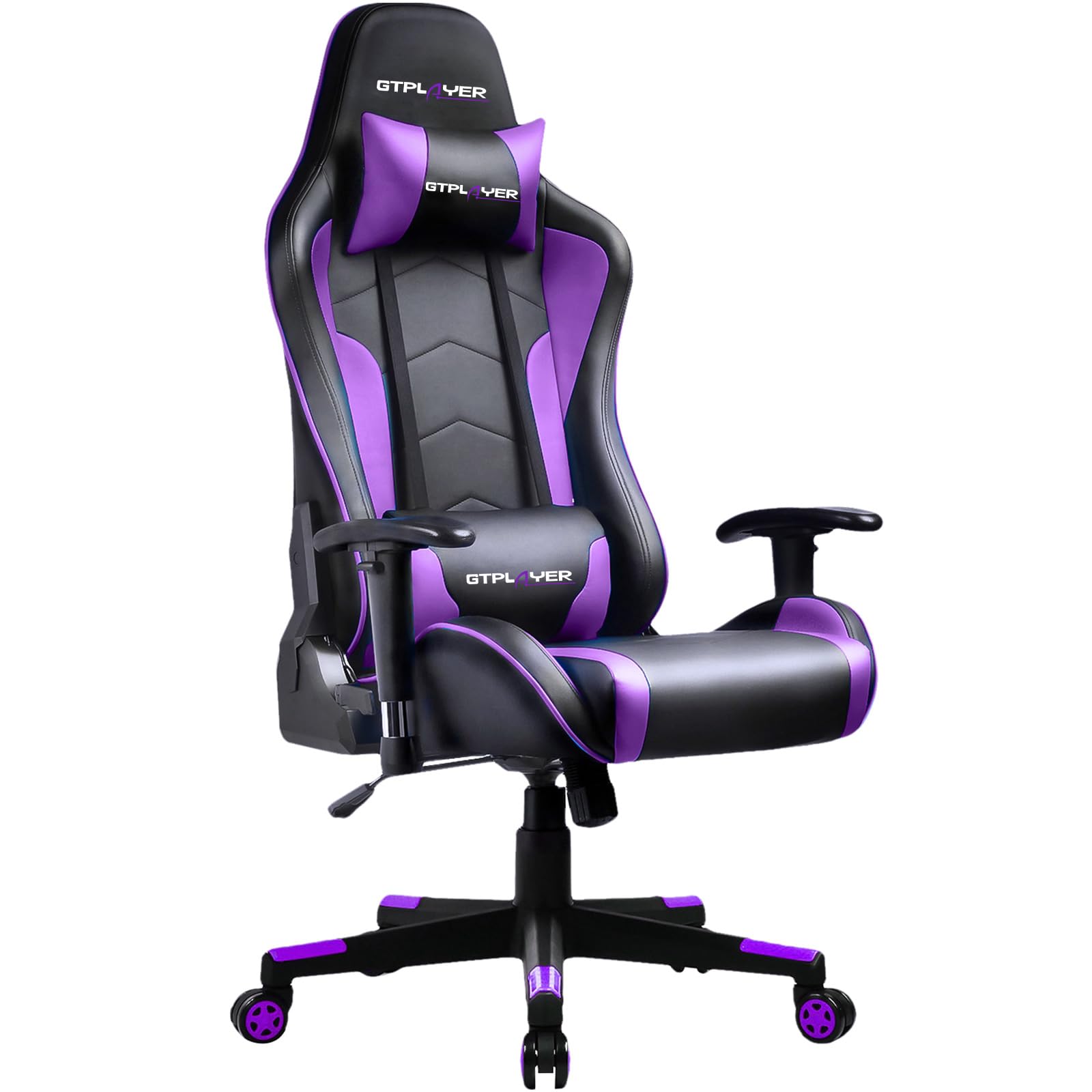
Image 1: The GTRACING GT890M Gaming Chair, showcasing dens design og farveskema.
2. Opsætning og montering
Your GTRACING GT890M Gaming Chair comes with a detailed instruction manual and all necessary accessories for assembly. Please refer to the included physical manual for step-by-step assembly instructions. Ensure all components are present before beginning assembly.
2.1 Component Identification and Dimensions
Familiarize yourself with the chair's components and overall dimensions to ensure proper placement and usage.

Image 2: Dimensional diagram of the GTRACING GT890M Gaming Chair, illustrating key measurements.
3. Betjeningsvejledning
3.1 Chair Adjustments
- Sædehøjdejustering: Use the lever located under the seat on the right side to adjust the seat height. Pull the lever up to raise or lower the seat. Release the lever to lock the height.
- Justering af armlæn: The armrests can be adjusted up and down, and left and right. Locate the buttons or levers on the armrests to make these adjustments.
- Ryglæn tilbagelænet: The backrest can recline from 90° to 170°. Use the recline lever on the side of the chair to adjust the angle. Ensure the chair is stable before reclining fully.
- Vippefunktion: The chair features a rocking function within a 20° range. Engage or disengage this function using the tilt lock mechanism under the seat.
- Headrest and Lumbar Cushions: The chair includes removable headrest and lumbar cushions for additional support. Adjust their position as needed for optimal comfort.
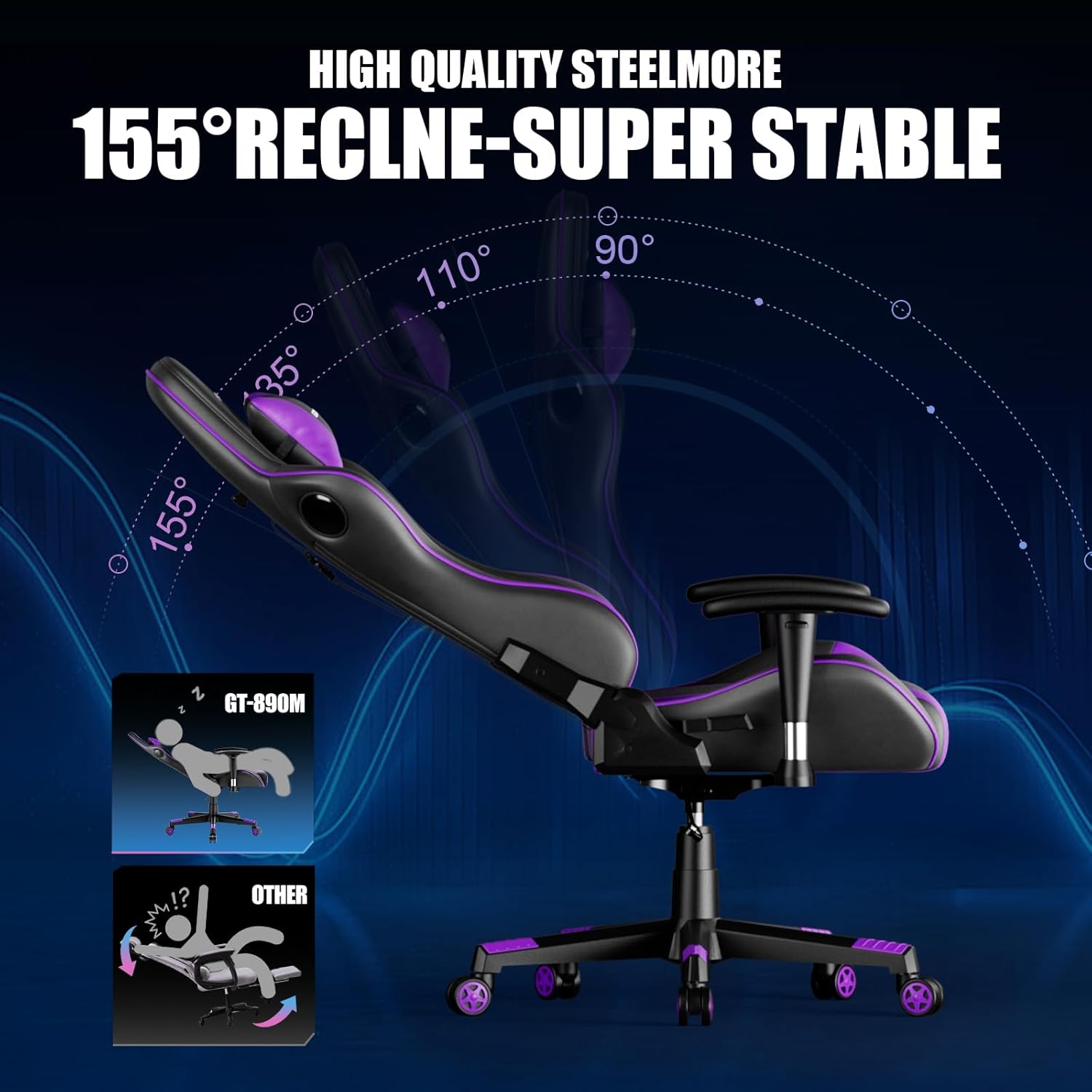
Image 3: Illustration of the chair's recline range, from upright to a near-flat position.
3.2 Betjening af Bluetooth-højttaler
The gaming chair is equipped with two integrated Bluetooth speakers for an enhanced audio experience. The speakers can be connected to your smartphone, tablet, or other Bluetooth-enabled devices.
- Tænd: Locate the power button for the Bluetooth speakers, typically found on the side or back of the chair. Press and hold to power on. A blue indicator light will usually confirm it's on and ready for pairing.
- Parring: On your device (smartphone, tablet, etc.), enable Bluetooth and search for available devices. Select "GTRACING" or a similar name from the list to pair.
- Lydafspilning: Once paired, audio from your device will play through the chair's speakers. The effective range for Bluetooth connection is approximately 5 meters (16 feet).
- Opladning: The speakers are powered by a rechargeable battery. Connect the provided charging cable to the chair's charging port and a USB power source. A full charge provides approximately 6 hours of music playback.
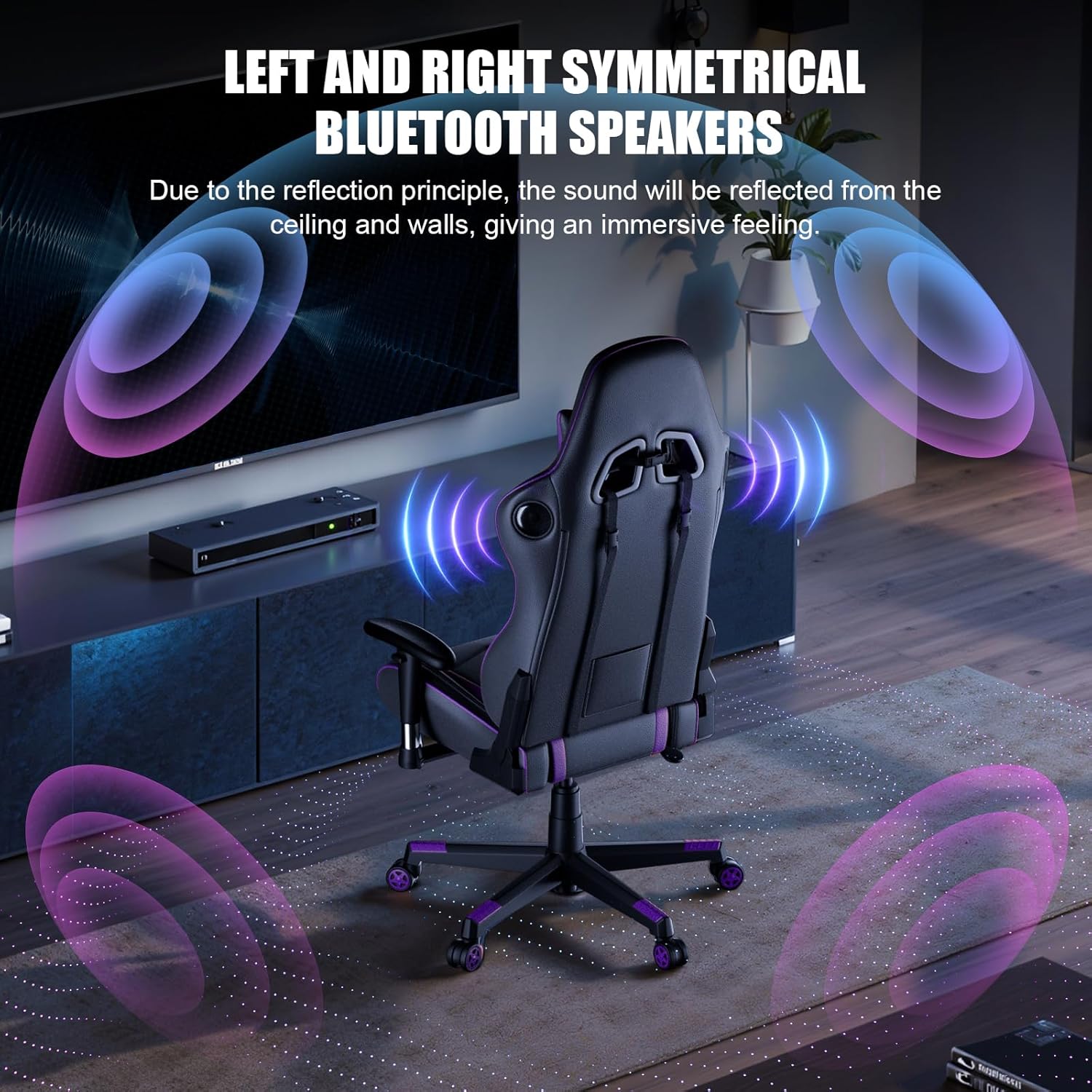
Billede 4: Bagside view highlighting the integrated Bluetooth speakers on the chair's backrest.

Image 5: User enjoying the immersive sound from the chair's Bluetooth speakers.
4. Vedligeholdelse
Proper maintenance ensures the longevity and optimal performance of your gaming chair.
- Rensning: Tør af med annonceamp cloth. Avoid harsh chemicals or abrasive cleaners that may damage the faux leather material.
- Materialepleje: The chair is made of premium PU leather. To maintain its condition, avoid prolonged exposure to direct sunlight and extreme temperatures.
- Hjulpleje: The smooth nylon casters are designed not to damage floors. Periodically check and clean the casters to ensure smooth movement.
- Strukturel integritet: Regularly inspect all bolts and connections to ensure they are tight. Re-tighten if necessary to maintain stability.
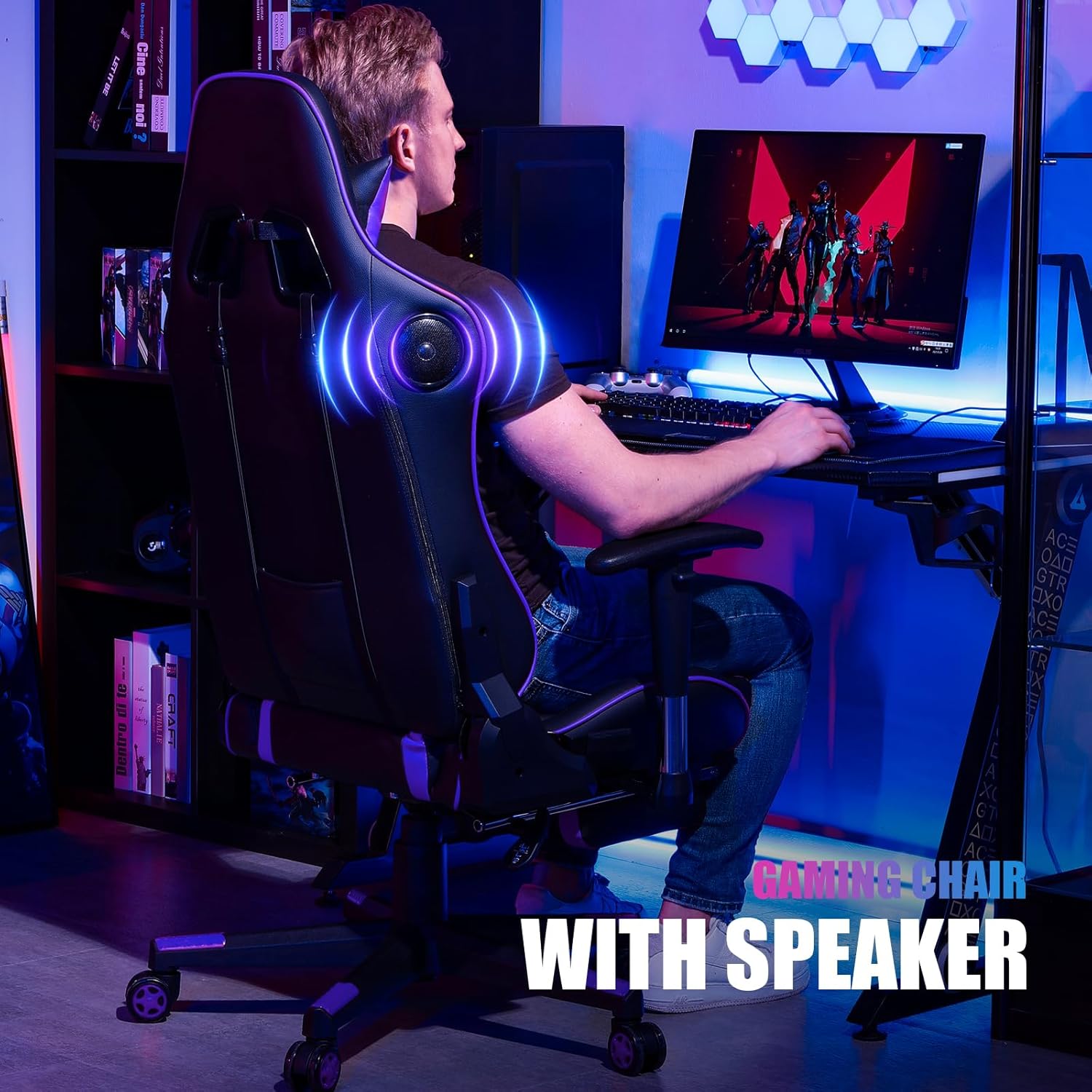
Image 6: Detail of the chair's faux leather finish, emphasizing its durability and ease of maintenance.
5. Fejlfinding
If you encounter issues with your GTRACING GT890M Gaming Chair, refer to the following common problems and solutions:
- Chair is unstable or wobbles:
- Sørg for, at alle monteringsbolte er forsvarligt spændt.
- Verify the chair is on a flat, even surface.
- Check the base and casters for any damage or obstructions.
- Sædehøjdejustering virker ikke:
- Ensure the height adjustment lever is fully engaged or disengaged as required.
- If the chair slowly lowers on its own, the gas lift cylinder may need replacement. Contact customer support for assistance.
- Bluetooth speakers not connecting or poor audio quality:
- Ensure the speakers are powered on and fully charged.
- Verify Bluetooth is enabled on your device and the chair is selected for pairing.
- Move your device closer to the chair (within 5 meters) to improve connection stability.
- Ensure no other devices are actively connected to the chair's Bluetooth.
- If experiencing audio lag, try disconnecting and reconnecting the Bluetooth, or restarting both the chair's speakers and your device.
- Chair tips forward when leaning:
- This can occur if leaning too far forward, especially when reaching for items on the floor. Maintain a balanced posture.
- Ensure the tilt tension knob (if present) is adjusted correctly to prevent excessive forward tilt.
6. Specifikationer
| Mærke | GTRACING |
| Modelnavn | GT890M |
| Farve | Lilla |
| Materiale | Faux Leather, High Density Foam, Alloy Steel Frame |
| Produktmål (D x B x H) | 53"D x 40"W x 134"H (approx. 20.87"D x 15.75"W x 52.76"H) |
| Varens vægt | 40 pund |
| Maksimal vægtanbefaling | 300 pund |
| Liggende vinkel | 90° - 170° |
| Rocking Range | 20° |
| Bluetooth Speaker Playtime | Op til 6 timer (fuldt opladet) |
| Yderligere funktioner | Adjustable armrests (up/down, left/right), adjustable seat height, 360° swivel, removable headrest and lumbar cushions. |
7. Garanti og support
GTRACING is committed to providing high-quality products and customer satisfaction.
- Garanti: The GTRACING GT890M Gaming Chair comes with a 2-year manufacturer's warranty.
- Returnerings-/erstatningspolitik: Free replacement or refund is available within 30 days of purchase. Free replacement or repair is available within 1 year.
- Kundesupport: For any questions, suggestions, or warranty claims, please contact GTRACING customer service. Refer to your purchase documentation or the official GTRACING webwebstedet for specifikke kontaktoplysninger.