
EDJO XYUS-MK201
EDJO 87-Key Mechanical Gaming Keyboard
Model: XYUS-MK201
1. Introduktion
This manual provides detailed instructions for the EDJO 87-Key Mechanical Gaming Keyboard. Designed for gamers and typists, this keyboard features durable mechanical blue switches, vibrant rainbow LED backlighting, and anti-ghosting technology for a responsive and enjoyable experience.

Image: EDJO 87-Key Mechanical Keyboard overview banner.
2. Nøglefunktioner
- Real Mechanical Blue Switches: Experience crisp, precise tactile feedback with an audible click sound. These switches offer a 50 million keystroke lifespan, 2.2mm distance to actuation, and 50g actuation force.
- Colorful Rainbow LED Backlit: Features 9 distinct lighting modes with adjustable brightness to enhance your gaming atmosphere. Laser UV carved characters ensure visibility in low-light conditions.
- 87 Keys Full Anti-Ghosting: All 87 keys are conflict-free with N-key rollover, ensuring every keypress is registered accurately, even during rapid, complex commands.
- Ergonomisk design: Constructed with a durable metal-ABS frame, designed for comfort during extended gaming or typing sessions.
- Multimediegenveje: Includes 11 multimedia key combinations for efficient control of media playback and system functions.
- Holdbar konstruktion: Features an aluminum alloy panel, making it wear-resistant, anti-corrosion, and easy to clean. The keycaps are removable for maintenance.

Image: Detailed diagram illustrating the components and specifications of the Blue Mechanical Switch, including keystroke lifespan, distance to actuation, and actuation force.

Billede: Nærbillede view of the keyboard, emphasizing features like the aluminum alloy panel, waterproof design, anti-corrosion properties, and removable keycaps.
3. Opsætningsvejledning
3.1 Tilslutning af tastaturet
- Locate the Micro USB port on the keyboard.
- Connect the provided removable USB cable to the keyboard's Micro USB port.
- Plug the other end of the USB cable into an available USB port on your computer (PC, Laptop, Chromebook, etc.).
- Tastaturet er plug-and-play og burde automatisk blive genkendt af dit operativsystem.
3.2 Systemkompatibilitet
The EDJO Mechanical Gaming Keyboard is widely compatible with the following operating systems:
- Windows XP
- Windows Vista
- Windows 7
- Windows 8
- Windows 10
- Windows X
- Mac OS
- Other operating systems (e.g., Chrome OS)

Image: Keyboard shown with icons representing various compatible operating systems and devices, including Windows, Android, Google, and Mac OS.
4. Betjeningsvejledning
4.1 Backlight Modes and Adjustment
The keyboard features 9 distinct rainbow LED backlight modes. You can cycle through these modes and adjust their brightness using the function (Fn) key combinations:
- Skift lystilstand: Trykke Fn + Ins (Insert key) to cycle through the 9 available lighting effects.
- Juster lysstyrken: Trykke Fn + ↑ (Up Arrow) to increase brightness.
- Juster lysstyrken: Trykke Fn + ↓ (Pil ned) for at mindske lysstyrken.
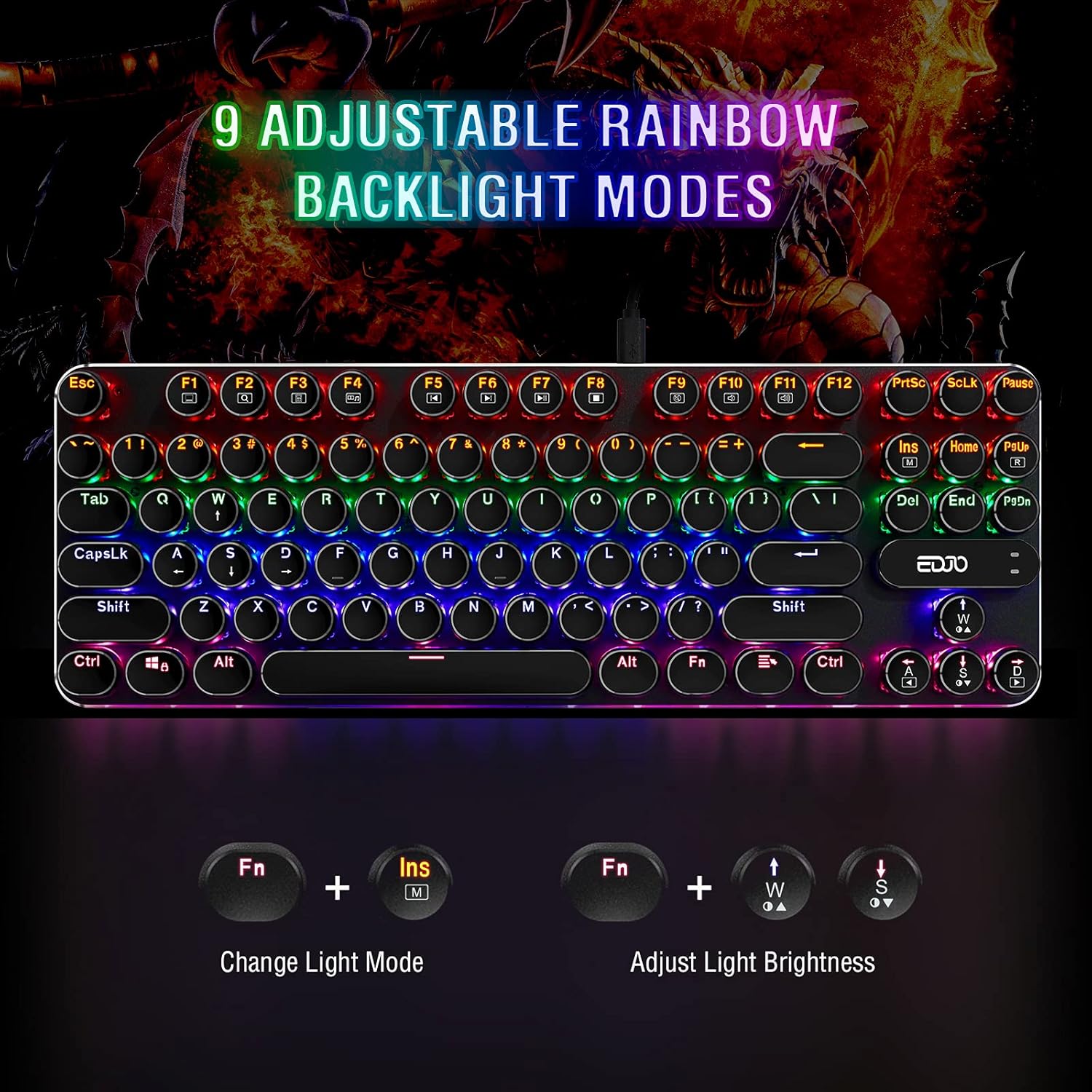
Image: Visual guide demonstrating how to change backlight modes and adjust brightness using Fn key combinations.
4.2 Multimediegenveje
The keyboard includes 11 multimedia function key combinations for quick access to common tasks:
| Nøglekombination | Fungere |
|---|---|
| Fn + F1 | Min computer |
| Fn + F2 | Søg |
| Fn + F3 | Kalkulator |
| Fn + F4 | Medieafspiller |
| Fn + F5 | Forrige spor |
| Fn + F6 | Næste spor |
| Fn + F7 | Afspil/pause |
| Fn + F8 | CD stop |
| Fn + F9 | Stum |
| Fn + F10 | Lydstyrke ned |
| Fn + F11 | Lydstyrke op |
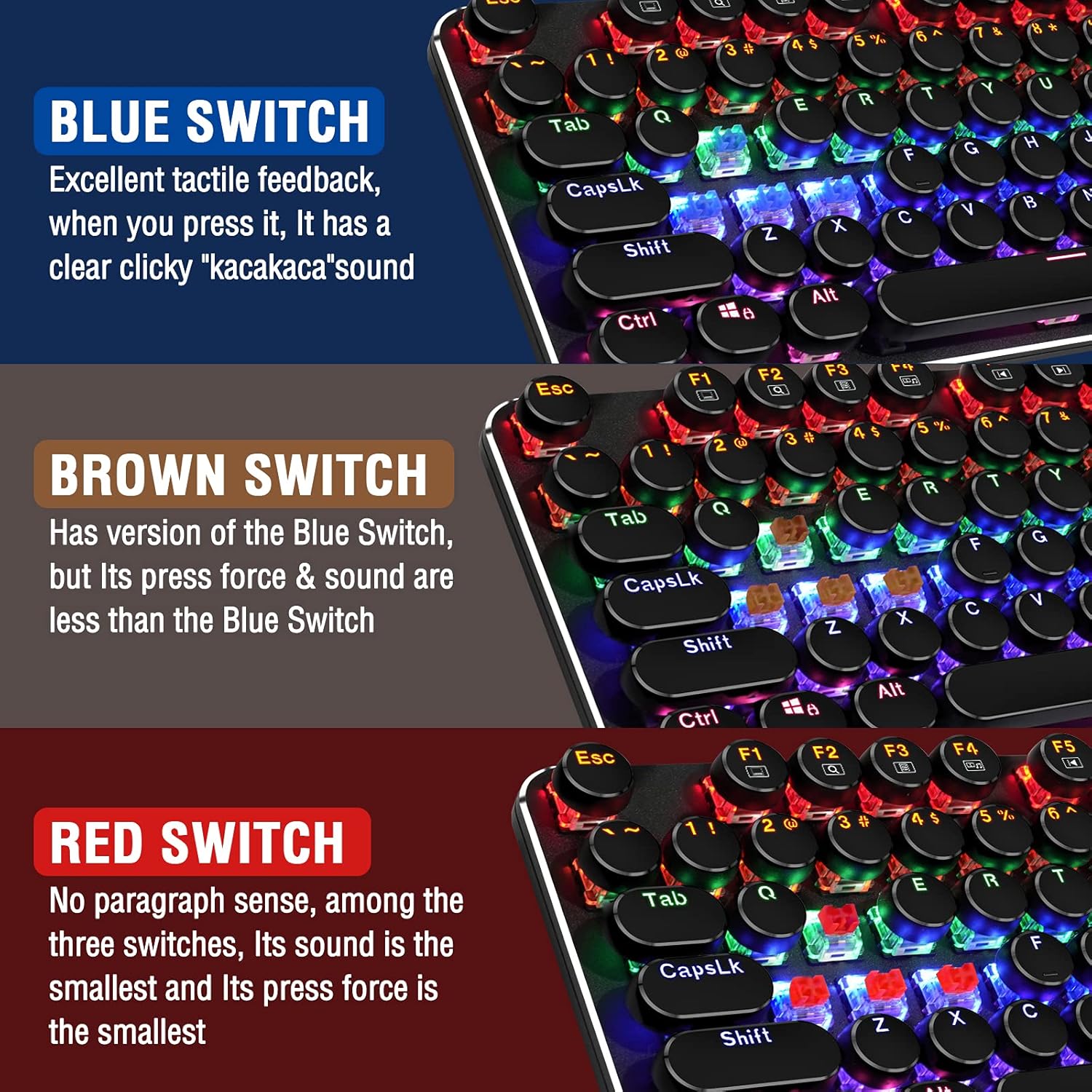
Image: Diagram illustrating the 11 multimedia shortcuts accessible via the Fn key combined with F1-F11.
4.3 Anti-ghosting-funktion
The EDJO 87-Key Mechanical Gaming Keyboard features full N-key rollover anti-ghosting. This means that all 87 keys can be pressed simultaneously without any conflicts or missed inputs, ensuring accurate registration of every command during intense gaming sessions.
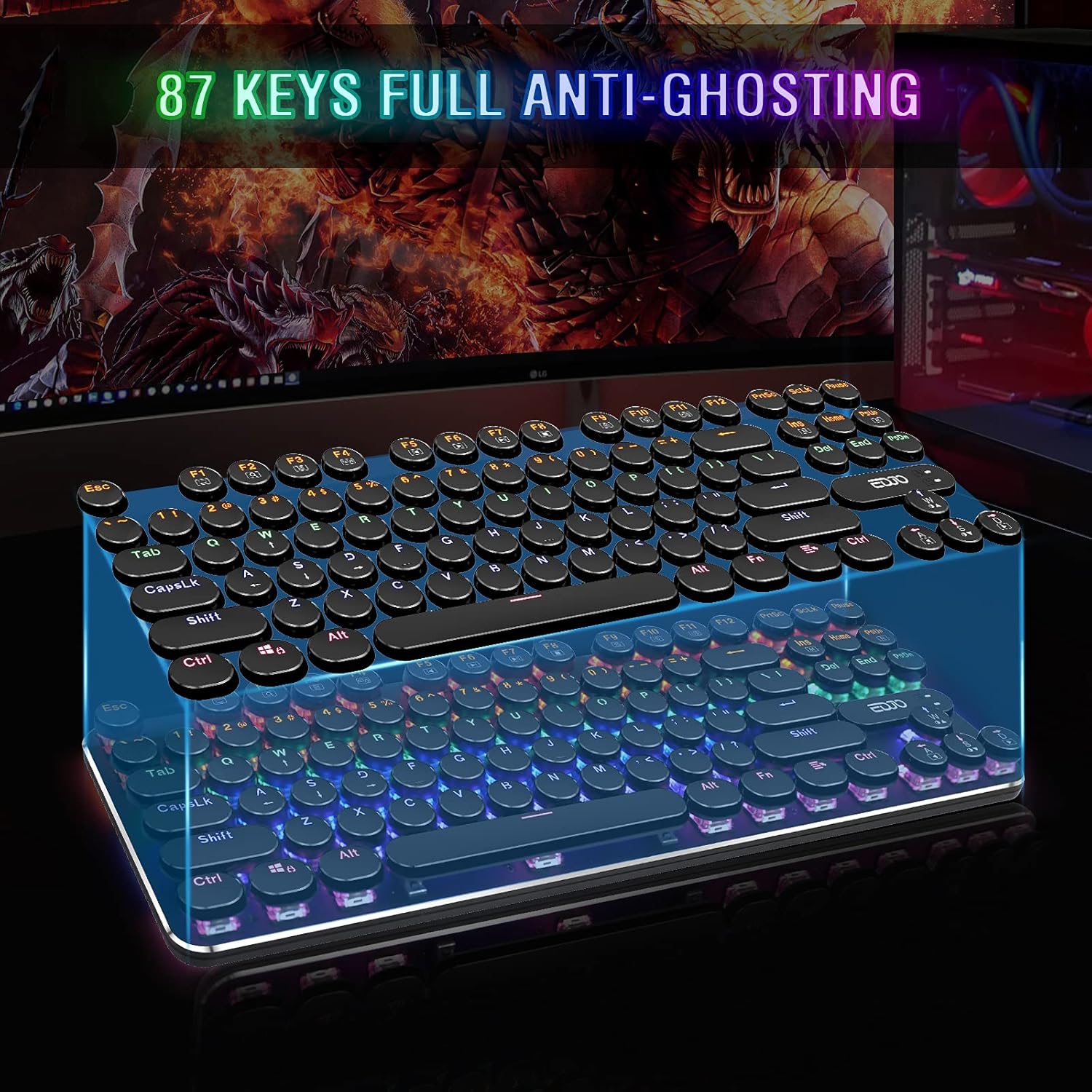
Image: Illustration demonstrating the 87-key full anti-ghosting capability, showing multiple simultaneous key presses being registered.
5. Vedligeholdelse
To ensure the longevity and optimal performance of your EDJO Mechanical Gaming Keyboard, follow these maintenance guidelines:
- Rensning: Regularly wipe the keyboard surface with a soft, dry cloth. For deeper cleaning, you can use a can of compressed air to remove dust and debris from between the keycaps.
- Fjernelse af nøglekapsel: The keycaps are removable, allowing for easier cleaning underneath. Use a keycap puller (if available) or gently pry them off. Ensure the keyboard is unplugged before removing keycaps.
- Undgå væsker: While the keyboard has some water resistance, avoid direct exposure to large amounts of liquid. If spills occur, unplug the keyboard immediately and allow it to dry completely before reconnecting.
- Opbevaring: Opbevar tastaturet et køligt, tørt sted væk fra direkte sollys og ekstreme temperaturer, når det ikke er i brug i længere perioder.
6. Fejlfinding
If you encounter any issues with your EDJO Mechanical Gaming Keyboard, please refer to the following common problems and solutions:
- Tastaturet reagerer ikke:
- Sørg for, at USB-kablet er korrekt tilsluttet til både tastaturet og computeren.
- Prøv at tilslutte tastaturet til en anden USB-port på din computer.
- Genstart din computer.
- Test tastaturet på en anden computer for at afgøre, om problemet er med tastaturet eller computerens USB-port/drivere.
- Baggrundsbelysning virker ikke eller flimrer:
- Ensure the backlight is not turned off or set to the lowest brightness level using Fn + ↑/↓.
- Try cycling through the backlight modes using Fn + Ins.
- Nøgler registreres ikke eller dobbelttastes:
- Check for any debris or foreign objects stuck under the keycap. Gently remove the keycap and clean the switch area.
- Ensure the keyboard drivers are up to date (usually handled automatically by the operating system).
If you encounter any problems during use that are not resolved by the above steps, please contact EDJO customer support via Amazon email for a satisfactory solution.
7. Specifikationer
| Attribut | Detalje |
|---|---|
| Mærke | EDJO |
| Fabrikant | EDJO |
| Model | XYUS-MK201 |
| Varenummer | XYUS-MK201 |
| Operativsystemkompatibilitet | Windows XP/Vista/7/8/10/X, Mac, Chrome-book, etc. |
| Hardware platform | PC |
| Kompatible enheder | Bærbar, stationær computer |
| Særlige funktioner | Backlit, Ergonomic, Anti-Ghosting, Multimedia Keys |
| Batterier medfølger | Ingen |
| Batterier påkrævet | Ingen |
| Tastaturbeskrivelse | Gaming mekanisk tastatur |
| Connector Type | Micro USB (Removable Cable) |
| Håndorientering | Ambidekstrøs |
| Has an attached light | Yes (Rainbow LED Backlit) |
| Produktdimensioner | 35.56 x 12.45 x 2.54 cm |
| Varens vægt | 721 g |
| ASIN | B08FMNP771 |
| Dato først tilgængelig | 25. august 2020 |
| Farve | Blå switch |
| Stil | Gaming tastatur |
| Antal knapper | 87 |
| Serienummer | 201 |
8. Garanti og support
For any product-related inquiries, technical support, or warranty claims, please contact EDJO customer support directly through the Amazon platform where the product was purchased. Provide your order details and a clear description of the issue to receive prompt assistance.