
Rowkin RKWSP8
Rowkin Bit Charge True Wireless-øretelefoner Brugermanual
Model: RKWSP8
Indledning
This user manual provides detailed instructions for the operation, maintenance, and troubleshooting of your Rowkin Bit Charge True Wireless Earbuds. Please read this manual thoroughly before using the product to ensure proper functionality and longevity.
The Rowkin Bit Charge earbuds are designed for a premium audio experience with true wireless freedom, featuring touch controls, a portable charging case, and noise reduction capabilities.
Produkt overview
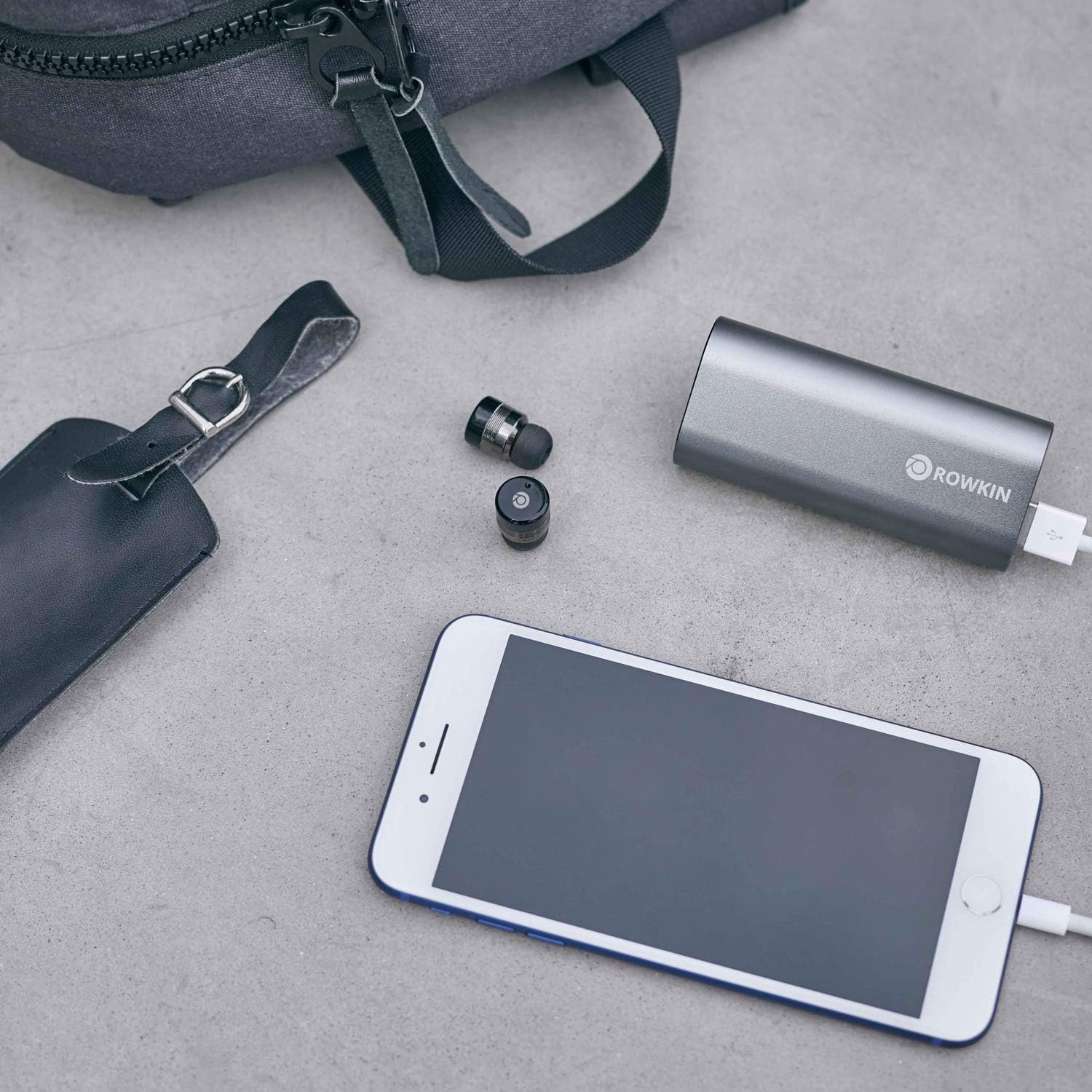
The Rowkin Bit Charge system includes two true wireless earbuds and a multi-functional portable charging case that also serves as a power bank.


Nøglefunktioner omfatter:
- True Wireless Stereo (TWS) connectivity
- Bluetooth 5.0 for stable connection
- Capacitive touch controls
- Integrated microphone with noise reduction
- Portable charging case with power bank functionality
- IPX5 vandtæt
Opsætning og første brug
Opladning af etuiet og øretelefonerne
Sørg for, at både opladningsetuiet og ørepropperne er fuldt opladet før første brug.
- Connect the charging case to a USB power source using the provided cable. The charging indicator lights on the case will show charging status.
- Place the earbuds into their respective slots in the charging case. Ensure they are properly seated for charging to begin. The earbuds will show an indicator light when charging.
- Charging time for earbuds is approximately 90 minutes, and for the portable charging case, it is approximately 150 minutes.
Parring med en enhed
The earbuds are designed for easy auto-on pairing.
- Fjern begge ørepropper fra opladningsetuiet. De tændes automatisk og forsøger at parre med hinanden.
- Once paired with each other (indicated by a specific light pattern, refer to LED indicator section), open the Bluetooth settings on your smartphone or device.
- Look for "Rowkin Bit Charge" or a similar name in the list of available devices and select it to connect.
- Når der er oprettet forbindelse, vil en stemmemeddelelse bekræfte den vellykkede parring.

Betjeningsvejledning
Tryk på kontrolelementer
The Rowkin Bit Charge earbuds feature intuitive touch controls on their outer surface.
- Afspil/pause: Et enkelt tryk på begge øretelefoner.
- Næste nummer: Dobbelttryk på den højre øreprop.
- Forrige nummer: Dobbelttryk på den venstre øreprop.
- Besvar/afslut opkald: Enkelt tryk på en af øretelefonerne under et indgående opkald eller et aktivt opkald.
- Afvis opkald: Tryk og hold en af øretelefonerne nede i 2 sekunder under et indgående opkald.
- Aktivér stemmeassistent (Siri/Google Assistant): Tryk tre gange på en af øretelefonerne.

Tænd/sluk
- Tænd: Tag ørepropperne ud af opladningsetuiet. De tændes automatisk.
- Sluk: Sæt ørepropperne tilbage i opladningsetuiet. De slukker automatisk og begynder at oplade.
- Manuel slukning: Press and hold the touch area on both earbuds for approximately 5 seconds until the indicator light turns red and then off.
- Manuel tænding: Press and hold the touch area on both earbuds for approximately 3 seconds until the indicator light turns blue.
Brug af opladningsetuiet som powerbank
The portable charging case has a 2100 mAh battery and can be used to charge other USB-powered devices.
- Connect your device (e.g., smartphone) to the USB output port on the charging case using your device's charging cable.
- The charging case will automatically begin charging your device.
- The case can provide approximately one full charge for most smartphones.

Vedligeholdelse og pleje
Korrekt pleje sikrer dine øreproppers lange levetid og optimale ydeevne.
- Rensning: Brug en blød, tør og fnugfri klud til at rengøre ørepropperne og opladningsetuiet. Brug ikke slibende rengøringsmidler, alkohol eller kemiske opløsningsmidler.
- Vandtæthed: The earbuds are IPX5 water resistant, meaning they can withstand splashes and light rain. Do not submerge them in water or expose them to strong jets of water. Dry them thoroughly before placing them back in the charging case if they get wet.
- Opbevaring: Opbevar ørepropperne i deres opladningsetui, når de ikke er i brug, for at beskytte dem og holde dem opladede. Opbevares køligt og tørt, væk fra ekstreme temperaturer.
- Batteripleje: To preserve battery life, fully charge the earbuds and case at least once every three months if not used regularly.
Fejlfinding
| Problem | Mulig årsag | Løsning |
|---|---|---|
| Ørepropper parrer sig ikke med hinanden. | Interference, out of sync. | Place both earbuds back into the charging case, close the lid for 5 seconds, then remove them again. Ensure no other Bluetooth devices are interfering. |
| Øretelefoner opretter ikke forbindelse til enheden. | Bluetooth off, earbuds not in pairing mode, device already connected to another Bluetooth accessory. |
|
| Ingen lyd eller lav lydstyrke. | Volume too low, earbud placement, dirty ear tips. |
|
| Opladningsetuiet oplader ikke. | Defekt kabel/adapter, snavset opladningsport. |
|
Specifikationer
| Feature | Detalje |
|---|---|
| Modelnummer | RKWSP8 |
| Bluetooth version | 5.0 |
| Earbud batterikapacitet | 55 mAh (hver) |
| Opladningsetui Batterikapacitet | 2100 mAh |
| Musik/taletid | Up to 3 hours (earbuds), 50+ hours with charging case |
| Opladningstid (øretelefon) | ≤90 minutter |
| Opladningstid (etui) | ≤150 minutter |
| Frekvensrespons | 20Hz-20kHz |
| Vandmodstandsvurdering | IPX5 |
| Dimensioner (ørepropper) | 14mm (D) x 21mm (L) |
| Dimensioner (opladeetui) | 91 mm (L) x 41 mm (B) x 23.5 mm (H) |
| Vægt (øretelefon) | 0.18 oz (5.2g) each |
| Vægt (opladningsetui) | 2.93 oz (83g) |
| Lydforbedringer | Noise reduction and echo cancellation |
Garanti og support
Garantioplysninger
The Rowkin Bit Charge True Wireless Earbuds come with a 6 måneders garanti fra købsdatoen. Denne garanti dækker fabrikationsfejl og udførelse under normal brug. Den dækker ikke skader forårsaget af misbrug, ulykker, uautoriserede ændringer eller normal slitage.
Gem venligst dit købsbevis for garantikrav.
Kundesupport
For technical support, warranty claims, or general inquiries, please contact Rowkin customer service. Visit the official Rowkin webhjemmeside for de mest opdaterede kontaktoplysninger.
Du kan også besøge Rowkin Store on Amazon for yderligere produktinformation og supportressourcer.