
1. Introduktion
This manual provides essential information for the safe and efficient operation of your iBall Thunder 2.1 Channel Bluetooth Multimedia Speaker. Please read this manual thoroughly before using the product and retain it for future reference.

Figure 1: iBall Thunder 2.1 Channel Bluetooth Multimedia Speaker system.
2. Pakkens indhold
Bekræft, at alle nedenstående varer er inkluderet i din pakke:
- Subwoofer Speaker - 1 unit
- Satellite Speaker - 2 units
- Audio Cable - 1 unit
- Fjernbetjening - 1 enhed
- User Manual - 1 unit
3. Opsætning
Follow these steps to set up your iBall Thunder 2.1 speaker system:
- Placering: Position the subwoofer on a stable, flat surface. Place the two satellite speakers on either side of the subwoofer for optimal stereo sound.
- Tilslut satellithøjttalere: Connect the satellite speakers to the "OUTPUT" ports on the rear of the subwoofer using the provided cables. Ensure a secure connection.
- Tilslut lydkilde:
- For wired connection, use the audio cable to connect your device (e.g., smartphone, tablet, computer) to the "INPUT" ports on the rear of the subwoofer.
- For wireless Bluetooth connection, refer to the "Operating Instructions" section.
- Strømtilslutning: Plug the power cable into a standard AC power outlet.
- Tænd: Drej tænd/sluk-knappen på bagsiden af subwooferen til "ON"-positionen.
Figure 2: Rear panel connections of the subwoofer.
4. Betjeningsvejledning
4.1 Tænd/sluk
To power on or off the speaker system, use the power switch located on the rear panel of the subwoofer.
4.2 Valg af tilstand
The speaker system supports multiple playback options. Use the "Mode" button on the remote control or the control panel on the subwoofer to switch between Bluetooth (BT), USB, SD/MMC, AUX, and FM radio modes.
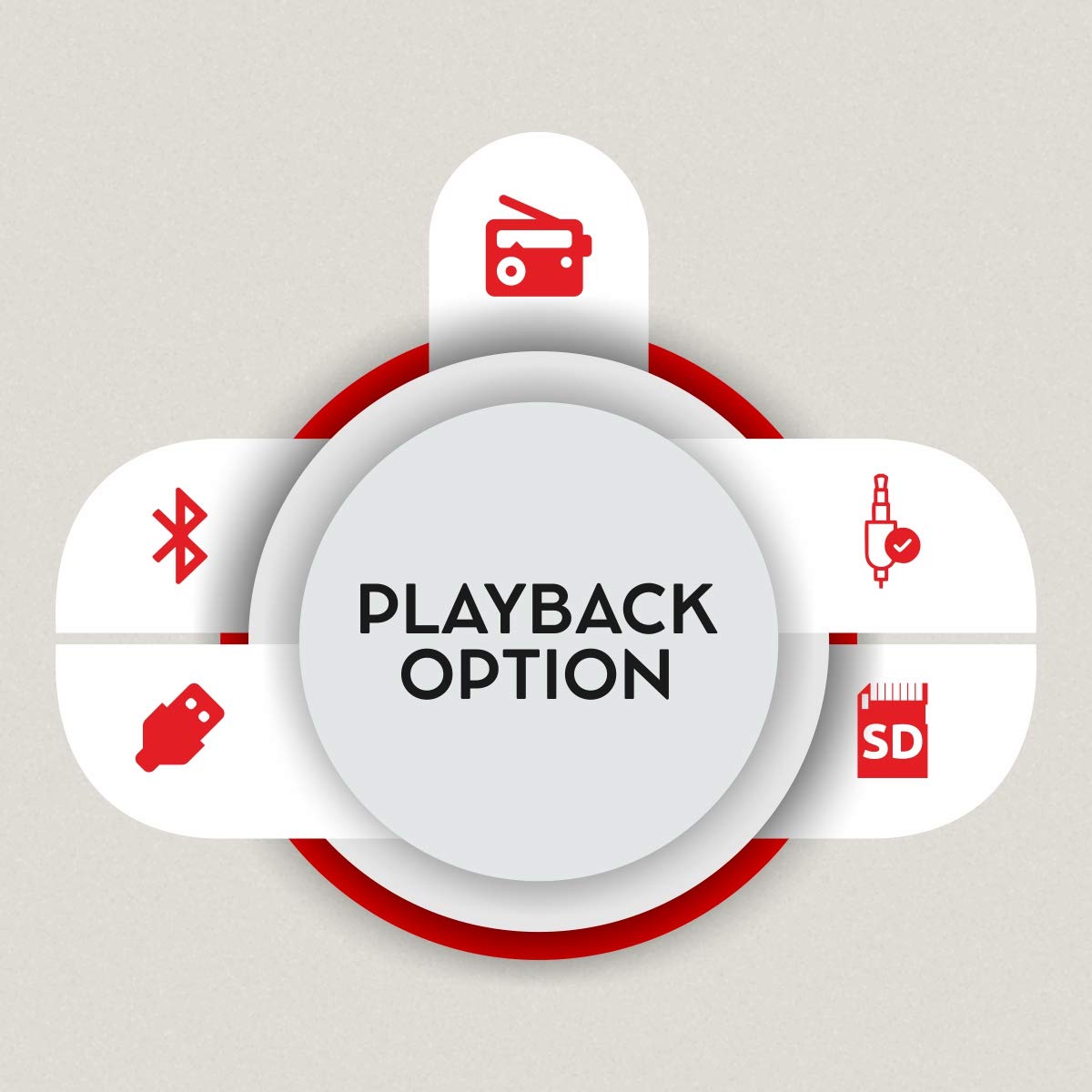
Figure 3: Available playback options.
4.3 Bluetooth -parring
- Switch the speaker system to Bluetooth mode. The display will show "BT" and the indicator light will flash, indicating it's ready for pairing.
- Aktiver Bluetooth på din enhed (smartphone, tablet) og søg efter tilgængelige enheder.
- Select "iBall Thunder" from the list of devices.
- Once paired, the indicator light will stop flashing, and you will hear a confirmation tone.
4.4 USB/SD/MMC Playback
Indsæt et USB-drev eller SD/MMC-kort, der indeholder lyd files into the respective slot on the subwoofer. The system will automatically switch to USB/SD/MMC mode and begin playback. Use the remote or control panel to navigate tracks.
4.5 FM radio
In FM mode, the system will automatically scan and save available radio stations. Use the remote control to change stations.
5. Forbindelse
The iBall Thunder 2.1 speaker system offers versatile connectivity options:
- Bluetooth: Wireless connection for smartphones, tablets, and other Bluetooth-enabled devices.
- USB: Play audio directly from USB flash drives.
- SD/MMC kort: Play audio directly from SD or MMC memory cards.
- AUX (Auxiliary Input): Wired connection for devices via a 3.5mm audio jack.
- FM-radio: Built-in FM tuner for radio broadcasts.
6. Styringer
The speaker system can be controlled via the integrated control panel on the subwoofer or the included remote control.
6.1 Subwoofer Control Panel
- Volumenvælger: Justerer masterlydstyrken.
- Afspil/pause: Starter eller sætter afspilning på pause.
- Forrige Næste: Springer til forrige eller næste spor/station.
- Mode: Switches between input sources (BT, USB, SD/MMC, AUX, FM).
6.2 Fjernbetjening
The remote control provides full functionality for convenient operation:
- Tænd/sluk
- Valg af tilstand
- Lydstyrke op/ned
- Afspil/pause
- Forrige/Næste nummer
- Baskontrol
- Diskantkontrol
- Stum
- Numeric Keypad for direct track/station selection

Figure 4: Remote control for iBall Thunder 2.1 Speaker.
7. Specifikationer
| Feature | Beskrivelse |
|---|---|
| Modelnavn | iBall Thunder |
| Modelnummer | IBALL_THUNDER_2.1 |
| Højttaler type | 2.1 Channel Multimedia Speaker System (Subwoofer with 2 Satellite Speakers) |
| Lydudgangstilstand | Stereoanlæg |
| Total lyd Wattage (RMS) | 40 Watts (Subwoofer: 20W, Satellites: 10W x 2) |
| Frekvensrespons | 55 Hz ~ 20 kHz |
| Signal-til-støj-forhold (S/N) | >= 70 dB |
| Forbindelsesteknologi | Bluetooth, USB, SD/MMC, Auxiliary (AUX), FM Radio |
| Trådløs type | Bluetooth |
| Kontrolmetode | Remote Control, Integrated Control Panel |
| Særlige funktioner | RGB LED Illuminated Subwoofer, Bass and Treble Controls |
| Kompatible enheder | Smartphone, Tablet, PC, MP3 Player |
| Strømkilde | AC (230 volt) |
| Produktmål (subwoofer) | 15D x 26.5B x 26H Centimeter |
| Varens vægt | 4.17 kg |
| Farve | Sort |
| Oprindelsesland | Kina |
8. Vedligeholdelse
For at sikre dit højttalersystems levetid og optimale ydeevne skal du følge disse vedligeholdelsesretningslinjer:
- Rensning: Brug en blød, tør klud til at rengøre højttalernes overflader. Brug ikke flydende rengøringsmidler eller slibende materialer.
- Ventilation: Ensure adequate ventilation around the subwoofer to prevent overheating. Do not block the ventilation ports.
- Opbevaring: Når højttalerne ikke er i brug i længere perioder, skal de opbevares køligt og tørt, væk fra direkte sollys og ekstreme temperaturer.
- Sluk: Always power off the system and unplug it from the power outlet before cleaning or performing any maintenance.
9. Fejlfinding
If you encounter issues with your iBall Thunder 2.1 speaker system, refer to the following common problems and solutions:
| Problem | Mulig årsag | Løsning |
|---|---|---|
| Ingen strøm | Strømkabel ikke tilsluttet; Strømafbryder slukket | Ensure power cable is securely plugged in; Turn the power switch to "ON". |
| Ingen lyd | Volume too low; Incorrect input mode; Loose audio cables; Device not playing audio | Increase volume; Select correct input mode (BT, AUX, USB, SD, FM); Check all cable connections; Ensure audio is playing on the connected device. |
| Bluetooth-parringsfejl | Højttaler ikke i parringstilstand; Enhedens Bluetooth er slået fra; For langt fra højttaleren | Ensure speaker is in BT mode and flashing; Enable Bluetooth on your device; Move device closer to the speaker (within 10 meters). |
| Dårlig FM -modtagelse | Svagt signal; Antennen er ikke trukket ud | Adjust the position of the FM antenna; Try repositioning the speaker for better signal. |
| Fjernbetjening virker ikke | Batteries drained; Obstruction between remote and speaker; Remote sensor blocked | Replace remote control batteries; Remove any obstructions; Ensure the remote sensor on the speaker is clear. |
10. Garanti og support
Garanti: A 1-year warranty is provided by the manufacturer from the date of purchase. Please retain your purchase receipt for warranty claims.
Kundesupport: For any product-related complaints, feedback, or assistance, please contact iBall customer care. You can find contact details on the product packaging or the official iBall webwebsted.
Manufacturer: iBall, 87, Mistry Industrial Complex, MIDC Cross Road "A" Andheri (E), Mumbai 400 093. Maharashtra India.
Toll-free No. 18002666409
E-mail: feedback@iball.co.in