
iball Play A1
iBall Musi Play A1 Wireless Ultra-Portable Bluetooth Speaker User Manual
Model: Play A1
1. Introduktion
Tak for købetasing the iBall Musi Play A1 Wireless Ultra-Portable Bluetooth Speaker. This compact and versatile speaker is designed to provide high-quality audio on the go. It features Bluetooth connectivity, FM radio, a Micro SD card slot for music playback, and a built-in microphone for hands-free calling. Please read this manual carefully to understand the product's features and ensure proper operation.
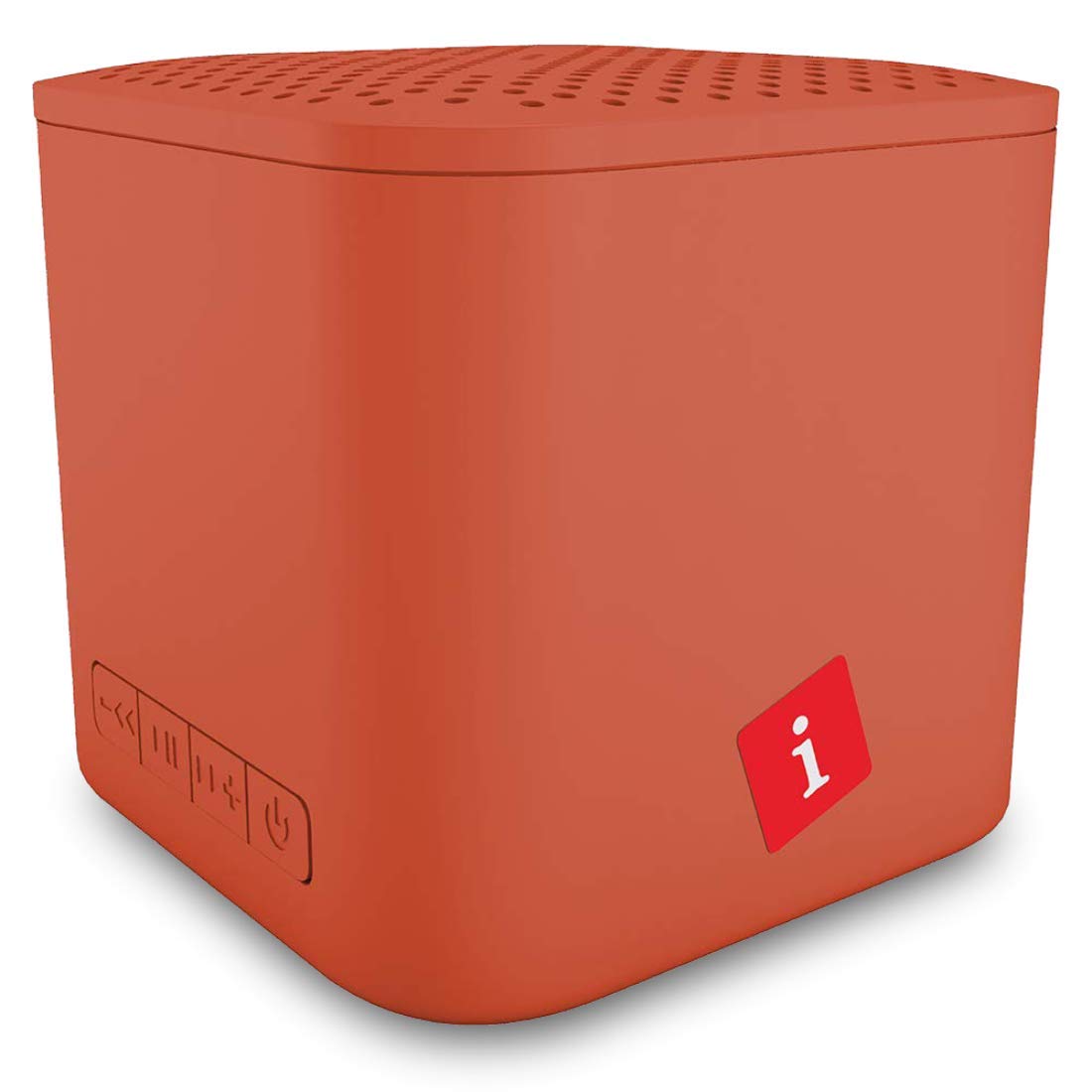
Image: iBall Musi Play A1 Wireless Ultra-Portable Bluetooth Speaker (Burnt Orange)
2. Hvad er der i æsken
Sørg for, at alle følgende ting er til stede ved udpakning:
- Speaker – 1 N
- Charging Cable – 1 N
- User Manual – 1 N
3. Produktet er slutview
3.1. Betjeningselementer og porte
Gør dig bekendt med højttalerens betjeningselementer og porte for nem betjening.

Image: Control buttons on the iBall Musi Play A1 speaker.
- Lydstyrke ned / forrige nummer: Press and hold for volume down, short press for previous track.
- Afspil/pause: Press to play or pause music. Also used for answering/ending calls.
- Lydstyrke op / næste nummer: Press and hold for volume up, short press for next track.
- Power On / Off / Mode: Press and hold to power on/off. Short press to switch between Bluetooth, FM, and Micro SD modes.
3.2. Bærbarhed og design
The iBall Musi Play A1 features an ultra-portable cube design, making it easy to carry and suitable for various environments.

Image: The compact size of the iBall Musi Play A1 speaker, measuring approximately 6.2 cm on each side.
4. Opsætning
4.1. Første opladning
Before first use, fully charge the speaker. Connect the provided charging cable to the speaker's charging port and a USB power source (e.g., computer USB port, USB wall adapter). The charging time is approximately 1.5 hours.
4.2. Tænd/sluk
For at tænde højttaleren skal du trykke på og holde Tænd/sluk/tilstand button until you hear an audible prompt. To power off, press and hold the same button again.
5. Betjeningsvejledning
5.1. Bluetooth-parring
- Sørg for, at højttaleren er tændt og i Bluetooth-tilstand. Hvis ikke, tryk kort på Tænd/sluk/tilstand button to cycle through modes until you hear the Bluetooth prompt.
- Aktiver Bluetooth på din smartphone eller tablet, og søg efter tilgængelige enheder.
- Select "iBall Musi Play A1" from the list of devices.
- Når højttaleren er parret, vil den indikere en vellykket forbindelse, og du kan begynde at afspille lyd fra din enhed.
5.2. FM Radio
- Tænd højttaleren, og tryk kort på Tænd/sluk/tilstand knappen for at skifte til FM-radiotilstand.
- To auto-scan and save available FM stations, press and hold the Afspil/pause knappen. Højttaleren vil automatisk scanne og gemme stationer.
- Når scanningen er færdig, skal du bruge Forrige spor og Næste spor knapper til at navigere mellem gemte stationer.
5.3. Afspilning fra Micro SD-kort
- Indsæt et Micro SD-kort (med MP3-lyd) files) i Micro SD-kortstikket på højttaleren.
- The speaker will automatically switch to Micro SD mode and begin playing music. If not, short press the Tænd/sluk/tilstand button to select Micro SD mode.
- Brug Forrige spor og Næste spor buttons to skip tracks, and the Afspil/pause knap til at styre afspilningen.
5.4. Håndfri opkald
Når højttaleren er tilsluttet din smartphone via Bluetooth, giver den indbyggede mikrofon mulighed for håndfri opkald.
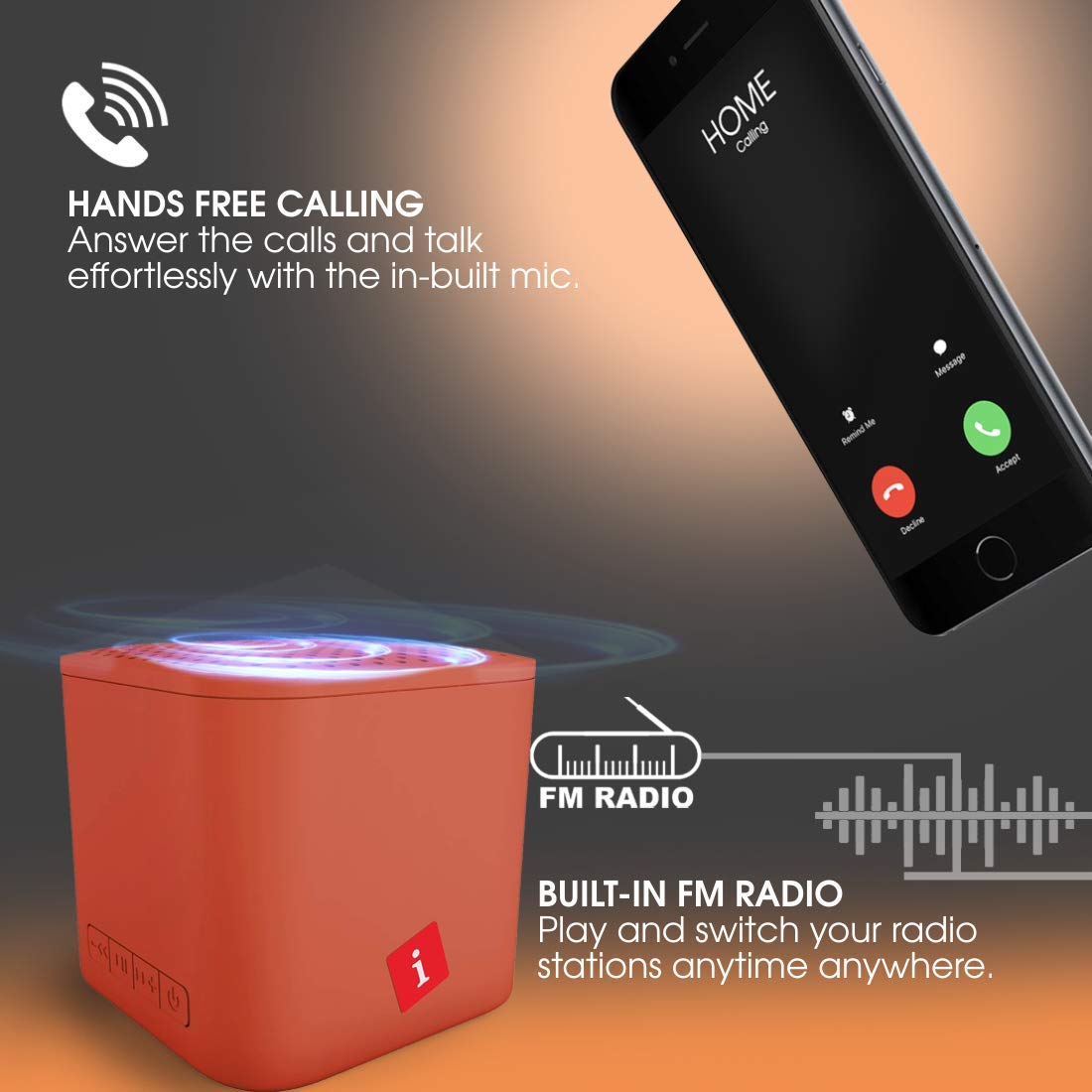
Image: Hands-free calling feature with the iBall Musi Play A1 speaker.
- Besvar opkald: When an incoming call rings, short press the Afspil/pause knappen for at svare.
- Afslut opkald: During a call, short press the Afspil/pause knappen for at afslutte opkaldet.
- Afvis opkald: Når et indgående opkald ringer, skal du trykke på og holde Afspil/pause knappen for at afvise opkaldet.
6. Opladning
The speaker is equipped with a built-in rechargeable battery. To charge, connect the provided USB cable to the speaker's charging port and a standard USB power source. A full charge takes approximately 1.5 hours and provides up to 6 hours of playtime at mid-level volume.
7. Vedligeholdelse
- Hold højttaleren væk fra vand, fugt og ekstreme temperaturer.
- Rengør højttaleren med en blød, tør klud. Brug ikke slibende rengøringsmidler eller opløsningsmidler.
- Undgå at tabe eller udsætte højttaleren for kraftige stød.
- When not in use for extended periods, charge the speaker at least once every three months to maintain battery health.
8. Fejlfinding
| Problem | Mulig løsning |
|---|---|
| Højttaleren tænder ikke. | Sørg for, at batteriet er opladet. Tilslut højttaleren til en strømkilde, og prøv igen. |
| Kan ikke parres via Bluetooth. |
|
| Ingen lyd. |
|
| FM-radiomodtagelsen er dårlig. |
|
9. Specifikationer
| Feature | Detalje |
|---|---|
| Mærke | iball |
| Modelnavn | Play A1 |
| Højttaler Maksimal udgangseffekt | 3 watt |
| Forbindelsesteknologi | Bluetooth, Trådløs |
| Lydudgangstilstand | Stereoanlæg |
| Monteringstype | Bordplademontering |
| Højttaler type | Udendørs |
| Produktegenskaber | Indbygget mikrofon |
| Colour (Current Model) | Brændt orange |
| Er vandtæt | false (Not Water Resistant) |
| Kontrolmetode | Knap |
| Batteriets gennemsnitlige levetid | 6 timer |
| Batteriopladningstid | 1.5 timer |
| Kompatible enheder | Smartphone, tablet |
| Strømkilde | Batteridrevet |
| Antal batterier | 1 Lithium Polymer (inkluderet) |
| Varens vægt | 169 gram |
| Oprindelsesland | Kina |
10. Garanti og support
For warranty information or technical support, please contact iBall customer service. You can reach them via the toll-free number: 18002666409.
Manufacturer Address: 87, Mistry Industrial Complex, MIDC Cross Road "A" Andheri (E), Mumbai 400 093. Maharashtra India.
Ask a question about this manual
Ask about setup, troubleshooting, compatibility, parts, safety, or missing instructions. Manuals+ will review the question and use this page’s manual context to help answer it.