
1. Introduktion
This manual provides essential information for the proper use and maintenance of your BoxWave Micro USB DuraCable. This durable braided cable is designed for both charging and data synchronization, offering reliable connectivity for your compatible devices.
The BoxWave Micro USB DuraCable is compatible with devices featuring a Micro USB port, including the Nexgo G2 Wireless POS system.

Image: The BoxWave Micro USB DuraCable shown alongside a Nexgo G2 Wireless POS device, illustrating its intended use.
2. Produktfunktioner
- Dual-Functionality: Combines charging and data synchronization capabilities.
- Holdbar konstruktion: Features a braided nylon exterior for enhanced durability and resistance to kinking and splitting.
- Reinforced Strain Relief: Rubberized grommet strain reliefs at the connectors prevent wear and tear.
- Universal kompatibilitet: Standard USB-A connector on one end for use with any USB port or charger.
- Optimal længde: 3-foot (approximately 0.91 meters) cable length for flexible use.
- Højhastighedsdataoverførsel: Supports USB 2.0 standards for data transfer speeds up to 480Mbps.

Billede: En detaljeret view of the cable's braided nylon construction, highlighting its durable design.
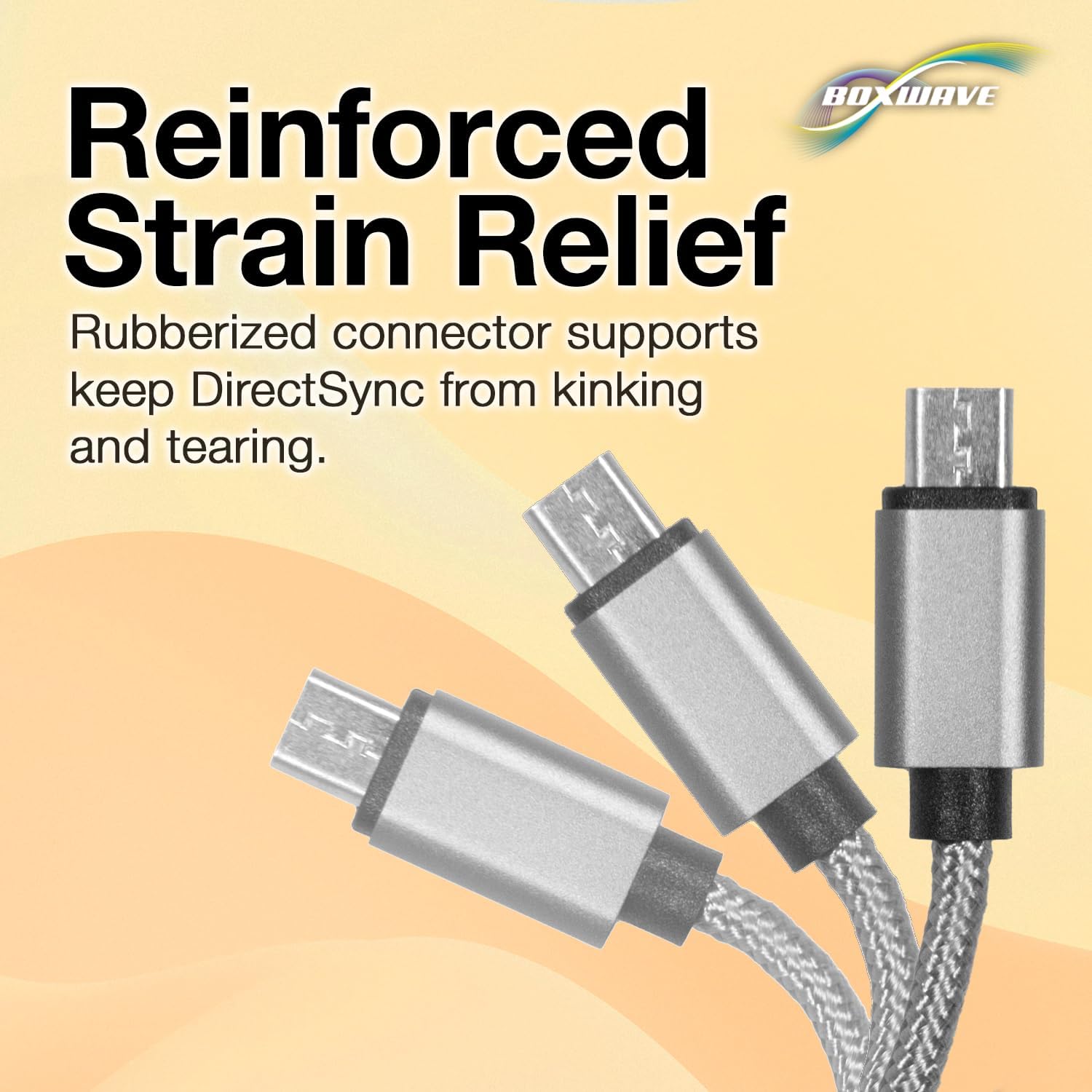
Image: An illustration demonstrating the reinforced strain relief at the cable's connectors, designed to prevent kinking and tearing.
3. Opsætning og tilslutning
Connecting your BoxWave Micro USB DuraCable is a straightforward process.
- Identificér porte: Locate the Micro USB port on your device (e.g., Nexgo G2 Wireless POS) and an available USB-A port on your charging adapter, computer, or power bank.
- Opret forbindelse til enhed: Gently insert the Micro USB connector end of the DuraCable into the Micro USB port of your device. Ensure it is fully seated.
- Connect to Power/Data Source: Insert the standard USB-A connector end of the DuraCable into a compatible USB-A port on your charging adapter, computer, or power bank.
Once connected, your device should begin charging or be recognized by your computer for data transfer, depending on the connected source.
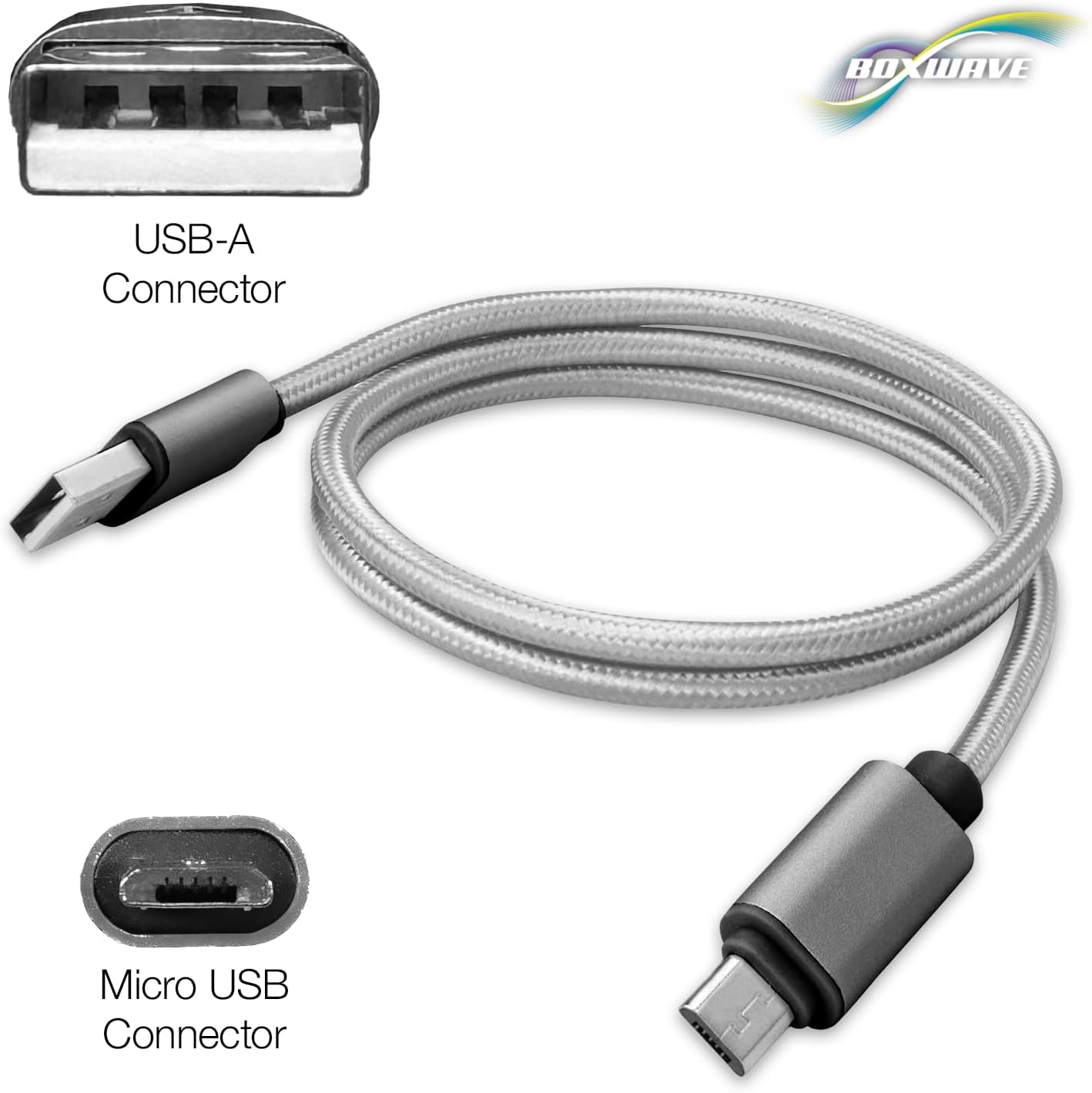
Billede: En klar view of both the USB-A and Micro USB connectors of the DuraCable, indicating their respective shapes for proper connection.
4. Betjeningsvejledning
4.1. Opladning af din enhed
To charge your device using the BoxWave Micro USB DuraCable:
- Connect the Micro USB end to your device.
- Connect the USB-A end to a USB wall charger, car charger, or power bank.
- Sørg for, at strømkilden er aktiv. Din enheds opladningsindikator burde aktiveres.
4.2. Datasynkronisering
Sådan overfører du data mellem din enhed og en computer:
- Connect the Micro USB end to your device.
- Tilslut USB-A-enden til en ledig USB-port på din computer.
- Your computer should recognize the device. Follow the on-screen prompts or use your device's file management software to access and transfer files.
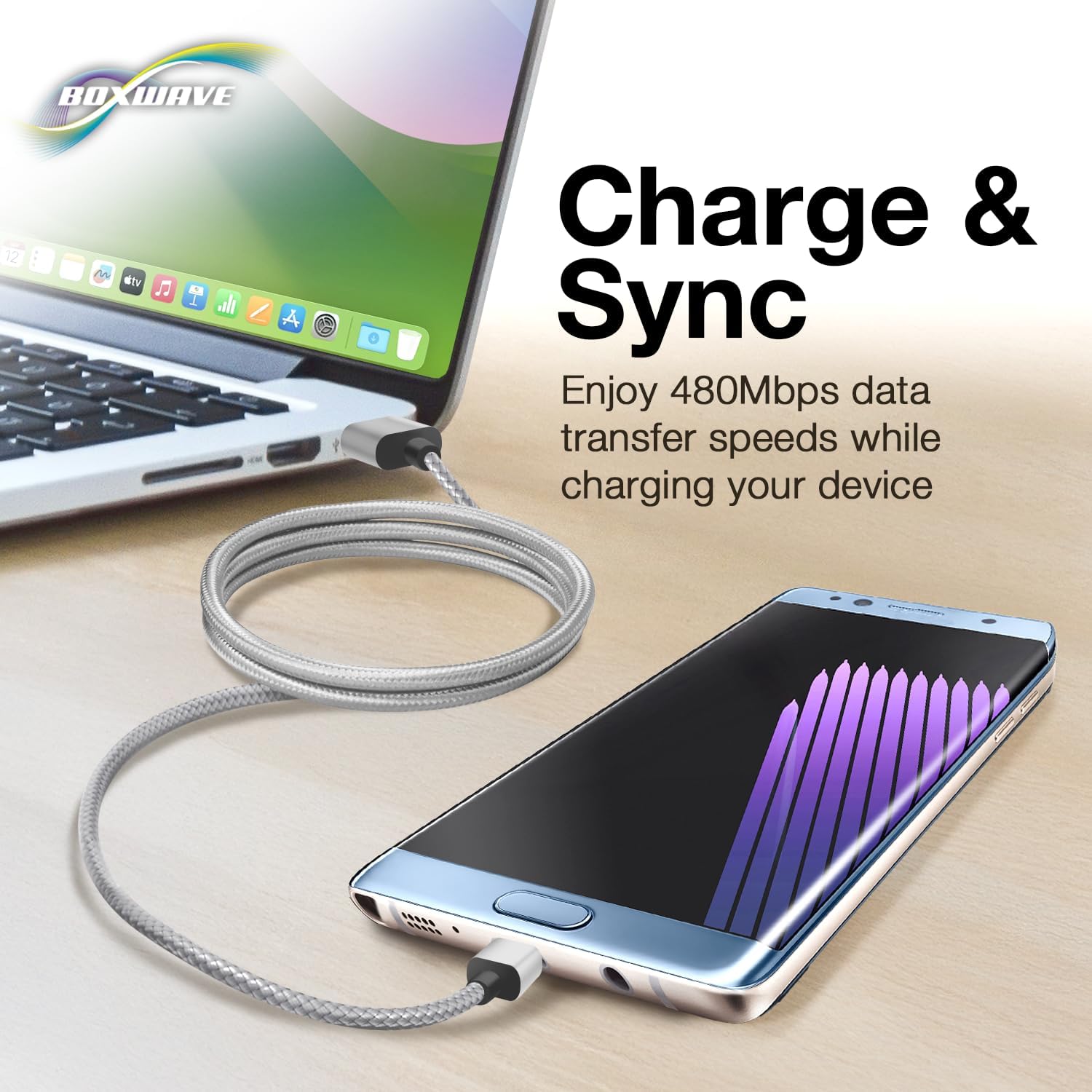
Image: The DuraCable actively connecting a laptop to a smartphone, demonstrating its simultaneous charging and data synchronization capabilities.
5. Vedligeholdelse og pleje
Proper care will extend the lifespan of your BoxWave Micro USB DuraCable:
- Undgå ekstrem bøjning: While durable, avoid sharp bends or kinks, especially near the connectors, to prevent internal wire damage.
- Korrekt afbrydelse: Træk altid i stikket, ikke i selve kablet, når du frakobler det.
- Hold rent: Hvis stikkene bliver snavsede, skal de forsigtigt tørres af med en tør, fnugfri klud. Brug ikke væsker eller slibende rengøringsmidler.
- Opbevaring: Store the cable loosely coiled in a dry, cool place when not in use. Avoid tangling with other cables.
6. Fejlfinding
If you encounter issues with your BoxWave Micro USB DuraCable, consider the following:
6.1. Enheden oplader ikke
- Tjek forbindelser: Sørg for, at begge ender af kablet er korrekt tilsluttet enheden og strømkilden.
- Bekræft strømkilden: Test the power adapter or USB port with another known working cable/device to confirm it is supplying power.
- Undersøg kabel: Visually inspect the cable for any signs of damage, such as cuts, fraying, or bent connectors.
- Genstart enhed: Nogle gange kan en simpel genstart af enheden løse opladningsproblemer.
6.2. Problemer med dataoverførsel
- Tjek forbindelser: Ensure the cable is firmly connected to both your device and the computer.
- Computergenkendelse: Verify that your computer recognizes the device. You may need to select a "File Transfer" or "MTP" mode on your device after connecting.
- Prøv en anden USB-port: Tilslut kablet til en anden USB-port på din computer.
- Opdater drivere: Sørg for, at din computers USB-drivere er opdaterede.
- Undersøg kabel: As with charging issues, check for any physical damage to the cable.
7. Specifikationer
| Feature | Detalje |
|---|---|
| Produktnavn | BoxWave Micro USB DuraCable |
| Model | Micro USB DuraCable |
| Mærke | BoxWave |
| Stiktype 1 | Micro USB |
| Stiktype 2 | USB-A |
| Kabellængde | 3 fod (ca. 0.91 meter) |
| Dataoverførselshastighed | Up to 480 Mbps (USB 2.0 Standard) |
| Materiale | Braided Nylon (cable jacket), Rubberized (strain reliefs) |
| Farve | Space Grey |
| Varens vægt | 0.7 ounce (ca. 19.8 gram) |
| ASIN | B07XSN46YD |
8. Garanti og support
For information regarding warranty coverage and technical support for your BoxWave Micro USB DuraCable, please refer to the official BoxWave website or contact BoxWave customer service directly.
Fabrikant: BoxWave
Sælger: BoxWave Corporation
For further assistance, you may visit the BoxWave support page or contact their customer service team through the contact information provided on their official webwebsted.